Most A/B tests fail before the first visitor sees a variant. The team starts with a design change, skips the measurement plan, and treats an early lift as proof.
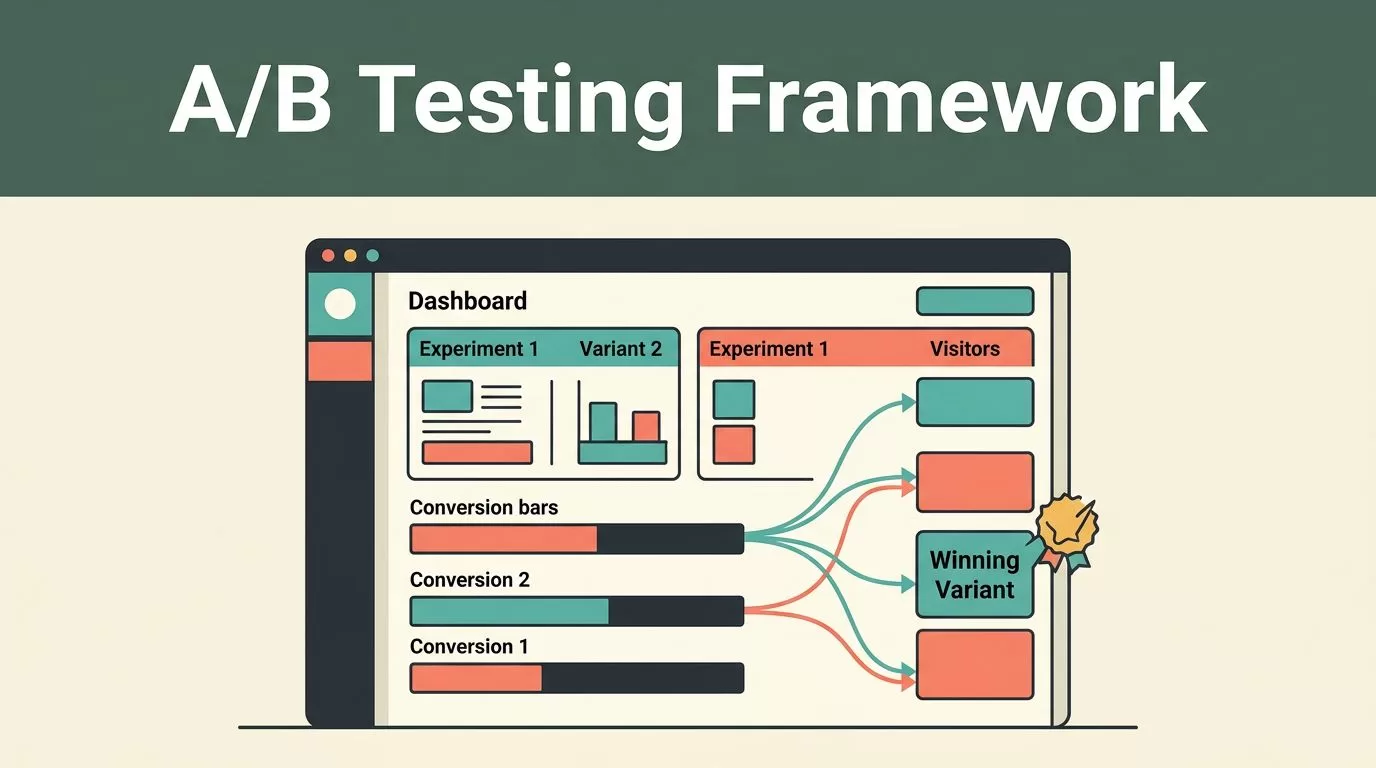
A reliable A/B testing framework fixes that sequence. You define the decision first, configure clean tracking in Mida.so, launch one controlled change, and read the result against a planned threshold. The process below gives CRO and growth teams a repeatable way to do that.
Key Takeaways
- Start with a business decision, not a page variation.
- Choose one primary conversion metric and separate guardrail metrics.
- Verify Mida tracking before you send traffic to the test.
- Avoid stopping early because of a temporary result.
- Record every decision so the next experiment starts with better evidence.
Define the Test Before You Open Mida.so
Start with the problem. A test needs a clear reason to exist.
Write down the page, audience, observed behavior, and business outcome. For example, visitors may reach a pricing page but fail to start the signup flow. That observation creates a useful starting point. It doesn’t prove that a new headline, button, or layout will fix the issue.
Turn the observation into a testable hypothesis:
Changing [one specific element] for [one defined audience] will improve [primary conversion] because [behavioral reason].
The explanation matters. “A new button will increase conversions” is a prediction. “A clearer button will reduce uncertainty at the signup step” is a hypothesis that your result can support or reject.
Choose one primary metric. This is the metric that decides the test. Depending on the page, it could be completed signup, qualified demo request, checkout completion, or revenue per visitor. Avoid giving five metrics equal status. That creates room to select the most favorable result later.
Add two or three guardrails. These metrics show whether the change causes damage elsewhere. Common guardrails include refund rate, form error rate, average order value, page-load performance, and downstream activation.
Set the test boundaries before launch:
- The control is the current experience.
- The variant contains one main change.
- The audience has a defined eligibility rule.
- The test has a planned minimum sample and duration.
- The decision rule states what counts as a win.
Your test brief should fit on one page. A useful framework also follows established experimentation principles, such as those outlined in this A/B testing overview from Nielsen Norman Group.
Make Mida Data-Ready Before Launch
Mida can only evaluate the signals it receives. A polished variant won’t help if the conversion event fires twice or misses mobile users.
First, confirm that Mida’s tracking code is active on every page involved in the experiment. Open the live experience and verify that visits appear in the relevant Mida reports. Test the control path before creating a variant.
Next, check the conversion event. It should fire after the meaningful action is complete. A button click isn’t always a conversion. A failed form submission can produce a click without producing a lead. A checkout start isn’t the same as a completed purchase.
Use consistent event names and trigger rules. If your team changes the event definition during the test, the results no longer describe one stable measurement period. Record the current event logic in the test brief.
Review the behavioral data already available in your Mida workspace. Funnels can show where users leave. Session recordings can reveal repeated friction. Heatmaps can show whether important controls receive attention. Use these reports to refine the hypothesis, not to replace one.
Collect baseline data before launch when traffic allows. Look at conversion rate by device, traffic source, geography, and new versus returning visitor status. You don’t need every segment in the final report. You do need to know whether one segment already behaves differently.
Check for operational problems too. Broken forms, slow pages, consent changes, and campaign launches can affect the result without any connection to the variant. Mida’s website analytics platform can support the measurement layer, but your team still owns the test conditions and data quality.
Build and Launch the Experiment in Mida
Create the experiment only after the measurement plan is fixed. Give it a clear name that identifies the page and change, such as EXP-2026-07-Pricing-CTA. Avoid names like “Test 14” because they provide no useful record later.
Set the current page as the control. Create one variant unless you have enough traffic and a strong reason to compare more. Multiple variants divide traffic and increase the number of comparisons. That raises the evidence required for a confident decision.
Use Mida’s experiment editor and targeting controls to define where the change appears. Keep the audience narrow enough to match the hypothesis. If the test concerns a pricing page, don’t expose it on unrelated pages. If the issue affects mobile navigation, don’t combine mobile and desktop results without checking the difference.
Configure the primary conversion goal using the event you verified earlier. Add the guardrail metrics to your reporting plan. If Mida offers traffic allocation for the experiment, start with an allocation that gives both control and variant enough visitors to produce a useful comparison.
Do not change several unrelated elements in one test. A new headline, new pricing structure, and new form layout may produce a different page, but the result won’t tell you which change caused the outcome. Bundle changes only when they form one coherent treatment and you plan to evaluate them as a package.
Run a preflight check before exposing the experiment to normal traffic:
- Load the control and variant on desktop and mobile.
- Complete the conversion action with valid and invalid inputs.
- Confirm the correct event fires once after success.
- Check links, forms, redirects, consent behavior, and page speed.
- Confirm the intended audience sees the test and excluded visitors don’t.
Use a small internal check if your setup allows you to keep internal traffic out of the final analysis. Don’t send employee sessions into the report and remove them later without a clear rule. Data exclusions applied after launch can change the result.
A/B testing works best when the control and variant run at the same time. Seasonal demand, advertising changes, and weekday patterns can affect both groups. A before-and-after comparison can’t separate those factors from the page change.
Monitor Test Health, Not Early Winners
Launch the test after the preflight passes. Then monitor whether the experiment is collecting valid data. Don’t monitor it as if every early movement is a final answer.
Check traffic allocation, visitor counts, conversion events, error rates, and page behavior. A sudden difference in audience size can indicate a targeting problem. A sudden drop in conversions can indicate a broken form. A result that looks impressive but comes from a small number of conversions needs more data.
Don’t stop the test after a few hours because the variant is ahead. Early results move easily. The first visitors may come from one campaign, one geography, or one device group. That mix can change as the test runs.
Set a minimum sample and a minimum runtime before launch. The correct number depends on baseline conversion rate, expected effect, traffic volume, and the number of variants. Use a tool such as Evan Miller’s A/B test sample size calculator to estimate the traffic requirement before you commit to a schedule.
Avoid repeatedly checking the result and stopping at the first favorable reading. Frequent stopping increases the chance of calling random movement a win. If your team needs a formal statistical plan, document the testing method and stopping rule in advance.
A test result is not ready because the dashboard changed color. It is ready when the planned evidence is available and the data passes its quality checks.
Keep a launch log. Record the start time, traffic allocation, audience rule, campaign changes, outages, and any edits. If something changes during the run, write it down instead of relying on memory.
Read Mida Results With Statistical Discipline
Start with the primary metric. Compare the control and variant using the same denominator and attribution window. A higher click-through rate doesn’t automatically mean more completed signups. Follow the metric that matches the original business decision.
Then review the statistical result shown in the Mida experiment report. Statistical significance, or the equivalent confidence measure, helps estimate whether the observed difference could be random. It doesn’t tell you whether the change is valuable enough to ship.
Practical significance matters too. A small lift may be statistically meaningful with high traffic but too small to justify design, engineering, or operational cost. A large apparent lift may lack enough evidence because the test has few conversions.
Use a simple decision structure:
- Positive and statistically meaningful: Check guardrails, then prepare the change for rollout.
- Negative and statistically meaningful: Keep the control and document what the test disproved.
- Positive but uncertain: Continue only if the planned sample or runtime has not been reached.
- No clear difference: Keep the control unless the test answered a useful product question.
- Mixed results: Investigate the segment pattern without declaring a broad win.
Treat segment results as exploratory unless you planned them before launch. Finding that mobile users improved while desktop users declined is useful. It doesn’t justify shipping the change to everyone without enough evidence in each group.
If you tested several variants or several primary outcomes, account for the extra comparisons. The more chances you give random noise to produce a positive result, the more careful your interpretation must be. Optimizely’s guide to statistical significance provides useful background for this review.
Turn Each Experiment Into a Repeatable System
Store the final result with the hypothesis, audience, dates, allocation, primary metric, guardrails, sample size, and decision. Add screenshots of the control and variant. Record data issues and campaign changes.
Use a consistent experiment status: planned, running, paused, shipped, rejected, or inconclusive. Keep rejected tests. They prevent your team from repeating the same assumption six months later.
After a winning result, deploy the permanent change through your normal release process. Then stop or archive the experiment and verify that the primary conversion event still works. Don’t leave an old test running indefinitely because its audience and traffic costs can become difficult to audit.
Build the next test from the evidence. A failed headline test may point to a deeper pricing or form problem. A mobile-only improvement may justify a separate mobile experiment. The result should change your backlog, not sit in a dashboard.
Conclusion
A dependable Mida.so testing process starts before the variant exists. Define the decision, verify the event, control the audience, and set the evidence standard before launch.
Mida can organize the experiment data, but the team must protect the test from weak tracking, early stopping, and selective interpretation. When every result becomes a documented decision, your A/B testing framework produces a steady stream of usable product and marketing evidence.


