How to Deploy Mida.so for Website Personalization
Most websites show the same message to every visitor. That wastes the intent data you already have. Mida.so website personalization lets you change headlines, CTAs, offers, and page sections based on traffic source, behavior, device, locati...
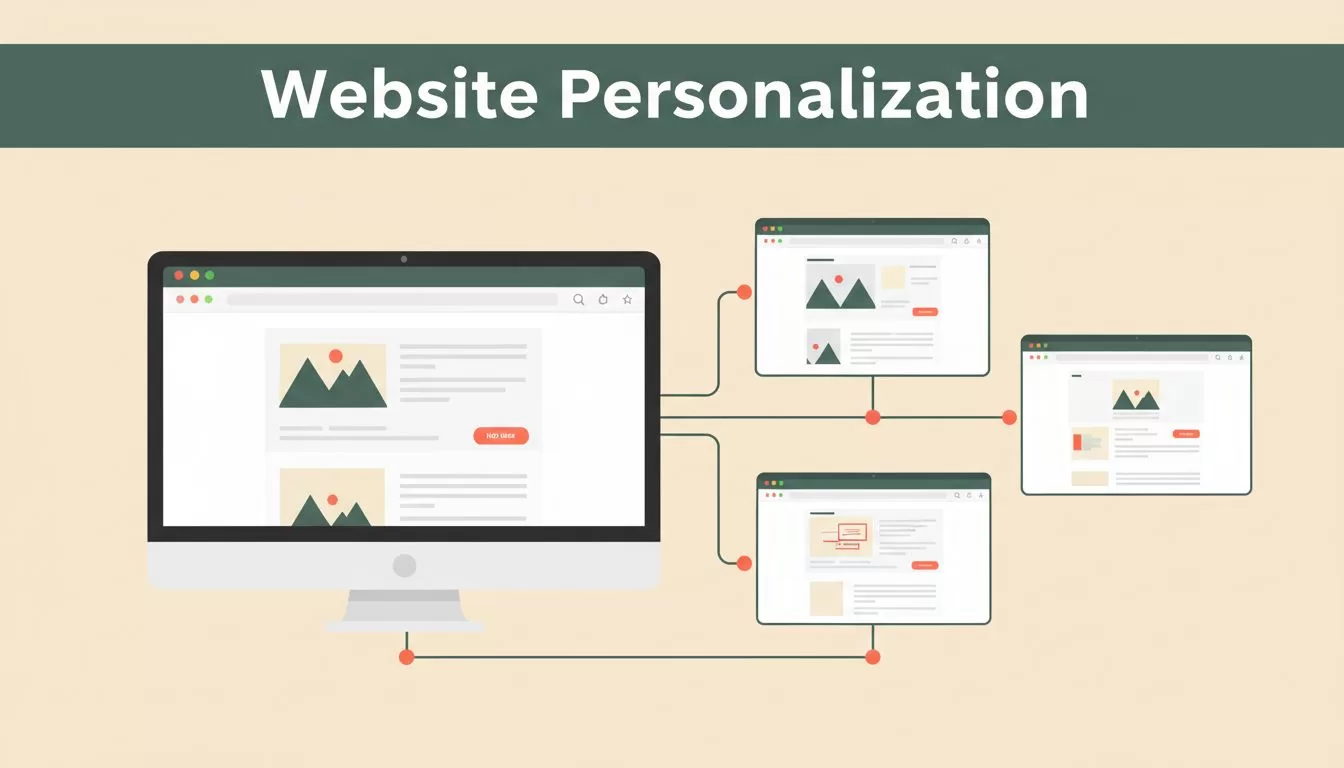
Most websites show the same message to every visitor. That wastes the intent data you already have.
Mida.so website personalization lets you change headlines, CTAs, offers, and page sections based on traffic source, behavior, device, location, or company data. You can run those changes without creating separate landing pages for every campaign.
The deployment process has five stages: setup, targeting, testing, launch, and optimization. Keep those stages separate, and the system stays easier to manage.
Key Takeaways
- Install the Mida.so script in your site’s
<head>and verify that it loads before building campaigns. - Start with one audience signal, such as a UTM parameter or pricing-page visit.
- Test personalized experiences against a control group before applying changes to all visitors.
- Check caching, analytics, consent, mobile layouts, and fallback behavior before launch.
- Use conversion data to refine segments instead of creating more variations without evidence.
SETUP: Connect Mida.so to Your Website
Mida.so is an A/B testing and personalization platform that runs changes in the visitor’s browser. Its compressed script is reported at roughly 15 to 17 KB, which keeps the installation lighter than many enterprise testing tools.
The platform supports Shopify, Webflow, WordPress, Wix, Next.js, WooCommerce, and custom-built websites. Day-to-day campaign changes can happen through the visual editor, so developers don’t need to edit production code for every copy update.
Start with the Mida quickstart documentation. Create a project, copy the project script, and add it to the <head> of every page where you want experiments or personalized content to run.
Run this setup sequence:
- Add the Mida.so script through your CMS, site template, or Google Tag Manager container.
- Publish the change to a staging environment first.
- Open the browser developer tools and confirm that the script loads without errors.
- Visit a target page and check that the page is available to Mida’s visual editor.
- Connect Google Analytics 4 if your reporting process uses GA4 as the main source of conversion data.
Keep the script in a global template when possible. A script placed only on one landing page won’t support campaigns that begin on an earlier page.

Use a separate Mida project for separate brands, domains, or environments. Keep staging and production access distinct. This prevents a draft experiment from appearing on a live site.
API access is available through Dashboard > Settings > API. Use it when your team needs to create, launch, retrieve, or deactivate experiments programmatically. Most marketing teams can start with the visual editor and add API workflows later.
Before moving on, confirm four things:
- The script loads on every relevant page.
- The editor can identify the page elements you want to change.
- Conversion events reach Mida.so or GA4.
- Your consent and privacy process covers the script and its data flows.
TARGETING: Build Useful Visitor Segments
A personalization engine is only as useful as its targeting rules. Start with a segment that has a clear reason for seeing different content.
Mida.so can use UTM parameters, query strings, URL paths, cookies, JavaScript variables, geolocation, device type, operating system, browser, language, time of day, returning-visitor status, behavioral events, and B2B firmographic data.
For most campaigns, UTM targeting is the fastest starting point. A paid search campaign for enterprise software can send visitors to the same page as a small-business campaign. Mida.so can then show different headlines and CTAs based on the campaign URL.
A B2B SaaS team might use:
- Enterprise traffic: “Get a Custom Quote”
- Small-business traffic: “Start Free Today”
- Freelancer traffic: “See Solo Plans”
The page can also show different customer logos, proof points, or product sections. Visitors get a message that matches the campaign they clicked, while your team maintains one page to update.
Use behavior-based targeting for visitors who show stronger intent. A visitor who views pricing, returns within seven days, or reaches a product comparison section may need a different CTA than a first-time reader.
Keep each audience definition narrow enough to explain. “Visitors from the enterprise campaign who viewed pricing” is useful. “All high-value visitors” is not useful until you define high value.
Targeting rules should also have exclusions. Exclude employees, existing customers, internal QA traffic, and visitors already enrolled in another conflicting experiment. If the same visitor qualifies for several campaigns, set a clear priority order.
Start with one signal and one page change. A segment based on three conditions and six content changes makes performance difficult to interpret.
The B2B website personalization tactics from Userled provide useful context for mapping audience data to page content. Apply the same discipline inside Mida.so: define the audience first, then decide what message that audience needs.
TESTING: Separate Personalization From Guesswork
Personalization and A/B testing are related, but they answer different questions.
An A/B test asks whether version B performs better than version A for a defined audience. Personalization asks whether different audiences should receive different experiences. Mida.so can support both, but you need a control group to measure whether the change creates lift.
Create a control experience before launching the personalized version. The control should show the original page. The treatment should change one main element, such as the headline, CTA, offer, or proof section.
Choose one primary conversion event. For a SaaS website, that might be a demo request or trial signup. For an ecommerce site, it might be checkout completion or revenue per visitor.
Track secondary signals, but don’t let them replace the main metric. Button clicks can rise while completed forms fall. A longer session can also mean visitors are confused rather than interested.
Mida.so includes built-in statistical analysis and can connect with GA4. Use one reporting source for the final decision. Comparing Mida.so results with several dashboards often creates conflicting numbers because each system may use different attribution and session rules.
Test the page in the same traffic conditions that will exist after launch. A personalized paid-search experience may perform differently from an organic-search experience. Record the traffic source, audience rule, page, variation, conversion event, and launch date.
Don’t change the audience and the offer at the same time. If conversion improves, you won’t know which change caused it. If conversion falls, you won’t know which rule to remove.
The Dynamic Yield guide to web personalization also emphasizes audience selection, content changes, measurement, and operational safeguards. Those controls matter more than the number of variations you can publish.
LAUNCH: Complete the Deployment Checklist
A launch is not complete when the editor shows a preview. You need to verify the experience in real browsers, with real URLs, under the conditions your visitors use.
Use this pre-launch checklist:
- Open the page in Chrome, Safari, Firefox, and Edge.
- Test desktop, tablet, and mobile layouts.
- Load the page with the correct UTM parameters.
- Remove the UTM parameters and confirm the default experience still appears.
- Test the page in an incognito window and as a returning visitor.
- Confirm that the original page appears when the script fails.
- Check forms, buttons, links, menus, and payment flows.
- Confirm that analytics records the primary conversion event.
- Review consent behavior for visitors in relevant regions.
- Check that caching or a CDN doesn’t serve the wrong personalized version.
- Test the experience with ad blockers and slow connections.
- Confirm that accessibility labels and keyboard navigation still work.
Pay close attention to page flicker. A visitor may see the original headline for a moment before Mida.so applies the variation. Keep the changed elements small, load the script early, and avoid large layout shifts.
Caching creates another common problem. A server-side cache should not store a personalized response as if it were the default page. Mida.so changes run in the browser, but your cache, consent layer, tag manager, and other scripts can still affect the final result.
Use gradual exposure for high-risk changes. Mida.so’s feature flagging capability can help expose a change to a limited group before you increase traffic. Start with internal users or a small percentage of eligible visitors, then inspect errors and conversion tracking.

Don’t launch several overlapping experiments on the same headline or CTA. A visitor who qualifies for multiple changes may receive an experience that no single test actually measured.
Document the launch before you publish it. Record the audience rule, control, treatment, traffic allocation, start time, owner, primary metric, and rollback condition. This gives the team a shared operating record when results need review.
OPTIMIZATION: Use Results to Refine the System
Optimization starts after launch. It doesn’t mean adding more variations every week.
Review performance by audience, traffic source, device, and conversion event. A campaign may improve demo requests for enterprise visitors while reducing trial signups for small businesses. An overall average can hide that difference.
Check the personalized experience against the control. Look for conversion lift, revenue impact, form quality, and downstream product activity. A higher click-through rate isn’t enough if the leads don’t meet your sales criteria.
Keep winning changes only when the result supports a clear business outcome. If the evidence is mixed, continue testing or return to the control. Don’t promote a variation because it looks better in a short reporting window.
Use Mida’s website personalization features to refine page changes after you understand the segment. Change one variable at a time. Update the audience rule when the traffic source or customer mix changes.
Mida.so doesn’t replace heatmaps or session recording. The platform focuses on experimentation and personalization. Use GA4, your product analytics system, CRM data, or a separate research tool when you need behavioral analysis beyond conversion results.
AI features can help generate copy and design changes, but review every output before publication. Mida states that its AI features don’t access, process, or store visitor PII. Your team still needs to review the page for brand accuracy, compliance, accessibility, and factual claims. The Mida AI feature guide covers the available capabilities.
Conclusion
A reliable Mida.so deployment starts with a global script, a defined audience, one measurable change, and a control experience. Setup, targeting, testing, launch, and optimization should remain separate operating steps.
Start with one campaign source or high-intent behavior. Validate the page, analytics, consent flow, and fallback before increasing exposure. Personalization works when the rule matches a real visitor need and the result is measured against a clear control.
