If cold email outreach feels like knocking on doors in the dark, it’s usually because the contact data is messy. The fastest way to ruin a good pitch, hurting email deliverability, is to send it to the wrong person or to an email that bounces.
My Hunter.io outreach workflow solves that with one simple idea: I don’t “hunt emails,” I confirm them. I use Hunter to find likely addresses, verify what can be verified, then sanity-check the rest with quick manual proof (LinkedIn, the company site, recent bylines).
Below is the exact process I run in March 2026, including two walkthroughs, templates, a tracking sheet schema, and what I do with catch-all domains.
How I set up Hunter.io for clean, repeatable outreach
Before I search for anyone for cold email outreach, I set up my workspace so I can move fast without getting sloppy later.
First, I pick where the contacts will live. In Hunter, this cold email software, anything worth keeping gets saved to Leads, then organized with Lists and folders (Hunter added more flexible list organization recently, which helps once you’re juggling multiple campaigns). I build a lead list based on my ideal customer profile and decide what I’m collecting upfront: name, role, source, and whether the email is verified or unknown. I also connect Gmail and Outlook to enable seamless sending directly from Hunter.
Next, I choose the right discovery path:
- Domain Search when I already know the company and want the best-matching people at that domain.
- Discover (multi-domain people finder) when I’m building a target list across many companies and want to filter by title, department, location, and verification status.
Finally, I align outreach with reality. Hunter has pushed hard on “send fewer, better emails,” and I agree with that philosophy. Their own writing competition post is a good reminder that spray-and-pray is dead (Messaging Madness 2026).
As for plans, Hunter’s Free tier can work for light research (it’s commonly positioned around 50 credits per month). For steady outbound, paid tiers make the workflow smoother because you can verify more and run sequences via Gmail and Outlook without constantly rationing credits.
Step-by-Step: Find, Email Verification, and Log Contact Info in Hunter.io
This is the repeatable flow I use when I need contact info for outreach and I want to trust what I’m sending.
The core process (works for press, partnerships, sales, and recruiting)
- Start with a domain, not a guess. I paste the company’s website domain into Domain Search.
- Filter to the role I need. I use job title and department filters (Marketing, Partnerships, Editorial, PR, Sales) to cut noise fast.
- Prefer personal emails over generic. I’ll take
firstname@orfirst.last@overinfo@unless the company only publishes a generic press inbox. - Check the verification signal. If Hunter shows the email as verified/valid, I treat it as send-ready. If it’s unknown, I slow down.
- Run Email Verifier when it matters. I verify the exact address I plan to send to, especially for high-value outreach, which helps maintain a low bounce rate.
- Manually confirm the person exists. I cross-check the name and role on LinkedIn and the company site. For journalists, I look for recent bylines and topic fit.
- Handle catch-all domains carefully. If the domain is catch-all, I assume the mailbox might not exist. I send only after extra proof (role confirmation, pattern match, recent activity), and I keep volume low.
- Save to Leads and log a source note, alongside custom attributes to help with later steps. “Hunter Domain Search,” “Discover,” “Company newsroom,” or “LinkedIn.”
Here’s the short checklist I keep on my desk:
- Right person (role matches the ask)
- Right timing (recent activity, relevant beat, active product motion)
- Right deliverability (verified if possible, cautious if catch-all)
- Right permission (clear opt-out, no repeated pings)
Don’t treat “unknown” as “good enough.” In outreach, one bad assumption multiplies fast.
If you want to speed up the writing step inside Hunter, their Hunter Sequences include an AI writing assistant for outbound sequences and email sequences. Their guide on shaping AI drafts into good emails is worth a skim (AI-crafted emails in Hunter).
Walkthrough 1: finding a journalist email at a publication
When I pitch press, I’m not looking for “a media contact.” I’m looking for the journalist who already writes about my topic.
I start outside Hunter for two minutes. I find a recent relevant article on the publication’s site and note the author’s name and beat. Then I jump into Hunter.
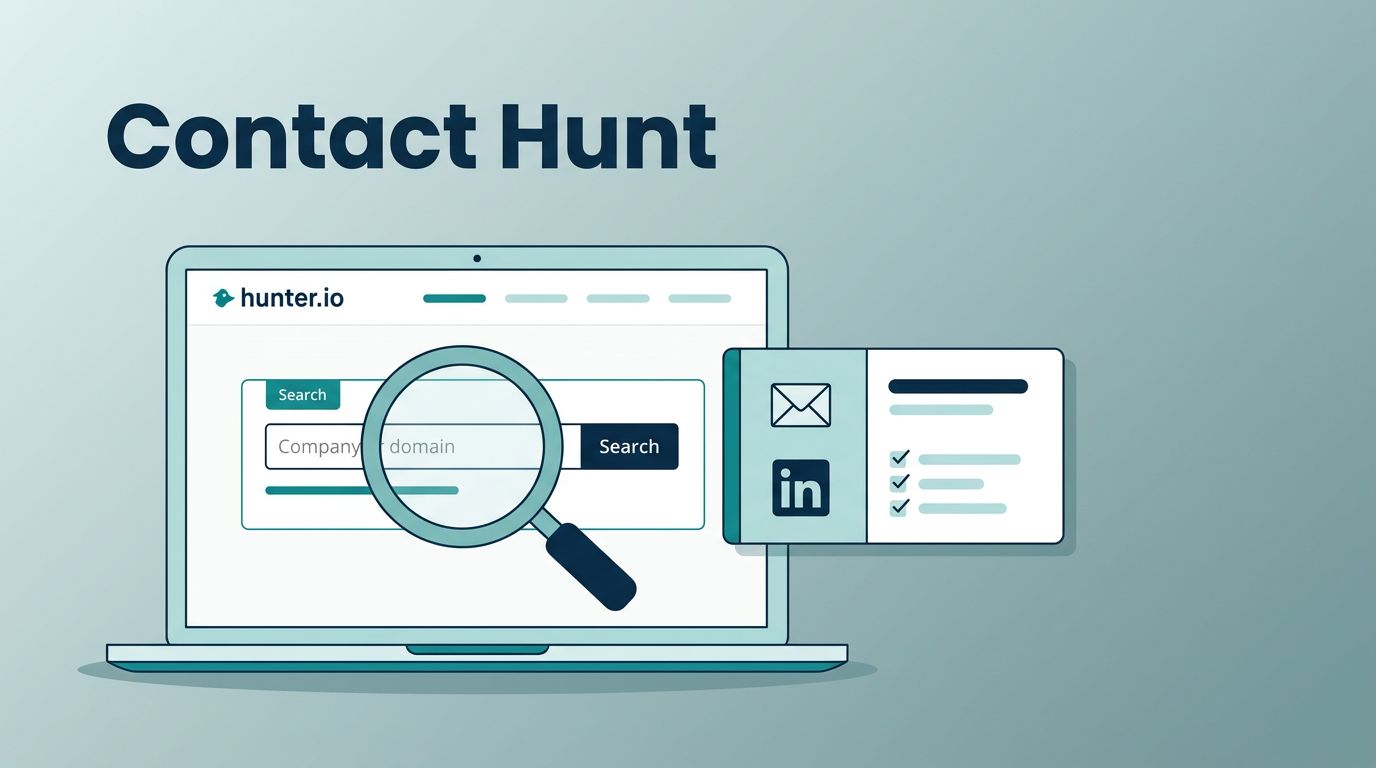
In Domain Search, I enter the publication domain. Next, I filter by department if available (Editorial) and search the author’s name. If I see the author listed with a verified email, that’s ideal, as finding the right individual significantly increases the open rate.
If the author doesn’t show up, I do two things:
- I look for the publication’s email pattern in Hunter (it often appears as “Most common email format”).
- Then I use that pattern with the author’s name and run Email Verifier on the generated address.
When the domain is catch-all, verification may stay inconclusive. In that case, a compelling subject line and personalization are critical; I lower risk by tightening the pitch list (only high-fit journalists), sending fewer emails, and using strong personalization. I also check the author’s social profiles for a published contact method, because some writers prefer a tip form or a direct inbox in their bio.
Result: fewer pitches, but more replies, and almost no bounce anxiety.
Walkthrough 2: finding a partnerships contact at a SaaS company
Partnership outreach fails when it lands on a general inbox. I want someone who owns integrations, alliances, or business development.
This time, I use Discover (multi-domain people finder) if I have a list of SaaS targets for my outreach campaign. I filter by titles like “Partnerships,” “BD,” “Alliances,” “Ecosystem,” and by department (Business Development or Partnerships). Then I narrow by location if time zones matter for follow-ups.
Once I pick a company, I open the result, save the best-fit person into Leads with CRM integration for sales follow-up, and verify the email if it’s not already marked valid. After that, I do a quick LinkedIn check to confirm they still hold the role, because partnership teams change fast.
If I can’t find a partnerships lead, I’ll use Domain Search and look for a Product Marketing or Platform lead as a fallback. They often route the request internally faster than support will.
For building a consistent system, Hunter’s own guidance on setting up an outreach engine matches how I run it (build a simple outreach engine).
Outreach that gets replies (without acting like a spammer)
Hunter Campaigns (Sequences) now includes helpful safeguards like unsubscribe handling and out-of-office detection, so I don’t keep emailing people who already replied or opted out during cold email outreach. Still, tool features don’t replace judgment.
If someone opts out, I stop. If I don’t have a clear reason they’re the right person, I don’t send.
My email templates (initial + follow-up)
These templates drive a strong reply rate through concise messaging. They cover the initial email and follow-up emails timed 2 to 4 business days later to boost reply rate further.
Initial email (press or partnerships)
Subject: Quick idea for {Company}
Hi {First name},
I’m reaching out because {1 sentence relevant trigger}.
I have a {press story angle/partnership idea} that fits {their beat/product}.
If it’s useful, I can share a 3-bullet outline and a 10-minute next step.
Should I send details, or is someone else better for this?
Thanks,
{Your name}
Follow-up (2 to 4 business days later)
Subject: Re: Quick idea for {Company}
Hi {First name},
Just bubbling this up. The short version: {one-line value}.
If now’s not a fit, I’m happy to close the loop.
Thanks,
{Your name}
The tracking sheet schema I use
I keep one sheet per campaign so I can see patterns fast with email tracking. Here’s the column layout to monitor key metrics like unsubscribe rate:
| Domain | Contact | Role | Source | Confidence | Verified | Last contacted | Status |
|---|---|---|---|---|---|---|---|
| example.com | Jane Doe | Partnerships Lead | Hunter Domain Search | High/Med/Low | Yes/No/Unknown | 2026-03-16 | Not sent/Sent/Replied/Opt-out/Bounced |
The takeaway is simple: if I can’t explain why a contact is “High confidence,” I haven’t done enough checking yet.
To safeguard your sender reputation, use a custom domain with SMTP IMAP integration and email warmup. Automated sending within an email sequence works best when you structure the email sequence around follow-up emails and respect daily sending limits for sustained results.
Conclusion
Finding contact info isn’t the hard part. Sending the right message to the right person is. With a careful Hunter.io outreach workflow for cold email outreach, I can build lists that I trust, verify what matters, and treat catch-all domains like the warning sign they are. If you try this approach for your cold email outreach, start small, track everything, and let replies, not volume, guide your next move.