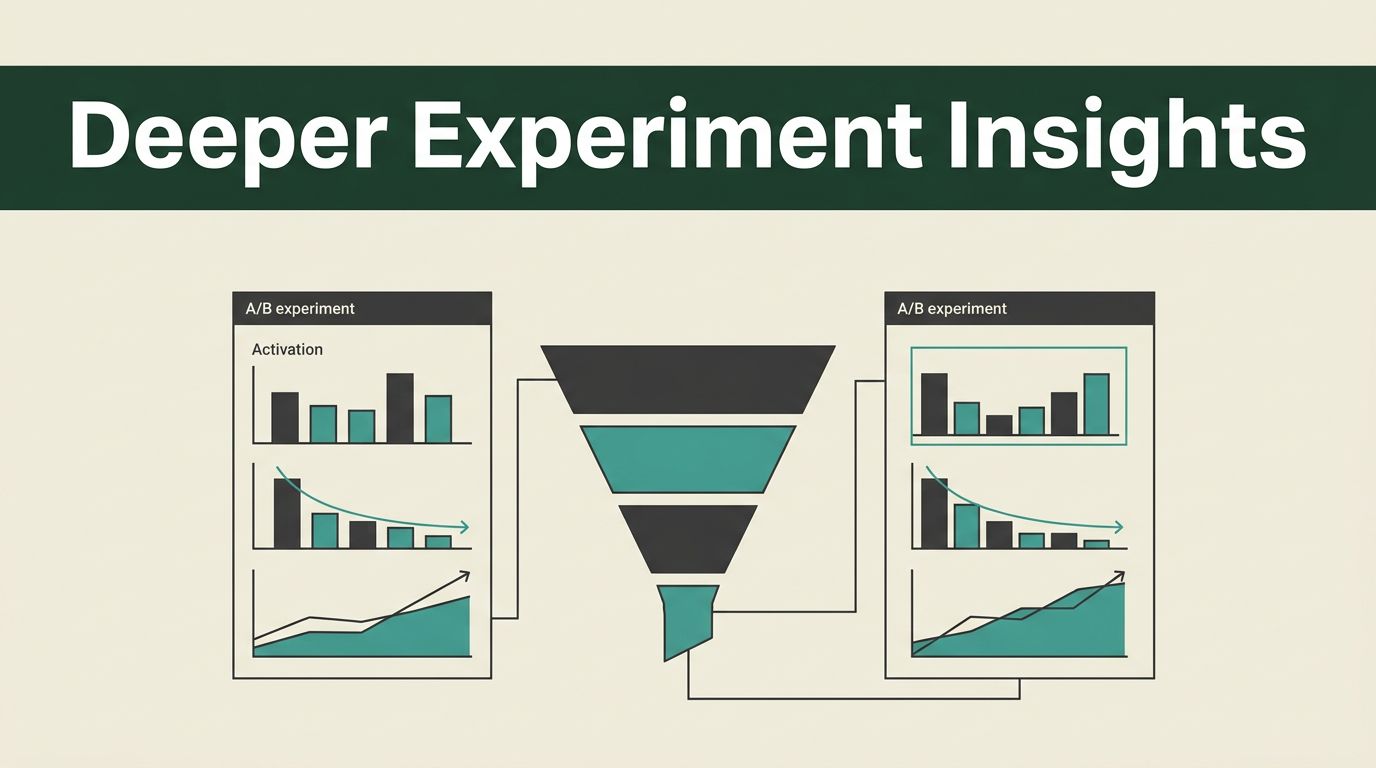
You need more than surface-level metrics to validate product changes. Relying on simple button clicks provides a narrow view of user behavior. When you combine Mida.so with your existing analytics stack, you gain the ability to measure how specific experiments affect high-value actions like activation, retention, and revenue.
Mida.so functions as your client-side experimentation layer, while Mixpanel acts as the source of truth for behavioral analysis. By bridging these two platforms, you stop guessing why a conversion rate changed and start seeing the actual impact on your business goals.
Key Takeaways
- Mida.so allows non-developers to create and launch experiments using a visual editor without needing constant engineering support.
- Integrating Mida.so with Mixpanel ensures that every experiment exposure and conversion event is tied to user profiles for deep cohort analysis.
- Moving beyond button-click metrics allows you to evaluate variants based on retention, activation, and long-term revenue.
- Proper configuration of your event tracking is the most effective way to maintain data quality and avoid noise in your experiment reports.
Setting Up Your Experimentation Loop
Building a successful A/B test requires a clear division of labor between your tools. Mida.so handles the presentation layer. It manages traffic splitting, variant rendering, and the visual changes your users see on the page. Mixpanel sits in the background, receiving the stream of event data that describes what users actually do after they encounter an experiment.
You start by installing the Mida.so snippet on all pages where your Mixpanel library is already active. This ensures the two scripts share the same context. Once installed, you enable the Mixpanel integration within the Mida.so workspace settings. This toggle triggers the automated piping of exposure events. Every time a user enters a test, Mida.so sends a payload to Mixpanel including the experiment ID, the name of the test, and the variant assignment.
For a deeper look into the mechanics of how you should structure your experiments, see Mixpanel’s official guidance on measuring the impact of experimentation.
Defining Your Primary Metrics
When you run experiments, you must define what success looks like before you start the test. A common trap is focusing exclusively on immediate engagement. If you only track clicks, you might find a variant that increases button taps but fails to drive actual sign-ups or purchases.
Use Mixpanel to identify the specific events that indicate a meaningful shift in user behavior. If your goal is improving activation, select an event like “Onboarding Complete” as your primary metric. If you want to increase revenue, track the “Order Completed” event. By selecting these outcomes in Mixpanel, you filter out the noise and focus on metrics that align with business growth.
For tactical advice on setting up these tests correctly, check out the community discussion on best practices for A/B testing within the Mixpanel ecosystem.
Using the Visual Editor for Rapid Iteration
Speed is the main benefit of using a visual editor for your product experiments. You don’t need to submit a ticket to the engineering team every time you want to test a new headline or a different button color. Mida.so lets you edit text, swap hero images, and move sections on the page with a simple interface.
If you are unsure where to start, you can use the built-in AI features to generate variant ideas. You can prompt the tool to rewrite your call-to-action text or change the layout of a landing page section. Once you define the variant, you apply it to a specific URL or element path. The platform handles the deployment instantly.
Remember to keep your experiments clean. If you modify too many elements at once in a single test, you will struggle to isolate which change actually influenced the user. Limit your variants to specific, measurable changes so you can attribute the performance shift accurately.
Analyzing Variant Performance
Once your test is live, you need to monitor the data in Mixpanel. You will see events like mida_pageview, mida_execute, and mida_conversion populating your dashboard. These events contain the metadata needed to segment your results.
You should segment your experiment results by device type, traffic source, or user cohort to see if a variant performs better for specific groups. Sometimes a global win hides a segment that is underperforming. Analyzing the data this way prevents you from making broad, incorrect assumptions about your users’ preferences.
For a comprehensive overview of how to build a mature experimentation program that scales, refer to this complete guide on product experimentation.
Maintaining Data Quality
Integration quality depends on consistency. Ensure that your experiment naming conventions in Mida.so are descriptive and stable. If you rename a test while it is running, you risk breaking your historical data and making it impossible to calculate reliable conversion rates.
Check your integration regularly. Verify that the user IDs coming from Mida.so match the user IDs in your Mixpanel implementation. A mismatch here leads to fragmented profiles, which renders your retention and cohort analysis useless. If you see discrepancies, check your tracking implementation to ensure that you are identifying users correctly before the Mida.so snippet fires.
Avoid running too many concurrent tests on the same user base. If you have five active experiments on your checkout page, you will not be able to determine which variant caused a change in conversion. Test one major variable at a time until you develop a reliable signal.
Guarding Against Statistical Noise
Experiments are only valid if they reach statistical significance. You need a large enough sample size to ensure that your results are not just random fluctuations in traffic. Before you declare a winner, look at the confidence intervals provided by your analysis tool.
If your conversion rate is small, you might need to run the test for a longer period to reach a meaningful count of conversions. Do not stop a test prematurely just because one variant shows an early lead. That behavior creates false positives and often leads to the deployment of changes that do not actually improve your long-term metrics.
Always include guardrail metrics in your analysis. A guardrail metric is a secondary outcome you monitor to ensure your experiment doesn’t harm another part of your product. For example, if you are testing a new sign-up flow, keep an eye on your churn rate. If sign-ups increase but churn spikes, the test is not a success.
Planning Your Next Steps
Successful experimentation is a continuous process. Once a test concludes, document the findings in a shared location. Whether the experiment results in a win, a loss, or an inconclusive result, that knowledge prevents you from repeating the same tests or making the same mistakes in the future.
Use the insights from your tests to inform your product roadmap. A successful experiment on a landing page might reveal that users respond better to value-based messaging than feature-based messaging. Apply that knowledge across your entire site, not just the page you tested.
You have the tools to move away from guesswork. Connect Mida.so to your Mixpanel project today to start running experiments that contribute to real business growth. Focus on high-impact areas, track your primary business metrics, and keep your analysis clean to ensure that every experiment provides actionable data for your team.