Adopt AI Productivity Tools Built By Speechify
Knowledge workers, students, and content creators face a constant backlog of reading and writing tasks. Staring at dense PDF documents, long research papers, and endless web articles drains mental energy. Traditional reading requires sustai...
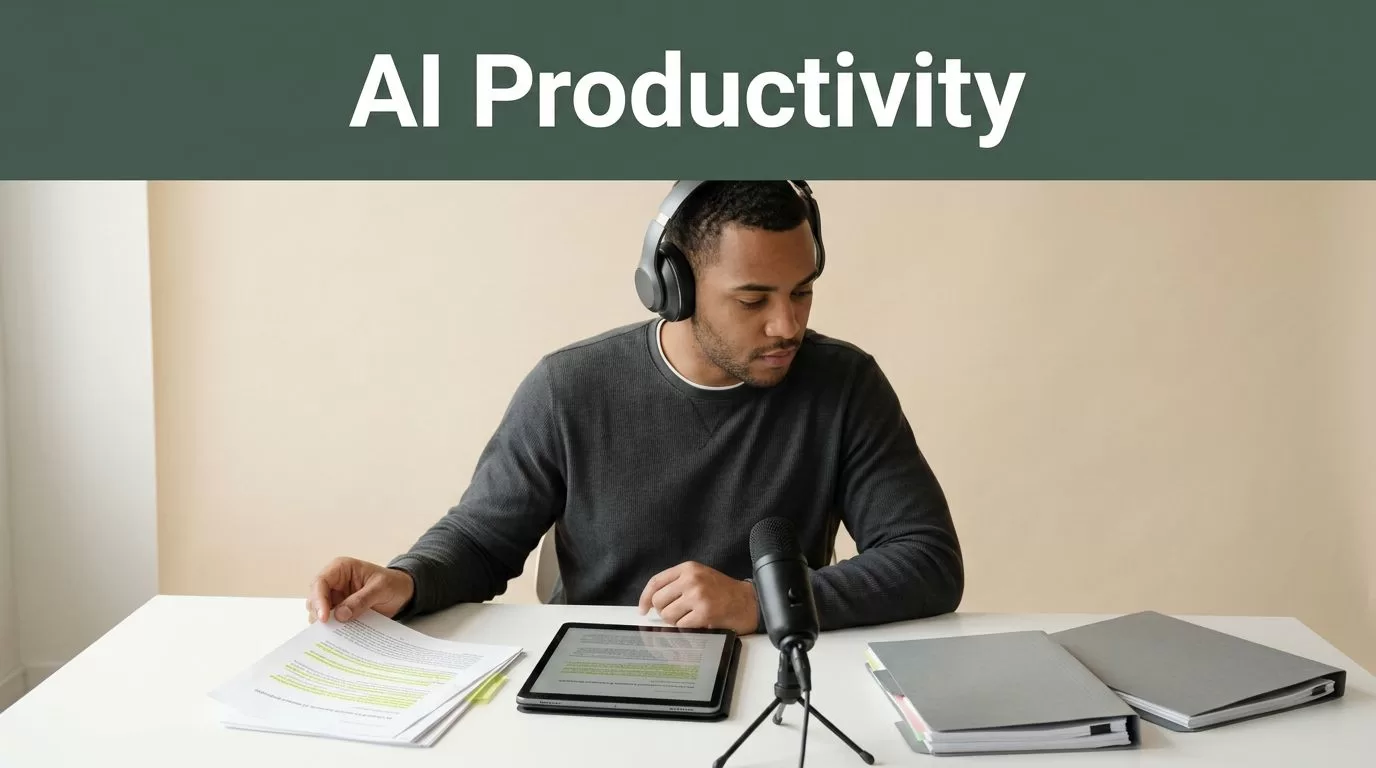
Knowledge workers, students, and content creators face a constant backlog of reading and writing tasks. Staring at dense PDF documents, long research papers, and endless web articles drains mental energy. Traditional reading requires sustained visual focus, which easily leads to eye strain and mental fatigue. When you need to process large amounts of information quickly, static text formats create a major workflow bottleneck.
Speechify solves this friction by converting reading, writing, and meeting tasks into a streamlined voice-first ecosystem. Instead of forcing your eyes to do all the heavy lifting, you can deploy advanced AI productivity tools to listen, dictate, summarize, and organize your work across devices.
Key Takeaways
- Pair text-to-speech audio playback with synchronized word highlighting to keep your attention locked on complex source material.
- Organize research files into dedicated digital folders to prevent constant context switching during intensive study blocks.
- Match your audio playback speed to the actual density of the material rather than chasing high words-per-minute metrics.
- Utilize dictation and voice typing features to draft content significantly faster while automatically removing conversational filler words.
- Export highlights, notes, and generated summaries directly into your primary writing workspace to streamline your research pipeline.
Optimizing Reading and Comprehension
Reading long technical documents requires a different cognitive approach than skimming casual blog posts. When you accelerate playback speed beyond normal limits, your brain needs a visual anchor to stay focused on the source material. Enable synchronized text highlighting in your application settings view so words underline automatically as the software speaks them. Seeing words highlighted while you listen reinforces retention, especially when reviewing unfamiliar terminology or dense theoretical arguments. Your eyes follow the text anchor while your ears process the cadence, creating a dual sensory input loop that keeps your attention locked onto the source text.
You should calibrate your playback speed based on the complexity of the material rather than chasing high vanity metrics. Dense legal contracts and technical architecture documents require slower pacing than industry news or narrative articles. Material density dictates your processing limits, so matching your speed settings prevents wasted time.
| Material Type | Recommended Speed | Primary Focus |
|---|---|---|
| Industry News | 1.5x to 2.0x | Quick intake and broad skimming |
| Research Papers | 1.25x to 1.5x | Comprehending background facts |
| Legal Contracts | 1.0x to 1.25x | Close attention to exact clauses |
If you notice your mind wandering or find yourself missing key arguments, dial your playback speed back down for a session. You can explore options like those covered in this overview of how to skip content such as headers and footers in text-to-speech apps to fine-tune your desktop workspace.
Streamlining Dictation and Writing Workflows
Drafting documents from scratch slows down output when your fingers cannot keep pace with your thoughts. Speechify includes voice typing capabilities that let you dictate drafts significantly faster than manual typing. When you speak naturally into the application, the system translates your voice into clean text while removing conversational filler words like ums and ahs.
Voice dictation changes your output speed by letting you speak your thoughts naturally while the software handles the transcription and cleanup in real time.
This workflow works smoothly across daily applications such as email clients, word processors, and team chat tools. You dictate your notes or initial drafts, and the assistant polishes the phrasing while remembering your preferred writing style. For a complete look at pricing tiers and advanced voice models, check out the Speechify pricing guide.
Transcribing and Summarizing Virtual Meetings
Meetings consume hours of the working day, leaving teams with scattered notes and missing action items. Speechify includes meeting transcription and summarization features that capture discussions from Zoom calls and virtual lectures. The system generates structured transcripts for each participant and compiles concise summaries that highlight core decisions.

Photo by Hatice Baran
After a meeting concludes, you can listen to the generated summary on mobile devices during your commute. This workflow turns routine transit times into productive review windows without requiring manual note-taking during the call.
Organizing Research Libraries
Disorganized reading lists cause context switching, which destroys retention faster than any playback speed setting. Group your documents into folders by project, course, or topic before you touch the speed controls. Import your files, PDFs, or web links directly into your workspace so you can queue them up for continuous listening.
When you spot a critical passage or striking piece of evidence, use the bookmarking tool to flag the exact timestamp and text block for later citation. Export your highlighted quotes and notes directly into your writing workspace or reference manager to streamline your essay preparation or technical documentation tasks. This direct export pipeline turns routine listening sessions into actionable research assets without manual transcription work. If you want to evaluate alternative platforms for specific academic workflows, review this detailed Speechify review for authors.
Conclusion
Deploying an integrated voice AI platform transforms how you consume heavy scholarly literature and manage daily operational memos. By combining text-to-speech conversion, synchronized visual tracking, meeting transcription, and fast dictation, you remove physical bottlenecks from your daily workflow. Set up your library folders today, adjust your playback speed, and tackle your reading list with an efficient operational routine.
