Bypass Gatekeepers in Sales Using Hunter.io (Without Being Shady)
Gatekeepers aren’t villains. They’re doing their job. The problem is that most cold outreach gets stopped at the front desk because it looks like it deserves to be stopped. I’ve found the cleanest way around that is simple...
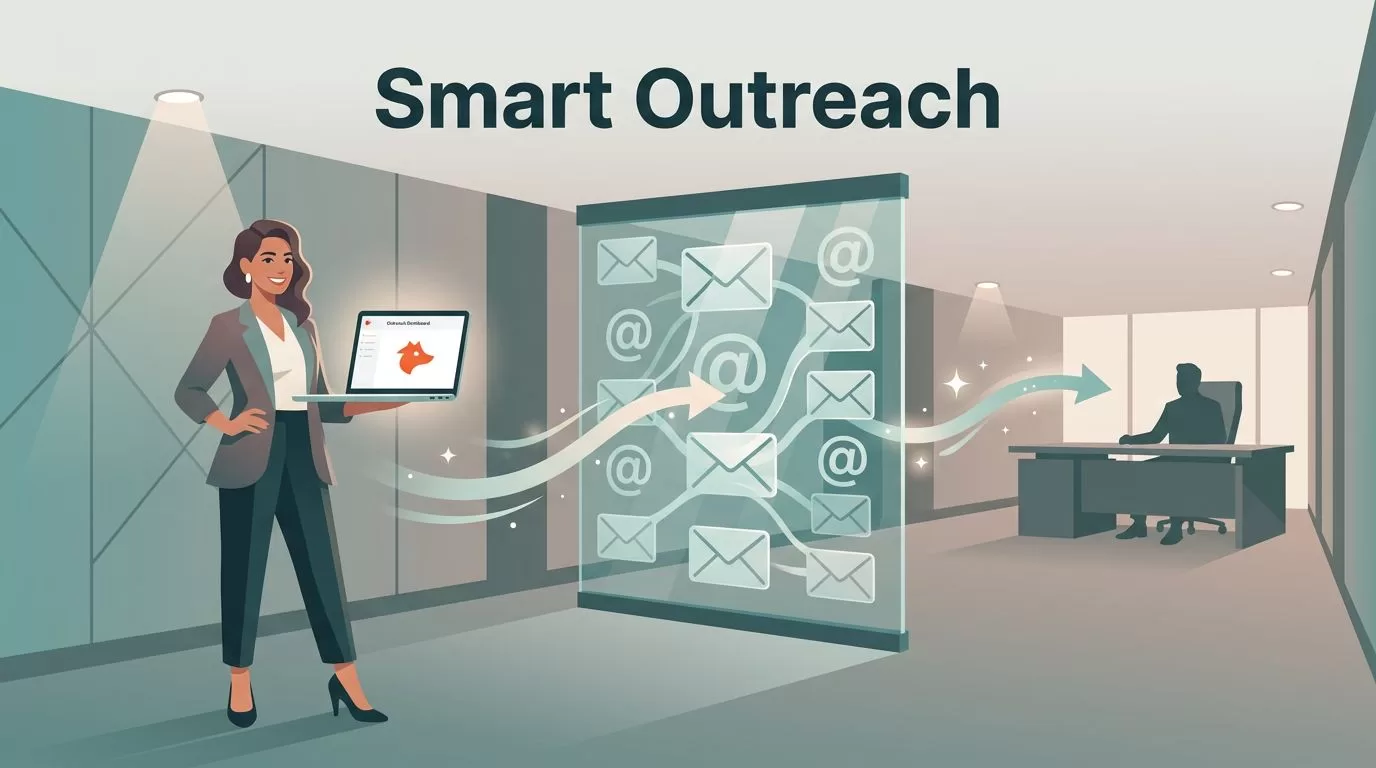
Gatekeepers aren’t villains. They’re doing their job. The problem is that most cold outreach gets stopped at the front desk because it looks like it deserves to be stopped.
I’ve found the cleanest way around that is simple: stop trying to “get past” people, and start reaching the right person with a message that fits. Hunter.io sales prospecting helps me do that with less guessing and fewer bounces, because I can find real work emails, confirm patterns, and verify deliverability before I ever hit send.
This is my repeatable workflow for sales prospecting and lead generation to decision-makers while staying ethical, compliant, and respectful.
What gatekeepers really block (and what they don’t)
In B2B, the “gatekeeper” might be an executive assistant. It might also be an intake form, a shared inbox, or a procurement process that eats cold emails for breakfast.
Here’s the part many reps miss: gatekeepers mostly block unclear intent. They look for outreach that matches the ideal customer profile and buyer persona in high-quality B2B communication.
If your email looks like spam, it gets treated like spam. If it’s specific, relevant, and easy to route, it often gets forwarded. Hunter’s own research in its State of Email Outreach 2026 report lines up with what I see day-to-day: replies are rare, and generic outreach is the first thing to die.
So my goal isn’t to sneak around anyone. It’s to:
- target the right roles (so the message belongs in that inbox),
- reduce friction (so it’s easy to read and forward),
- protect deliverability (so it actually lands).
If my outreach can’t survive a quick skim by an assistant, it won’t survive the buyer’s inbox either.
With that mindset, Hunter becomes a tool for accuracy and personalization, not volume.
My Hunter.io workflow: Domain Search to verified emails (step-by-step)
When I’m prospecting a new account list, I run the same sequence every time. It keeps me fast, and it keeps my data clean.

1) Domain search: confirm the company’s email pattern
I start with Hunter’s domain search to see how the company formats emails. One company might use first.last@. Another uses first@. Some use initials.
I’m looking for two signals:
- Common pattern (repeatable across employees)
- Confidence (multiple examples that match)
If you’re new to the platform, Hunter’s Starter Guide is a solid orientation, especially for credits and basic flows.
2) Pattern check: sanity-test against known names
Next, using LinkedIn Sales Navigator for LinkedIn prospecting, I pick a couple of public names (leadership page, press releases). I’m not scraping. I’m just validating that the pattern matches real humans at that company.
If the pattern looks inconsistent, I slow down. Some orgs use aliases, subdomains, or different patterns by region.
3) Email finder tool: build the right contact set
Now I use the email finder tool for the people I actually want:
- the likely buyer (VP, Head of, Director),
- the operator who feels the problem daily,
- sometimes finance or security (if they influence approvals).
I’m building a small, thoughtful group, not a 200-person blast.
4) Email verifier: protect deliverability before outreach
Verification is where most teams get lazy, then wonder why replies disappear.
I verify to ensure verified email addresses because:
- bounces hurt sender reputation,
- bad data wastes time,
- assistants notice sloppy outreach.
5) Export to a list or CRM and track outcomes
Finally, I export via CRM integrations to CSV or push into whatever system I’m using. I tag by account, persona, and hypothesis (why I think they care). That makes follow-ups easier, and it keeps my testing honest. I also use the browser extension to speed up the data gathering workflow.
Single-thread vs multi-thread: how I “go around” the front desk
Some deals die because you only talk to one person. Others die because you spam the org. The balance is threading with restraint.
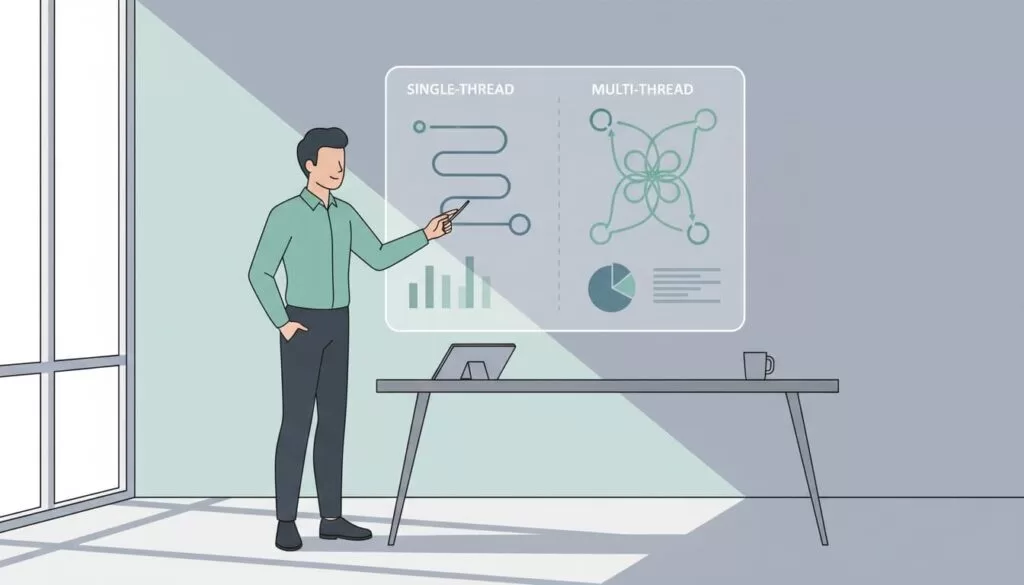
Here are some effective prospecting methods I use to decide how to thread, plus how much personalization I invest.
| Approach | When it works best | Main risk | My guardrail |
|---|---|---|---|
| Single-thread + personalized | Clear owner, smaller org, fast cycle | One “no” ends the deal | Add 1 influencer after first touch |
| Single-thread + generic | Never, except true inbound cleanup | Ignored or flagged | I don’t run this |
| Multi-thread + personalized | Mid-market/enterprise, complex approvals | Over-contacting | Max 3 to 5 people per account |
| Multi-thread + generic | High volume “spray” teams | Reputation damage | I avoid it entirely |
Selecting the right approach often depends on firmographic data, technographic data, and intent based data to ensure relevance.
My favorite move is “soft threading”: I email the likely owner, then one adjacent stakeholder. I don’t CC. I don’t pretend I have an intro. I simply run parallel, respectful outreach.
Cold email that gets forwarded (templates + subject lines + KPIs)
A gatekeeper forwards clarity. So I write like I’m leaving a note on a windshield: short, specific, and polite.
If I need help generating a first draft, I’ll use writing assistance, then I rewrite it to sound like me. Hunter has guidance on this in AI-crafted emails in Hunter.
Subject lines I actually use
- “Quick question about {{company}}’s {{system}}”
- “{{role}} ownership for {{process}}?”
- “Idea to cut {{pain}} at {{company}}”
Cold email template 1 (to the likely owner)
Subject: {{role}} ownership for {{process}}?
Hi {{first_name}}, I noticed {{company}} is hiring for {{trigger}}.
That usually means {{pain}} becomes louder.
I help {{similar_company_type}} reduce {{pain}} by {{outcome}}.
If you own {{process}}, I can send a 2-minute breakdown.
If not, who’s the right person for this?
Thanks,
{{your_name}}
Cold email template 2 (to an adjacent stakeholder)
Subject: Quick question about {{company}}’s {{system}}
Hi {{first_name}}, I’m reaching out because teams often hit {{pain}} when {{context}}.
I’m talking with {{role_title}} leaders about {{outcome}}.
Are you involved in {{process}}, or should I speak with someone else?
Either way, I’ll keep it brief.
Best,
{{your_name}}
Short follow-up that doesn’t annoy people
Use this short follow-up in email sequences and automated follow-ups to stay top-of-mind.
Subject: Re: {{original_subject}}
Hi {{first_name}}, circling back.
If {{priority}} isn’t on the radar, I’m happy to close the loop.
If it is, I can share a quick example of how we handled {{use_case}}.
KPI targets I watch (so I don’t lie to myself)
I track outcomes per persona and per domain, not just per sequence.
| Metric | Healthy starting target | What I do if it misses |
|---|---|---|
| Open rate | 40 to 60% | Fix subject lines, tighten targeting |
| Reply rate | 3 to 8% | Improve relevance, shorten ask |
| Positive reply rate | 1 to 3% | Add proof, sharpen pain-to-outcome |
| Bounce rates | Under 2% | Verify again, remove risky domains |
Ethics, compliance, and deliverability (non-negotiables)
I don’t scrape behind logins, and I don’t misrepresent who I am. I also keep outreach permission-aware:
- Use work emails for business context, not personal inboxes.
- Include a simple opt-out line, and honor it every time.
- Send from a properly configured domain (SPF, DKIM, DMARC) in marketing automation software to ensure deliverability for email campaigns.
- Keep early volume low, then ramp slowly as replies and bounces stay healthy.
Conclusion
When I “bypass gatekeepers,” I’m really bypassing confusion. I use Hunter, a comprehensive B2B database and sales intelligence platform, to find the right people, verify the address, and earn a reply with a clear message. Hunter.io sales prospecting works best when I treat it like a precision tool, not a megaphone. You can refine your lists using search filters and look for direct dials if email alone is not enough to get through.
If you want a fast win, start with 20 accounts, multi-thread lightly, verify everything, and track your KPIs for two weeks. Then ask yourself: are you being ignored because you’re blocked, or because you’re forgettable? Kick off your sales prospecting the right way today.
