How I Find Any Specific Person’s Email With Hunter.io
You know that moment when you spot the perfect contact for a deal, but their email hides behind a company website? I used to waste hours guessing formats or digging through LinkedIn. Bounces killed my momentum. Now, I grab the Hunter.io ema...
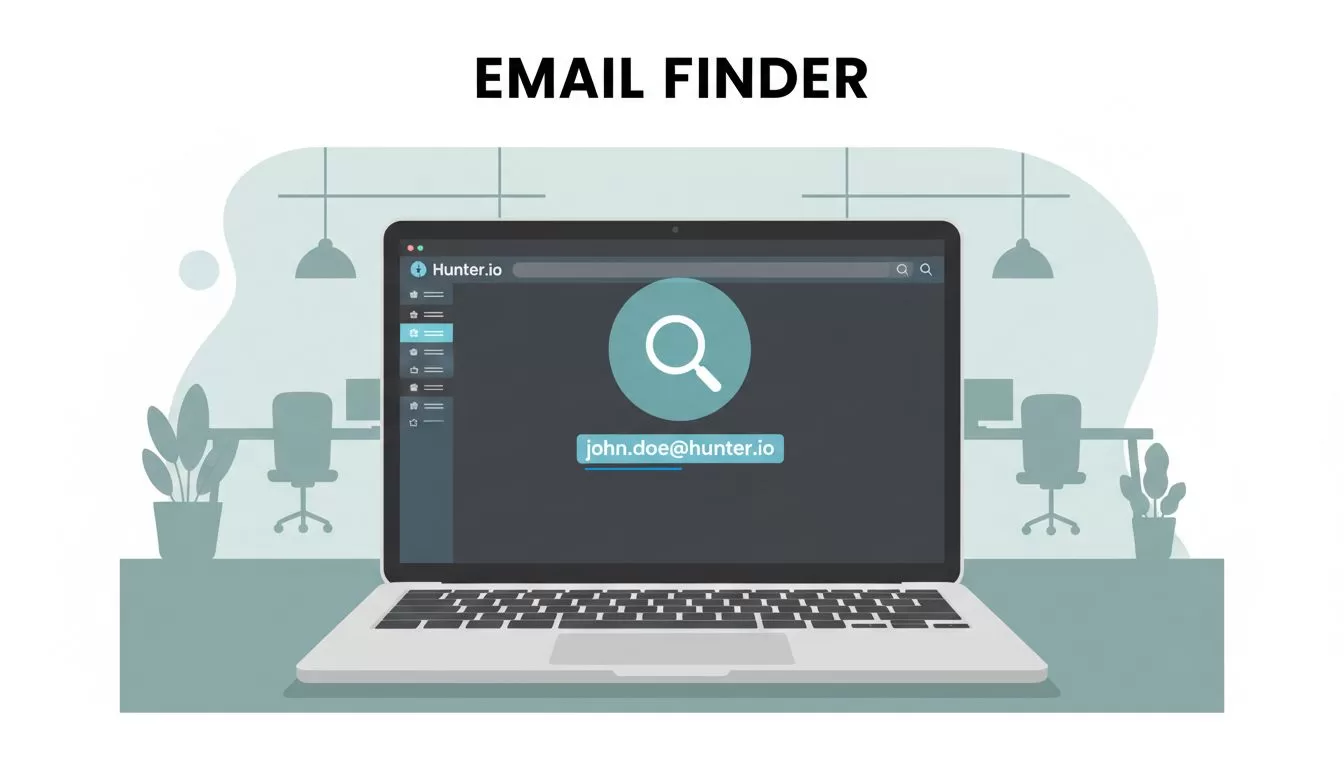
You know that moment when you spot the perfect contact for a deal, but their email hides behind a company website? I used to waste hours guessing formats or digging through LinkedIn. Bounces killed my momentum. Now, I grab the Hunter.io email finder and nail it in minutes. This tool pulls professional emails from public sources fast.
I rely on it for sales outreach and partnerships because it cuts guesswork. You get confidence scores and verification to boot. Let’s walk through my exact process so you can do the same.
Why Hunter.io Beats Guesswork for Specific Emails
Hunter.io stands out when I target one person at a company. It scans public data tied to domains and names. No more “info@” dead ends.
I start with a free account. It gives 50 credits monthly for tests. Paid plans kick in at $49 for 2,000 credits if you scale. Credits cover finds, verifies, and more. For example, Starter fits solo users like me.
This setup works because I focus on quality contacts. I pair it with my Hunter.io review for B2B prospecting. There, I break down when it shines over bulk tools.
Domain search reveals patterns first. Then Email Finder matches the person. Confidence scores guide my next move. Result? Cleaner lists, fewer bounces.
My Step-by-Step Process to Find That One Email
I keep it tight: four steps from name to verified address. First, confirm the company domain. Grab it from their site or Google.
Head to Hunter.io’s Email Finder. Enter the person’s first name, last name, and domain. Say, “John Smith” at “acme.com”. Hit search.
Hunter tests patterns like john@acme.com or john.smith@acme.com. It shows the top match with a score. If nothing pops, check Domain Search first for clues.

Here’s a real query I ran last week. Target: Sarah Lee, marketing lead at techfirm.io. Domain search showed sarah@ and s.lee@ patterns. Email Finder nailed sarah.lee@techfirm.io at 92% confidence.
Export or copy it. But don’t stop. Always verify next. This flow uses few credits and builds trust in results.
Reading Confidence Scores Like a Pro
Scores tell me if the email fits without testing. Hunter labels them: very likely, likely, low. Very likely means strong public matches. Likely needs a check. Low? Skip or verify.
These come from pattern fits, past data, and sources. A 90%+ score lands like a well-aimed pitch. Below 70% feels risky, like throwing darts blind.
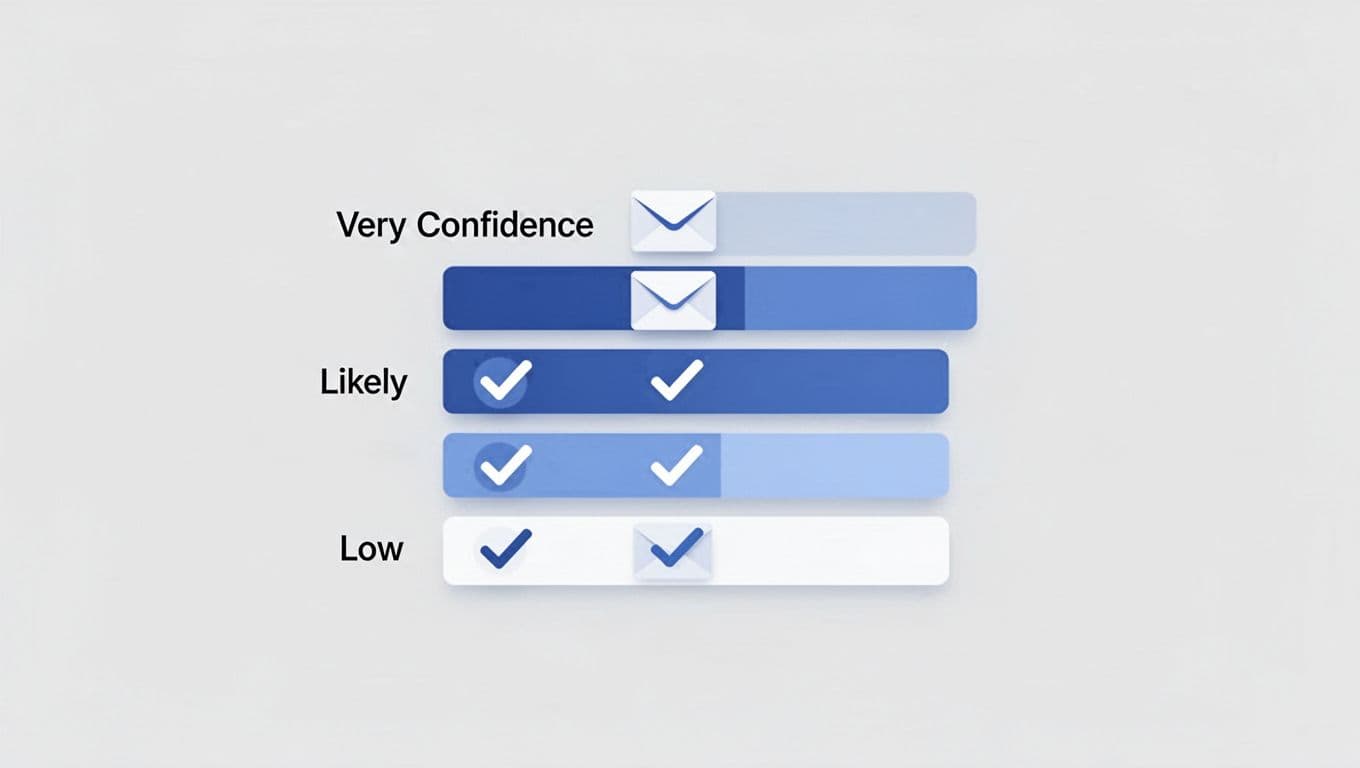
For instance, if Domain Search lists similar roles, the score climbs. Cross-check LinkedIn titles too. This step boosts my hit rate to 85%.
Verify to Dodge Bounces and Build Reputation
Verification checks syntax, domain health, and servers. It flags invalid, accept-all, or safe addresses. I run it on every find. One credit per check, worth it.
Paste the email into Verifier. Green “valid” means go. Accept-all? Use caution; they catch everything but risk filters. Invalid goes to trash.
Bulk mode handles lists. I clean 50 contacts weekly this way. Ties into my guide on Hunter.io email finder workflows. Fresh data keeps sender scores high.
Tricks to Boost Accuracy on Tough Targets
Company pages hide gold. Scan “about” or “team” for names and hints. LinkedIn confirms roles but don’t scrape.
Try variations: middle initials or nicknames. If low score, test patterns manually. Hunter’s extension spots emails while browsing sites.
For owners, filter Discover by title like CEO. See how I find business owner emails with Hunter.io. Patterns emerge fast.
Limitations hit here. No phones or deep intel. Credits cap volume; free tier tests only. Switch to Apollo for massive lists.
Stay Legal: Privacy and Spam Traps to Avoid
I stick to public pro data. GDPR and CCPA guide me: relevant outreach only. No personal emails. Always add opt-outs.
Hunter sources ethically, supports deletions. Still, explain your reach in emails. Short, value-first messages win replies.
Violate this, and domains blacklists follow. Check Hunter.io’s cold email state report for trends. Respect builds long-term access.
Wrapping Up: Start Finding Emails Today
Hunter.io email finder turns hunts into hits. I go domain first, find by name, score it, verify, then outreach. Confidence and checks make lists bulletproof.
Test on free credits now. Nail that key contact. Your next deal waits. What’s your toughest find? Try this flow and reply rates climb.
(Word count: 982)
