AB Testing Automation on Mida.so: A Practical Workflow
Most A/B testing teams don’t lose time creating variants. They lose it moving data, checking setups, waiting for developers, and deciding what happens next. AB testing automation removes much of that manual work. Mida.so can help you...
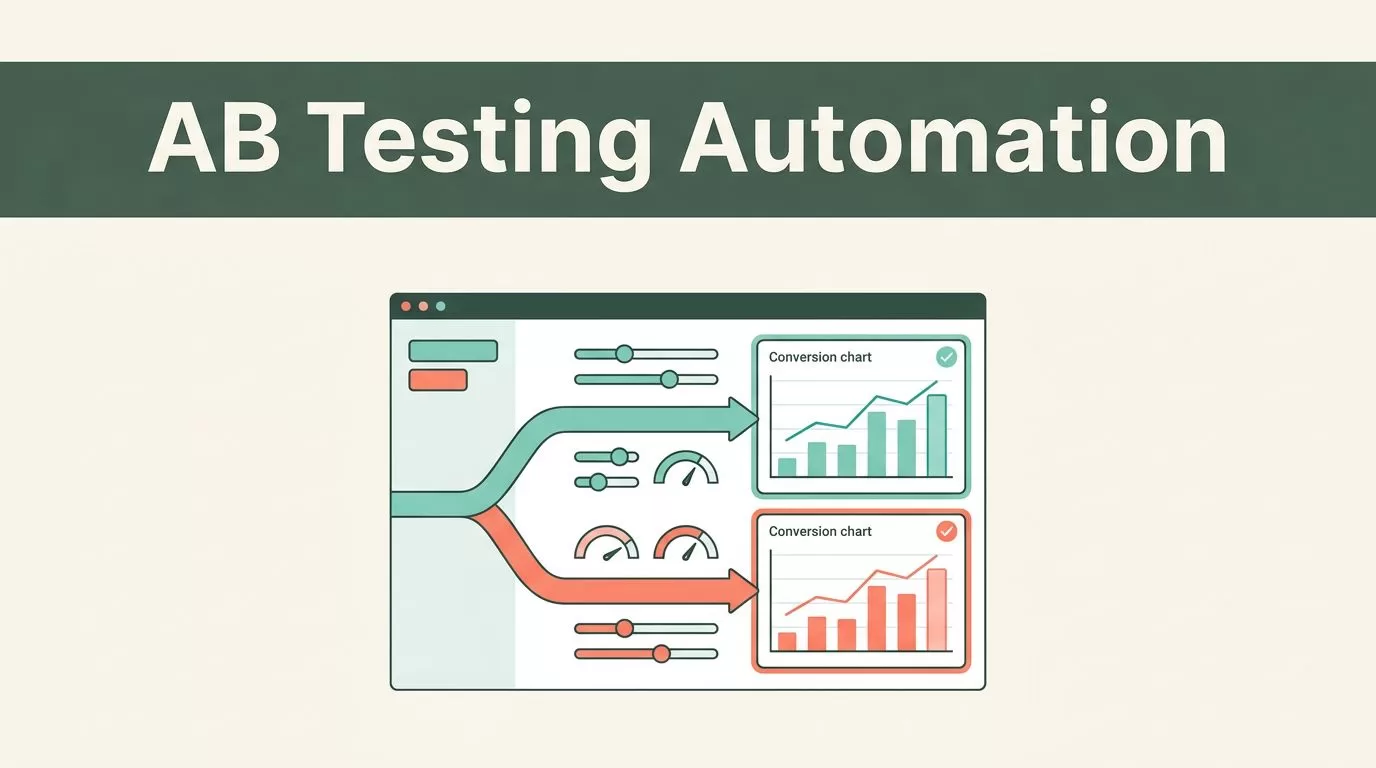
Most A/B testing teams don’t lose time creating variants. They lose it moving data, checking setups, waiting for developers, and deciding what happens next.
AB testing automation removes much of that manual work. Mida.so can help you create variants, target visitors, launch tests, track conversions, and adjust traffic allocation inside one workflow. It won’t replace experiment judgment, but it can reduce the operational work that slows your testing program.
Key Takeaways
- Mida.so supports visual, code-based, AI-assisted, URL redirect, SPA, and feature flag experiments.
- MidaGX can create test variants from prompts, screenshots, or Figma designs.
- Automated traffic allocation can shift visitors toward stronger variants during a test.
- Guardrail metrics and human review still control test quality and release decisions.
- Stop tests using defined decision rules, not a convenient early result.
What Mida.so Can Automate in an A/B Testing Workflow
A complete testing workflow has several separate jobs. You need to form a hypothesis, build a variation, configure targeting, launch the experiment, monitor results, and decide whether to iterate or release.
Mida.so handles many of these tasks in one platform. Its A/B testing software includes visual and code editors, conversion tracking, statistical analysis, real-time reporting, and audience targeting. You can target visitors by URL, device, geography, audience, custom events, or post-test segments.
The visual editor handles common changes such as headlines, button labels, layouts, images, and form elements. The code editor gives technical users control through JavaScript and CSS. This split matters because marketers can build standard tests without waiting for a deployment, while developers can still manage complex behavior.
Mida.so also supports URL redirect tests, multivariate testing, single-page application experiments, and feature flags. Use the test type that matches the change. A landing page redesign may need a visual or redirect test. A product release may need a feature flag. A checkout change inside a React application may need SPA support or server-side testing.
MidaGX adds an AI-assisted layer. You can provide a plain-language prompt, screenshot, or Figma design and generate a live-site variant. You can also select a page area with the pen tool and describe the change, such as making product images larger or changing the position of a form.
That does not mean the system can invent a reliable strategy without review. The generated variant still needs a quality check. Inspect the page on mobile and desktop. Check responsive behavior. Confirm that tracking still fires. Review the final experience before sending meaningful traffic.
Mida.so’s lightweight script is another operational consideration. Its feature documentation lists a 15KB compressed script with asynchronous loading. That keeps the testing layer smaller than many traditional client-side testing setups, but you should still monitor Core Web Vitals after deployment.

Build a Repeatable Mida.so Testing Workflow
Automation works best when every test follows the same operating process. Start with a clear business problem. Then configure the workflow around that problem.
Consider an ecommerce product page where visitors view products but rarely add them to the cart. The test should not begin with “make the page better.” That statement is too broad. Use a measurable hypothesis instead:
If product images are larger and the add-to-cart button appears above the fold, add-to-cart rate will increase without reducing checkout completion.
Use the following workflow in Mida.so.
- Define the primary conversion. Choose one main outcome for the test. In this case, the primary metric is add-to-cart rate. Avoid switching the primary metric after launch because the early result looks weak.
- Add guardrail metrics. Track outcomes that must not decline. Checkout completion, revenue per visitor, page load performance, and error rate may matter more than a higher click-through rate.
- Create the variant. Use the visual editor for standard page changes. Use the code editor for custom behavior. Use MidaGX when a prompt, screenshot, or Figma design can speed up the first version.
- Set the audience and allocation. Restrict the test to the relevant product page, market, device group, or customer segment. Start with a controlled traffic split when clean comparison matters. Use Mida’s automated allocation when the goal includes directing more traffic toward better-performing variants during the test.
- Connect tracking. Configure the conversion event before launch. Mida.so supports integrations with GA4, Google Tag Manager, Shopify, WordPress, Webflow, Wix, and Slack. Match event names and revenue definitions across systems. A test report is only useful when the underlying event means what you think it means.
- Run a technical check. Open the control and variant in an incognito browser. Test desktop and mobile views. Confirm that visitors don’t flicker between versions. Submit forms, add products to the cart, and check the complete path to purchase.
- Launch and monitor. Review allocation, conversion counts, error reports, and traffic quality. Use real-time reporting for monitoring, not for declaring a winner after a few hours.
- Record the decision. Mark the result as ship, iterate, or inconclusive. Store the hypothesis, audience, dates, primary metric, guardrails, and final decision with the experiment.
This process turns Mida.so into an operating system for experiments instead of a place where isolated tests sit until someone remembers to check them. The AI-powered experimentation platform can reduce setup time, but your workflow still needs clear inputs and review points.
You can also connect notifications to Slack so the team sees launch events, alerts, and result changes without opening the dashboard every hour. Keep notifications focused. A channel that receives every minor update becomes another source of noise.
Protect Test Quality Before Automating More
Automation can’t repair a weak hypothesis or a broken event. It can only process the setup you provide.
Start with one decision per experiment. Testing a new headline, pricing model, page layout, and checkout flow at the same time creates an attribution problem. You may get a result, but you won’t know which change caused it.
The A/B testing best practices from Contentful also place the hypothesis at the start of the process. Use that standard. Write down the expected behavior, target audience, primary metric, and reason for the change before creating the variant.
Sample size matters. A small traffic spike can produce an attractive result that disappears later. Set a minimum sample requirement before launch. Base it on your current conversion rate, expected effect, traffic volume, and acceptable false-positive risk.
Don’t use the same visitor in different experiences during one test. Mida’s targeting and assignment settings should keep exposure consistent. Test the assignment with multiple browsers and devices before launch.
Guardrail metrics prevent local wins from damaging the wider funnel. A product page variant may increase add-to-cart events while reducing completed orders. A shorter form may increase submissions while lowering lead quality. A faster click path may increase clicks while increasing support requests.
Track at least one metric for each major failure mode:
- Revenue or completed purchases for ecommerce tests
- Lead quality or booked meetings for B2B forms
- Error rate for technical changes
- Bounce rate or engagement for content changes
- Page performance for client-side variants
Keep the variant code narrow. Don’t add unrelated scripts or tracking changes during the test. Use version control for custom JavaScript and CSS where possible. A clean test produces a cleaner decision.
Know When to Stop, Ship, or Iterate
Mida.so can report results and help allocate traffic. It shouldn’t make an unreviewed release decision for your business.
Define stopping rules before the test starts. A typical rule includes a minimum number of visitors or conversions, a minimum runtime that covers normal weekly behavior, and a confidence threshold selected by your team. The exact threshold depends on your risk tolerance and test volume.
Stop early for technical reasons. End the test if the variant causes broken forms, checkout errors, severe page flicker, incorrect pricing, or a clear performance regression. Don’t keep a damaging experience live to complete a statistical target.
Continue when the result is promising but uncertain. A test with a small positive lift and wide uncertainty is not a winner. Label it inconclusive and collect more data, or design a stronger follow-up test.
Ship a variant when the primary metric improves, guardrails remain acceptable, the sample meets your rules, and the result fits the original hypothesis. Then document the decision and move the winning change into the normal release process.
Iterate when the test answers one question but exposes another. If larger product images increase add-to-cart rate but reduce page speed, keep the insight and test a lighter implementation. If the headline improves clicks but not purchases, move the next test further down the funnel.
Avoid repeated peeking with no decision rule. Checking results is useful for safety monitoring. Changing the test because of every dashboard fluctuation creates unreliable conclusions. Automated allocation can improve traffic efficiency, but it doesn’t remove the need for disciplined analysis.
Conclusion
Mida.so can automate much of the work between an experiment idea and a usable result. Its editors, MidaGX workflows, targeting, integrations, reporting, and traffic allocation reduce repeated manual tasks for growth and ecommerce teams.
The complete process still needs human control. Define the hypothesis, select the primary metric, protect guardrails, validate the setup, and use a pre-set stopping rule.
The strongest testing workflow is not fully hands-off. It is repeatable, measurable, and easy to review. That is where Mida.so delivers the most practical value.
