How to Optimize CTA Button Testing in Mida.so
A CTA button can lose conversions before visitors even understand the offer. Weak copy, poor placement, competing actions, and unnecessary friction all reduce the number of people who take the next step. CTA button testing gives you a contr...
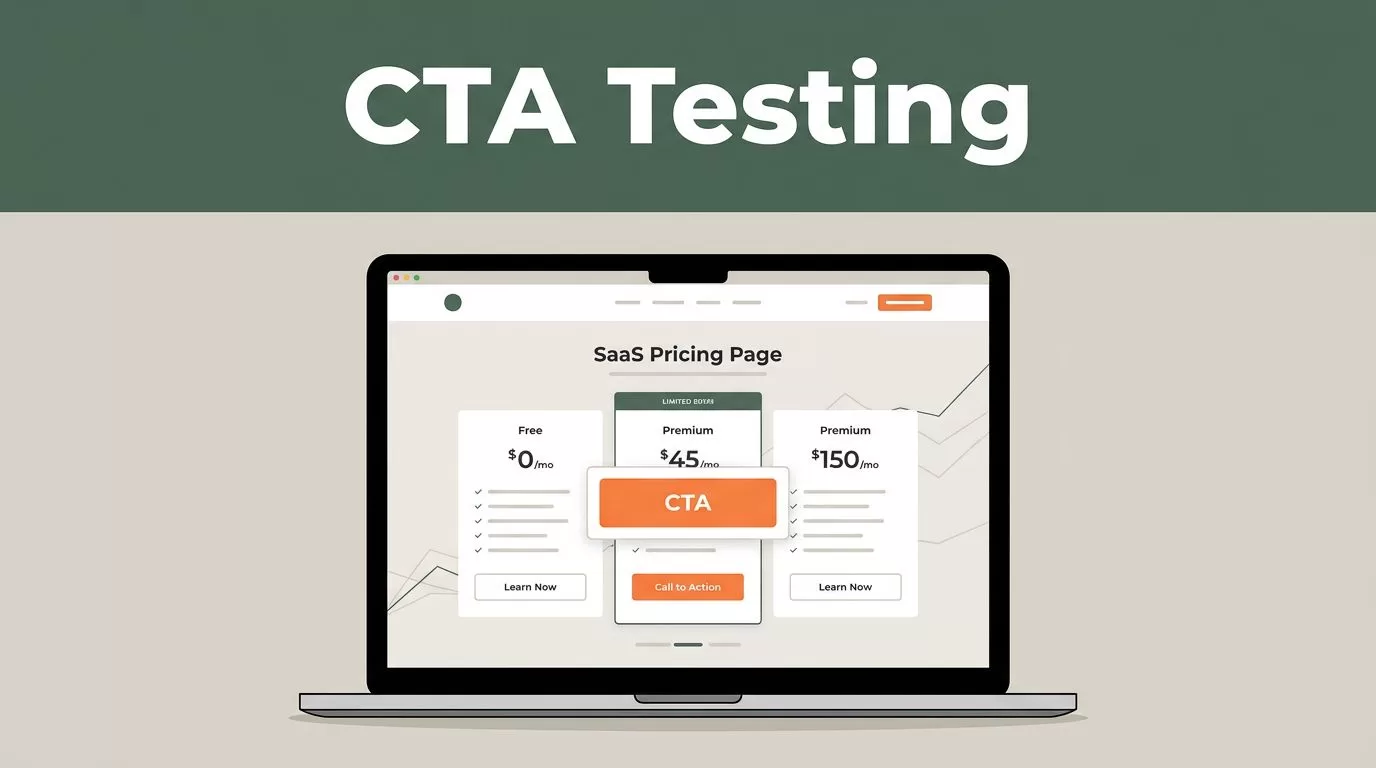
A CTA button can lose conversions before visitors even understand the offer. Weak copy, poor placement, competing actions, and unnecessary friction all reduce the number of people who take the next step.
CTA button testing gives you a controlled way to find what improves performance. Mida.so can support that process, but the platform won’t decide what to test or whether a result is trustworthy. You need a clear goal, a disciplined experiment, and enough data to make a sound decision.
Key Takeaways
- Define one primary conversion goal before creating a Mida.so experiment.
- Test one meaningful CTA change at a time when possible.
- Set sample size, minimum detectable effect, and stopping rules before launch.
- Prevent overlapping experiments from affecting the same visitors.
- Act on results only when the data is statistically credible and supports the business goal.
Define the CTA Goal Before Opening Mida.so
Start with the action your CTA should produce. A button on a SaaS pricing page may drive free-trial starts. A product page may drive demo requests. A content page may drive newsletter subscriptions.
Don’t treat every click as the main conversion. Button clicks are useful diagnostic data, but they may not reflect business value. A visitor can click “Book a demo” and abandon the form. Another visitor may click less often but complete more demos.
Choose one primary goal for the test. Use secondary metrics as guardrails.
For a demo CTA, your measurement plan may look like this:
- Primary goal: completed demo requests.
- Secondary metric: CTA click-through rate.
- Guardrail metric: form completion rate and qualified lead rate.
This structure prevents a common mistake. A variant can increase button clicks while lowering completed signups. If you optimize only for the click, you may select the weaker experience.
Write the test question before you build the variant. Use a clear format:
Will changing “Get Started” to “Start Your Free Trial” increase completed trial registrations for pricing-page visitors?
The question identifies the audience, the change, and the expected outcome. It also gives you a clean basis for interpreting the result.
Record the current baseline before launch. You need the existing conversion rate, traffic volume, and meaningful business events. Pull data from your analytics platform, CRM, or product database. If you use Google Analytics, review its event measurement guidance before choosing which actions to track.
Build a Clean CTA Experiment in Mida.so
Once the goal is defined, create the experiment around a single page experience. Mida.so interface names and available controls may change, so confirm the current setup process in the Mida.so documentation.
The general workflow is straightforward:
- Select the page or audience where the CTA appears.
- Define the original experience as the control.
- Create one variant with the planned CTA change.
- Connect the primary conversion event.
- Set the audience and traffic allocation.
- Check the page on desktop and mobile.
- Launch only after tracking has been verified.
Keep the control unchanged. The control should match the live experience that generated your baseline data. If you edit the page while the test runs, you weaken the comparison.
Use a meaningful variant. Changing button color by one shade may produce a measurable result, but it often gives you little insight. A stronger test changes the reason a visitor should click.
For example, a pricing page may use the following control:
Get Started
The variant could say:
Start Your Free Trial
The second version clarifies the next step and sets an expectation. The hypothesis is testable. You can compare trial registrations, not only clicks.
Your experiment setup should also define the audience. Don’t mix new visitors, returning customers, logged-in users, and existing trial users unless they share the same decision process. Different audiences respond to different messages.
Mobile traffic needs its own review. Check button width, spacing, visibility, and page movement. A button that is easy to use on desktop may appear below distracting content on a phone. A layout change can also shift the page after load, causing accidental clicks or poor interaction.
Run a tracking check before sending meaningful traffic. Complete the action yourself, confirm the event appears in the reporting system, and verify that the control and variant use the same conversion definition.
Choose Test Hypotheses That Explain User Behavior
Good CTA tests are based on a reason. You should be able to explain why the variant might perform better before seeing the result.
Avoid hypotheses such as, “A green button will convert better.” That statement describes a change without identifying the user problem.
Use behavior-based hypotheses instead:
- Changing “Request a Quote” to “Get My Pricing” will increase qualified form starts because the new copy focuses on the visitor’s expected outcome.
- Moving the primary CTA beside the main product benefit will increase demo requests because visitors can act immediately after understanding the offer.
- Replacing “Submit” with “Send My Application” will increase completed applications because the button describes what happens next.
- Removing a secondary “Learn More” button from the hero section will increase trial starts because visitors will face one clear action.
- Adding “No credit card required” below the trial CTA will increase trial registrations because it reduces a common concern before the click.
Each hypothesis should lead to one main change. If you rewrite the copy, move the button, change the layout, and add a trust message in one variant, you won’t know which change affected the result.
CTA button testing doesn’t need to focus on color. Test the parts that affect decision-making:
- Copy: State the next action or expected result.
- Placement: Put the button close to the information needed for the decision.
- Size and spacing: Make the action visible without overpowering the page.
- Friction: Set accurate expectations about forms, pricing, or account creation.
- Hierarchy: Give the primary action more visual weight than secondary links.
- Consistency: Match the CTA wording with the page headline and surrounding offer.
Start with the largest known problem. If analytics show strong page engagement but few CTA clicks, test message clarity or placement. If CTA clicks are healthy but completed forms are low, changing the button may not solve the issue. Test the form, qualification steps, or page speed instead.
Set Sample Size and Stopping Rules Before Launch
A test becomes unreliable when you stop after a few conversions because one variant is temporarily ahead. Random variation is normal. A credible result needs enough observations from both groups.
Set your sample requirements before the experiment starts. The calculation should use:
- Current baseline conversion rate.
- Minimum detectable effect, or the smallest improvement worth acting on.
- Statistical significance threshold.
- Desired statistical power.
- Expected traffic and test duration.
A sample size calculator, such as Optimizely’s testing calculator, can help estimate the traffic required. Use realistic inputs. If your baseline trial rate is 4%, planning around a 30% relative improvement requires a different sample than planning around a 5% improvement.
Don’t change the minimum detectable effect after seeing early results. That creates a moving target and makes the decision harder to defend.
Set a minimum runtime as well. Your traffic may vary by weekday, campaign, device, or geography. A test that runs only during a high-performing Monday may not represent normal behavior.
Avoid peeking at the dashboard every few hours and stopping when the variant appears to win. Early leads often disappear as more users enter the test. Check the results on a schedule, but keep the original stopping rule.
Statistical significance is not the same as business value. A tiny improvement may be credible but too small to justify development or design work. A large apparent lift may be valuable, but it still needs enough data to support the claim.
Review the confidence interval, not only the headline conversion rate. If the interval is wide, the true effect remains uncertain. If it includes no meaningful improvement, keep the control or run a better test.
Prevent Overlapping Experiments From Contaminating Results
Two experiments can affect the same visitor. This creates interaction effects that are difficult to separate.
For example, one test changes the hero CTA while another changes the pricing section. A visitor may see both variants. If the first test wins, you won’t know whether the result came from its button or from the second experiment.
Create an experiment map before launch. Record the page, audience, traffic dates, primary goal, and major elements changed. Pause or separate tests that share the same page and conversion path.
Overlapping tests are less risky when they target independent areas and have no shared outcome. A homepage CTA test and an unrelated in-app navigation test may run together. Two pricing-page tests usually need stronger controls.
Paid campaigns require extra care. If a campaign sends high-intent visitors to a page during the test, record the campaign dates and traffic source. A change in acquisition mix can look like a CTA improvement.
Keep audience rules stable. Don’t add a new country, device group, or customer segment halfway through the test. If the targeting must change, document the change and consider restarting the experiment.
Use a test log with simple fields:
| Field | Example |
|---|---|
| Experiment | Pricing CTA copy |
| Control | Get Started |
| Variant | Start Your Free Trial |
| Primary goal | Completed trial registration |
| Audience | New pricing-page visitors |
| Start and stop rule | Pre-set sample and runtime |
| Decision | Keep, iterate, or retest |
The log gives your team a shared record. It also stops people from repeating failed tests without understanding what happened.
Interpret Mida.so Results Without Overreacting
When the test reaches its planned sample and runtime, review the primary goal first. Don’t let a high click-through rate distract you from lower-quality conversions.
Compare control and variant on the same time window. Confirm that both groups received similar traffic sources, devices, and audience segments. Check for tracking gaps before interpreting a result.
A useful decision process has three outcomes:
- Ship the variant when it shows a credible improvement in the primary goal and no harmful guardrail movement.
- Keep the control when the variant loses or fails to show a meaningful improvement.
- Run a follow-up test when the result is unclear, the interval is wide, or the variant reveals a promising but incomplete idea.
Don’t declare a winner because the variant is ahead by a small percentage. Look for stable performance, adequate sample, and a practical effect size.
Segment results after the main decision, not before. Device, traffic source, and new-versus-returning visitor segments can reveal useful patterns. Treat small segments as clues, not final evidence. A mobile result based on a few dozen conversions is not strong enough for a broad rollout.
If Mida.so reports a confidence or significance value, check how it is calculated and how the platform defines the conversion window. Platform reporting methods can vary. Consult the current documentation before comparing results with another analytics system.
Create a Repeatable CTA Testing Workflow
A single winning test won’t create a reliable optimization program. Build a repeatable process.
Start each test with a documented hypothesis and one primary goal. Check tracking before launch. Freeze the page and audience rules during the experiment. Record the result and the decision.
After a win, deploy the variant through your normal release process. Don’t leave a test running forever because the button is performing well. After deployment, compare the live result with the experiment result. Differences can appear when traffic allocation ends or other page changes reach production.
After a loss, keep the learning. A failed copy test may show that visitors already understand the action. A failed placement test may show that the problem is offer value, not button visibility.
Prioritize the next test using evidence. Review pages with high traffic, strong engagement, and weak progression to the next step. Test the largest source of friction first.
A disciplined backlog may include CTA copy, page hierarchy, form length, trust messaging, and audience-specific offers. The button is often the visible point of conversion, but the surrounding experience determines whether people are ready to use it.
Conclusion
Effective CTA button testing in Mida.so starts before the variant is built. Define the business conversion, write a behavior-based hypothesis, protect the experiment from overlap, and set sample requirements before launch.
A button that wins clicks but loses completed actions isn’t a successful test. Use credible results and downstream quality to choose the experience that improves the full conversion path.
