How I Add Subtitles to Transistor.fm Video Promos with Opus Clip
You create promo videos for your Transistor.fm podcasts. Viewers scroll fast on social feeds. They watch without sound most times. Subtitles grab attention right away. I fix this issue weekly. Opus Clip turns my raw Transistor.fm exports in...


You create promo videos for your Transistor.fm podcasts. Viewers scroll fast on social feeds. They watch without sound most times. Subtitles grab attention right away.
I fix this issue weekly. Opus Clip turns my raw Transistor.fm exports into captioned clips. These boost views by 40 percent or more. Let’s walk through my exact process.

Why Subtitles Boost Your Podcast Promos
Promo videos live or die on platforms like TikTok and Instagram. People mute them. Subtitles keep them hooked.
Silent viewing hits 85 percent of videos. Captioned ones hold viewers longer. They finish at higher rates. Your Transistor.fm show gets more shares this way.
I started adding subtitles after one promo flopped. Views stalled at 200. The next one with captions hit 5,000. Simple change, big results.
Opus Clip handles the heavy lift. Its AI transcribes accurately. You get animated text that matches your voice. No manual typing needed.
Podcast marketers swear by this. It fits Transistor.fm users perfectly. Export your episode promo. Upload once. Done.
Getting Started with Opus Clip
Sign up for Opus Clip. They offer a free plan with 60 minutes monthly. Watermarks come off on paid tiers. I use the Pro plan at $29 monthly for speed.
Download your Transistor.fm promo video. Go to your dashboard. Hit export as MP4. Keep it under 30 minutes for best results.
Upload to Opus Clip. Drag the file in. AI scans for hooks. Think energetic tips or guest stories from your podcast.
It generates 10 to 15 clips fast. Each one fits vertical formats. Virality scores rank them. Pick the top ones.

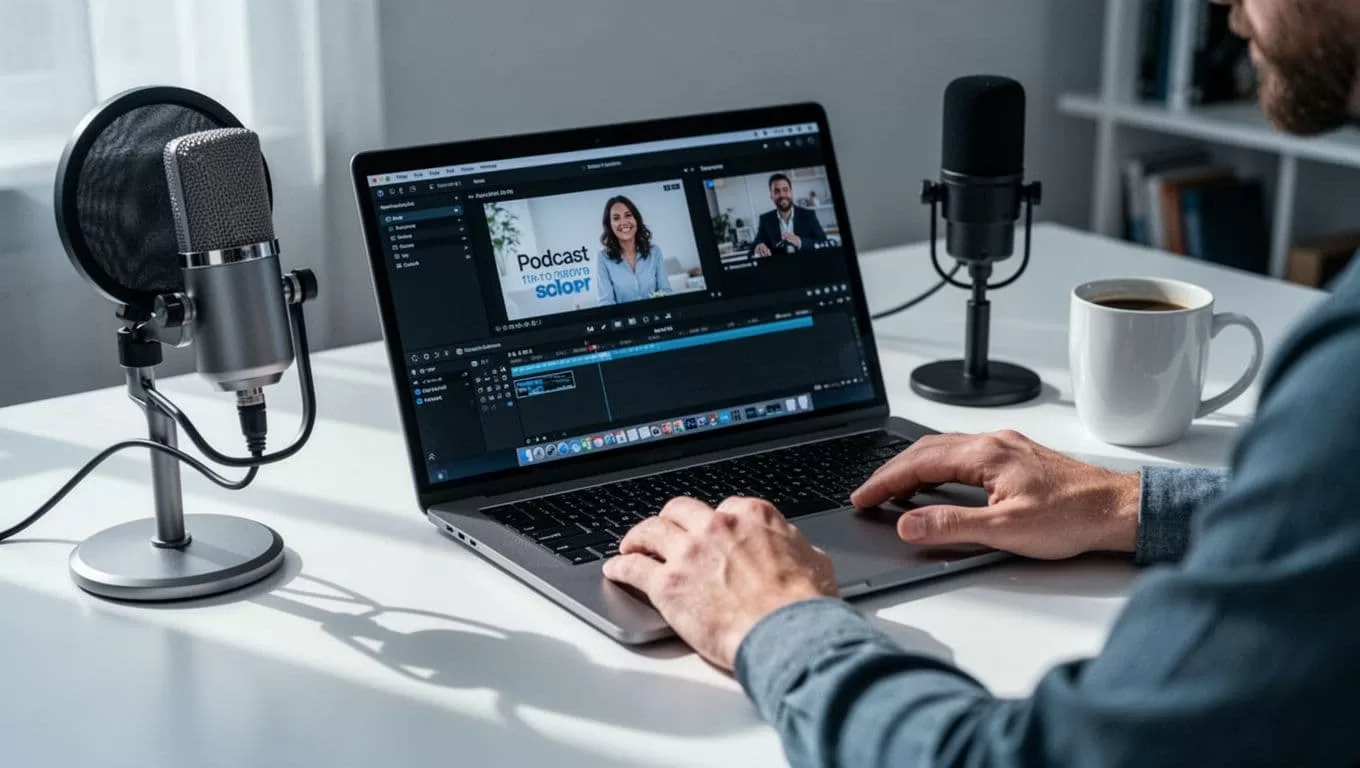
Menus might shift over time. Check Opus Clip’s latest blog on editing podcast shorts if buttons move.
Brand kits save time. Upload your colors and logo. Every clip matches your style. Transistor.fm promos look pro instantly.
Step-by-Step: Add Subtitles to Your Video Promos
I follow these steps each time. They take under 10 minutes per clip.
First, select a generated clip. Click edit. Subtitles appear auto-transcribed. AI nails 95 percent accuracy across 40 languages.
Next, tweak text. Delete filler words. Shorten lines to 20 characters max. Break at natural pauses.
Then, style them. Choose bold fonts. Set white text on dark backgrounds. Add animations like pop-ins. They sync with speech.
For Transistor.fm promos, highlight calls to action. “Subscribe now” pulses big. Add B-roll if needed. AI pulls fitting stock footage.
After edits, preview on mobile view. Ensure text stays in safe margins. Bottom third works best.
Export in 9:16 for Reels or Shorts. Opus Clip offers direct scheduling. Post straight to platforms.
Interfaces change. Peek at Opus Clip’s guide to perfect subtitles for updates.
Best Practices for Subtitle Readability
Readable subtitles keep eyes glued. I test every promo on my phone first.
Keep lines short. One to two sentences per screen. Max 15 words. Viewers read fast.
Use high contrast. White or yellow on black footage shines. Avoid pastels. They fade.
Line breaks matter. Split mid-thought. “Boost your podcast. Join Transistor.fm today.” Flows smooth.
Safe margins prevent crops. Keep text inside center 80 percent of frame. Social apps chop edges.
Font size counts. Bold sans-serif at 10 percent of screen height reads clear. Test at arm’s length.

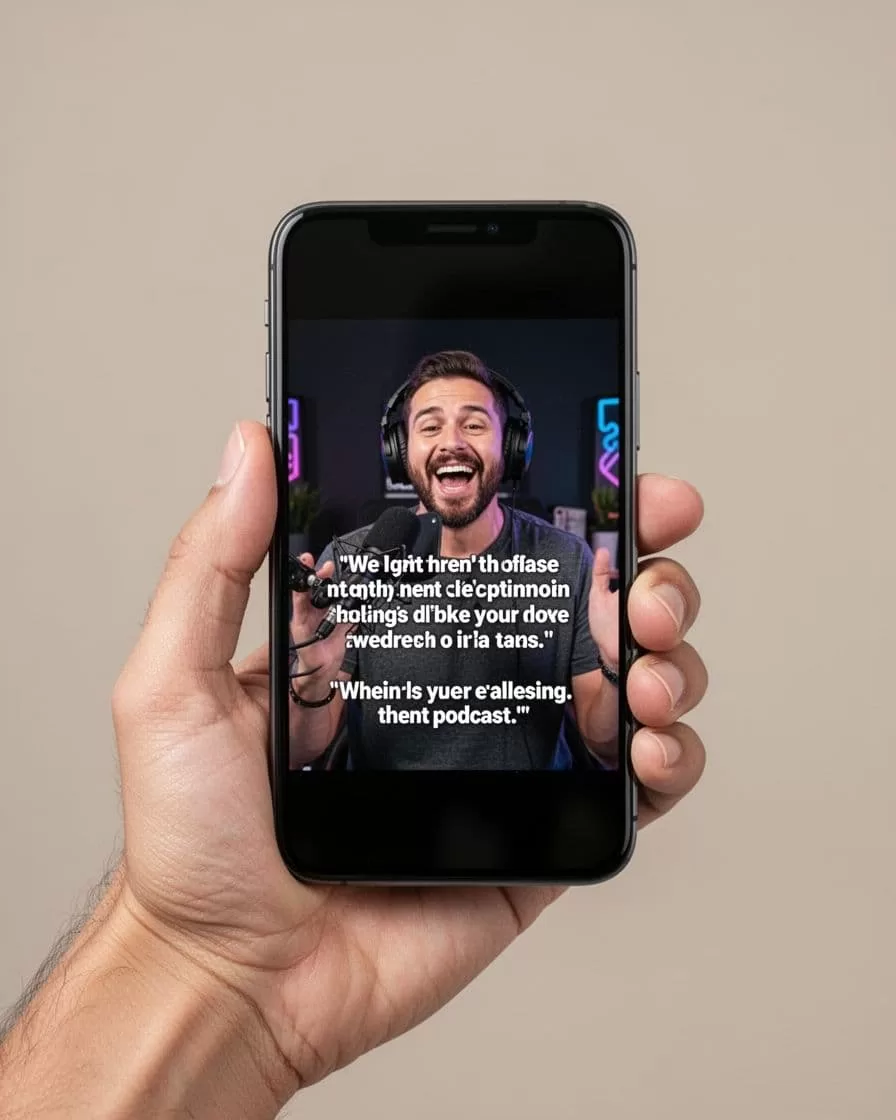
Animations help. Subtle fades draw focus. Overdo it and they distract.
Tailor for platforms. TikTok loves fast pops. LinkedIn prefers steady text.
Exporting and Optimizing for Social Platforms
Final step seals the deal. Export at 1080p for crisp quality. No watermarks on paid plans.
Instagram Reels? 9:16, under 90 seconds. YouTube Shorts match that. TikTok handles MP4 fine.
Schedule batches. Opus Clip posts direct. I queue a week’s promos Sunday nights.
Track performance. Captioned clips outperform plain ones. Adjust based on views.
Transistor.fm pairs well here. Fresh episodes feed endless promos.
Wrap Up Your Promos Strong
Subtitles transform Transistor.fm video promos. I see steady growth in listens and subs.
Start with one clip today. Upload from Transistor.fm. Let Opus Clip work magic.
What promo will you caption first? Share in comments. Your audience waits.

