Implement ADHD Reading Strategies Using Speechify
Reading with attention differences often feels like pushing a boulder uphill. Your eyes scan the same paragraph four times, yet nothing sticks. Traditional silent reading demands a level of sustained working memory that tires your brain out...
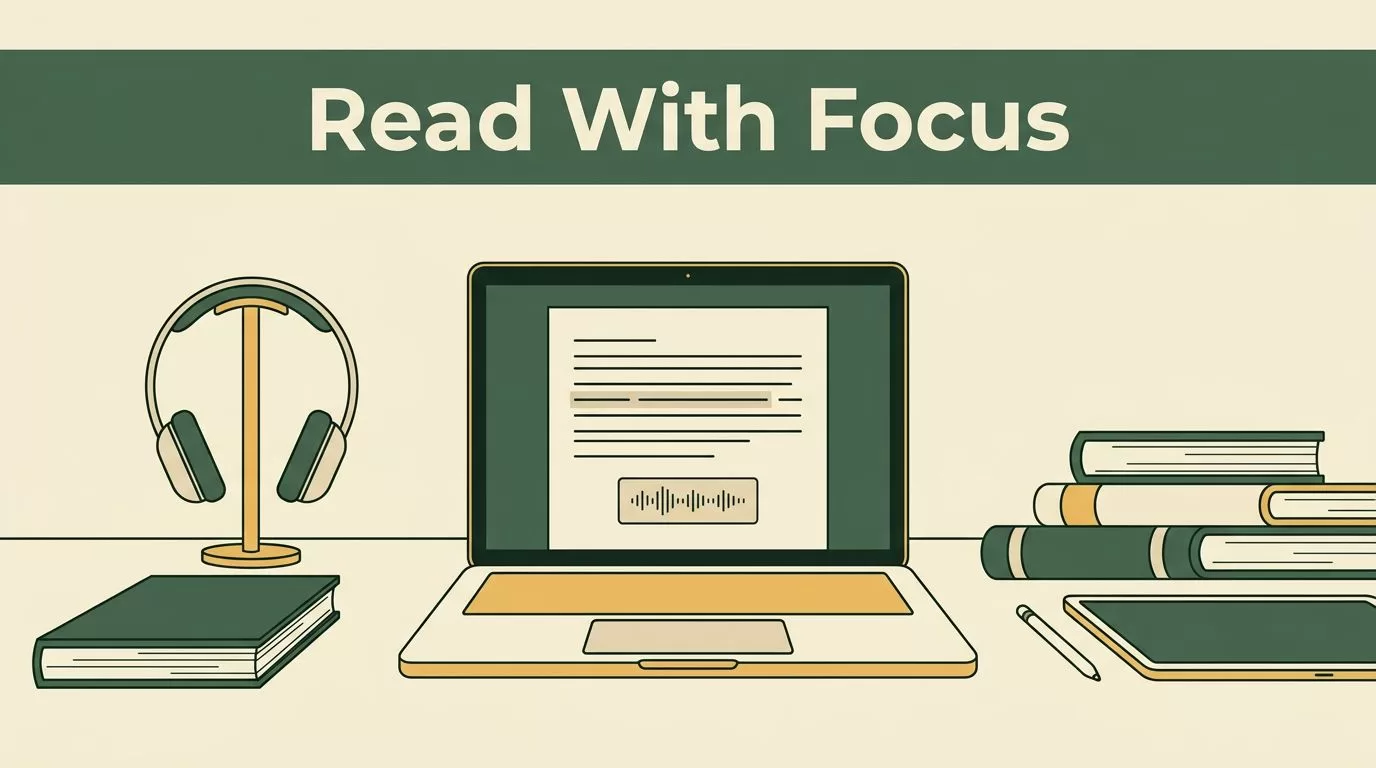
Reading with attention differences often feels like pushing a boulder uphill. Your eyes scan the same paragraph four times, yet nothing sticks. Traditional silent reading demands a level of sustained working memory that tires your brain out in minutes. This friction causes many students and professionals to abandon long-form texts entirely.
Fortunately, you can transform heavy documents into structured audio streams using text-to-speech tools. When you combine listening with synchronized visual tracking, you create an external anchor for your attention. Let’s look at how ADHD reading strategies using Speechify can turn frustrating study sessions into manageable workflows.
Key Takeaways
- Pair text-to-speech audio playback with synchronized word highlighting to keep your attention locked on the material.
- Organize research materials into dedicated digital folders to prevent constant context switching during study blocks.
- Increase your playback speed gradually from normal pacing to higher multipliers as your auditory processing adapts.
- Export summaries, bookmarks, and highlighted notes directly into your reference manager or workspace to streamline essay writing.

Setting Up Your Digital Library for Focus
Before you press play on any document, you need to clean up your workspace. A messy digital desktop invites distraction the moment your attention wavers. Import your PDFs, e-books, and research papers directly into your workspace. Organizing files into folders by course name keeps your research queue structured and prevents context switching during study sessions.
Configure your playback and voice settings for optimal comprehension. Select a natural-sounding voice model that matches your preference. Adjust the playback speed gradually. Start at normal speed to check comprehension, then scale upward as your auditory processing adapts to faster pacing.
For a deeper dive into assistive tech tools, see this Speechify text-to-speech guide. This setup ensures your input materials are ready to go before you tackle dense reading assignments.
Synchronizing Audio and Visual Tracking
Listening alone isn’t always enough to prevent mind-wandering. When you rely solely on sound, your thoughts can easily drift off to other tasks. You need to anchor your eyes to the text while the audio plays.
Enable synchronized text highlighting in your settings view. Seeing words underlined while you listen reinforces retention, especially when reviewing unfamiliar terminology or dense theoretical arguments. As the voice reads aloud, your eyes follow the highlighted words across the screen.
This dual-input approach engages both your auditory and visual channels at the same time. If your attention starts to slip, the moving highlight pulls your focus back to the page. To explore more focus techniques, check out this overview on how to read better with ADHD.
Scaling Playback Speed and Active Listening
Standard reading speeds can feel agonizingly slow when your brain craves high stimulation. Slow pacing gives your mind too much empty space to wander off into distractions. Speed scaling solves this problem by matching your natural internal processing tempo.
By stepping up playback rates step by step, you train your brain to process data faster. Set up your workspace today by loading a standard document into your application dashboard. Start with a modest playback increase, lock in your word highlighting, and measure your comprehension after each session.
Consistent practice yields sustainable reading gains without burning out your working memory. You can queue up multiple papers for continuous listening during commutes or lab work. This passive review method turns downtime into productive research hours.
When audio pacing outpaces your internal monologue, your brain stops multi-tasking and locks onto the incoming word stream out of pure survival instinct.
Integrating Note-Taking and Summarization
Reading without capturing insights leaves you with empty hands at assignment time. You need a reliable bridge between listening to a text and writing about it. For heavy textbook assignments, combining speed scaling with synchronized highlighting prevents eye strain during long study blocks.
You absorb complex data streams efficiently while maintaining high comprehension levels. Use the bookmarking tool to flag critical passages for later citation. Finally, integrate note-taking into your listening routine.
Use the app’s summarization features to generate concise chapter overviews. Export your highlighted quotes and notes directly into your reference manager or writing workspace to streamline your essay workflow. For community insights on assistive tools, you can also review discussions in this assistive technology group.
Conclusion
Deploying an academic reading app transforms how you consume heavy scholarly literature. By combining text-to-speech conversion, synchronized visual tracking, and multi-device syncing, you remove physical reading bottlenecks from your research pipeline.
Set up your library folders today, adjust your playback speed, and tackle your reading list with a more efficient workflow. Load your first document into your workspace and start listening.
