Affiliate Refunds in Rewardful: An Operating Process
A refund can fix a customer problem and still create a finance problem. If an affiliate keeps commission on revenue your company returned, your reports and payout liability stop matching. A reliable process for affiliate refunds connects th...
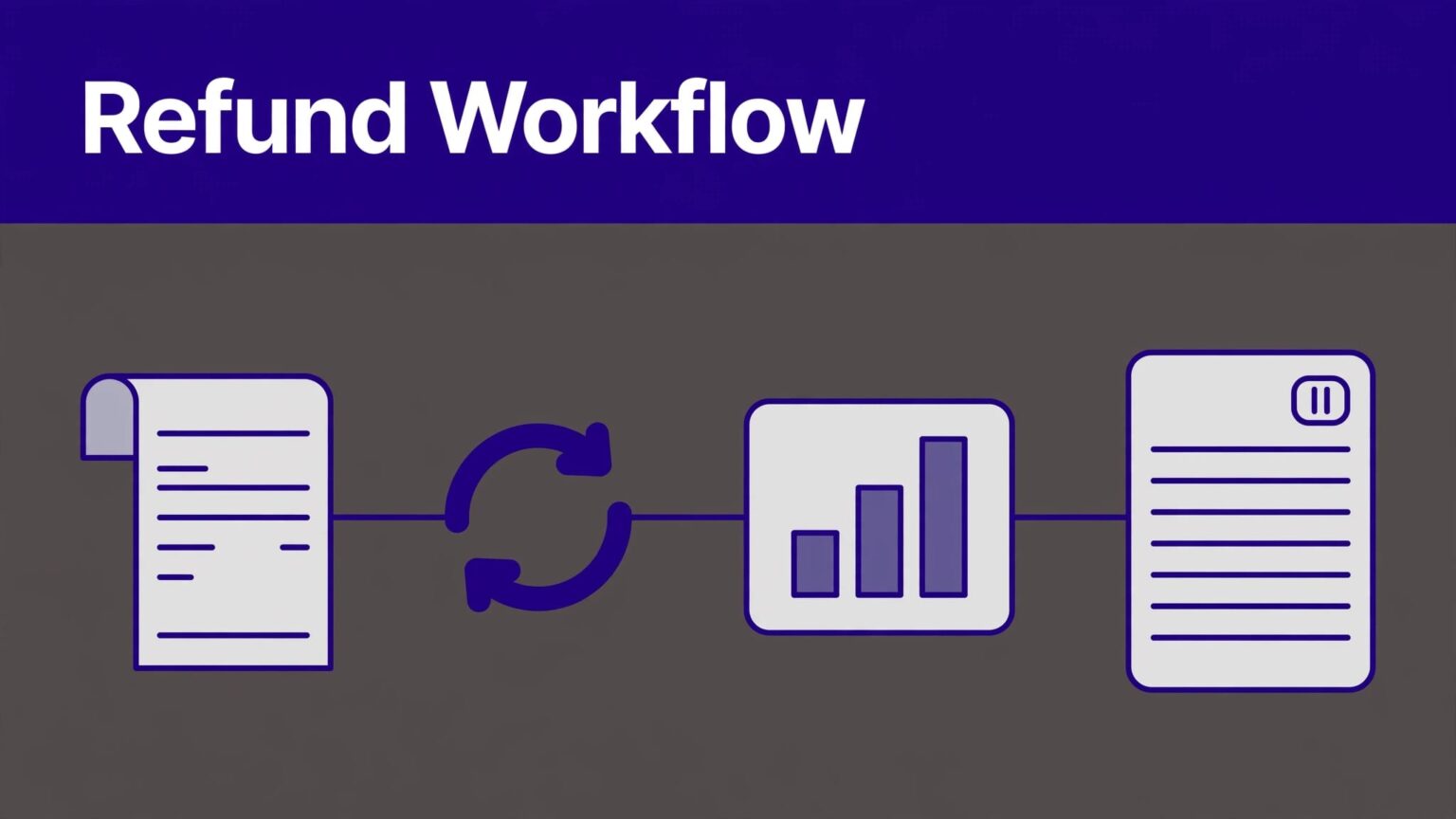
A refund can fix a customer problem and still create a finance problem. If an affiliate keeps commission on revenue your company returned, your reports and payout liability stop matching.
A reliable process for affiliate refunds connects the payment record, Rewardful commission, customer communication, and payout decision. Rewardful handles important commission changes automatically, but your team still needs to verify the financial record before money leaves the business.
Set the Rules Before Any Refund Happens
Don’t build the process during an urgent support ticket. Put the rules in writing before the first refund request arrives.
Your affiliate terms should state that commission applies to collected revenue, not list price. They should also explain what happens when a customer receives a partial refund, full refund, chargeback, account credit, or cancellation.
Define the refund source of truth
Stripe, Paddle, or your connected billing processor is the source of truth for the refund. Rewardful is the source of truth for affiliate attribution and commission status.
Record these IDs together:
- Customer ID
- Subscription and invoice ID
- Payment or charge ID
- Refund ID
- Rewardful affiliate ID
- Rewardful commission ID
- Refund reason and decision owner
This removes guesswork when finance, support, and affiliate management review the same case later.
Hold commissions until revenue clears
Set a commission approval period that gives your team time to catch normal refund activity. A commission marked pending is not earned cash. A commission marked due is still a liability until you pay it.
Do not approve payouts based only on clicks, trial signups, or commissions created this week. Review paid invoices, refund status, and commission state together.
A completed refund is a payment event. A cleared commission is a separate payout decision.
Keep a copy of the last trusted commission report before each payout run. If an integration breaks after a checkout change, you need a clean point to return to.
Process Affiliate Refunds in the Right Order
A refund should follow one operating sequence. Support owns the customer decision. Finance confirms the payment action. The affiliate manager checks the commission record before payout.

Issue and verify the customer refund
First, confirm the original payment, collected amount, and refund amount. Then issue the refund through the processor.
Stripe lets teams issue refunds in the Dashboard or through its API. Its refund documentation also confirms that one charge can have multiple refunds, up to the original charged total.
Do not tell the affiliate a commission changed when the refund is only requested. Wait for the payment processor to create the refund record and confirm its status.
For Stripe-based workflows, log the refund ID and processor status in your internal case record. A failed refund does not justify a commission reversal.
Find the related Rewardful commission
Open the referred customer and find the commission connected to the refunded payment. Check the affiliate, commission amount, state, original invoice, and whether a payout already includes it.
Rewardful’s automated refund handling recalculates unpaid commissions after partial refunds. For a full refund, it removes the related unpaid commission record.
That automation handles the normal case. It doesn’t replace your review. Match the processor refund amount to the original payment and confirm that the Rewardful change applies to the correct customer and affiliate.
A $100 invoice with a 20% commission creates a $20 unpaid commission. If you refund $25, the commission should fall to $15. If you refund the full $100, there should be no unpaid commission to pay.
What Rewardful Automates, and What Your Team Must Check
Rewardful removes repetitive adjustment work. It doesn’t make policy decisions for your company.
What automatic refund handling covers
For unpaid commissions, Rewardful adjusts the commission amount when the customer receives a partial refund. A full refund deletes the unpaid commission tied to that transaction.
Rewardful also tracks lifecycle changes such as subscription upgrades and downgrades. Its explanation of how affiliate commissions move from Stripe data to payout is useful when you need to explain why a commission changed.
This means your team should not manually reduce an unpaid commission before checking whether Rewardful has already processed the refund. Two corrections for one refund create a new error.
What still needs manual review
Your business must verify that the refund is valid, complete, and tied to the right sale. You must also decide what to do when the commission was already paid.
Check these points before a payout is approved:
- The processor shows the refund as successful, not pending or failed.
- The refund amount matches the commission adjustment.
- The commission belongs to the original affiliate attribution.
- No duplicate refund or duplicate commission exists.
- The commission is still unpaid, or a documented paid-commission correction exists.
For Stripe webhook monitoring, watch refund.created, refund.updated, and refund.failed. Stripe’s event type reference also distinguishes refund-level events from charge.refunded, which reports the charge-level change.
Handle Exceptions and Manual Corrections
Normal refunds are easy. Exceptions are where payout controls matter.
Partial refunds, credits, and mixed invoices
A partial refund needs a proportional commission check. Don’t remove the entire commission because a customer received one month free, a service credit, or a small goodwill refund.
Review the actual collected amount. If a coupon, account credit, or tax treatment changed what the customer paid, calculate commission from the amount your terms define as eligible revenue.
For mixed invoices, document which line item was refunded. A refund for onboarding may not affect a recurring software commission if your program excludes onboarding from commissionable revenue.
Store the original commission value, revised value, refund amount, and reason. Never overwrite the first record without an audit note.
Paid commissions and chargebacks
A paid commission requires a manual business decision. Rewardful’s automatic refund handling applies to unpaid commissions, so don’t assume a completed payout will reverse itself.
Your terms should say whether you recover paid commission through a future offset, invoice the affiliate, or absorb the loss. Most small programs use an offset against future earnings because it creates less payment friction.
Create a correction record with the original payout date, refunded invoice, amount to recover, and approval owner. Keep it separate from the original payout record.
A chargeback is not the same as a customer refund. Pause related payouts while the dispute is open. If the dispute later closes in your favor, remove the hold only after finance confirms the payment outcome.
Communicate Without Creating Payout Disputes
Affiliates don’t need a long explanation. They need a clear record and a consistent rule.
Send a short notice when a refund changes a due or paid commission. Include the customer reference your terms permit, the original commission, revised amount, refund date, and the recovery method if money was already paid.
Do not expose unnecessary customer data. An invoice number or internal transaction reference is usually enough.
Use one message standard
A practical affiliate notice can say:
A refund was completed for the transaction linked to your referral. Your unpaid commission was adjusted under the program refund policy. The updated amount appears in your Rewardful account.
For a paid commission, state whether the amount will be offset against the next approved payout. Don’t surprise an affiliate with a reduced payment and no explanation.
If an affiliate disputes the adjustment, assign one owner to compare the processor record, Rewardful commission, and program terms. Support should not promise a reversal until that review is complete.
Disable access only when the relationship changes
A refund alone doesn’t require disabling an affiliate. Use that action for fraud, repeated self-referrals, policy breaches, or a terminated relationship.
Rewardful’s guide to disabling affiliate accounts explains that you can disable the account and delete unpaid commissions from the affiliate page.
Do not use “Delete all unpaid commissions” as a casual cleanup button. Export or save the affiliate’s commission history first. You need evidence if the affiliate asks why earnings disappeared.
Build a Refund and Commission Audit Record
A refund process fails when records live in Slack threads, inboxes, and someone’s memory. Keep one row per refund in a spreadsheet, database, or finance system.
| Field | What to record |
|---|---|
| Payment reference | Stripe charge, invoice, and refund ID |
| Attribution record | Rewardful affiliate, customer, and commission ID |
| Financial change | Original payment, refund amount, original commission, revised commission |
| Payout state | Pending, due, paid, voided, or held |
| Exception detail | Refund reason, chargeback status, manual offset, and owner |
| Review trail | Date checked, reviewer, source link, and final decision |
The useful metric is not the number of commissions your system creates. Track paid referred customers, cleared commissions, refunds, reversals, and time spent fixing errors.
Review reversals by affiliate every month. A high reversal rate can expose weak traffic, misleading promotions, self-referrals, or an offer that attracts customers who don’t stay.
Troubleshoot Missing or Incorrect Reversals
Start with the billing record. Don’t change a commission until you know what failed.
The refund exists, but Rewardful did not change
Check whether the refund is still pending or failed in Stripe. Then confirm the original charge is connected to the referred customer and that the commission is unpaid.
Review webhook delivery and integration health. Stripe recommends verifying webhook signatures, so your system doesn’t treat an untrusted request as a payment event.
If the refund is complete and the Rewardful record still looks wrong, save screenshots and IDs before escalating. Include the refund ID, invoice ID, customer ID, affiliate ID, and commission ID.
The commission was adjusted twice
This usually happens when someone makes a manual correction before the automated update arrives. Restore the original facts first. Then remove only the duplicate adjustment.
Do not repair the issue by changing totals until they look right. Record the two actions, identify which one is valid, and keep the rejected correction in the audit trail.
A workflow that creates thirty minutes of cleanup for every refund isn’t working. Fix the trigger, ownership, or approval rule before refund volume grows.
Affiliate Refunds Checklist Before Payout
Use this short review before you approve a payout batch:
- Confirm each refund against the payment processor’s completed refund record.
- Match the refund to the correct Rewardful customer, affiliate, and commission.
- Check whether Rewardful recalculated or removed the unpaid commission.
- Review paid commissions separately and apply your documented recovery rule.
- Flag disputes, duplicate records, self-referrals, and unusual refund rates.
- Save the refund decision, owner, and supporting IDs before releasing payment.
- Preserve the last trusted payout report and record corrections separately.
Final Takeaway
Good affiliate refunds are not a support task alone. They are a controlled handoff between billing, attribution, finance, and partner communication.
Rewardful can remove or recalculate unpaid commissions after refunds. Your team still needs to verify the payment outcome, review exceptions, and keep a traceable payout record. That is how every approved commission stays tied to revenue your business actually kept.
