Rewardful Partner Refunds: A Controlled Workflow
A customer refund can turn a valid partner commission into a payment error if your team moves too fast. Rewardful partner refunds work best when the refund policy, commission waiting period, and payout review process match. Rewardful can ad...
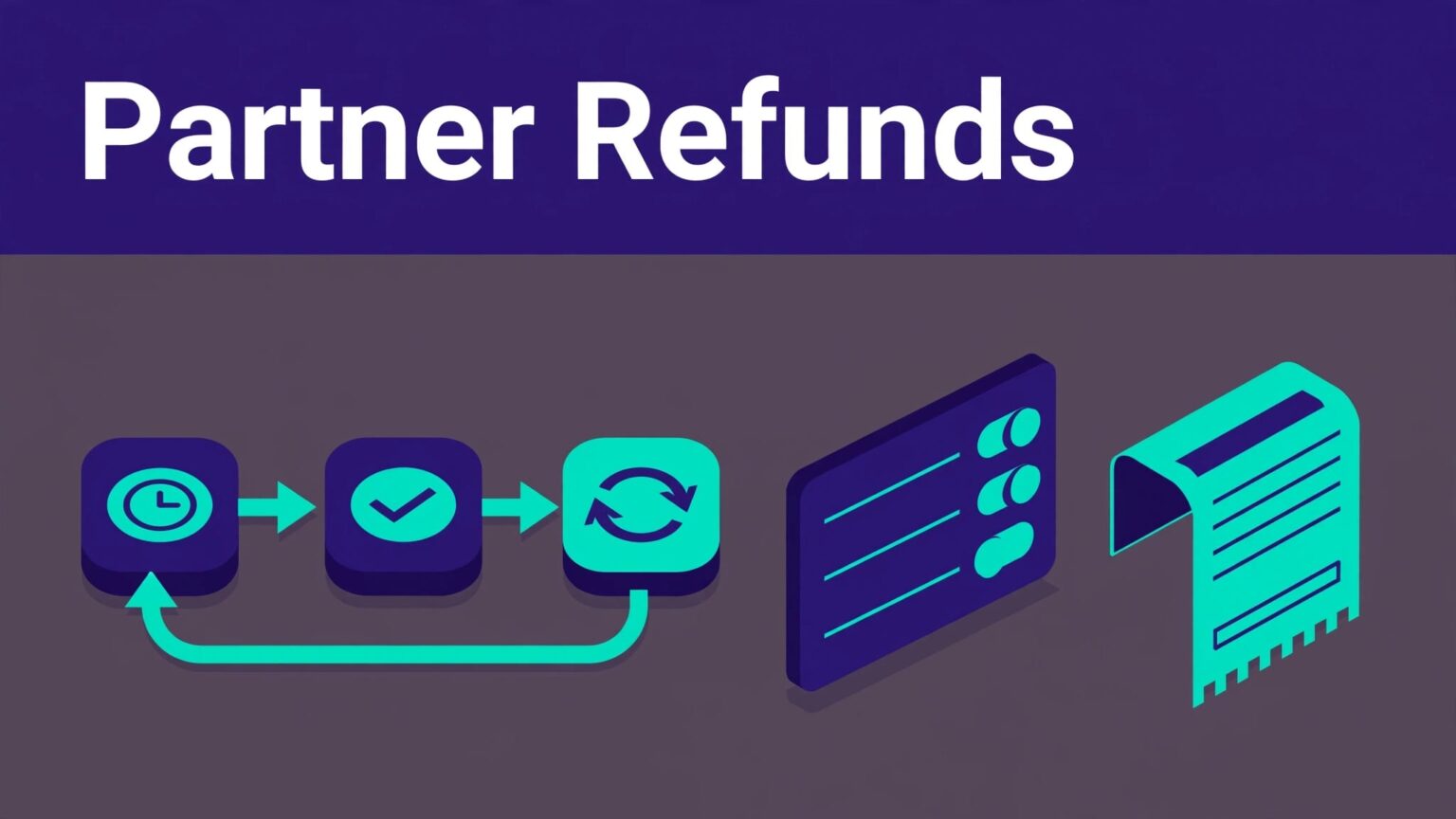
A customer refund can turn a valid partner commission into a payment error if your team moves too fast. Rewardful partner refunds work best when the refund policy, commission waiting period, and payout review process match.
Rewardful can adjust commissions after processor events. Your team still needs a clear record of what happened, who reviewed it, and whether the partner has already been paid.
Use the payment processor as the financial source of truth. Use Rewardful as the commission and payout control layer.
Rewardful partner refunds need a defined lifecycle
A referred customer pays. Rewardful records a commission. The commission stays Pending for a set period. It becomes Due after that period clears, then your team can include it in a payout.
A refund can change that sequence. The safest policy is simple: don’t pay a commission until the customer can no longer receive a normal refund.
Know what Pending and Due mean
A Pending commission is not approved cash. It is a commission that is still inside your holding period. Rewardful’s default pending period is 30 days after the original sale.
Due means the commission has cleared that hold and is ready for payment. Paid means the money has left your commission process. Voided means the commission is no longer payable.
A commission can look correct at signup and still reverse after a refund, failed payment, cancellation, or fraud review.
Rewardful’s commission payout flow for Stripe explains that commissions are based on payment data, not a signup count. This matters for subscription programs. Each paid invoice can create a new commission until the campaign rule ends.
Let the processor trigger the financial change
Do not create a refund in Rewardful before the refund exists in Stripe or Paddle. Process the customer refund in the connected billing system first.
Rewardful listens for processor events such as paid invoices, refunds, upgrades, downgrades, and cancellations. When the event reaches Rewardful, it recalculates the related commission.
That workflow depends on your payment connection. Stripe and Paddle do not use the same integration path. Confirm the processor, event status, and transaction reference before you change any internal record.
Set refund and payout rules before a sale occurs
A fair partner program does not surprise partners after they send a customer. Put the refund rule in your partner terms, campaign settings, and finance process before you launch.
Your campaign controls the commission structure. It can use a percentage or fixed amount, set recurring duration, and define how long commissions stay Pending.
Match the pending period to your refund policy
Set Rewardful’s pending period to match your actual refund window. If customers can request refunds for 60 days, use a 60-day commission hold. A 30-day hold with a 60-day refund policy creates avoidable recovery work.
Do not set a shorter hold because a partner asks for faster cash. That shifts your refund cost to the business. It also creates inconsistent treatment when one affiliate is paid early and another waits.
Review these rules before enabling payouts:
- Your public customer refund window and any exception policy.
- The campaign commission rate, duration, and minimum payout threshold.
- The date commissions move from Pending to Due.
- Who approves a payout batch and who handles post-payment adjustments.
- The partner agreement language for refunded revenue, chargebacks, and paid-commission recoveries.
Keep the written policy short. A partner should understand whether a refund removes a commission, reduces it, or creates a future payout offset.
Separate customer refunds from Rewardful plan refunds
A customer refund for your SaaS subscription is not the same as a refund for your Rewardful account. Rewardful’s own subscription terms and billing policies are separate from your partner commission rules.
Do not assume a feature or payout option is available on every account. Managed payout access and payment methods can depend on account eligibility, plan, location, and setup. Check your live dashboard before changing a finance workflow around a feature you have not enabled.
Process a customer refund in the right order
The order matters. Support should not ask finance to reverse a commission based on a customer email alone. Finance should not edit an affiliate balance because a cancellation “looks likely.”
Start with the completed processor action.
Verify the refund in Stripe or Paddle
Open the customer record in your payment processor. Confirm the invoice, refund amount, currency, refund date, and transaction status. Save the processor refund ID in your internal case record.
For a full refund, verify that the whole paid amount was returned. For a partial refund, confirm the actual amount refunded. Don’t calculate against list price if a coupon, account credit, or discount changed what the customer paid.
For example, a customer pays $100 after discounts and a campaign pays 30%. The original commission is $30. If you refund $25, the remaining paid amount is $75. A proportional commission would be $22.50, not $30.
Use the processor invoice and the Rewardful record to confirm the final amount. Do not rely on a support agent’s estimate.
Check the related commission in Rewardful
After the processor refund is complete, allow the integration event to reach Rewardful. Then open the Rewardful dashboard and review Payouts. Filter the list by status and locate the relevant partner, customer, or commission.
For an unpaid commission, Rewardful’s automated refund handling adjusts the commission after the refund event:
- A full refund removes the associated unpaid commission.
- A partial refund recalculates the commission amount.
- A commission that remains Pending should not move into a payout batch until the record is correct.
Record the before and after values. Capture the commission status, original amount, revised amount, campaign name, partner ID, processor refund ID, and review date.
If the commission does not update after the normal integration window, do not guess. Check whether the refund applied to the same invoice that created the commission. Then confirm that the customer was attributed to the partner and that the processor connection is active.
Handle already-paid commissions with a written recovery rule
The difficult cases are not Pending commissions. They are refunds that arrive after a partner has been paid.
Rewardful’s refund workflow is designed to reduce this risk by holding commissions before payout. Its published guidance does not promise an automatic clawback of money that has already been paid to a partner.
Do not alter paid records without an audit trail
Never overwrite a Paid commission to make the report “look right.” You lose the original payment history and make reconciliation harder.
Create a separate adjustment record instead. Include the original commission ID, customer or invoice reference, partner ID, refund amount, commission adjustment, reason, owner, and date.
Use clear reasons such as:
- “Full customer refund, Stripe refund ID re_…”
- “Partial refund, commission recalculated after invoice adjustment.”
- “Chargeback confirmed after partner payout.”
- “Manual correction approved by finance, support ticket reference included.”
A separate adjustment shows what changed and why. It also protects support staff from being blamed for a finance decision they did not approve.
Choose one recovery method and apply it consistently
Most SaaS programs use one of two methods. They offset the amount from the partner’s next payout, or they ask the partner to return the overpayment under the partner agreement.
An offset is usually easier for active partners. It becomes harder when a partner has stopped promoting you or has no future commissions. In that case, follow the contract and involve finance before contacting the partner.
Do not deduct unrelated commissions without notice. Send the partner the invoice reference, refund date, original commission, adjustment amount, and recovery method. A clear explanation prevents a small refund issue from becoming a trust problem.
Check Stripe and Paddle requirements before changing settings
Rewardful handles processor data, but your workflow must fit the connected platform. Treat the processor setting as a control point.
Stripe supports event-based commission adjustments
Rewardful’s Stripe workflow receives refund notifications and adjusts commission records for the affected invoice. A full refund removes the commission. A partial refund changes the commission to reflect the refunded revenue.
The Rewardful listing in the Stripe Marketplace also describes automated adjustments for refunds, upgrades, downgrades, cancellations, and free trials.
Check that your Stripe connection remains active after staff changes, API key changes, or webhook configuration work. A refund cannot update a commission if the underlying event never reaches Rewardful.
Paddle support is limited to Paddle Classic
Rewardful’s current guidance states that its Paddle integration supports Paddle Classic, not Paddle Billing. Do not assume a process documented for Stripe will work the same way in Paddle Billing.
Review the Rewardful Paddle integration details before launching or changing a Paddle-based partner program. Test a real low-value transaction, refund it through the approved process, and document what your account shows.
Keep the test limited. One campaign, one partner, one known customer record, and one refund event is enough to validate the workflow.
Build a monthly refund reconciliation record
The Rewardful dashboard is useful for daily operations. It is not your only historical record. Finance needs a fixed register that keeps the original transaction and every later adjustment.
Use one row for each commission event, not one overwritten balance per partner.
| Field | What to record |
|---|---|
| Source transaction | Processor invoice ID, customer ID, and refund ID |
| Rewardful details | Campaign, partner ID, commission ID, and status |
| Financial values | Paid amount, refund amount, original commission, and adjustment |
| Review evidence | Refund date, reviewer, case link, and screenshot location |
| Payout outcome | Pending, Due, Paid, voided, offset, or recovery status |
The record should reconcile processor refunds with Rewardful commission changes and actual partner payments.
Review exceptions before each payout run
Before you pay Due commissions, review recent refunds, partial credits, disputes, cancellations, duplicate subscriptions, and unusual refund rates by partner.
A high volume of referrals does not prove a partner is valuable. Track paid invoices, refunded revenue, Pending commissions, Due commissions, Paid commissions, and voids. Partners with many short-lived subscriptions or high refund rates need review before they receive faster payout terms.
Keep commission approval separate from payout execution when possible. One person or team checks eligibility. Another funds the payout. That separation reduces accidental payments and undocumented reversals.
Give support a reproducible case file
When a commission looks wrong, collect facts before contacting Rewardful support or asking finance to intervene. Include the customer email or internal ID, processor invoice ID, refund ID, campaign, partner ID, commission amount, status, date range, and screenshots.
State the expected result in plain language. For example: “The customer received a full Stripe refund on September 12. The $30 commission remains Due in Rewardful. The commission has not entered a payout batch.”
Do not report “missing money” without the transaction record. The commission may be Pending, outside the attribution rule, tied to another invoice, or already adjusted by a processor event.
Final control: pay only commissions that can survive review
Rewardful partner refunds are manageable when your team holds commissions through the real refund window and lets processor events update the financial record.
Keep Pending, Due, Paid, and adjusted commissions separate. Keep every correction as a new record with a date and reason.
A refund process is reliable when finance can explain every commission change without rebuilding the story from memory.
