
Long PDFs, email threads, and research papers are easier to handle when your Mac can read them aloud. Speechify converts written content into spoken audio, so you can listen while reviewing documents, commuting, or taking a break from the screen. The Mac installation is straightforward, but the source matters. Use the official Speechify download or
Business teams produce more written content than employees can comfortably read. Product documentation, training material, customer emails, research reports, and internal updates all compete for limited attention. Text to speech for business gives employees another way to consume that information. Speechify adds voice selection, speed controls, document support, and production tools that can support daily
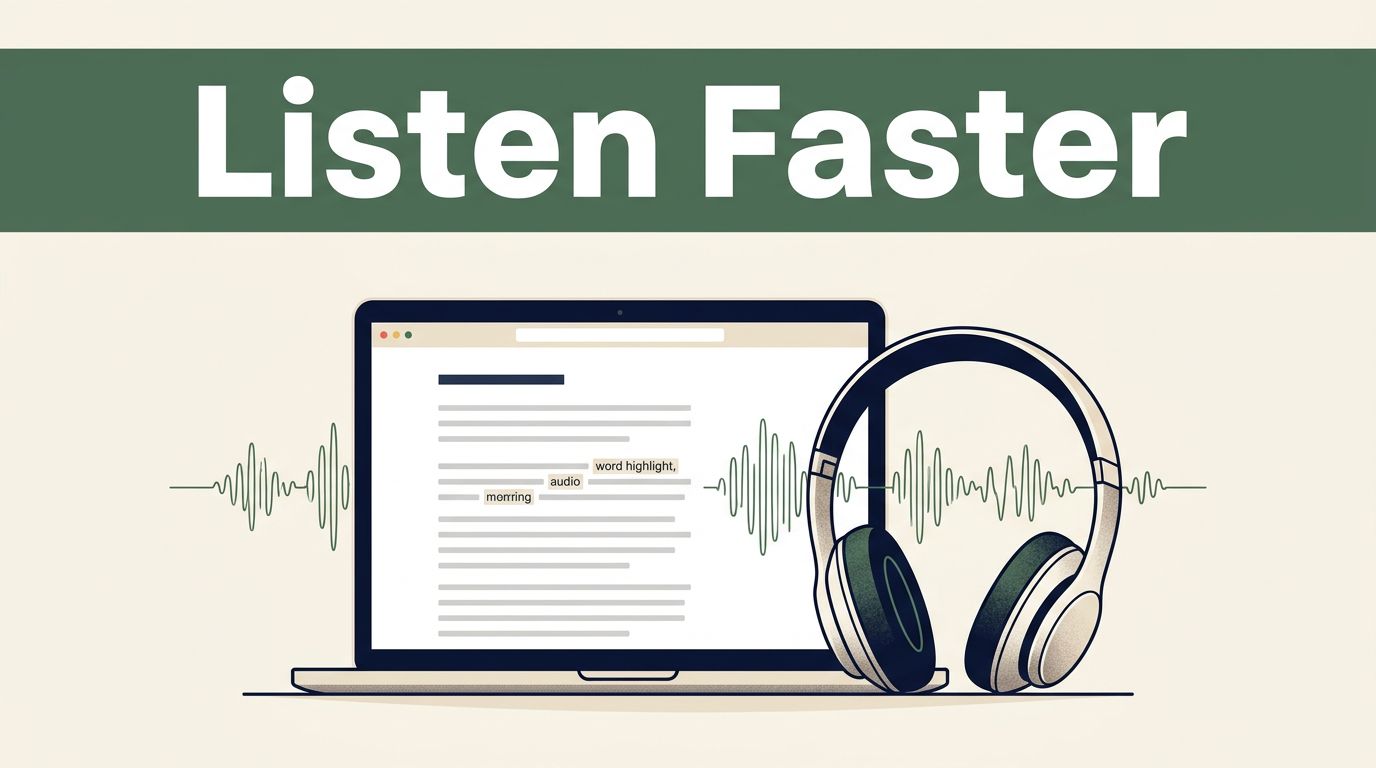
Most people don’t need more articles. They need a faster way to process the articles already open in their browser. Speechify converts web pages into spoken audio, so you can read with your ears while walking, commuting, or handling routine work. It also highlights words, adjusts playback speed, and works with selected text, full pages,
A Snoop Dogg voice generator can turn a plain paragraph into a familiar, relaxed performance. Speechify offers an official Snoop Dogg AI voice experience, but the voice may not appear in every product area or plan. That distinction matters if you’re creating social content, voice messages, ads, or internal audio. You need to know which
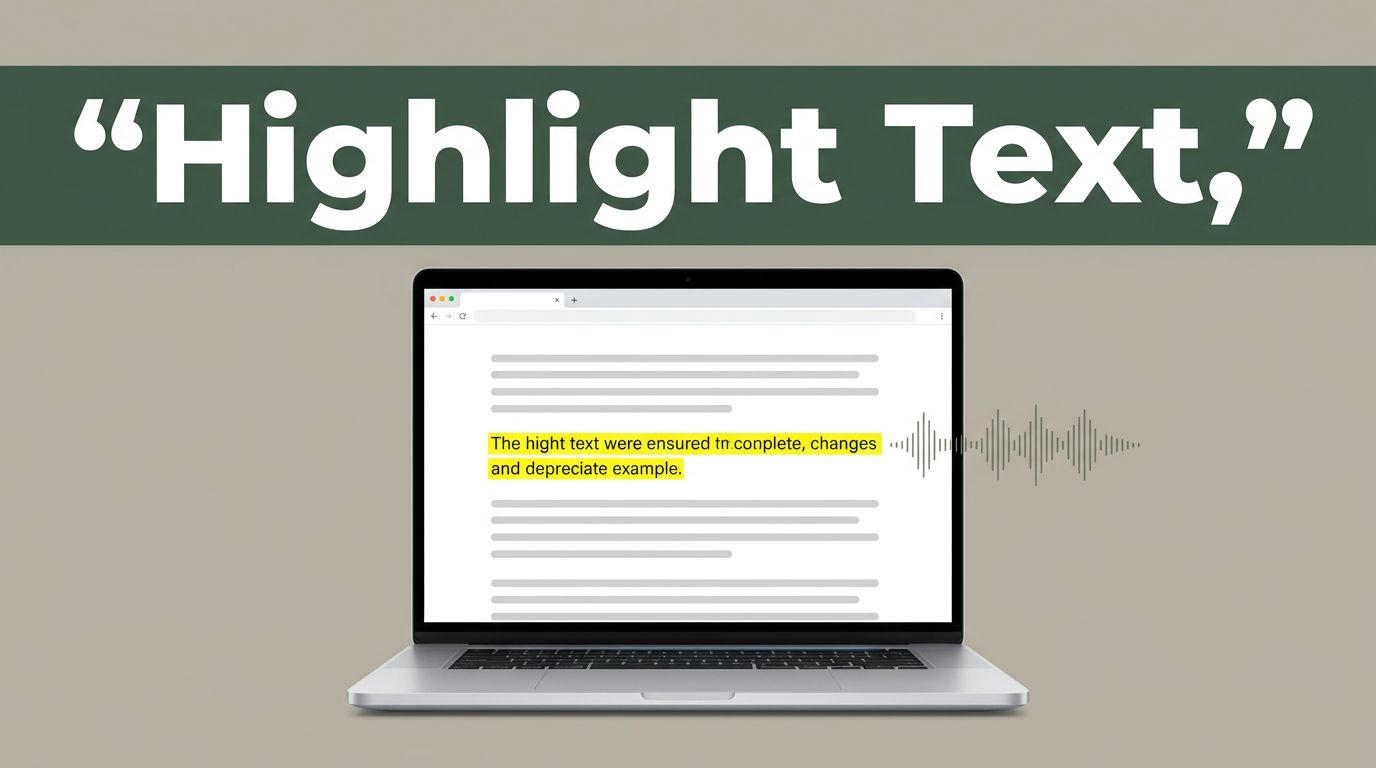
Reading long web pages is slow when your eyes must stay on every line. Speechify lets you select text, play it aloud, and follow the words as they are spoken. The setup depends on what you mean by “highlight.” You can highlight words on screen for visual tracking, or select text to tell Speechify where
Long documents create access problems even when the content is technically available. A text-to-speech reader can reduce that barrier, but only when it fits your systems, policies, and support model. Speechify accessibility tools can help learners, employees, and customers listen to web pages, documents, PDFs, and other text. A successful deployment requires more than buying
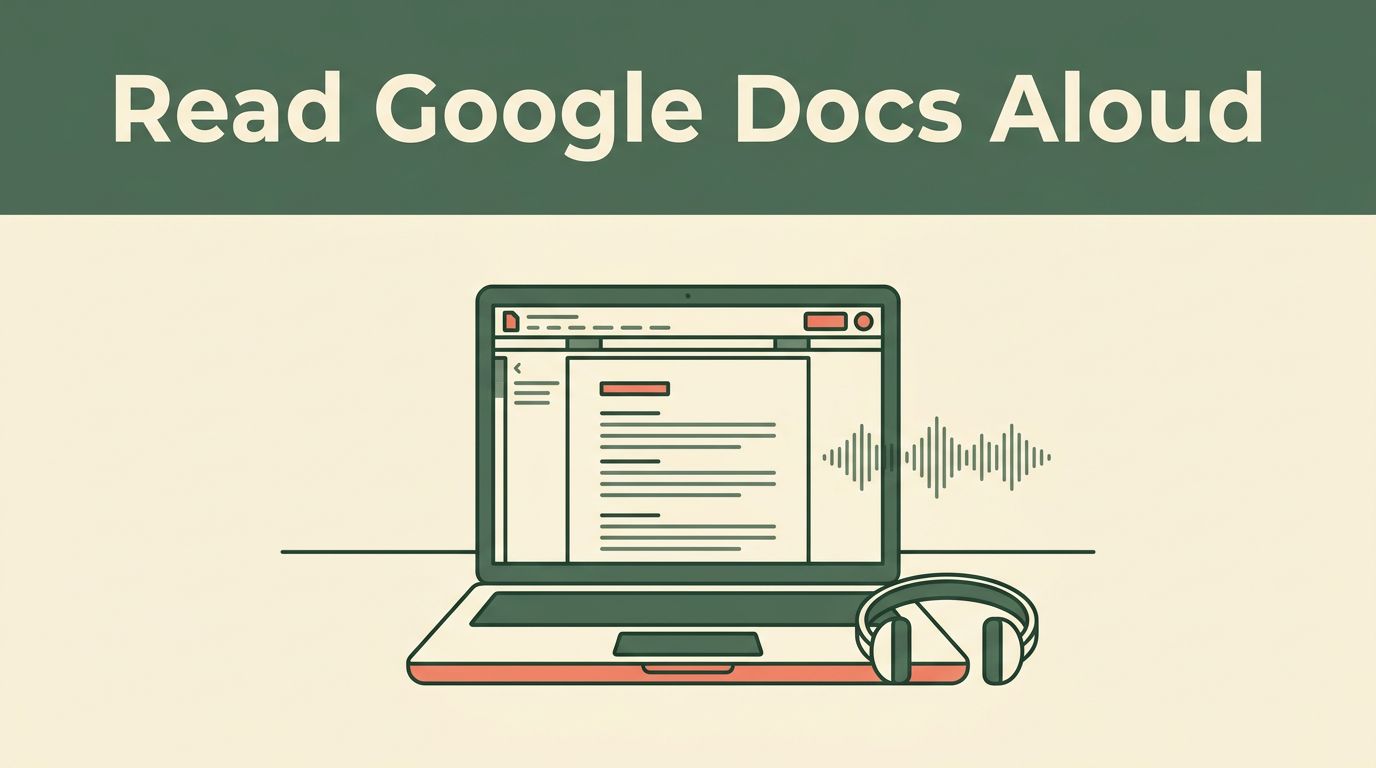
Long Google Docs are easier to handle when you listen instead of staring at the screen. Speechify can read Google Docs aloud through its Chrome extension, mobile apps, and web app. The setup differs by device. The Chrome extension is best for reading while you work in the browser. Mobile apps are useful for listening
A familiar voice can make a long document easier to finish. Speechify now lets users listen to text with licensed celebrity voices, including Snoop Dogg, Gwyneth Paltrow, and MrBeast. The feature is useful for articles, study notes, emails, and audiobook-style listening. It also has limits. Celebrity voices are available for in-app reading, but they aren’t
Long articles, PDFs, emails, and reports are easier to handle when you can listen instead of staring at a screen. Speechify reads digital text aloud through mobile apps, a browser extension, and web-based tools. The setup depends on where the text lives. A webpage needs a different workflow from a scanned document or a mobile
