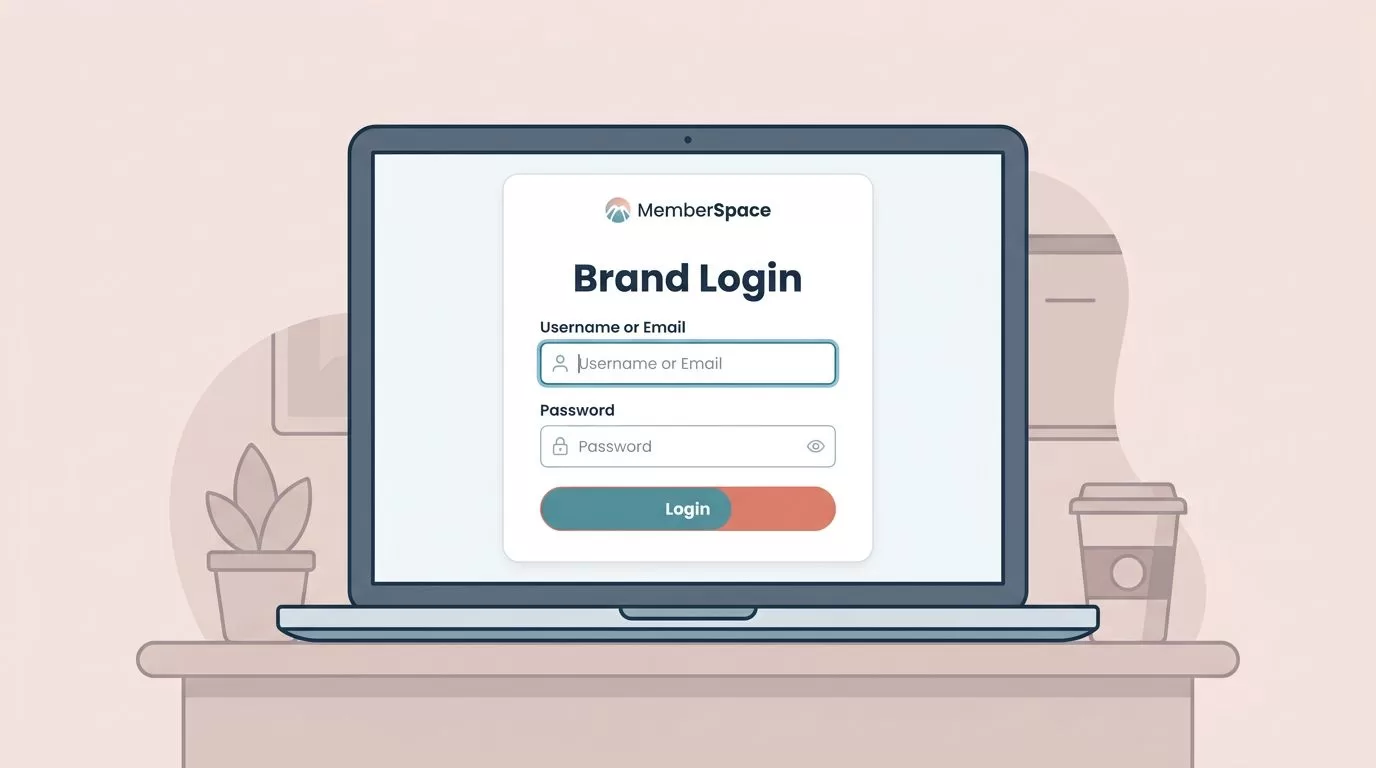

The first login screen tells people whether my membership site feels polished or patched together. If the colors drift, the form looks off, or the buttons feel generic, trust drops fast. When I handle MemberSpace login styling, I start with the same brand rules I use everywhere else. That keeps the member path consistent from

Launching a white label membership feels simple until the details pile up. One wrong login screen, one branded email, or one messy access rule can break the whole experience. I build these memberships for founders, creators, agencies, and SaaS teams that want the site to feel like their own product, not rented software. MemberSpace gives
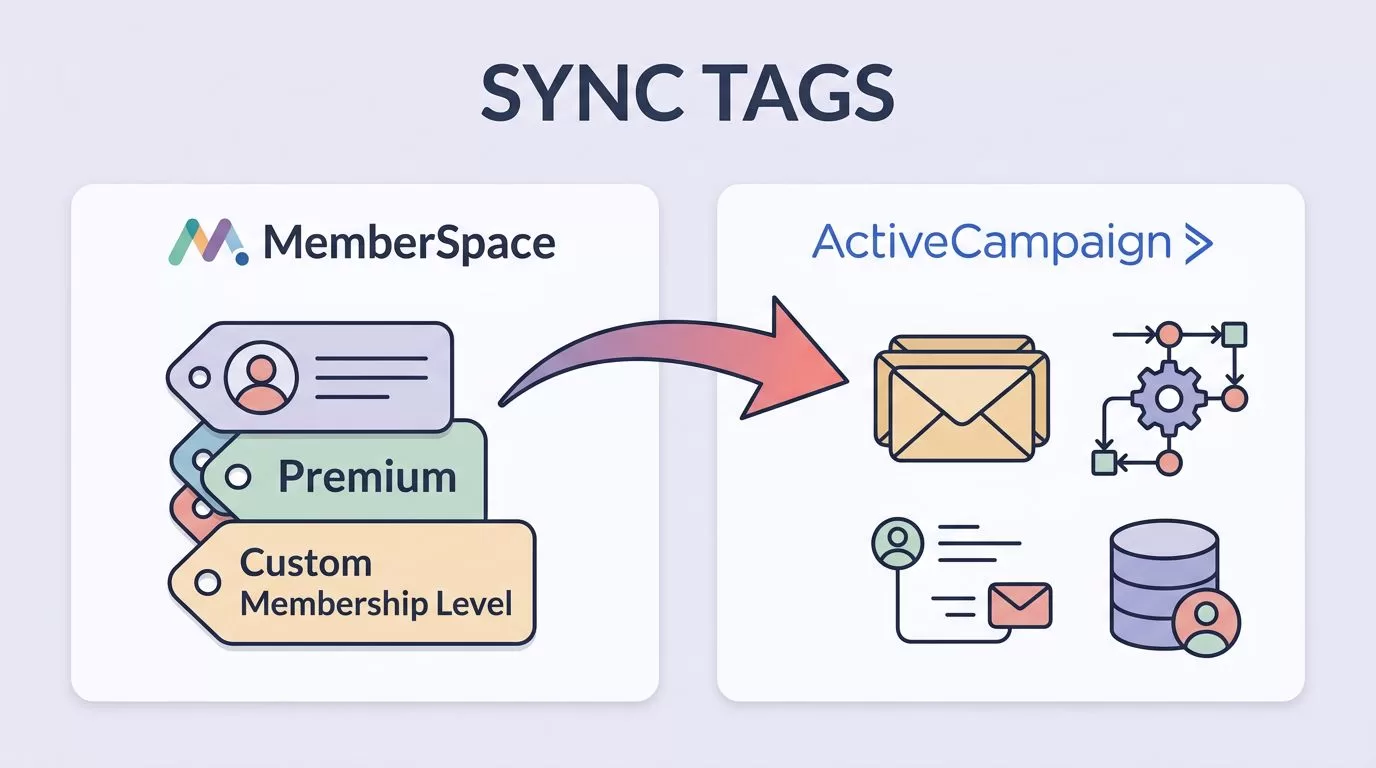
A member can sign up in one system and disappear in another if the tags are sloppy. That is why I keep MemberSpace ActiveCampaign tags clean, short, and tied to real membership states. I use MemberSpace for access and ActiveCampaign for follow-up. Once those two agree on who is active, canceled, expired, or stuck on

If my MemberSpace numbers look busy but I can’t explain where members came from, I don’t have analytics. I have noise. When I set up MemberSpace Google Analytics tracking, I want one clean view of signups, logins, purchases, cancellations, and content access. MemberSpace can sit beside GA4 once the site tag is in place, but

MemberSpace webhooks save me from watching a dashboard for every member change. When someone signs up, upgrades, or cancels, I want my other tools to react right away. That matters because membership work moves in small, important steps. A late CRM update, a missed Slack alert, or a stale spreadsheet can make the whole system

A paid community can lose members before they even post if login feels messy. I keep Circle and MemberSpace tied together so payment, access, and community all point to the same place. The setup works best when I want one system to take payment and another to host the conversation. Circle handles the community space.

A paid Slack community gets messy fast when billing lives in one tool and access lives in another. I want one place to decide who pays, one place to decide who gets in, and a clean path when a card fails or a member cancels. MemberSpace gives me the billing side. Slack handles the conversation.
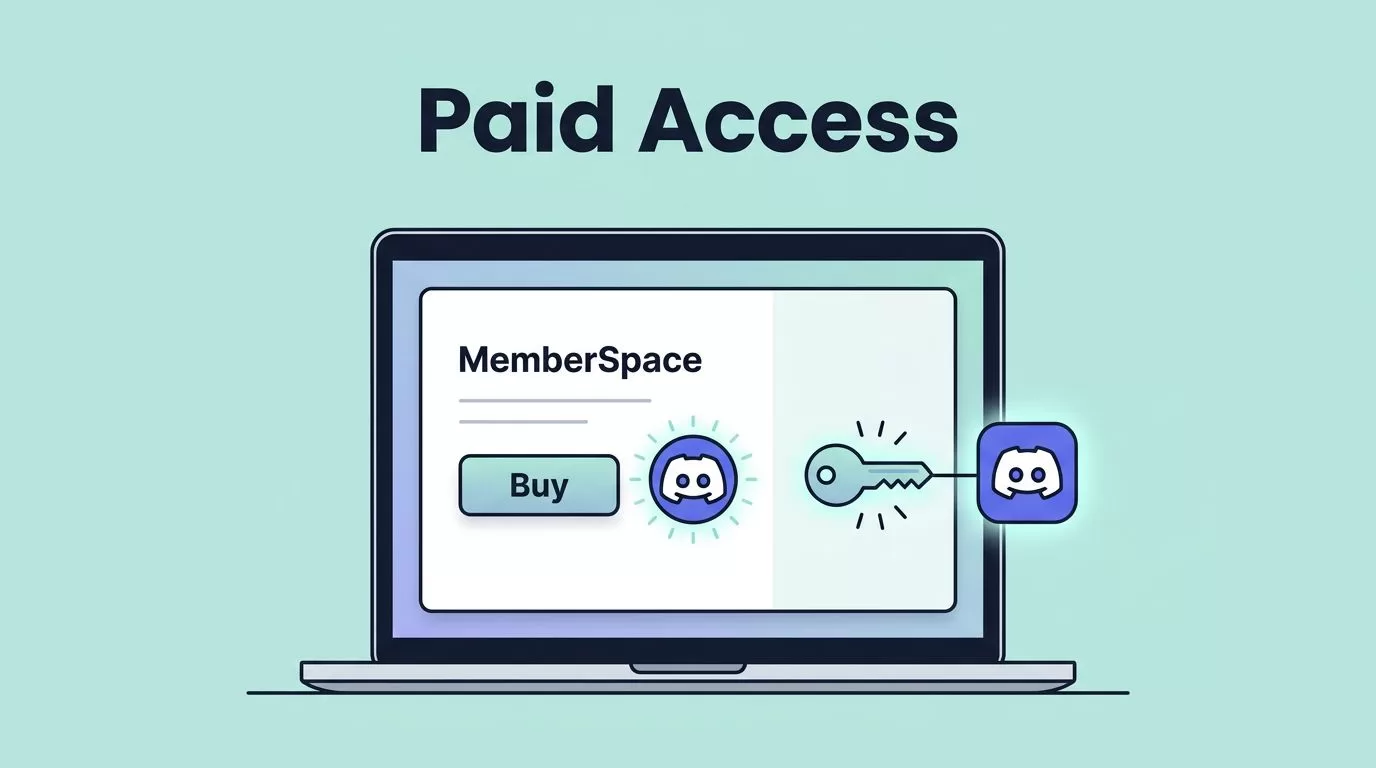
Paid communities get messy fast when access lives in too many places. If someone cancels, I want the Discord door to close without a long chase. That’s why I keep MemberSpace Discord paid access tied to one clear membership status and one Discord role per tier. MemberSpace handles the payment side, and Discord handles the
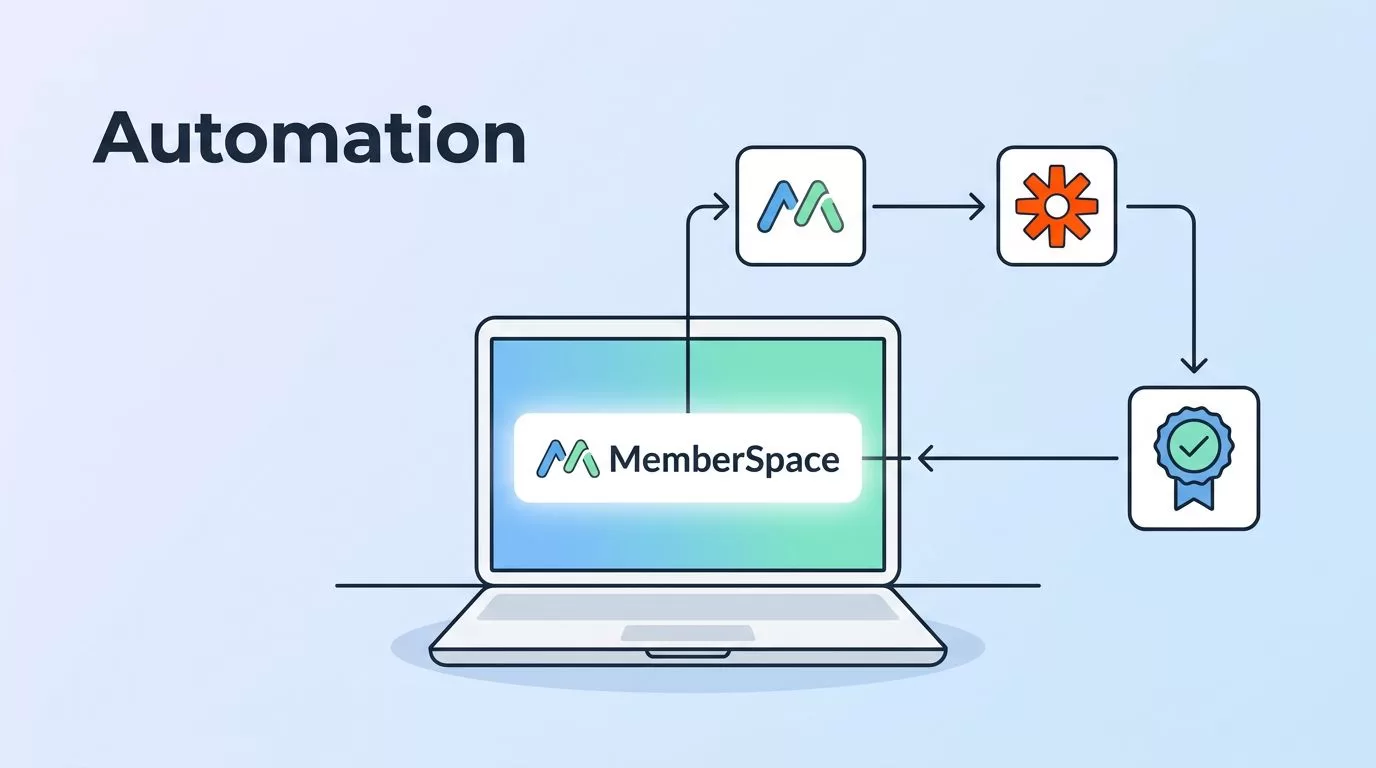
A membership site gets noisy fast. New signups need a welcome path, canceled accounts need a clean exit, and billing issues need the right follow-up. I use MemberSpace Zapier automation to move those tasks out of my inbox and into a repeatable system. When the handoff is clean, members get faster responses and I stop
