How I Start a Drone Flying Class on Skool
A drone class can fill faster than most people expect, but only if I make the first lesson feel safe and useful. When I build a drone flying class on Skool, I do not start with fancy footage or gear talk. I start with the result a student w...
A drone class can fill faster than most people expect, but only if I make the first lesson feel safe and useful. When I build a drone flying class on Skool, I do not start with fancy footage or gear talk. I start with the result a student wants in week one, because that is what makes the class easy to buy and easier to finish.
Skool keeps the teaching, discussion, and payments in one place. That matters when I want a clean student experience instead of a patchwork of tools. From there, I shape the classroom so the whole thing feels like a smooth takeoff, not a crowded control panel.
I choose one student outcome before I build anything
The fastest way to waste time is to make a class for everyone. I get better results when I pick one clear promise and build the course around it.
Before I settle on the topic, I check drone market data analysis so I know which audience is actually growing. Sometimes I aim at complete beginners who want to stop crashing. Other times I narrow it to creators who want clean B-roll, or real estate agents who need property shots that look polished without hiring a pilot.
If I want to go even narrower, I borrow ideas from real estate drone photography strategies and turn them into a practical drone module for listings, walk-throughs, and rooftop angles. That kind of focus helps the class sell itself.
I usually write my promise in one sentence:
“By the end of this class, you will be able to fly a drone safely, land with control, and capture footage you can actually use.”
That sentence gives the student a picture in their head. It also keeps me from piling too much into the first version.
I set up the Skool classroom before I invite anyone

Skool makes the setup simple if I keep the structure tight. I can create the community and classroom directly on Skool, use the free 14-day trial to test the flow, and move to the $9 per month Hobby plan if the class is working. I like that because I can validate the offer before I spend much.
When I want the platform steps in order, I keep the official how to publish a course guide open. For a visual walkthrough, I also use this Skool tutorial for beginners.
My setup usually follows this path:
- I create the community name around the outcome, not a vague label.
- I open the Classroom tab and create the first course.
- I add a short description, a clear cover image, and a clean course name.
- I pin a “Start Here” post and an introduction thread in the community feed.
Skool now gives me up to 10 spaces, so I keep the discussion areas lean. I do not need a dozen categories on day one. I usually start with three, maybe four, such as wins, questions, flight practice, and resources.
I also turn on a welcome message so new members know exactly where to go. That small nudge saves me from answering the same first-day question over and over.
I build lessons that get students in the air fast
The best drone lessons are practical. If a module feels like a textbook, I cut it back. If a lesson teaches one skill too many, I split it.
I like a course structure that moves from confidence to control, then from control to useful footage. Skool’s classroom works well for this because I can add short modules, keep the pages organized, and use auto-chapters and subtitles on longer lessons.
Here is the structure I use most often:
| Module | What I teach | What the student can do next |
|---|---|---|
| Start with the aircraft | Battery care, controller layout, pre-flight checks | Prep the drone without guessing |
| First flight skills | Hovering, takeoff, landing, stick control | Fly with less panic |
| Direction and distance | Boxes, circles, altitude changes, turnarounds | Move the drone on purpose |
| Camera basics | Tilt, framing, exposure, simple shot planning | Capture cleaner footage |
| Practice project | A short flight exercise with feedback | Post a usable clip or share a practice run |
I keep each lesson short enough that students can finish it in one sitting. That helps momentum. It also makes it easier for me to spot where they get stuck.
One thing I never skip is a practice prompt at the end of each lesson. I ask students to upload a short clip, a photo of their setup, or a quick note about what felt awkward. That turns the class into a working session instead of a video library.
A student who flies once a week learns faster than one who only watches.
I price the class around access, not just content
I do not think about pricing as a number first. I think about the type of access I want to sell. A recurring community, a one-time course, and a hybrid offer each pull in a different kind of buyer.
| Pricing model | Best for | My use case |
|---|---|---|
| Monthly membership | Ongoing feedback and live help | Students who want weekly practice and Q&A |
| One-time course | Clear start and finish | Beginners who want a self-paced flight path |
| Hybrid offer | Course plus community | Buyers who want lessons now and support later |
If I want a fast first sale, I sometimes use a founding member price for the first wave. That gives early students a reason to join before the course feels complete. It also gives me feedback while the class is still flexible.
I like the hybrid model most. The course gives structure, while the community gives me a place to answer questions, review clips, and keep the momentum alive. That is where Skool fits well, because the course and the discussion live side by side.
When I sell the class, I keep the promise simple. I sell confidence, safer practice, and usable footage. I do not oversell mastery. A good first offer should feel reachable.
I keep the community active after launch
A drone class gets stronger when students talk to each other. I use the community feed to keep the class moving between lessons.
My weekly rhythm is simple:
- Monday, I post a goal-setting thread and ask what each student wants to practice.
- Wednesday, I share one lesson, tip, or clip review.
- Thursday, I host a live Q&A or feedback session.
- Friday, I ask for wins, mistakes, and short flight clips.
That rhythm gives the class a heartbeat. It also gives students reasons to check back in instead of drifting away after the first week.
I use names and levels inside Skool to make progress visible. That little bit of gamification helps more than people expect. A student who sees their progress in public is more likely to keep going.
I also keep the first few posts very active. Empty communities feel cold, so I seed the feed with a welcome note, a “Start Here” post, a few teaching posts, and a discussion prompt before I invite the first members. That way, the class feels alive the moment someone walks in.
I treat safety and compliance as part of the curriculum
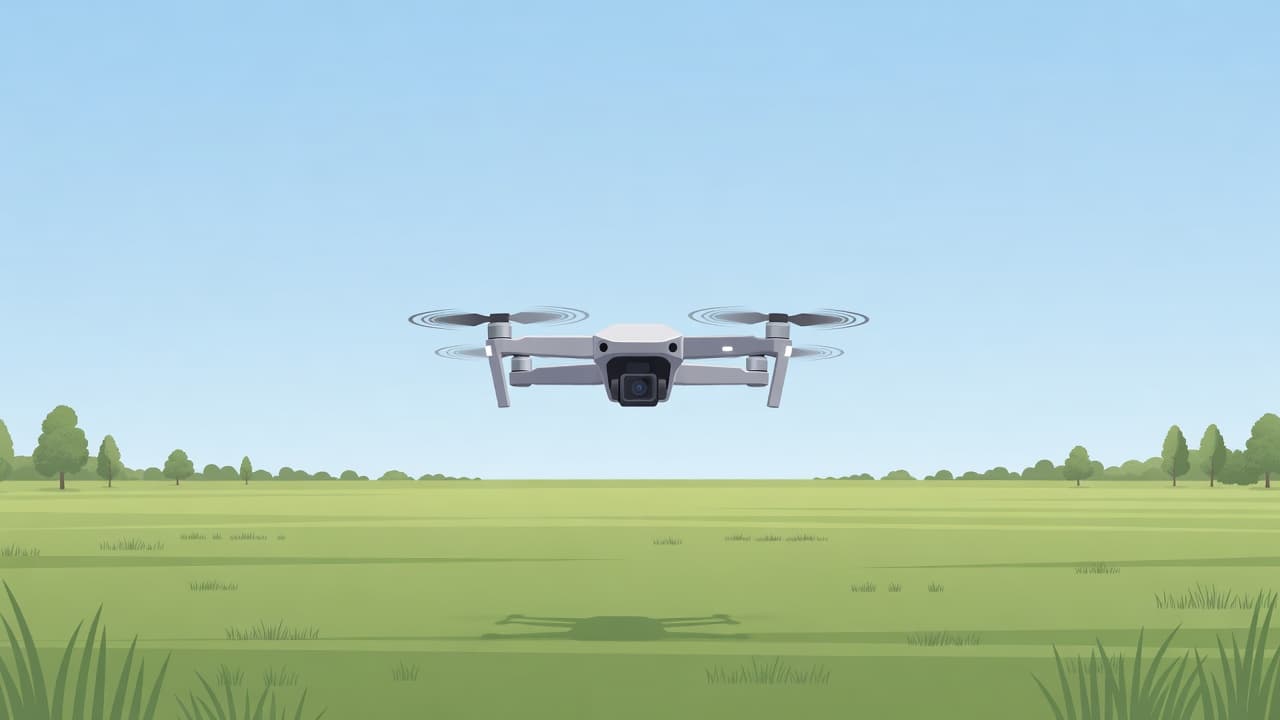
I never teach drone flying as if the rules do not matter. Students need to know how to check their local requirements, where they can fly, and what kind of operation they are planning. I do not give legal advice, and I do not tell people to guess.
I build safety into the class from day one. That means pre-flight checks, battery care, weather checks, line-of-sight habits, and a clean habit of flying in open space first. It also means teaching students to slow down before they chase a shot.
If a student wants to fly commercially, I tell them to confirm the current rules that apply to their location and use case before they sell services. That conversation belongs in the class, not on the side. It protects the student and it gives the course more credibility.
I like to frame safety as part of skill, not as a warning label. Good pilots know when to wait, when to reposition, and when to land. That discipline is what keeps a beginner from turning one bad flight into a broken drone.
Conclusion
The strongest drone flying class on Skool starts with one clear promise, a small but complete curriculum, and a community that keeps people practicing. I want the first flight to feel manageable, the lessons to stay short, and the feed to stay active.
When I combine those pieces, the class stops feeling like a pile of videos. It becomes a place where students learn, share clips, and build confidence one flight at a time.
