How I Auto-Fill Web Forms with Twin.so
I waste hours each week on repetitive web forms. Lead intake sheets, vendor onboarding portals, back-office invoices, they all demand the same clicks and typing. Twin.so changed that for me. Its AI agents handle the work in a browser, just...

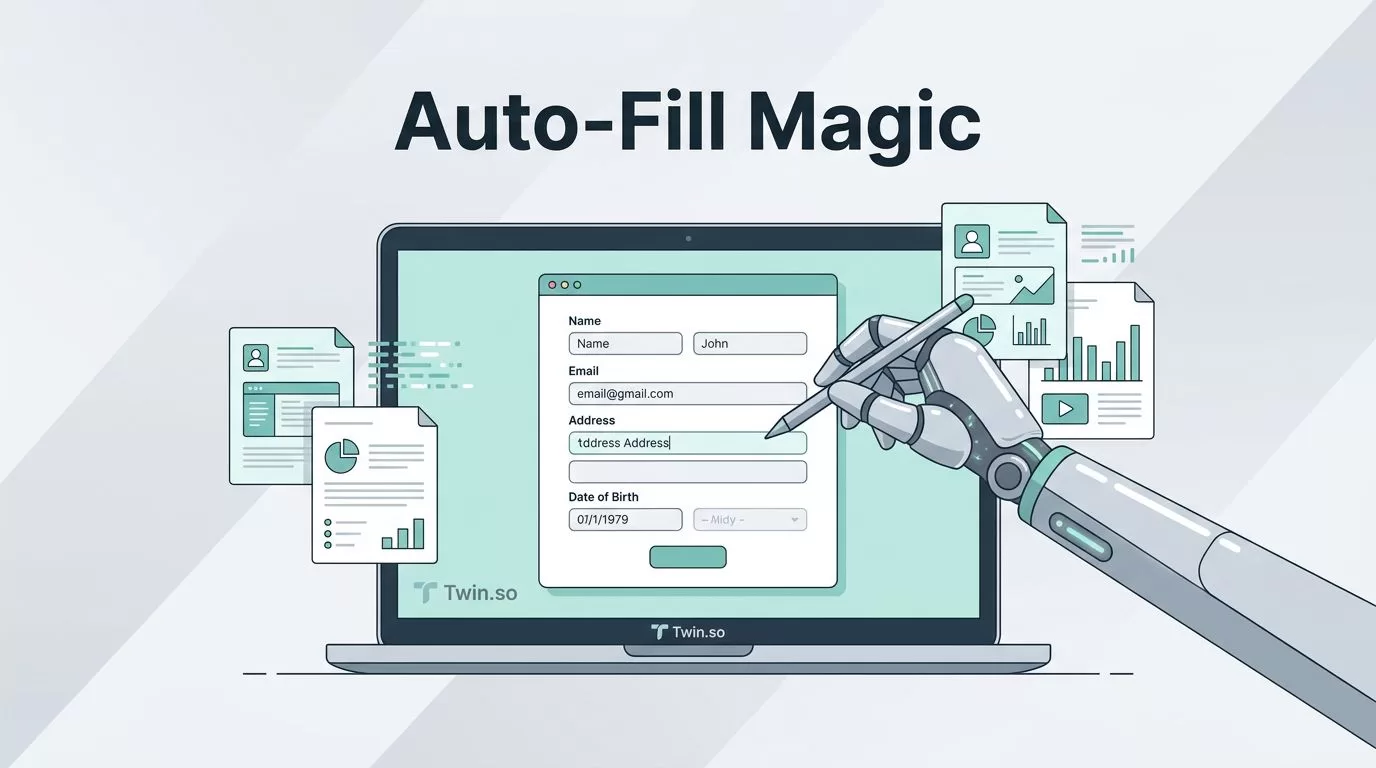
I waste hours each week on repetitive web forms. Lead intake sheets, vendor onboarding portals, back-office invoices, they all demand the same clicks and typing. Twin.so changed that for me. Its AI agents handle the work in a browser, just like I would, but faster and without errors.
You know the drill: copy-paste data, hunt for fields, double-check submissions. Browser autofill helps with basics, yet it fails on dynamic sites or multi-step processes. Twin.so steps in with smart automation. Let me show you how I use it.
Why Twin.so Beats Browser Autofill and Basic RPA
Standard browser autofill remembers your name or address. It skips complex forms with conditional fields or CAPTCHAs. Simple RPA tools script clicks, but they break when sites update.
Twin.so builds agents that adapt. I tell it in plain English, “Go to this vendor site, fill the invoice form with data from my sheet, submit.” The agent scrapes the page first, plans steps, then executes in a cloud browser. No code needed.
It prefers APIs when available, falls back to browser only as required. This mix keeps costs low and speed high. For reliability, I watch sessions live or review logs. Data accuracy stays high because agents verify fields before entry.
Permissions matter too. I store logins securely; agents access them without exposing instructions. In my setup, this handles sensitive back-office tasks without risks.
Setting Up Your Twin.so Account
Sign up at Twin.so. It’s free to start, with credits for testing. I linked my Google account in seconds.
Next, explore the dashboard. Create an “orchestrator” agent, the brain that picks tools. Add your data sources like Google Sheets for form inputs. Test a simple task: “Fill a test form at httpbin.org/forms/post.”


This image captures my first run. The agent opened the site, typed sample data, hit submit. I approved the browser launch once; now it runs solo.
Step-by-Step: Building a Form-Filling Agent
Follow these steps to auto-fill web forms. I built one for client onboarding last week.
First, describe your goal. In the builder, type: “Log into our CRM, fill the new client form with name, email, company from this Sheet row, attach contract PDF, submit.”
Twin generates instructions automatically. Review them; edit if needed. For example, I added “Double-check email format before submit.”

The platform shows a plan: target URL, fields, actions. Approve or tweak. Launch; watch the embedded browser. It clicks, types, handles dropdowns.
Test on variations. I ran mine on 10 rows; it succeeded 9/10. The failure? A recaptcha. Now I route those to me for manual solve.
For details on quickstarts, check Twin’s quickstart guide.
Tackling Dynamic and Multi-Step Forms
Many forms change based on inputs. Select “individual” filer, and tax fields appear. Multi-step wizards drag across pages.
Twin’s web agent shines here. It analyzes the page structure pre-launch. In my vendor portal tests, it navigated three steps: login, upload docs, confirm details.
Reliability tips: Use specific prompts like “Wait for green success message.” For accuracy, feed clean data; agents parse but falter on messy CSVs.
Permissions stay tight. Agents use session tokens; I revoke anytime. Dynamic sites with JavaScript? No issue; it renders full pages.
Compare to RPA: Those rigid scripts crash on updates. Twin adapts via AI.
Real-World Examples from My Daily Workflow
I automate lead capture first. New inquiries hit a Typeform; Twin pulls data, fills our CRM form. No more manual entry. This beats Zapier lead capture workflows for sites without APIs.
Onboarding clients? Agent visits their portal, submits verification forms with our details. Saves my team two hours daily.
Back-office shines brightest. Invoices from suppliers: Agent logs in, extracts amounts, fills accounting sheet. For repetitive tasks like weekly reports, it scrapes competitor pricing, populates dashboards.

My dashboard now shows hours saved. Lead forms process in 30 seconds each.
See Twin’s web agent docs for form examples.
Pricing and Key Considerations
Twin charges credits per action: building, running, browsing. Simple form fill? A few credits. Complex multi-site? More, but previews show costs upfront.
In May 2026, no flat fees; pay for use. I spend $20 monthly on 200 tasks. Discounts kick in at volume.
Watch for edge cases: Heavy traffic sites throttle browsers. Solution: Schedule off-peak. Data privacy? Agents run in your account; no shared logs.
Test small. I started with free credits, scaled after proofs.
Key Takeaways from Using Twin.so
Twin.so turns tedious form filling into background magic. I reclaim hours for real work, from leads to invoices.
Agents adapt where autofill quits, handle dynamics RPA can’t. Start simple, refine prompts, monitor first runs.
Now my workflows hum. Try a test agent; you’ll see the shift fast.

