How I Auto-Reply to YouTube Comments with Twin.so
I do not like watching a YouTube comment section sit idle after a video goes live. The first replies set the tone, and slow responses can make a busy thread feel abandoned. That is why I use auto reply YouTube comments workflows with care....

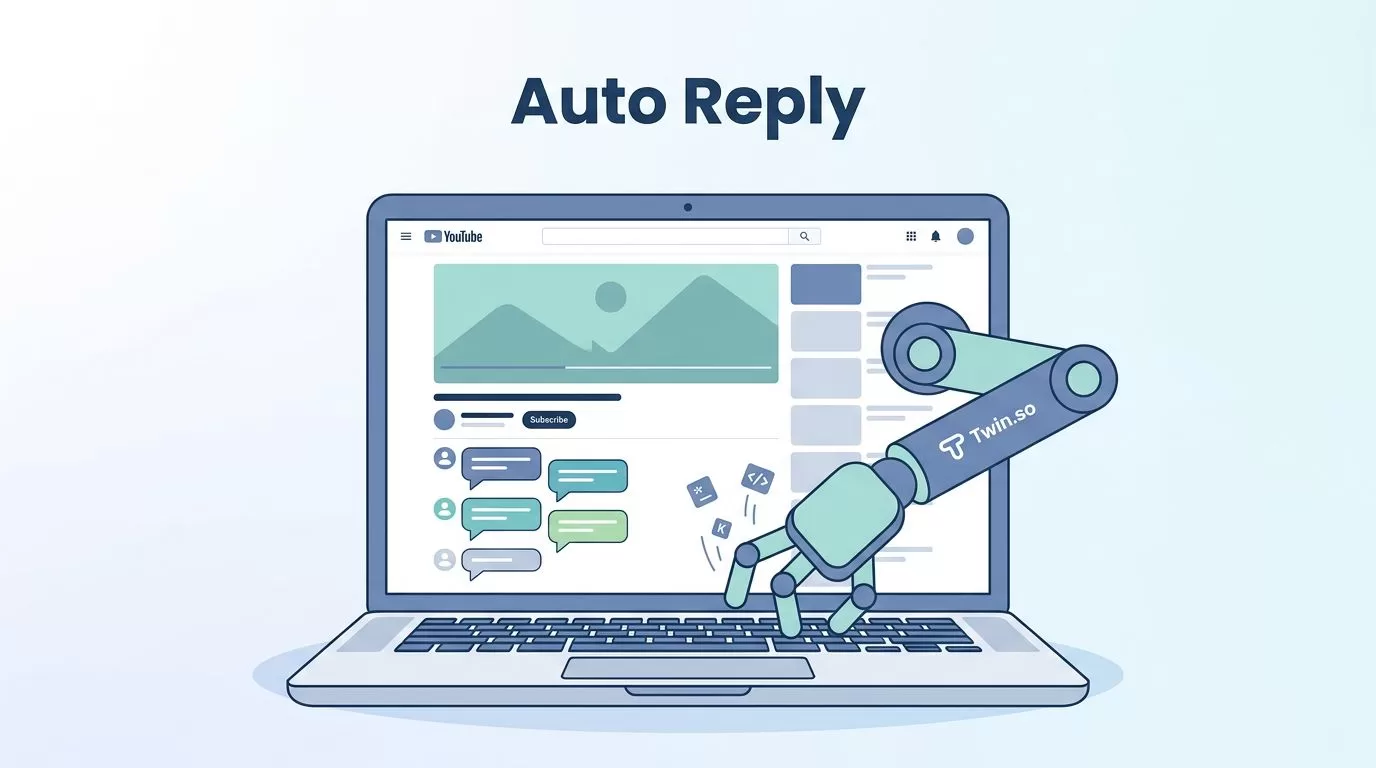
I do not like watching a YouTube comment section sit idle after a video goes live. The first replies set the tone, and slow responses can make a busy thread feel abandoned.
That is why I use auto reply YouTube comments workflows with care. Twin.so helps me answer simple comments fast, keep the voice consistent, and leave the messy stuff for a human touch.
Why I use Twin.so for YouTube comment replies
I treat comment automation as triage, not replacement. Most channels get the same few comment types again and again, such as praise, simple questions, requests for links, and short complaints. Those are perfect for quick replies.
Twin.so is a real no-code AI agent platform, and its YouTube automation demo shows the kind of browser work it can handle. I also looked at a short Twin.so workflow clip on Instagram, which makes the broader point clear, it can handle browser-based tasks beyond one narrow use case.


What I like most is the control. I do not need a giant, all-or-nothing setup. I can point Twin.so at one channel, one video, or one comment type, then expand only after I trust the results.
Set up a reply workflow that I can trust
I start small. A narrow setup is easier to review, and it keeps me from flooding my own comments with predictable replies.
Here is the setup I use most often:
- Pick one video or one type of comment.
I begin with a recent upload that gets steady traffic. If the comment stream is full of questions, that is my best test case. - Define what the agent should answer.
I only let Twin.so handle comments that are easy to classify. A quick thank-you, a plain question, or a basic setup request is fair game. - Write the reply rule in simple language.
I keep the instruction plain. For example: if the comment asks for a step, answer with one step and one follow-up line. If the comment says thanks, reply with a short thank-you. - Create a manual review path.
Anything about refunds, account access, broken links, policy issues, or complaints goes to me. I do not let the agent guess. - Test on a limited window.
I run the workflow for a small batch of comments, then I check every reply. If it sounds stiff, I edit the prompt before I scale up. - Watch the first hour after launch.
That is where weak logic shows up fast. One bad reply can tell me more than ten clean ones.
I also keep the workflow tied to the channel’s real tone. If the brand is calm and technical, I do not want cheerful fluff. If the channel is playful, I keep the replies light but still brief.
Reply logic that sounds human
Automation works best when the rules are simple. I do not ask Twin.so to sound clever. I ask it to sound useful.
Here is the logic I use when I set up reply rules:
| Comment type | Reply goal | Sample reply |
|---|---|---|
| Praise | Say thanks and invite more engagement | “Thanks, I’m glad this helped. If you try it, let me know how it goes.” |
| Simple question | Answer directly and clearly | “Yes, I used Twin.so for that part. I can share the setup if you want it.” |
| Feature request | Set expectations without overpromising | “Good idea. I’ve added that to my list for the next pass.” |
| Complaint or bug report | Acknowledge it and move to review | “Thanks for flagging that. I’m checking it now so I can give you a solid answer.” |
The best replies feel short and specific. They do not sound like a support bot that swallowed a marketing brochure.
A good auto reply should read like a quick note from someone on the team, not a broadcast.
I also reuse sentence patterns that fit the channel. For example, I may use:
- “Thanks for watching, I’m glad that cleared it up.”
- “Good catch, I missed that detail.”
- “I’m checking this now and I’ll update the thread.”
Those lines work because they sound like normal speech. They do not try too hard.
When a comment asks for links or setup help, I keep the answer limited to one useful action. That stops the reply from turning into a wall of text. It also keeps the thread readable on mobile, where long comments feel heavier than they look on desktop.
Keep moderation and brand voice tight
I never let auto replies run without guardrails. YouTube comment sections can turn messy fast, especially after a strong upload or a controversial topic.
A few safeguards matter more than fancy prompts:
- I block repeated replies to the same comment style.
- I keep promotional language out of first responses.
- I route comments with profanity, legal threats, refund requests, or account problems to me.
- I limit automation on videos that cover sensitive topics.
- I review replies after a spike in traffic, because volume can expose weak logic.
YouTube also has little patience for spammy behavior. If my automation keeps posting near-identical lines, I shut it down and rewrite the rule. That is safer than trying to force volume through a bad setup.
I also match the reply style to the creator or brand voice. A SaaS channel should not sound like a meme page. A creator-led channel should not sound like a bank. The wording matters, because the comment thread is public and every reply shapes how the brand feels.
When I want the tone to stay steady, I write a small style sheet for the agent. It usually includes the words I prefer, the words I avoid, and the level of formality I want. That gives Twin.so a clear lane, and it keeps the replies from drifting into awkward phrasing.
When I switch back to manual replies
Some comments need a person, not a rule. I step in myself when a comment feels emotional, risky, or unclear.
I handle it manually when:
- the comment includes anger or sarcasm
- the thread is about pricing, refunds, or service issues
- the user asks about privacy, security, or compliance
- the reply could be read as advice in a legal, medical, or financial context
- the comment starts a longer back-and-forth
That is where automation should stop. A fast, generic reply can make a small issue worse. A human answer can cool things down.
I also switch to manual mode when a video gets a lot of attention in a short time. In that moment, I care more about quality than speed. I would rather answer ten comments well than send fifty shallow replies.
For agencies and brands, this split is useful. The agent handles the easy traffic. The team handles the moments that shape reputation. That balance keeps the channel active without making it sound mechanical.
A simple prompt style that works for me
When I build the instruction for Twin.so, I keep it direct. I do not write a long essay. I write rules the agent can follow.
A solid prompt style looks like this:
- reply only when the comment is a clear question, thank-you, or simple request
- keep the reply under two sentences
- answer the comment first, then add one short follow-up if needed
- avoid links unless the comment asks for them
- send sensitive or unclear comments to manual review
- keep the tone friendly, brief, and confident
That kind of instruction gives me better replies than a long, vague prompt. It also makes testing easier, because I can change one rule at a time and see what improves.
If I want a more polished brand voice, I add examples. If I want the replies to sound warmer, I add softer language. If I want them to sound more technical, I remove filler and keep the wording tight. Small edits go a long way.
Conclusion
Auto replies work best when they feel small, useful, and human. Twin.so gives me a way to answer YouTube comments fast without giving up control.
The strongest setup is not the most aggressive one. It is the one that knows when to reply, when to pause, and when to hand the comment to me. That balance keeps the thread alive and keeps the brand voice intact.

