How I Automate Database Backups with Twin.so
A database backup that never runs is the kind of problem you only notice on a bad morning. I do not want to find out at 4 a.m. that my last clean copy is stale or missing. Twin.so gives me a way to automate the repeat work around backups, l...

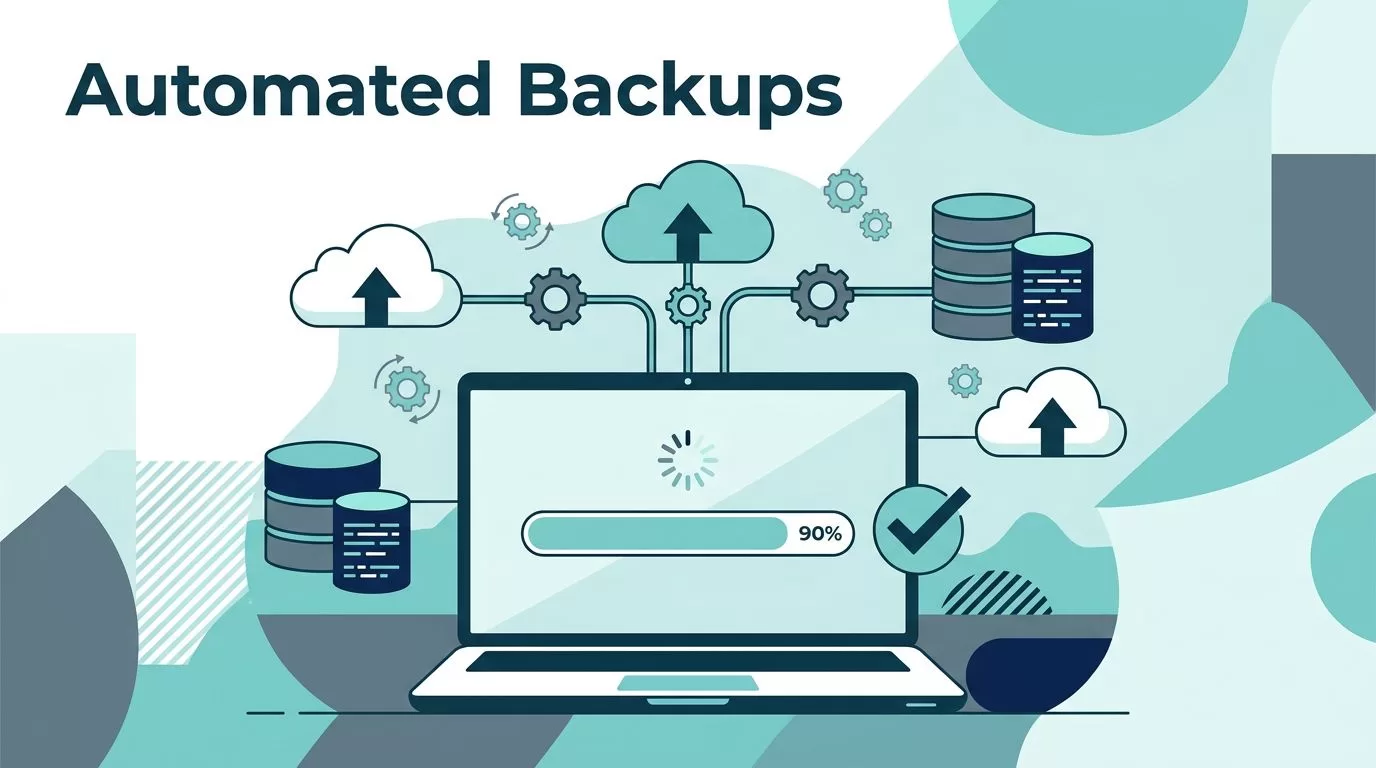
A database backup that never runs is the kind of problem you only notice on a bad morning. I do not want to find out at 4 a.m. that my last clean copy is stale or missing.
Twin.so gives me a way to automate the repeat work around backups, like schedules, exports, file moves, and alerts. It is not the backup system itself, so I still choose the database tool and storage layer with care.
I set up the process the same way every time, and the steps are simple once the pieces are clear.
Why automated database backups matter
I trust automated backups because people make mistakes, schedules slip, and manual exports get skipped. One missed run can turn a small incident into a long recovery.
That risk gets worse when the database holds orders, user records, or billing data. A backup plan is really a recovery plan, and the gap between those two matters. If my backups are too old, my recovery point objective gets ugly fast.
Manual backups can work, but they leave too much room for drift. If your stack still depends on hand-run exports, the steps in OpCon’s manual database backups and restoration guide show how much effort sits behind a simple restore. I also keep the blunt advice in Only 10 stupid backup strategies in mind, because long gaps between backups invite trouble.

Automated backups give me a steady floor. I still need the right schedule, the right retention window, and a restore path that works under pressure.
What Twin.so does in my backup workflow
I treat Twin.so as an automation layer, not as the final place where backups live. It can take a plain-language task, run it on a schedule, connect through APIs, or work through a browser when no API exists.
That matters because backup jobs often live in messy places. Some databases expose a clean export endpoint. Others hide the backup action behind an admin console. Twin.so can sit on top of both patterns and reduce the amount of hand work I need to do every day.
I also like that it can store credentials securely and run tasks on its own after setup. That means I can build a repeatable workflow around the export job, file transfer, and alerting path. If the backup system already has its own scheduler, I still use Twin.so for the steps around it, like verification, moving files off-site, or telling me when something breaks.


That is the reason I reach for Twin.so here. It helps me keep backup work on a clock instead of in my memory.
My step-by-step setup for recurring backups
I build the workflow in this order so I can test each part on its own.
- I define the source and the destination.
I start by deciding what I am backing up, a live database, a dump file, or a snapshot. Then I choose where the copy lands. A backup is not finished until it exists somewhere separate from production. - I write the job in plain language.
My first pass is simple: “Every night at 2:00 a.m., export the production database, compress the file, upload it to object storage, and send me a success or failure alert.” The wording can change, but the sequence should stay clear. - I connect the system with the least access needed.
If the database or storage platform has an API, I use that. If it does not, browser automation can handle login screens and admin forms. I keep the account narrow and use secure credential storage for the secrets. - I set the schedule around real usage.
Nightly works for many databases. Busy transactional systems may need a shorter interval. I choose a time window that avoids peak load, then I name each file with the date, environment, and database name. - I send the copy off-site and verify it.
I never keep the only copy in the same account or region. After upload, I check for a checksum, or at least a file-size match, then I route a failure alert to email or chat. - I test the restore in a safe place.
I restore into a scratch database, compare row counts, and open a few records. If the data comes back clean, the backup is real. If not, the workflow needs work.
A restore test is the part that proves the job matters. Without it, a green status only tells me that a script ended.
Backup settings I use before I trust the job
A backup that never restores is only a file with a comforting name.
I keep my settings simple, but I do not keep them vague. That helps me match backup cost, risk, and recovery speed.
| Policy area | My default |
|---|---|
| Backup frequency | Hourly for high-change databases, nightly for slower systems |
| Retention | 7 daily copies, 4 weekly copies, 12 monthly copies |
| Encryption | In transit and at rest |
| Access control | Separate export, storage, and restore permissions |
| Off-site redundancy | Second region, second account, or second provider |
| Restore tests | Monthly, plus after schema changes |
I use the same logic across systems so I do not end up with one careful policy and three weak ones. When I also protect SaaS data, I line up those rules with my Google Workspace backup guide. When I compare storage choices, I keep my small business cloud backup solutions notes close.
The main point is simple. The schedule should match the data change rate, the retention window should match business needs, and the restore test should happen before anyone needs the result.
Mistakes that break backup automation
The biggest mistakes are usually small ones that get ignored.
- I do not let backup jobs run under my main admin account.
- I do not keep every copy in the same cloud region.
- I do not skip restore tests because the last job showed green.
- I do not leave retention undefined and hope storage costs stay polite.
I also do not rely on a backup process that only works when I remember to check it. If the workflow depends on memory, it is already fragile.
The warning in Only 10 stupid backup strategies still lands for me because weak habits stack up. One missed export is a nuisance. A pattern of missed exports is a problem I have to clean up later.
When I automate database backups with Twin.so, I still review the path end to end. That means checking the schedule, the destination, the alerting, and the restore step together. If one piece drifts, I fix it before the next run.
Conclusion
I do not use Twin.so to replace a backup system. I use it to make the backup process more reliable, less manual, and easier to repeat.
If I set the schedule, protect the credentials, keep an off-site copy, and test restores on a calendar, I get a real safety net. That is the part that matters when the next bad deploy or storage issue shows up.
A clean copy should already be waiting when I need it.

