How to Automate Billing Hours With Twin.so
Manual billing-hour work rarely fails because multiplication is hard. It fails because time entries sit in different systems, use inconsistent labels, and mix client work with internal time. If you want to automate billing hours with Twin.s...

Manual billing-hour work rarely fails because multiplication is hard. It fails because time entries sit in different systems, use inconsistent labels, and mix client work with internal time. If you want to automate billing hours with Twin.so, start by controlling the data that enters the calculation.
Twin.so can act as a browser automation layer between your time sources and billing workflow. It can collect records, move values between approved systems, and reduce repetitive handoffs. Your contract rules, rate tables, and accounting system should remain the source of truth. The setup below shows how to connect those parts without losing review control.
Why billing-hour calculations break before invoicing
A monthly billing process often includes several small tasks:
- Open the time tracking system.
- Find the correct client and reporting period.
- Export or copy the entries.
- Rename and organize the files.
- Check missing projects and duplicate records.
- Separate billable and non-billable time.
- Apply the right rate.
- Send the results for approval.
- Enter approved totals into an invoice.
Each task creates another point for error. A consultant may log time against the wrong project. An agency employee may record an internal meeting as client work. A law firm may have separate rates for partners, associates, and paralegals. A copied spreadsheet may use hours and minutes in the same column.
The calculation also changes by engagement. Some clients pay for meetings. Others exclude internal communication. Some contracts use a minimum increment, while others require exact time. You can’t automate the workflow until these rules are defined.
Professional-services teams usually need visibility into both billable and non-billable hours, not only the final invoice. Rocketlane’s overview of professional-services time tracking connects time records with invoicing, utilization, and project control. That distinction matters because a low invoice may indicate weak utilization, missing entries, or legitimate non-billable work.
How to automate billing hours with Twin.so
Use Twin.so to manage the repetitive movement and preparation of billing data. Don’t ask it to guess contract terms or approve questionable entries.
The workflow should follow this sequence:
1. Define the billing rules
Write down the rules before configuring any automation. Include:
- Which clients and projects can generate invoices.
- Which task types are billable.
- Which people or roles use each rate.
- How to treat meetings, travel, revisions, and support work.
- Whether time is rounded and at what increment.
- How overtime, rush work, retainers, or minimum fees are handled.
- Who approves the final records.
Keep these rules in a controlled document, billing system, or approved table. Twin.so can use the resulting fields during the workflow, but the automation should not become the only place where the rules exist.
2. Collect the reporting period
Set a fixed period, such as the first through the last day of the month. If your source is browser-based and your Twin.so workspace has the required access, configure the workflow to open the source, select the period, and retrieve the available records.
The automation should capture the original client, project, worker, date, duration, task description, billable status, and source reference. Preserve the source record or report as an audit trail. Don’t overwrite the original data during cleanup.
3. Normalize the time values
Billing systems often receive different formats. Convert entries such as 1 hour 30 minutes, 1.5 hours, and 90 minutes into one consistent format.
A basic calculation is:
Approved billable amount = approved billable hours x applicable billing rate
Subtract unpaid breaks when the source includes them. Remove duplicate entries. Flag missing projects, incomplete descriptions, overlapping sessions, and unusual durations for review.
4. Apply the correct rate
The rate may depend on the client, service, role, employee, task, or contract. Store these values in a separate rate table rather than embedding them in a long automation instruction.
Twin.so can move the normalized record to the calculation table or billing application if the destination supports the required browser actions. The calculation should return separate fields for hours, rate, and amount. This makes the result easier to inspect and correct.
5. Add an approval gate
Don’t send every calculated record directly to an invoice. Route exceptions to an operations manager, project manager, partner, or billing reviewer.
A useful approval view includes the original entry, the normalized duration, the billable classification, the rate used, and the calculated amount. The reviewer should be able to approve, reject, or correct the record without rebuilding the report.
Build the Twin.so workflow around clean inputs
The quality of the output depends on the quality of the records Twin.so receives. Start with one client, one reporting period, and one source system. Test the process before expanding it across the business.
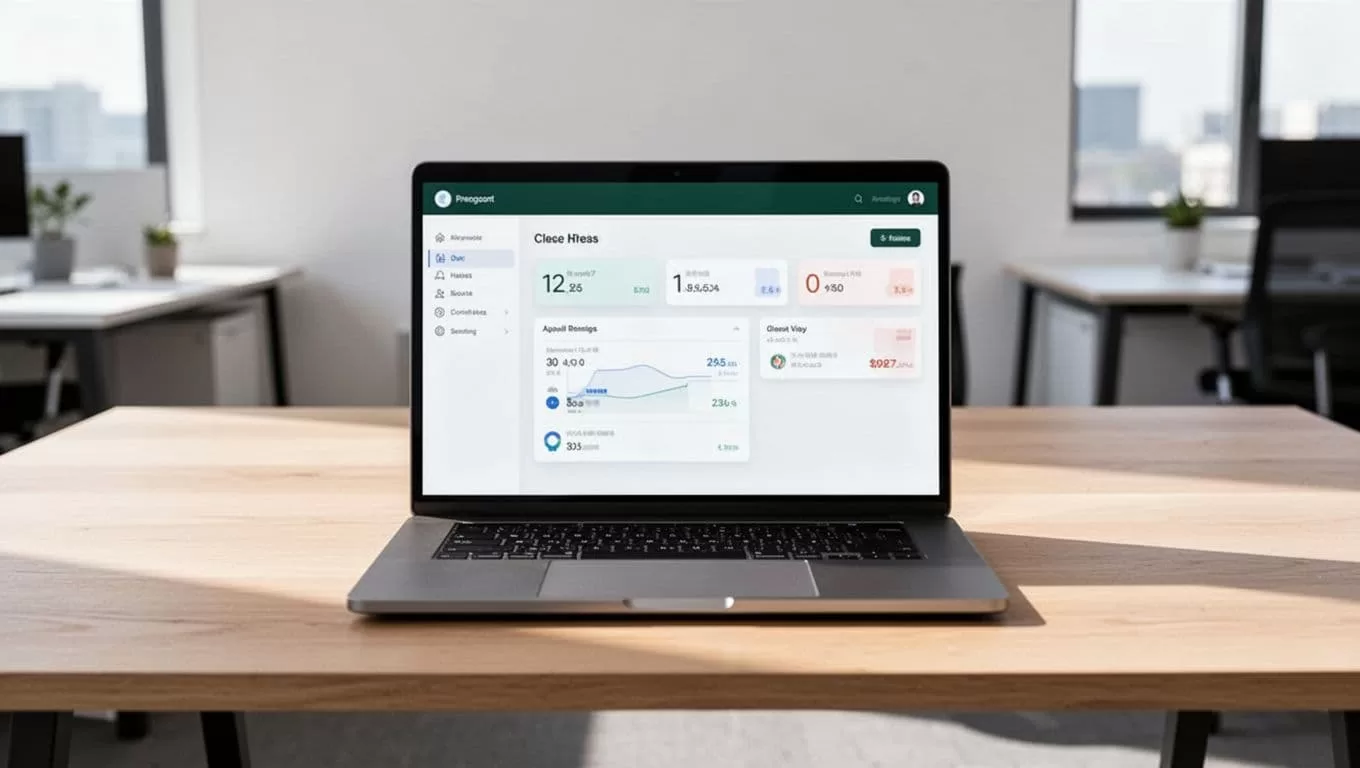
Organize the workflow around stable fields. A practical record structure includes:
| Field | Purpose |
|---|---|
| Client and project | Identifies where the work belongs |
| Worker or role | Selects the correct rate |
| Date and period | Controls reporting and invoice timing |
| Duration | Stores the normalized hours |
| Billable status | Separates client work from internal time |
| Task type | Applies engagement-specific rules |
| Description | Supports client review and audit |
| Approval status | Prevents unreviewed billing |
| Source reference | Links back to the original entry |
Use a dedicated time tracking system if your current source produces incomplete records. TMetric’s project and team time tracking platform is one example of a structured source for project hours and billing data. Timely’s automatic time tracking tool is another option for teams that want to compare automated capture methods before connecting a workflow.
The takeaway is simple: Twin.so can reduce browser work, but it can’t repair a missing client name or an unclear contract rule. Fix the input structure first.
Separate billable and non-billable time
Classification is the most important control in an automated billing process. A time entry can be accurate and still be unsuitable for an invoice.
Billable time usually includes work performed for a client under the engagement terms. This may include research, design, development, consulting, legal analysis, project meetings, or approved support. The contract controls the final decision.
Non-billable time may include sales calls, internal meetings, staff training, general administration, hiring, and business development. Rework caused by an internal mistake may also be non-billable, even if it relates to a client project.
Don’t rely on task names alone. Add a billable field and a classification reason. For example, “Client meeting, contract allows billing” is easier to review than a generic “meeting” label.
Use rules such as these:
- Mark entries as billable when the project and task are approved for client billing.
- Mark internal work as non-billable even when it supports a client account.
- Flag entries with no project, no description, or an unknown task type.
- Send unusual durations to a reviewer instead of applying an automatic assumption.
- Keep corrections tied to the original record.
This structure lets you automate billing hours without hiding classification decisions inside an opaque process. It also gives managers a separate view of utilization and operational time.
Convert approved hours into invoice-ready data
Once entries pass review, Twin.so can move the approved values into the next system in the process, provided your workspace supports that destination and the required permissions. That destination might be a billing platform, accounting system, spreadsheet, or controlled internal database.
Keep the output separate from the raw time records. The invoice-ready dataset should include:
- Client and billing address reference.
- Invoice period.
- Service or project name.
- Approved hours.
- Rate and rate basis.
- Line-item amount.
- Tax or fee fields where applicable.
- Supporting description.
- Approval date and reviewer.
Don’t hide calculations inside a generated paragraph. Store each amount as a separate field. A reviewer should be able to see how the final total was produced.
For fixed-fee work, separate the fixed charge from hourly services. An agency example might include three landing pages at $800 each, producing $2,400. Copywriting at $250 per page adds $750. The subtotal is $3,150. A 15% rush fee adds $472.50, producing a pre-tax total of $3,622.50.
That calculation doesn’t need to be converted into hourly billing. It does need to remain visible. If hourly design or strategy work also appears on the engagement, show those approved hours as separate line items.

Before an invoice is issued, compare the invoice-ready totals with the original source report. Check the number of entries, total hours, client count, rate assignments, rejected items, and unresolved exceptions.
Add controls before expanding the automation
A reliable workflow needs controls for access, errors, and changes. Start with the following measures:
- Give Twin.so access only to the systems and records required for the workflow.
- Use a separate test client or reporting period during setup.
- Save a copy of each source report before transformation.
- Log every change to duration, classification, rate, or approval status.
- Require human approval before invoice creation or submission.
- Review failed browser actions and incomplete records each cycle.
- Recheck the workflow when contracts, rate tables, or application screens change.
Don’t assume a successful browser run means the billing result is correct. The system may complete every action while using an outdated rate or selecting the wrong project. Compare the output against known records during the first few billing cycles.
A good rollout starts small. Automate one client, validate the result, document the exceptions, and then add another client with similar rules. Keep complex matters, new contracts, and unusual rate structures under manual review until the process is stable.
Next steps for adopting an automated billing workflow
Start by selecting one recent billing period. List every source, handoff, classification rule, rate, and approval step. Mark which tasks are repetitive and which decisions require professional judgment.
Then build the Twin.so workflow around collection, normalization, calculation, review, and export. Keep the original records intact. Store rates and contract rules outside the automation. Test the output against an invoice your team has already approved.
The goal isn’t to remove every human decision. The goal is to remove repetitive copying so reviewers can focus on exceptions, client terms, and accuracy.
Conclusion
Manual billing becomes unreliable when small data issues pass through several disconnected steps. Twin.so can reduce those handoffs by collecting browser-based records, preparing consistent fields, and moving approved values into the next billing stage.
Separate billable from non-billable work, preserve source records, apply rates from a controlled table, and require approval before invoicing. With those controls in place, you can automate billing hours without losing visibility into how each total was calculated.
