Automate Contract Generation Using Twin.so
Operations leaders and sales managers waste hours copying data between CRMs, spreadsheets, and legal documents. Manual drafting creates bottlenecks, increases the risk of typos in liability clauses, and slows down deal velocity. You can eli...
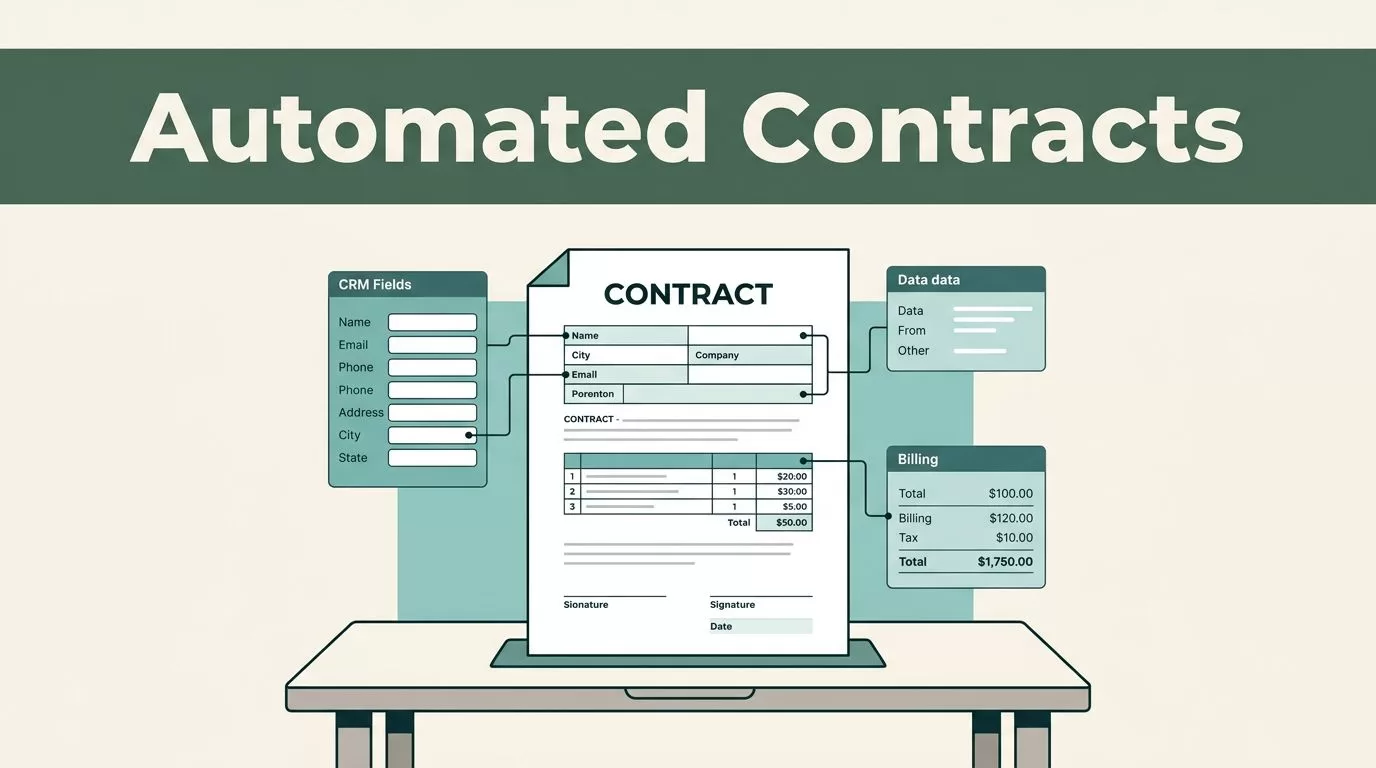
Operations leaders and sales managers waste hours copying data between CRMs, spreadsheets, and legal documents. Manual drafting creates bottlenecks, increases the risk of typos in liability clauses, and slows down deal velocity. You can eliminate this administrative drag by setting up a repeatable system to automate contract generation.
Instead of building rigid flowcharts with complex node connectors, you can use Twin.so to turn a plain-language prompt into an autonomous agent that handles planning, tool selection, and document execution. This guide walks you through setting up an efficient contract-generation workflow that connects your core business data directly to your legal templates.
Key Takeaways
- Establish structured data fields in your source systems before building automation rules.
- Use Twin.so workspaces and the orchestrator chat interface to build goal-driven agent workflows.
- Integrate your billing and document platforms securely using native OAuth connections.
- Implement explicit human review steps for high-value agreements or custom pricing terms.
- Maintain an exception log to monitor and resolve provisioning or data mapping failures.
Structuring Your Source Data for Clean Generation
Reliable automation starts with clean inputs. If your source records contain messy notes or scattered text fields, your generated agreements will contain errors. You need to store your client and project details in separate, structured fields rather than packing everything into a single comment block.
Set up your project or CRM database to capture specific variables before triggering any document creation. A proper billing or contract record should include the client company name, billing email, physical address, specific service descriptions, rates, tax codes, and agreed payment terms.
| Field | Example Value | Purpose in Automation |
|---|---|---|
| Client Name | Acme Design Ltd | Populates the legal entity name in the preamble |
| Billing Email | accounts@example.com | Directs the generated document for signature |
| Service Period | June 1 to June 30, 2026 | Defines the operational timeline in the scope |
| Rate Details | $150 per hour | Feeds the calculation fields for fees |
When your data is structured this way, your workflow can parse individual values without guessing intent. For a deeper look at managing administrative workflows and document handoffs, see this guide on contract workflows and approvals.
Setting Up Your Workspace in Twin.so
Twin.so operates around workspaces, which act as secure project folders containing your shared context and connected tool integrations. To begin, open your Twin.so dashboard and create a dedicated workspace for your legal and sales operations.

Use the orchestrator chat interface to describe your objective in plain language. Instead of dragging and dropping manual API connectors, tell the system that you want to read approved project records from your database and generate customized service agreements.
Connect your necessary applications using secure OAuth authorizations. You’ll typically link your project management tool, your cloud storage or document generation platform, and your team communication channels for notifications. The platform will analyze your prompt, plan out the execution steps, and present a structured workflow for your review before you deploy it live.
Building Conditional Logic for Different Agreement Types
Not all contracts are identical. A standard non-disclosure agreement requires different clauses than an enterprise master services agreement or a simple statement of work. You need to configure conditional logic blocks inside your workspace to handle these variations automatically.
Set up your agent to evaluate the project type, total contract value, and client tier before selecting the correct template. If a deal involves standard terms and falls below a specific financial threshold, the system can draft and route the document without human intervention.
Always require a mandatory review step for non-standard indemnification clauses, custom payment terms, or agreements exceeding your standard pre-approved financial limits.
For high-risk agreements, instruct the agent to pause execution and flag the record for legal review. The notification message should include a direct link to the source record, the client name, and the specific clauses that triggered the review requirement, allowing your legal team to approve or reject the draft without searching through multiple systems.
Managing Common Failure Points and Exceptions
Even well-designed workflows encounter occasional roadblocks. Common failures usually stem from simple oversights like an expired OAuth token, a missing tax ID in the source record, or a mismatched client name between systems.
Build an exception log to capture any failed execution attempts immediately. The log should record the source record ID, the specific action that failed, the exact timestamp, and the error message returned by the connected application.
Review your exception logs weekly to catch minor mapping issues before they disrupt your sales pipeline. If an automated step fails because a client name was entered as an abbreviation in your CRM while your document template requires the full legal entity name, update your input validation rules to catch those discrepancies earlier in the process.
Final Thoughts
Automating your contract generation removes repetitive administrative friction and accelerates your entire sales cycle. By combining clean source data, goal-driven orchestration in Twin.so, and clear approval thresholds, your team can scale agreement output without increasing operational overhead. Start by automating one standard agreement template today, verify your data mappings, and expand your workflow as your comfort with the platform grows.
