How I Automate CRM Updates with Twin.so
Manual CRM updates drain hours from my day. I used to copy leads from emails, chase status changes across tools, and log calls one by one. Data errors piled up, and teams missed follow-ups. Twin.so changed that. I now build AI agents that h...

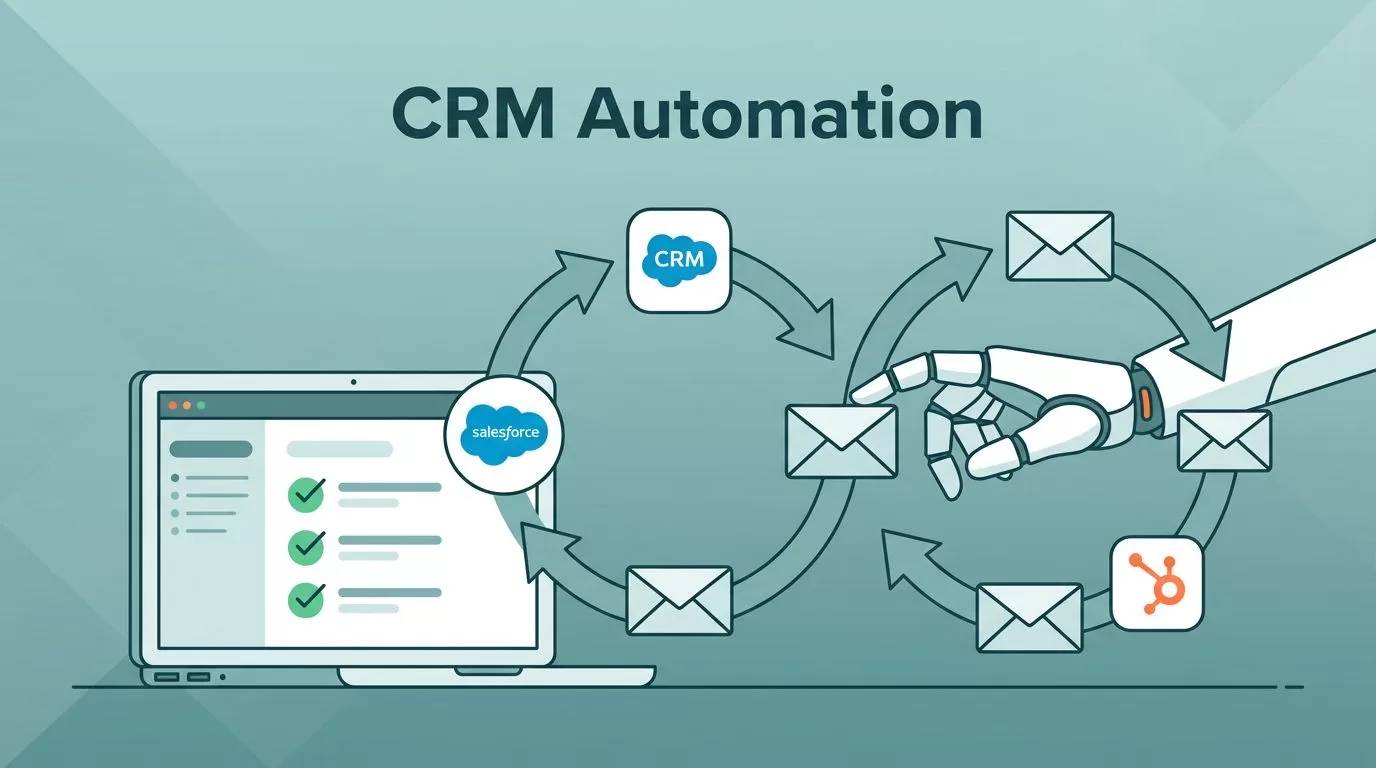
Manual CRM updates drain hours from my day. I used to copy leads from emails, chase status changes across tools, and log calls one by one. Data errors piled up, and teams missed follow-ups. Twin.so changed that. I now build AI agents that handle these tasks on autopilot.
This no-code tool lets me describe workflows in plain English. Agents connect to my CRM, pull data, and update records without code. You get accurate info fast, so RevOps and sales focus on deals, not entry. Let’s walk through how I set it up.
Why Twin.so Beats Manual CRM Work
Twin.so runs AI agents that mimic human actions. They log into apps, read data, and push updates to CRMs like Salesforce or HubSpot. No APIs to wrangle; the tool handles OAuth or browser navigation.
I started because my team lost leads in silos. Emails sat unread, statuses lagged, and activities vanished. Now agents sync everything. For example, they check Gmail for replies, then update contact notes in HubSpot. Time saved adds up to days each month.
Agents trigger on schedules or events. A new lead email fires an update. This keeps data fresh. Check Twin’s use cases page for sales ops examples; they match what I do daily.
Set Up Twin.so for Your CRM
I signed up at twin.so and connected my accounts in minutes. The platform asks for plain instructions, like “Scan new emails and add leads to Salesforce.” It builds the agent automatically.
Pick your CRM first. Twin supports HubSpot, Salesforce, and more via native links. Authorize access once; agents reuse it securely. Test runs let you tweak prompts before going live.


In my setup, I linked Google Workspace and Pipedrive. Agents read inboxes, parse details, and create records. Costs stay low; pay per run, not subscriptions. Follow Twin’s quickstart guide to match my flow.
This base lets you scale. Add triggers next, like daily checks or webhooks from forms.
Automate Contact Creation from Emails
New leads often land in email first. I tell Twin: “Find emails with ‘interested’ keywords, extract name, company, and phone, then create contacts in HubSpot.” The agent parses threads, avoids duplicates, and tags sources.
Data flows clean. No more typing errors or forgotten fields. I run this on a webhook from my site forms. Results show in CRM instantly.

One tip: Use specific prompts. “If phone missing, skip; email required.” This cuts bad data. My contact list grew accurate, and sales reply rates doubled. Similar to Zapier lead capture setups, but Twin handles messy emails better.
Sync Lead Status Across Tools
Statuses drift without syncs. I built an agent for “Pull deal stages from Slack updates and match to Salesforce opportunities.” It scans channels, maps phrases like “closed-won,” and applies changes.
Schedules work here. Mine runs hourly. Agents also log activities: Calls from Gong feed notes directly. No copy-paste.
This fixed our pipelines. Reps see real-time shifts, so follow-ups hit at right times. Twin adapts if tools change; no broken zaps.
For social leads, I pull LinkedIn replies and update Attio. Details like job title enrich profiles automatically.
Log Activities and Trigger Follow-Ups
Activities build history. My agent watches calendars: “After Zoom ends, log summary to CRM and set tasks.” It pulls transcripts if available, adds tags, and assigns owners.
Follow-ups chain next. A stage change triggers emails: “Deal stalled? Send nurture sequence.” Agents check criteria, then act via CRM APIs.
I saved a week per rep this way. Errors dropped because agents verify before saving. See Twin triggers docs for event setups; they power my chains.
Test small. Start with one pipeline, expand after.
Handle Pitfalls in CRM Automations
Prompts need care. Vague ones miss data; I add examples like “Company: Acme Corp.” Agents learn fast from tests.
Permissions matter. Grant full read-write scopes upfront. Watch runs in the dashboard; tweak if fields mismatch.
Scale limits runs, so prioritize high-value tasks. Mine focus on leads over notes. Costs fit budgets; my team spends under $100 monthly.
If APIs fail, browser mode kicks in. It clicks like you would, but slower. Use for legacy tools.
Conclusion
Twin.so turns CRM drudgery into background work. I now automate CRM updates for contacts, statuses, logs, and actions with simple agents. Data stays accurate, teams sell more.
Pick one flow today, like email leads. Build, test, deploy. Your pipelines will thank you.

