Manual data entry drains hours from my day. I used to type invoice details, update CRM records, and sync spreadsheets by hand. It felt like pushing water uphill.
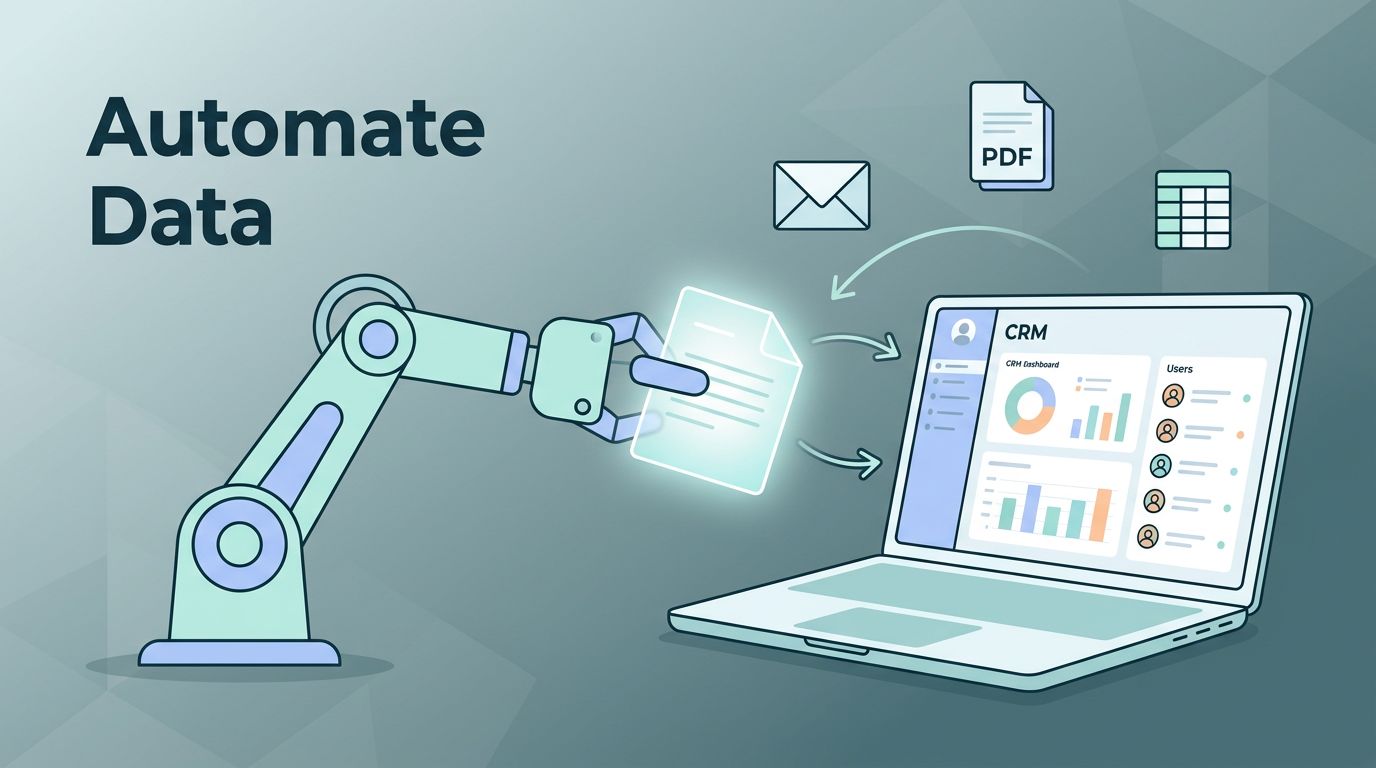
Twin.so changed that. This no-code tool lets me build AI agents through simple chats. They handle the grunt work: extracting info from forms, PDFs, or emails and pushing it where it belongs.
You can set up full automation too. Let me show you my exact process.
Why Manual Data Entry Holds Teams Back
I ran a small ops team before Twin.so. Every week, we’d spend Fridays copying client info from emails to our CRM. One slip, like a wrong phone number, meant lost deals.
Data entry errors cost businesses big. A single bad CRM update derails follow-ups. Spreadsheets get messy fast without clean inputs.
That’s why I automate data entry now. Twin.so agents read sources like emails or sites, parse details, and update systems. No code. Just tell it what to do in plain words.
For instance, it connects to APIs for CRMs like HubSpot or Salesforce. Or it mimics a human in browsers for trickier spots. Schedules keep it running daily.
Real-World Examples from My Workflows
I process invoices first. Emails arrive with PDFs attached. Twin.so scans them, pulls dates, amounts, and vendor names, then logs everything in Google Sheets and my accounting tool.
Picture stacks of paper vanishing into digital streams.

Next, CRM updates. After calls, I forward notes. The agent extracts contact details, deal stages, and logs them directly. It syncs across tools, so HubSpot always matches Salesforce.
Forms to database entry saves me mornings. Web forms fill with leads. Twin.so grabs names, emails, and notes, then dumps them into my freelance CRM Airtable setup. No more copy-paste.
Spreadsheet syncing rounds it out. Daily reports pull from multiple sources. The agent crunches numbers, appends rows, and emails summaries. I check once a week now.
These flows cut my data work by 90%. Check Twin.so’s use cases page for similar setups.
Step-by-Step: Building a Twin.so Workflow
Start with their quickstart guide. I chat: “Scan Gmail for invoices, extract totals and dates, add to my Sheet, notify via Slack.”
Twin.so asks for connections. One-click OAuth links Gmail, Sheets, and Slack. No keys to juggle.
It builds the agent. Triggers fire on new emails. The agent categorizes, extracts via browser if needed, and updates.

Test it. Send a sample invoice. Watch it run: open email, read PDF, fill Sheet row. Edit instructions if fields mismatch, like adding vendor emails.
Scale up. Add schedules for weekly CRM syncs. Use tips and tricks docs for filters, like excluding duplicates.
My first agent took 15 minutes. Now they chain: invoice to Sheet, then Sheet to CRM.
Prerequisites for Smooth Automation
You need accounts ready. Gmail, Sheets, or your CRM must allow OAuth. Test APIs first if custom.
Internet stability matters. Agents pause on outages but resume.
Accuracy hits 95% in my tests for clean PDFs. Messy handwriting drops it, so preprocess with OCR apps for PDFs.
Human review catches edge cases. I flag exceptions: “Review if amount over $5K.” Agents notify me.
Security and Privacy in My Setups
Data flows raise risks. Twin.so uses secure OAuth, so it accesses only what you grant. No stored passwords.
I limit scopes. Agents see invoices but not full email histories.

Triggers like webhooks stay internal. Check logs for runs. Revoke access anytime.
For sensitive CRM data, I add checks: confirm before updates. Privacy laws like GDPR fit because you control flows.
Full Automation vs. Partial: My Rules
Full automation works for routine tasks. Invoices under $10K? Let it rip. CRM logs from emails? Go for it.
Partial shines elsewhere. High-value deals need my eyes. Or rare formats, like handwritten notes.
I mix them. 80% auto, 20% reviewed. Saves time without blind trust.
Test volumes first. Start small, measure errors, then expand.
Key Takeaways from My Twin.so Shift
Twin.so turned data entry drudgery into background hum. I reclaimed Fridays for real work.
Agents handle invoices, CRMs, forms, and sheets reliably. With checks for accuracy and security, risks stay low.
Pick full or partial based on stakes. Start simple, like their quickstart.
Your team gains hours weekly. I did.