Best Make-Like Alternatives to Twin.so for No-Code Automation in 2026
You build an AI agent to scrape leads from a site. It works great for weeks. Then the site updates its layout. Your agent breaks. Sound familiar? I hit this wall with Twin.so last quarter. Tasks stalled until I fixed them manually. No-code...
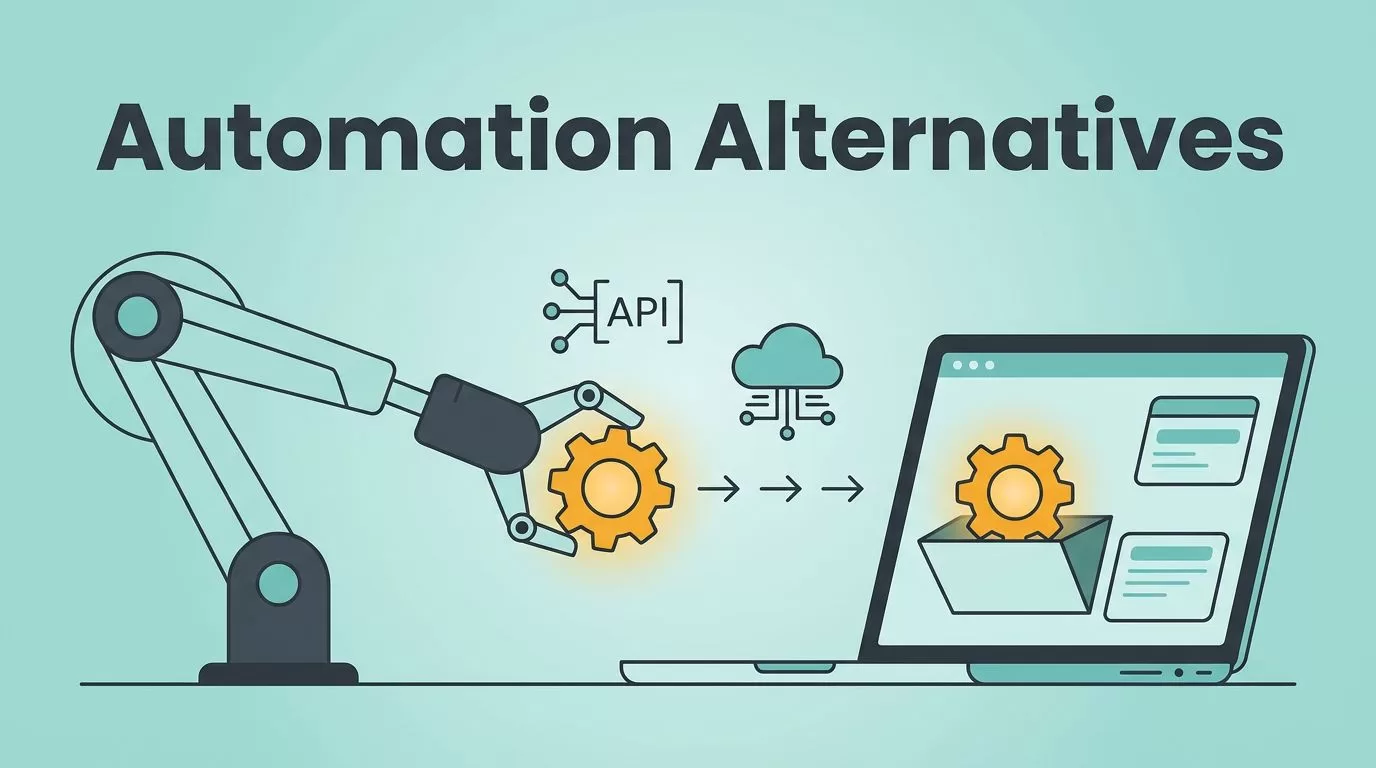
You build an AI agent to scrape leads from a site. It works great for weeks. Then the site updates its layout. Your agent breaks. Sound familiar? I hit this wall with Twin.so last quarter. Tasks stalled until I fixed them manually. No-code AI agents promise freedom. Reality hits with changes in apps or sites. That’s why you need solid Twin.so alternatives that handle real workflows.
I tested several options. They focus on reliability over pure AI magic. Make stands out because it mixes visual control with AI smarts. Others shine for teams or browsers. Let’s break down what fits your setup.
Twin.so’s Core Strengths and Limits
Twin.so lets you describe tasks in plain words. The AI builds agents that click through browsers or hit APIs. No code needed. It connects to Salesforce, HubSpot, or Slack on the fly. I used it to automate lead checks across sites. Agents ran on schedules or triggers.
Strengths pop in quick setups. You chat, deploy, done. It benchmarks models like Claude or GPT for cost. Plus, a browser agent handles public pages without APIs. Check Twin.so’s site for their latest connectors.
But limits show fast. Agents fail on complex logic or site changes. No deep debugging tools. Pricing uses credits that burn quick in build mode. Scalability drops for high-volume teams. I switched after agents looped endlessly on errors.

This setup mirrors my early Twin.so tests. Simple wins, but tweaks eat time.
Why Make.com Beats Twin.so for Most Users
Make.com flips the script. You drag modules on a canvas. AI agents slot in as hexagons. Each holds a brain, memory, tools, and knowledge. I chat with agents right on the canvas to test. Reasoning shows every step. No black box.
In 2026, Make added GPT-5 and Claude Nano. They handle text pulls or data sorts. Grid turns data into collaborative sheets. If-else paths merge flows cleanly. Recovery saves crashed scenarios. Over 3,000 integrations cover CRMs to email.
Pricing starts free. Pro hits $10.59 monthly for ops limits. Enterprise scales with SSO. I run thousands of runs without hiccups. For Zapier-like lead capture, Make routes high-value ones to seniors. Reliable.
Ease beats Twin.so. Visuals prevent AI guesswork. Teams share blueprints. I cut debug time by 70 percent.
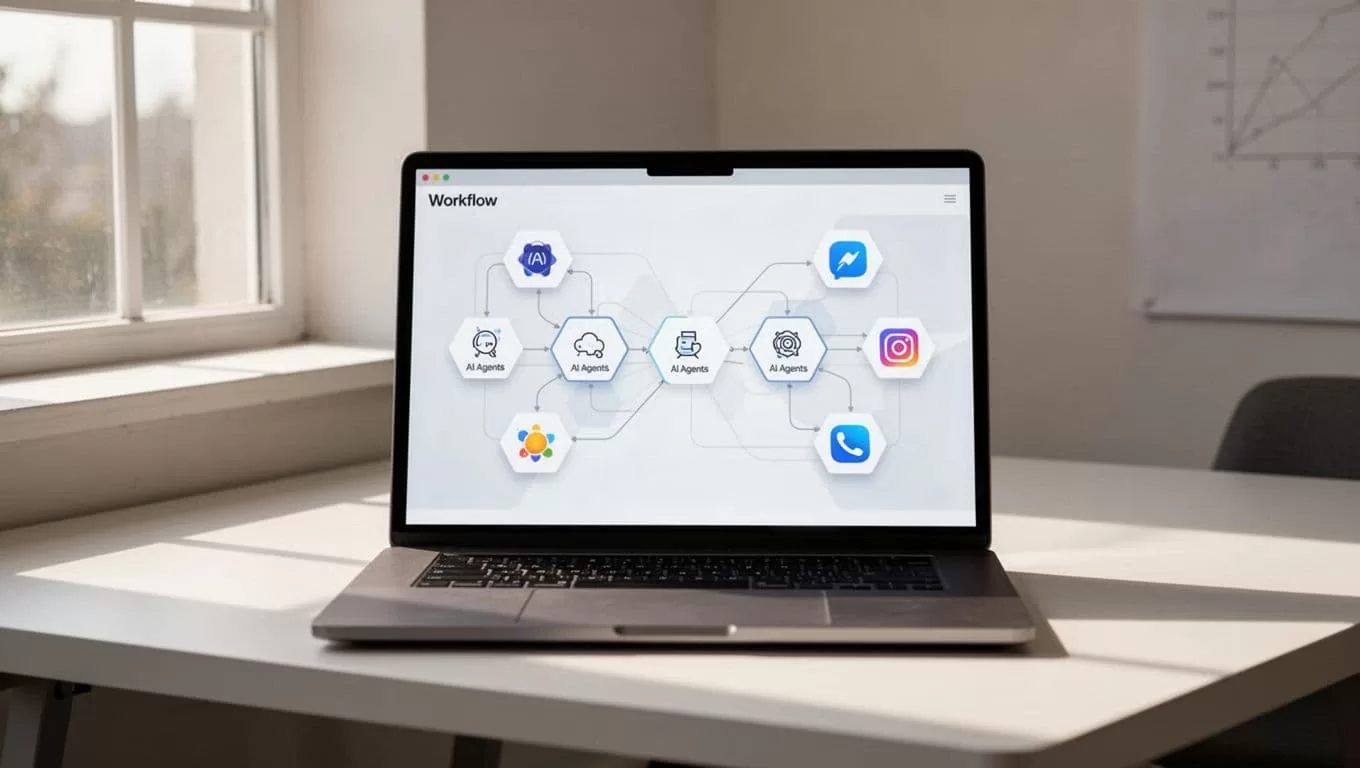
Make’s canvas feels like sketching a map. Paths stay clear.
Key Alternatives to Consider
Lindy AI builds agents for emails or sales. Describe needs; it links 4,000 apps. Phone calls use voices at $0.19 per minute. Free tier gives 400 credits. Pro costs $49.99 for 5,000. Credits confuse because complex tasks spike use. Good for solo sales reps. I tried it for follow-ups. Solid, but unpredictable bills.
Skyvern excels at browsers. Computer vision reads pages like humans. Handles logins, forms, CAPTCHAs. Outputs JSON. Self-host options cut costs. Best for data pulls from tricky sites. See Skyvern reviews for browser wins.
OpenAI Operator or Google Mariner offer web tasks via chat. Free tiers exist. They lack Make’s structure. For teams, check top Twin.so alternatives.
In recruitment, tools like Hunter.io workflows pair well with these. Verify emails, feed to CRMs.
Comparing Top Twin.so Options
I stacked them on automation, AI, integrations, ease, pricing, scale.
| Tool | Automation Style | AI Depth | Integrations | Ease of Use | Pricing (Monthly) | Scales For |
|---|---|---|---|---|---|---|
| Twin.so | Chat-to-agent | Browser/API | 30+ deep | High | Credits vary | Solos/small |
| Make.com | Visual canvas | Hex agents | 3,000+ | Medium | $10.59+ usage | Teams/enterprise |
| Lindy AI | No-code agents | Email/sales | 4,000+ | High | $49.99 credits | Solos/sales |
| Skyvern | Vision browser | Adaptive tasks | APIs/exports | Medium | Usage-based | Data teams |
Make wins on integrations and scale. Lindy fits quick AI chats. Twin.so leads chat ease but lags reliability. Data from CB Insights competitors.
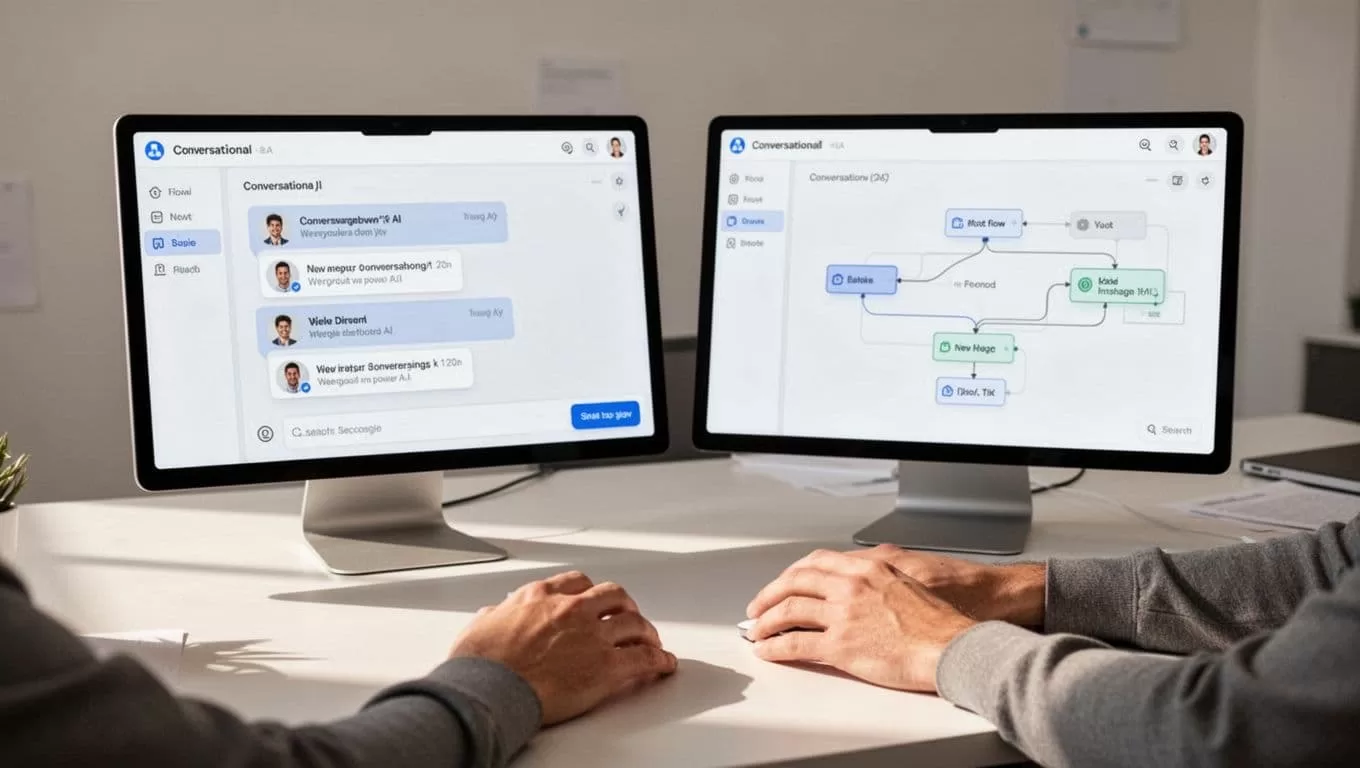
Side-by-side views highlight control versus chat speed.
Recommendations by Your Needs
No-code beginners: Pick Make. Canvas guides you. Free tier tests basics.
Teams: Make again. Collaboration and logs prevent chaos. Handles volumes.
AI-heavy workflows: Lindy for sales chats. Skyvern for browsers.
Closest Make-like to Twin.so: Make.com. It adds AI without ditching visuals. I run recruitment automations there now.
Avoid Twin.so for production. Use it for prototypes.
Wrapping Up
Make.com delivers what Twin.so promises with fewer breaks. You control flows, AI fills gaps. I saved hours weekly. Test free tiers. Match your apps and volume. Reliability trumps hype every time.
(Word count: 982)
