Automate Prescription Refills With Twin.so
Missed refill requests create avoidable work for patients, caregivers, pharmacies, and care teams. When you automate prescription refills with Twin.so, you can move routine requests through a defined workflow without treating automation as...

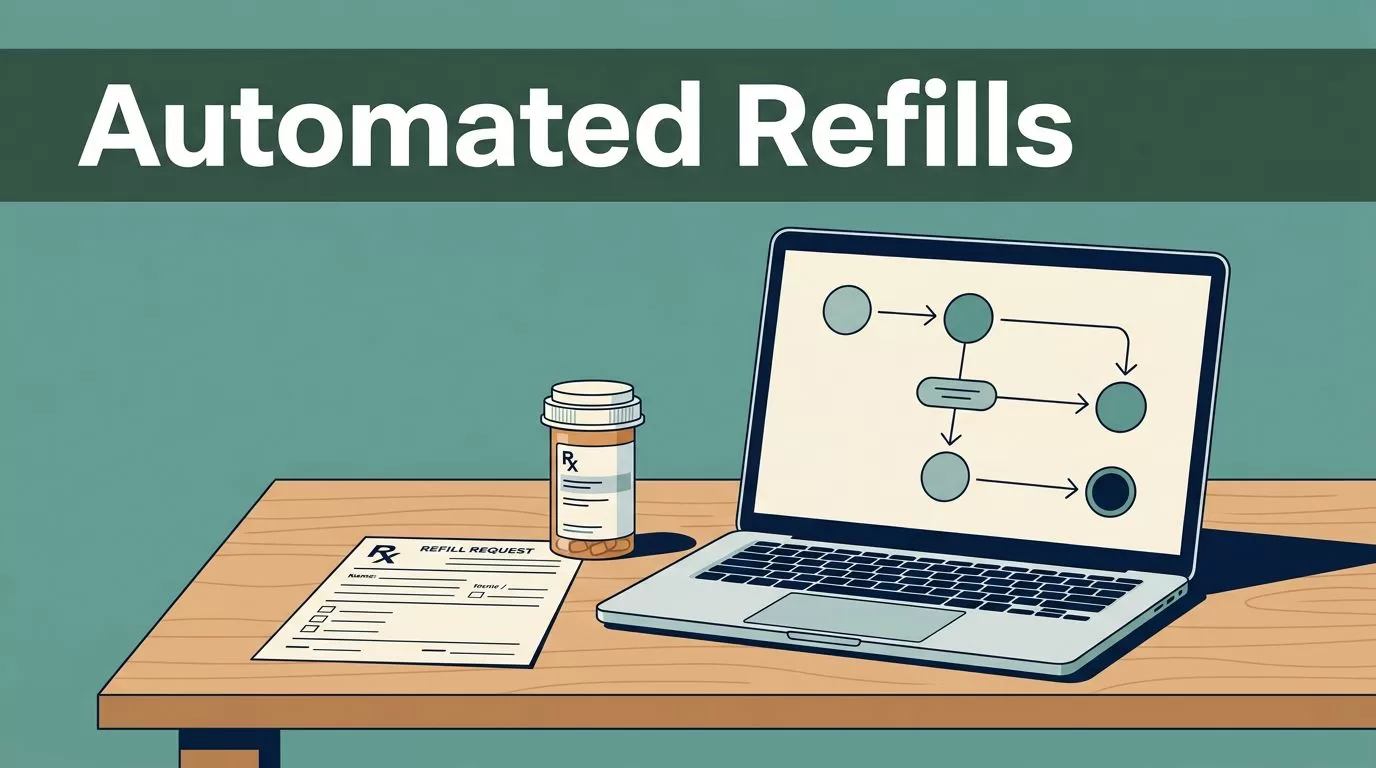
Missed refill requests create avoidable work for patients, caregivers, pharmacies, and care teams. When you automate prescription refills with Twin.so, you can move routine requests through a defined workflow without treating automation as a substitute for clinical or pharmacy review.
Twin.so works as the workflow platform around your existing systems. It can collect request details, route tasks, send status updates, and flag incomplete cases for human attention. The first step is building a refill process that knows what to automate and what must stay under professional control.
How to Automate Prescription Refills With Twin.so
A refill workflow should not begin with an automatic approval. It should begin with a clear request and a controlled review path.
In Twin.so, create a workflow that captures the information your team needs before anyone starts follow-up. The request form or intake step may include:
- Patient name or approved patient identifier.
- Prescription reference or medication name.
- Preferred pharmacy.
- Contact details and communication preference.
- Request date and urgency details, where appropriate.
- Consent status for messages and updates.
- Notes about missing information or previous contact attempts.
Keep the intake form short. Every unnecessary field increases abandonment and creates more incomplete submissions. Use plain language such as “Which pharmacy should receive this request?” instead of internal terms that patients may not understand.
After submission, Twin.so can assign the request to the correct queue. A complete request can move to pharmacy review. A request with missing information can move to a follow-up task. A request that needs prescriber attention can go to the care team instead of sitting in a general inbox.
The workflow should also define what happens when a patient does not respond. Set a reasonable follow-up schedule, record each contact attempt, and close the task only according to your organization’s policy. Do not assume silence means approval, cancellation, or eligibility.
A good refill workflow routes work correctly before it tries to move work faster.
Twin.so should support the process your organization has approved. It shouldn’t make an eligibility decision that belongs to a pharmacist, prescriber, or other authorized professional.
Map the Refill Process Before You Configure It
Automation fails when the underlying process is unclear. Map the current refill request before creating triggers, actions, or notifications in Twin.so.
Start with the first event. This may be a patient form submission, a message received by a care team, a task created in a patient management system, or a scheduled reminder approved by your organization.
Next, define the decision points. Common examples include:
- The request contains enough information for review.
- The preferred pharmacy is identified and available.
- The request needs a prescription, authorization, or clinical review.
- The patient or caregiver needs a clarification message.
- The request is ready for the next approved fulfillment step.
Each branch needs an owner. Assign pharmacy-related tasks to the pharmacy queue, care coordination tasks to the care team, and patient communication tasks to the approved communication channel. Avoid routing every case to one person or one shared inbox.


Use clear status names inside Twin.so. “Received,” “Needs Information,” “Under Review,” “Waiting for Response,” and “Closed” are easier to understand than internal abbreviations. A consistent status model also helps teams find stalled requests without reading every message.
Keep related workflow records grouped by patient, pharmacy, or operational queue according to your access rules. The goal is simple: a team member should see the current status, next action, and responsible person without searching through disconnected tools.
Give Patients and Caregivers a Simple Request Path
Patients don’t need to understand the workflow behind their request. They need a reliable way to submit information and receive clear updates.
A practical Twin.so workflow can start with a patient-facing form or approved message channel. After the request arrives, the system can send a confirmation that explains what happens next. The confirmation should avoid promising that a refill will be approved or ready by a specific time unless an authorized team has confirmed it.
Useful confirmation language includes:
“Your refill request was received. The pharmacy or care team will review it and contact you if more information is needed.”
That message answers the immediate question without making a medical or operational guarantee.
Twin.so can also create follow-up tasks when required information is missing. For example, a caregiver may provide a pharmacy name but omit the prescription reference. The workflow can send a focused question instead of asking the caregiver to repeat the entire request.
Keep updates limited to approved information. Don’t include unnecessary medication details in notifications. Use the minimum data needed for the task, follow your organization’s privacy policies, and confirm that each connected communication tool is permitted for the information being sent.
For recurring requests, use reminders only when your care process allows them. A reminder can prompt a patient to submit a request, but it shouldn’t tell the patient to change how or when they take a medication. Refill timing, eligibility, substitutions, and clinical questions must go to the appropriate professional.
A strong patient workflow has three properties:
- It confirms receipt.
- It explains the next action.
- It provides a clear route for questions or urgent concerns.
This reduces repeated calls without hiding the request behind an automated message.
Connect Pharmacies and Care Teams Without Losing Control
Pharmacies and care teams often work from different queues. Twin.so can coordinate the handoffs, but each team still needs defined permissions and responsibilities.
For pharmacies, send structured requests with the fields they are authorized to receive. Include the patient identifier, prescription reference, request timestamp, and contact details required by the approved process. Avoid sending unrelated patient information.
For care teams, create tasks when the request needs a decision, clarification, or review outside the pharmacy queue. Add the reason for escalation so staff don’t have to reconstruct the case from multiple messages.
For caregivers, provide a status update that confirms whether the request is received, waiting for information, or under review. Don’t expose internal notes or information about another patient.

Configure access around job responsibilities. A user who sends patient updates may not need access to every pharmacy record. A staff member reviewing requests may need more context, but still only within the systems and permissions approved by the organization.
Record important workflow events. The log should show when the request arrived, which queue received it, who changed the status, and when a message was sent. These records help with follow-up, quality checks, and internal review.
Before using live patient information, test the workflow with approved sample data. Check every branch, including missing fields, duplicate requests, failed notifications, and requests that remain unanswered.
Build Exception Handling Into Twin.so
Routine requests are easy to automate. Exceptions determine whether the workflow is safe and useful.
Create an exception path for cases that need human review. Examples include a missing prescription reference, an unclear patient identity, an unavailable pharmacy, a duplicate request, or a request that cannot move forward under the organization’s policy.
Do not hide exceptions in a failed automation log. Send them to a visible queue with a clear owner and due date. If Twin.so cannot complete an action because a connected system is unavailable, create a task and record the failure reason.
Set rules for duplicate requests. A patient or caregiver may submit the same request through a form, email, and phone call. The workflow should help staff identify possible duplicates without automatically deleting one. A human reviewer can confirm whether the records refer to the same request.
Use a timeout for stalled cases. If a pharmacy or care team has not updated a request within the approved period, Twin.so can notify the assigned queue or supervisor. The notification should report the status and elapsed time. It should not imply that the refill is approved.
Review message templates before launch. Remove language that sounds like a guarantee, treatment recommendation, or authorization decision. Replace “Your prescription will be ready tomorrow” with “Your request is under review. The responsible team will provide the next update.”
These controls let you automate prescription refills while keeping professional judgment in the right place.
Measure Refill Workflow Performance
Track the workflow after launch. A system that sends more messages but does not reduce unresolved work isn’t doing its job.
Start with a small set of operational measures:
- Time from request submission to initial confirmation.
- Percentage of requests submitted with complete information.
- Number of follow-up messages per request.
- Time spent in each workflow status.
- Number of duplicate requests.
- Number of failed actions or disconnected integrations.
- Percentage of cases routed to human review.
- Requests closed without a documented next step.
Compare results before and after the Twin.so workflow goes live. Use a controlled rollout with one queue, location, or request type first. This limits disruption and gives the team time to correct field names, routing rules, and message timing.
Review a sample of completed requests each week during the early rollout. Check whether the correct team received the task, whether patient messages were accurate, and whether sensitive details appeared in the right place.
If a request repeatedly enters the same exception path, fix the intake or routing rule. If staff still copy information manually between systems, identify the missing connection or field. If patients keep asking whether a request was received, improve the confirmation message.
The best automation removes repeat work without removing visibility. Twin.so gives teams a place to coordinate that work, but the workflow still needs clear ownership, approved data handling, and regular review.
Conclusion
Prescription refill work becomes easier to manage when requests follow a defined path. Twin.so can collect the request, route it to the right queue, trigger approved updates, and surface exceptions for human review.
Patients get clearer communication. Pharmacies receive better-organized requests. Care teams spend less time searching for status details. The main control stays in place: automation moves information and tasks, while authorized professionals make decisions about eligibility, authorization, and clinical matters.
Start with one refill workflow, test every branch with sample data, and measure where requests still stall. Automate prescription refills only after the process is clear enough to handle both routine cases and exceptions.

