How I Automate WhatsApp Messages with Twin.so
I remember the chaos of manual WhatsApp replies. Customers messaged at odd hours. I scrambled to respond, often too late. Sales slipped away because follow-ups lagged. Automating WhatsApp messages changed that for my small team. Twin.so let...
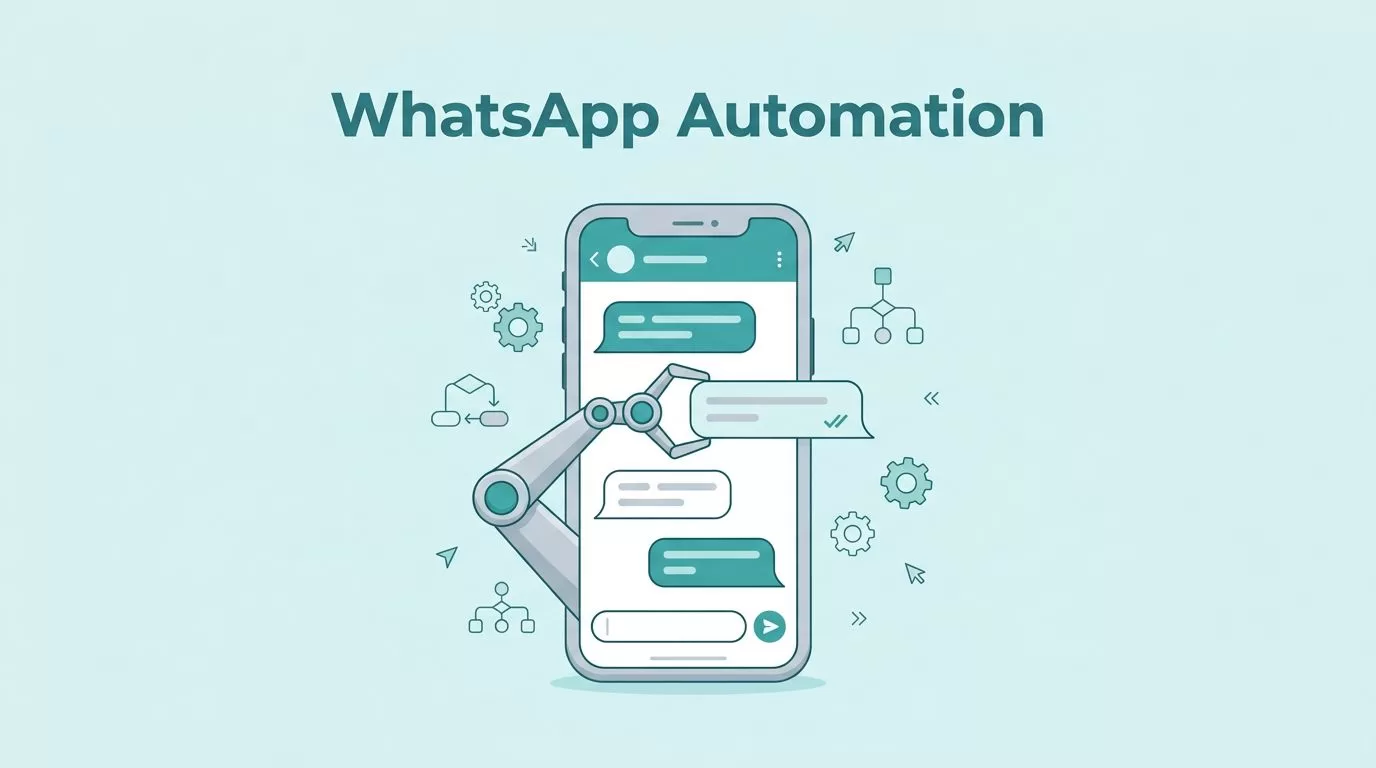
I remember the chaos of manual WhatsApp replies. Customers messaged at odd hours. I scrambled to respond, often too late. Sales slipped away because follow-ups lagged.
Automating WhatsApp messages changed that for my small team. Twin.so lets me build AI agents that handle chats smartly. No code needed. Agents send welcomes, book slots, or nudge leads on triggers.
You run a business and juggle chats? Follow my steps. I’ll show the setup, flows, and cases that save hours weekly.
Why Twin.so Fits WhatsApp Automation
Twin.so builds no-code AI agents. These agents connect to tools like WhatsApp Business API. They act on schedules or events. For me, this means instant replies without staff burnout.
I picked Twin.so because it focuses on autonomous tasks. Agents browse if needed or call APIs directly. WhatsApp integration shines here. You link your account, set rules, and deploy.
Key perks stand out. First, event triggers fire on keywords like “help.” Second, sequences drip messages over days. Third, analytics track opens and clicks. Costs stay low since it skips heavy markup.
Compliance matters too. WhatsApp demands opt-ins and templates. Twin.so guides you there. I avoid bans by sticking to utility messages in free windows.
Check the Twin.so documentation for core features. It covers agents and connections clearly.
Step-by-Step Setup for Beginners
Start simple. Sign up at twin.so for a free trial. No credit card up front.
Next, verify your WhatsApp Business Account with Meta. This takes a day or two. Get API access. I scanned a QR code once connected.
In Twin.so, create a workspace. Head to integrations. Select WhatsApp. Paste your API token and phone ID. Test the link with a sample message.
Approve templates first. WhatsApp categories include marketing or utility. I craft short ones like “Confirm your order?” Submit for review.
Build your agent. Open the chat interface. Type: “Send welcome on new chat.” Twin.so generates the flow. Refine with if/else logic.
Test live. Send a message to your number. Watch the agent reply. Deploy on schedule or webhook.
For detailed steps, see this Twin.so quickstart guide. It walks through agents hands-on.
My first setup took 30 minutes. Now, agents run 24/7.
Building Automated Flows in Twin.so
Flows make automation alive. I drag nodes in the builder. Triggers connect to actions.
Picture a lead submits a form. Node one detects it. Node two pulls CRM data. Node three sends a personalized WhatsApp note.
Add branches. If they reply “yes,” book a call. Use delays for natural pacing. AI parses intent for smart routes.
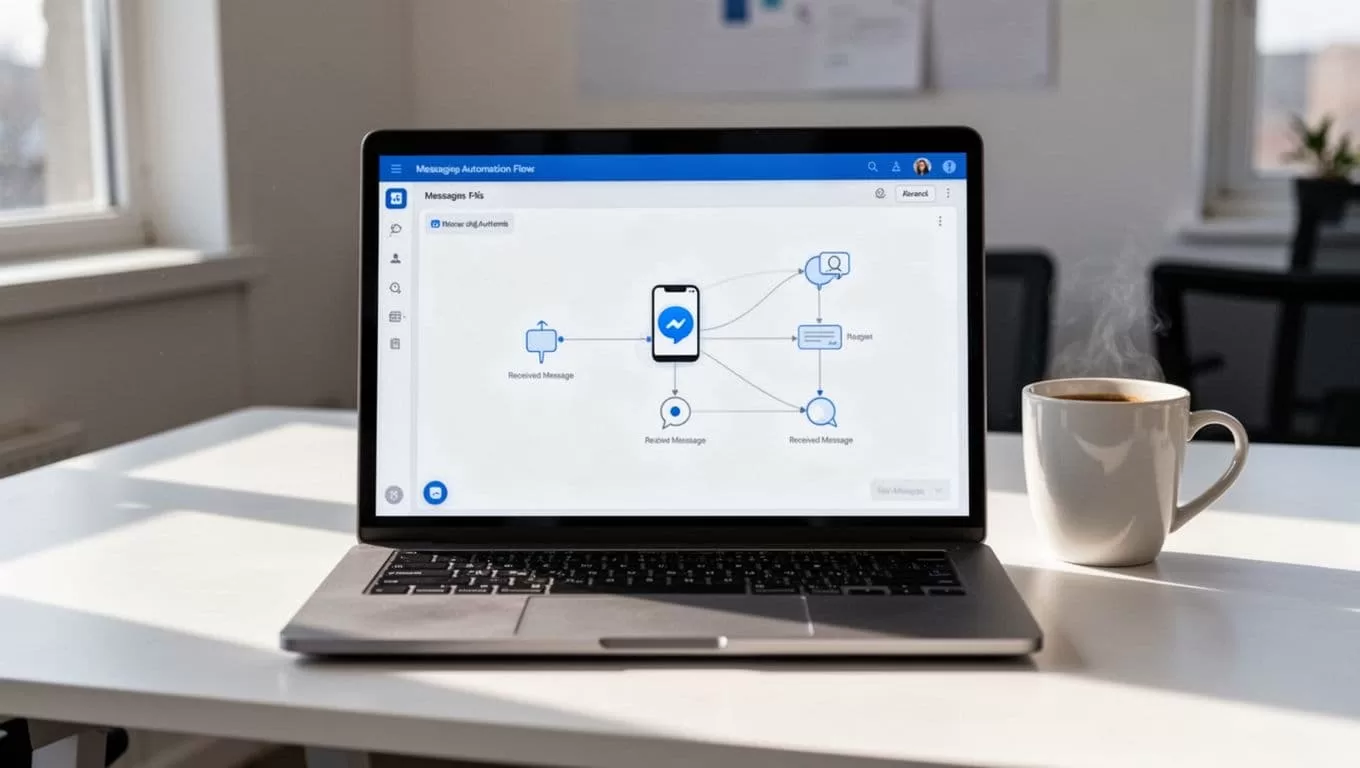
This dashboard view keeps it visual. Nodes link like puzzle pieces. I spot issues fast.
Scale with tools. Link to Shopify for order updates. Or Slack for team alerts. Costs? Builds use credits, but runs cost less.
Common mistake: Skip testing. I run dry tests first. Tweak prompts for better replies.
Real-World Use Cases for SMB Teams
Small teams thrive on these. I use welcomes for new subscribers. Agent sends: “Thanks for joining. Here’s your guide.”
Support flows cut tickets. Keyword “refund” routes to a sequence. It asks details, then escalates if needed.
Sales nudges work wonders. Post-cart abandon, wait 24 hours. Send: “Still interested? 10% off ends soon.” Opt-ins ensure compliance.

Imagine a retailer. Customer asks stock. Agent checks inventory, replies live. No staff wait.
For staffing firms, like in my Recruit CRM workflows, pair with candidate outreach. WhatsApp confirms interviews instantly.
Results? My open rates hit 80%. Responses doubled.
WhatsApp Compliance and Pitfalls to Avoid
Rules tightened in 2026. No open chatbots. Use task-specific agents.
Always get opt-ins. “Reply YES to updates.” Templates need approval. Utility ones send free in 72-hour windows.
Per-message fees apply. Optimize with triggers. Test flows to dodge bans.
I log everything. Analytics show compliance hits. Partners like official APIs keep it safe.
See tips from Twin.so docs for agent best practices.
Key Takeaways
Twin.so turns WhatsApp into a quiet workhorse. I set flows once, then watch replies roll in. Hours saved mean more client time.
Compliance keeps it sustainable. Start small with welcomes or nudges. Scale as opt-ins grow.
Automation fits any SMB. Try a simple agent today. Your inbox will thank you.
(Word count: 982)
