How to Automate Background Checks Safely On Twin.so
Manual screening slows down your hiring pipeline. You lose top candidates to faster competitors while your recruiters drown in paperwork. Twin.so gives you a faster path by connecting your applicant tracking system directly to screening pro...
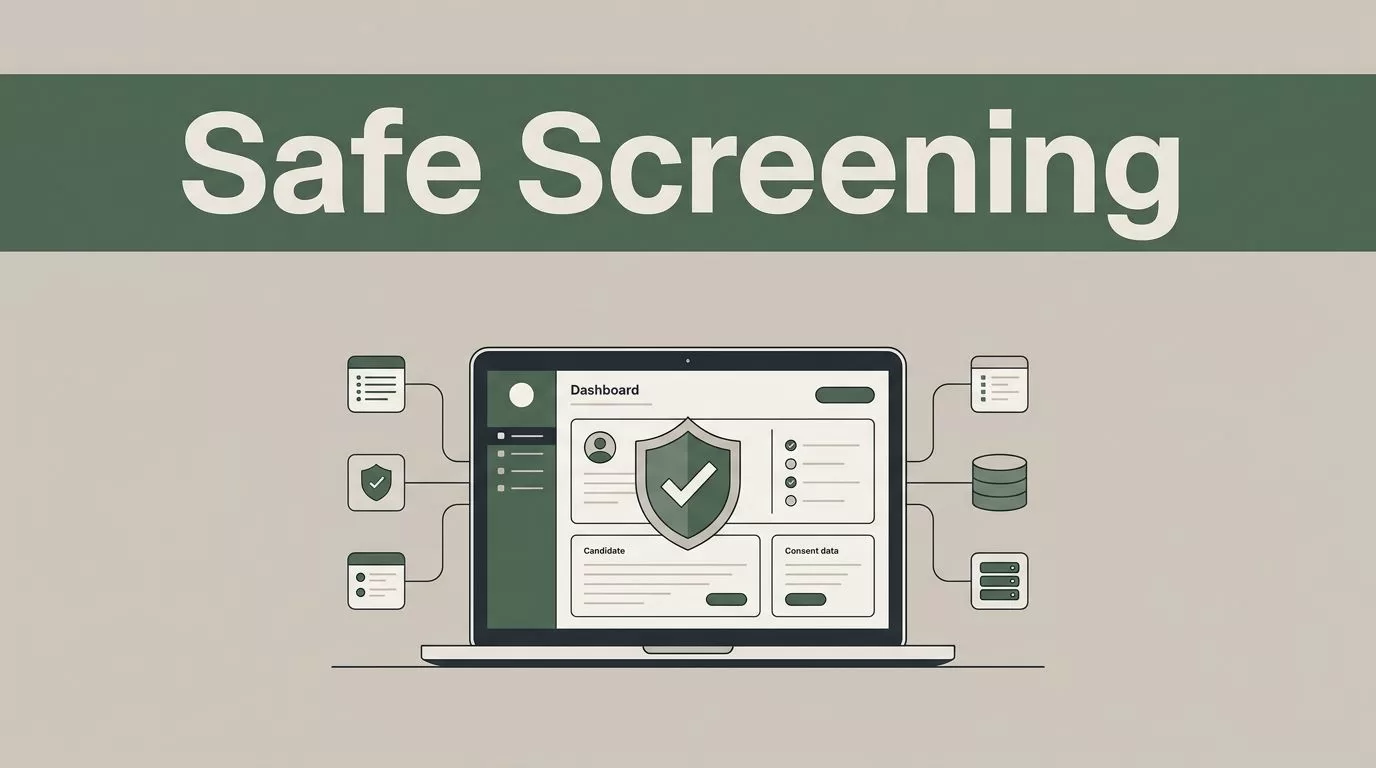
Manual screening slows down your hiring pipeline. You lose top candidates to faster competitors while your recruiters drown in paperwork. Twin.so gives you a faster path by connecting your applicant tracking system directly to screening providers. When you set up automated background checks, your team saves hours on every single hire without cutting corners on compliance or data security.
Key Takeaways
- Connect your applicant records directly to screening APIs to eliminate manual data entry errors.
- Build strict permission controls so only authorized team members can view sensitive candidate reports.
- Confirm all local, state, and federal compliance requirements with legal counsel before launching your workflow.
- Use automated audit trails to track consent collection, report delivery dates, and final hiring decisions.
Setting Up Your Screening Workflow
You need a clean entry point in your operational pipeline before you trigger any external data requests. Map out the exact stage where candidate screening belongs in your recruitment process. Usually, this happens right after a formal job offer goes out and the candidate accepts.
When a candidate record hits that specific pipeline stage, your system should package the necessary data fields securely. Avoid dumping raw notes or unverified text into your screening requests. Structured data fields prevent processing errors and ensure the screening vendor receives clean name, address, and identifier inputs. You can review Mitratech’s background check software guide for insights on how top vendor platforms handle data structuring and state-by-state compliance rules.
Configure your system to request candidate consent before any external API call fires off. Federal and state laws require explicit authorization and disclosures. Build a digital signature step into your candidate portal so consent is captured and timestamped automatically.

Choosing Between APIs and Browser Automation
Your technology stack dictates how data moves between systems. When an integration partner provides a direct REST API, use it. Direct API endpoints transfer candidate data instantly and return screening results with minimal lag.
Sometimes legacy screening providers or regional reference check portals lack modern API endpoints. That is where browser-based automation agents step in. Twin combines API capabilities with autonomous web agents to bridge this gap. The agent operates target systems using the most efficient path available, falling back to visual browsing only when an interface lacks programmatic support.
Browser automation consumes more execution credits than direct API calls. Prioritize built-in connectors whenever possible to keep your operational overhead low. Reserve visual browsing routines strictly for platforms that lock their programmatic access behind enterprise walls.
Always prefer direct API connectors over browser-based agents for sensitive candidate data when available, reserving visual web automation strictly for legacy platforms that lack programmatic access.
Restricting Data Access and Protecting Privacy
Background screening files contain highly sensitive personal information. You must secure these records immediately upon return from the screening provider. Restrict access permissions in your workspace so only designated recruiters or HR operations leaders can view full reports.
Create role-based access rules that separate routine candidate tracking from verified screening outcomes. If a team member doesn’t make hiring decisions for a specific role, they don’t need access to criminal records or credit histories. You can examine GoodHire’s automated compliance features to see how modern screening architectures handle granular role permissions and regulatory data protections.
Store your audit logs in a secure, immutable format. When regulators or internal auditors review your hiring practices, you need a clean timeline. Your system should record the exact date and time a request was sent, when consent was signed, and when the final report arrived in your dashboard.
Handling Exceptions and Human Oversight
Automation fails when edge cases go unmanaged. A screening report might stall due to an incomplete address history or an ambiguous middle name match. Your workflow needs built-in exception handling to flag these stalled records for human review.
Set up automated notifications that alert your recruitment team whenever a check returns an error or flags a potential adverse result. Never let software make a final rejection decision without human intervention. Your compliance framework must include structured review steps for any candidate who triggers a adverse action notice.
Automated background checks accelerate your pipeline, but final hiring decisions and compliance reviews always require direct human oversight.
Maintain a clear exception log inside your platform workspace. Record the candidate ID, the specific error message or status code, and the team member assigned to resolve the issue. This operational discipline keeps your hiring pipeline moving while protecting your business from administrative blind spots.
Conclusion
Automated background checks transform a tedious administrative bottleneck into a predictable operational asset. By combining structured data capture, secure API routing, and strict access controls, your team can process candidate screening quickly and safely. Always confirm your specific legal obligations with qualified counsel before deploying automated workflows. Review your audit logs regularly and maintain human oversight at every decision gate to keep your hiring process compliant.
