Automate Safety Compliance Checks With Twin.so
Manual safety compliance checks fail in predictable places: a missed inspection, a stale training record, or an unresolved corrective action. Twin.so can reduce repetitive work by running AI-agent workflows across approved tools, portals, a...
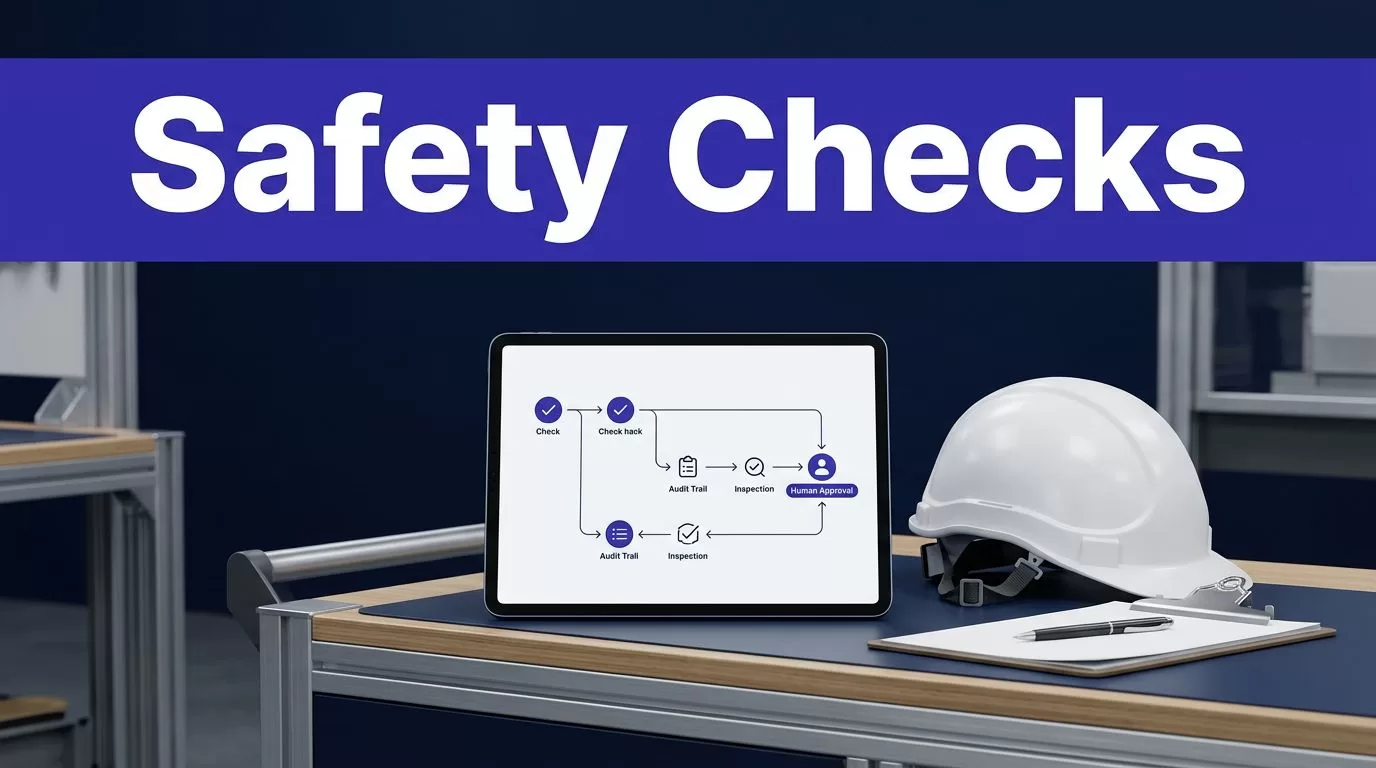
Manual safety compliance checks fail in predictable places: a missed inspection, a stale training record, or an unresolved corrective action. Twin.so can reduce repetitive work by running AI-agent workflows across approved tools, portals, and files. It shouldn’t make the final safety decision. A qualified EHS professional still interprets requirements, reviews exceptions, and approves actions.
Twin.so isn’t presented as an OSHA-certified EHS management system. Its public materials describe a general automation platform that uses APIs, browser automation, web search, schedules, webhooks, and connected apps. That makes it useful as a workflow layer when you define narrow checks and keep human approval in the process. Start with work that is repetitive, measurable, and easy to audit.
How Twin.so Supports Safety Compliance Checks
Twin.so builds AI agents from plain-language goals. The agent can plan steps, use connected tools, browse approved websites, retrieve data, and return an output. Twin’s agent and browser automation guides describe this model in practical terms.
The right use case isn’t “manage workplace safety.” That instruction is too broad. A better request is, “Check the approved inspection portal every weekday, find overdue inspections, list the site and owner, and prepare a review queue.”

Use Twin as the workflow layer
A safety team can use Twin.so to collect information from several approved systems and return it in one format. The workflow might check an inspection portal, a training database, a document repository, and an internal communication channel.
Twin.so’s public materials also describe scheduled runs and webhook triggers. Those controls can support daily checks, weekly reports, or event-based reviews. The output should identify what changed, what failed, and what needs human attention.
Treat the agent as an operations assistant. It can find missing records and prepare evidence. It shouldn’t approve a hazard closure, classify an injury, or decide that a workplace meets a legal requirement without review.
Use APIs first, then browser automation
An approved API is usually the better first option when it provides the required fields and history. API responses are easier to test, compare, and record.
Browser automation helps when the information sits inside an authenticated portal, dynamic page, downloadable file area, or older system without a suitable API. Twin.so describes browser-based agents that can navigate websites, fill forms, and take actions. Access permission still matters. A user being allowed to view a portal doesn’t automatically authorize an automated workflow.
Where Automation Fits in a Safety Program
Automation works best on checks with clear inputs and repeatable rules. Use the same principle behind OSHA’s recommended safety program framework: connect automation to an existing safety process rather than treating it as the process itself.
Run routine inspection checks
A practical workflow can check whether required inspections were completed by the expected date. It can compare the schedule with submitted records and return:
- Site or facility
- Asset or inspection area
- Assigned inspector
- Due date
- Completion status
- Missing evidence
- Previous unresolved action
The agent can prepare a review queue or draft a message for a safety channel. A manager then confirms the result and assigns the next action.
The workflow should also detect stale records. A completed inspection from last month doesn’t satisfy a check due today. The rule needs a defined inspection period, source system, time zone, and acceptable status.
Monitor records, training, and policy changes
The same pattern can identify expired training, missing permits, overdue corrective actions, and incomplete contractor documents. Each check needs an authoritative source. Don’t let the agent choose between conflicting records without a defined priority.
Twin.so can also support research workflows that monitor approved regulatory pages or internal policy locations. The agent may collect a new notice, summarize the change, and route it to the EHS team. It shouldn’t turn that summary into a legal conclusion.
Use the Department of Labor inspection guidance when designing response records for applicable inspections. Regulatory requirements vary by jurisdiction, industry, and situation.
Build an Audit-Ready Workflow
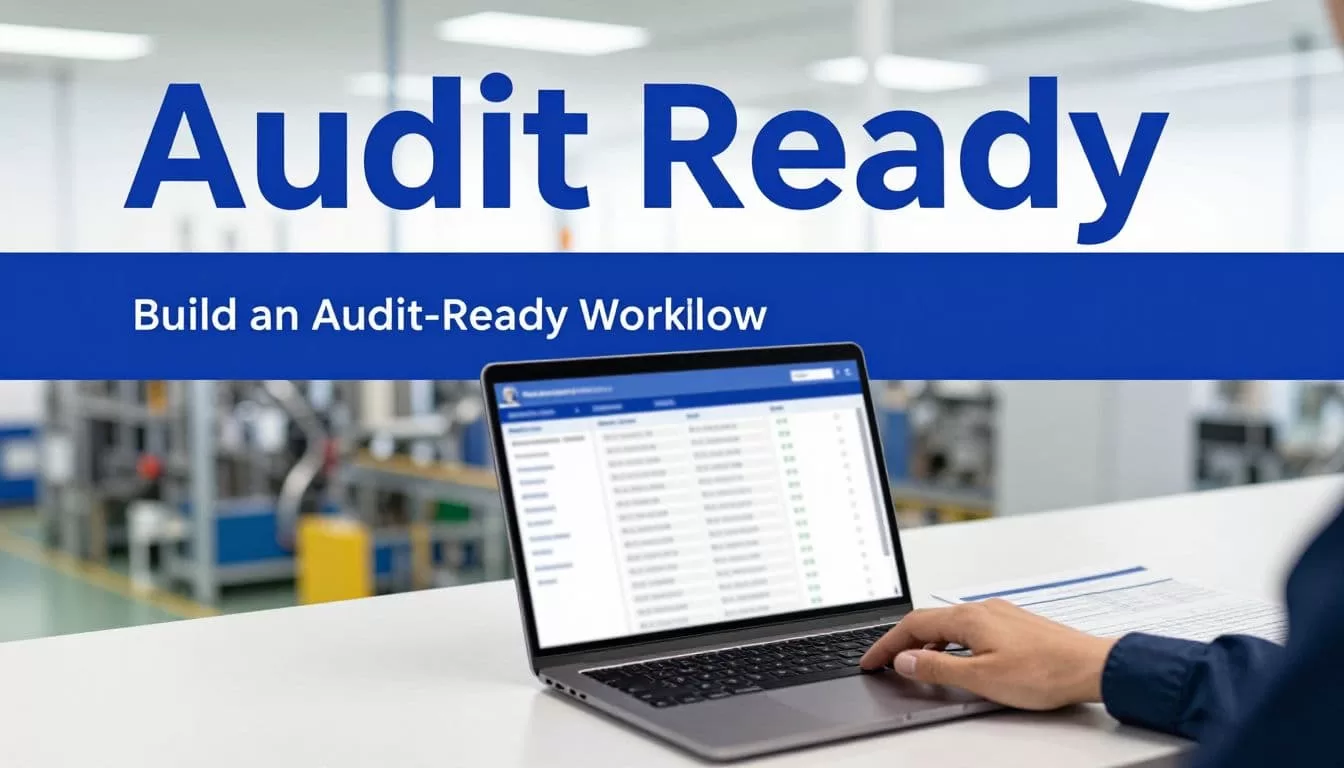
The workflow must create evidence, not only a green or red status. If someone asks why an item passed, your team needs the source record, the rule used, the time of the check, and the reviewer decision.
Define the input, rule, and output
Start by documenting the source and its authority. Record the portal, database, file location, or API that the agent may access. Add the approved account, permitted actions, date range, and responsible owner.
Then define the rule in plain language. For example:
“Find inspections for active facilities where the due date is before today and the status isn’t complete. Return the facility ID, inspection type, due date, owner, source link, and last recorded status.”
Define the output fields before building the agent. Use stable IDs instead of names alone. Keep raw values available so a reviewer can compare the agent’s result with the original record.
Route exceptions to qualified people
Every workflow needs an exception path. A missing field, changed portal layout, failed login, duplicate record, or conflicting asset ID should create a review item. It shouldn’t produce a confident-looking answer.
Twin.so’s public enterprise material discusses access controls, approval steps, and logged runs. Confirm the exact controls available to your account before deployment. Ask whether logs can be exported, how long they remain available, and which users can review them.
Automation can identify a deviation and assemble evidence. It can’t decide whether the deviation is legally acceptable.
High-risk issues should go directly to a qualified safety professional. That includes potential serious hazards, incident classification, exposure assessments, stop-work decisions, regulatory interpretations, and corrective-action closure.
Twin.so Implementation Checklist
Use this sequence for the first deployment.
- Choose one low-risk workflow with a clear source, a limited record set, and an obvious reviewer. Overdue inspection reporting is easier to test than automated incident classification.
- Map every source and permission before connecting Twin.so. Use approved credentials, restrict access to the required systems, and confirm whether employee, medical, or incident data can be processed.
- Write the rule with testable conditions. Define dates, time zones, status values, duplicate handling, missing-data behavior, and the exact records the agent must return.
- Create an output schema with stable IDs, source links, timestamps, raw values, and a run reference. A short summary is useful, but it shouldn’t replace the underlying evidence.
- Add a human approval step for decisions that affect employees, legal reporting, corrective-action closure, or operational risk. Let the agent draft the action rather than execute it automatically.
- Run the workflow in shadow mode. Compare its results with the current manual process for stale data, failed logins, changed page layouts, false alerts, duplicate records, and conflicting IDs. Expand only when the team can explain failures and roll back the workflow.
A narrow pilot gives you a useful baseline. Track the number of records checked, exceptions found, reviewer corrections, processing time, and missed issues.
Records and Exceptions Need More Than a Green Status
A compliance record should show what the system checked and what happened afterward. Store the source, record ID, rule version, run time, result, evidence link, reviewer, decision, corrective action, and closure date.
Keep timestamps in a consistent time zone. Preserve the original value when a record changes. If the agent summarizes a document, store the document version or source URL with the summary.
For an agency inspection or formal review, your internal record may need additional fields. Follow the applicable rule and ask legal or safety counsel when the requirement is unclear.
Measure false positives and false negatives
A false positive sends a routine issue to escalation. A false negative leaves a real issue unseen. Both affect trust in the workflow, but the second creates the greater safety risk.
Test known examples before rollout. Include overdue items, completed items, missing attachments, duplicate inspections, renamed facilities, and records with inconsistent dates. Have a safety professional review the results.
Calculate savings conservatively:
Monthly benefit = eligible volume x minutes removed x loaded hourly rate / 60
Then subtract Twin.so usage, connected-system costs, monitoring time, and human review. Don’t count every automated run as savings. A bad record can cost more to repair than the manual process.
Costs, Security, and Compliance Questions
Twin.so uses a credit-based execution model. Its public pricing page currently displays a free Starter option and paid tiers that include examples at EUR20, EUR50, and EUR189 per month. Credits can be consumed when agents build, browse, research, or produce outputs. Pricing, limits, and plan details can change.
Estimate the full operating cost. Include workflow runs, failed attempts, portal changes, maintenance, reviewer time, connected-system fees, and data storage. A low subscription price doesn’t make an unsafe workflow affordable.
Review security claims before connecting production data
Twin.so’s enterprise compliance discussion discusses a DPA, SOC 2 Type II reporting, audit logs, and security evidence available on request. Treat those statements as items for vendor verification.
The available product information doesn’t confirm HIPAA, ISO 27001, FedRAMP, OSHA certification, or a compliance guarantee. Ask for the current documentation that applies to your plan and data flow.
Before production access, confirm:
- Data retention and deletion controls
- Subprocessors and data locations
- Credential storage and revocation
- Role-based access and approval settings
- Log export and retention periods
- Incident response obligations
- Browser session controls
- Support for legal holds and audit requests
If you need help mapping the workflow, permissions, and review points before deployment, Book A Call with the implementation requirements prepared.
Conclusion
Twin.so can reduce the manual work behind safety compliance checks when the workflow has a narrow purpose, reliable source data, defined exception rules, and human approval. Use it to collect records, flag gaps, prepare evidence, and route work.
Don’t use automation as a substitute for qualified safety judgment or applicable legal guidance. Start in shadow mode, measure false negatives, preserve complete records, and expand only after reviewers can trust the output. The strongest workflow is not the one that runs without people. It’s the one that gives the right person better evidence at the right time.
