Scale Automated Content Distribution With Twin.so
Publishing one article across five channels can consume an entire workday. Automated content distribution reduces that workload by moving repeatable tasks into a controlled workflow. Twin.so uses AI agents to repurpose source content, creat...
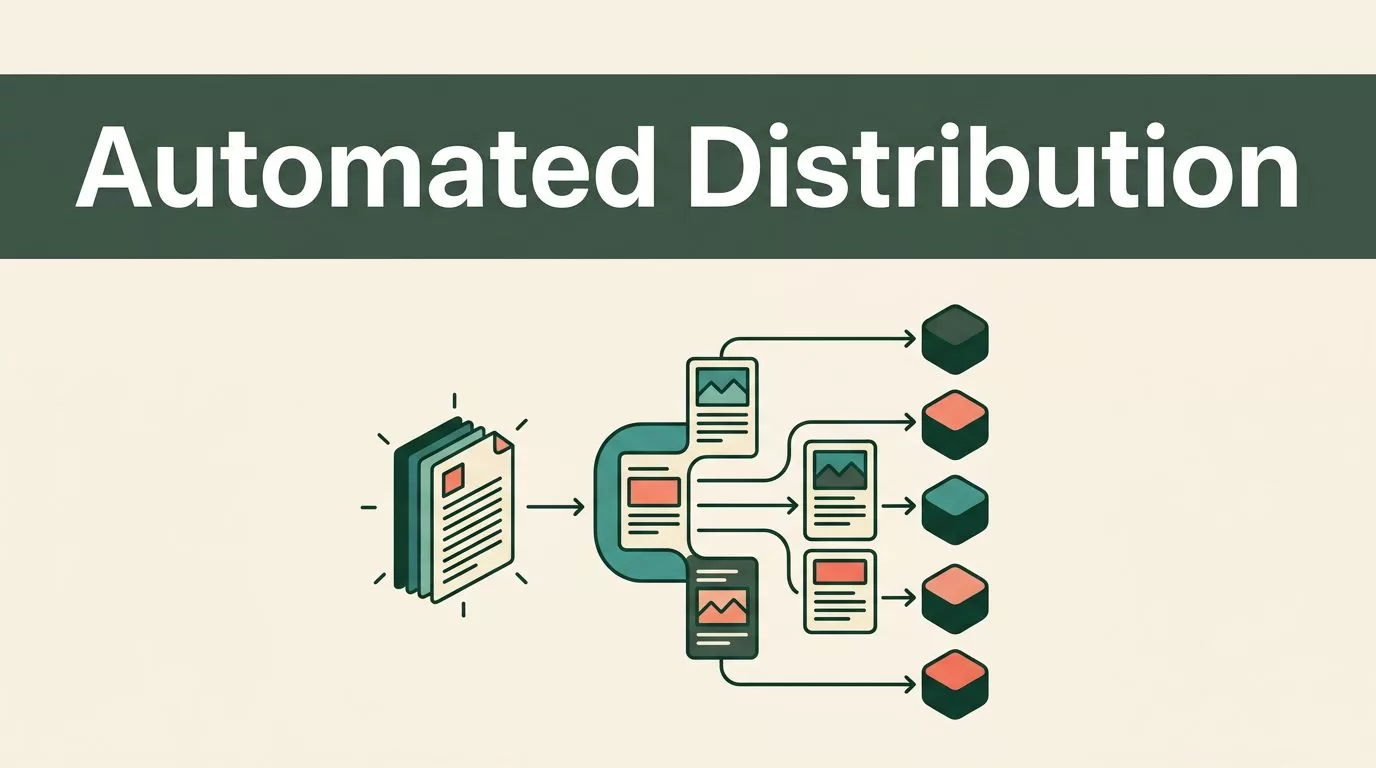
Publishing one article across five channels can consume an entire workday. Automated content distribution reduces that workload by moving repeatable tasks into a controlled workflow.
Twin.so uses AI agents to repurpose source content, create channel-specific assets, schedule posts, and publish across connected tools. The system saves time, but it doesn’t remove the need for editorial judgment. Your team still controls the source material, brand voice, review rules, and performance standards.
What Twin.so Changes in Automated Content Distribution
Most distribution workflows break at the same points. A marketer finishes a webinar, article, or video. Then someone manually extracts key points, writes social posts, creates an email draft, prepares images, adds tracking links, and schedules each asset separately.
That process creates delays and inconsistent output. It also makes distribution dependent on one person remembering every step.
Twin.so changes the workflow by treating the source asset as an input. An AI agent can read the source, plan the required outputs, create drafts, and route them to the right publishing destinations. Twin’s content materials describe workflows for writing posts, producing video scripts, creating newsletters, and repurposing content in a defined brand voice.
The platform supports scheduled, on-demand, and API-triggered agents. It also combines app integrations with browser automation. That matters when a publishing system lacks a usable API or when your team needs to work inside a client portal, dashboard, or web application.
You can also connect tools used by content teams, including Google Docs, Slack, spreadsheets, CRM platforms, Notion, and Microsoft 365. The exact workflow depends on your account, permissions, integrations, and destination platforms.
A useful starting point is to separate automation into four stages:
- Capture the source asset and its metadata.
- Generate channel-specific drafts.
- Review and approve the outputs.
- Schedule, publish, and measure results.
This structure follows the same logic used in broader automated content distribution processes. Twin.so handles the movement between stages, while your team defines the rules.
Build a Source-to-Channel Workflow
Start with one repeatable content format. A recorded webinar, weekly podcast, or long-form article works well because each source contains enough material for multiple assets.
Create a central source folder in Google Drive, Google Docs, Notion, or another system your team already uses. Store the source file, title, author, target audience, campaign name, publication date, and approved claims together. This gives the agent consistent context.
Next, define the trigger. The workflow could start when a new document enters a folder, a YouTube URL is added to a database, or a team member sends a command. Twin agents can also run on a schedule or respond to a webhook.
Set clear output rules before generating anything. Your instructions should cover:
- The target audience and buyer stage.
- The brand voice and words to avoid.
- The required call to action.
- The approved claims and supporting evidence.
- The platforms that should receive each asset.
- The reviewer responsible for approval.
- The campaign tags and tracking parameters.
The agent then processes the source according to those rules. It can create drafts for LinkedIn, X, Instagram, Facebook, email, Reddit, or other destinations supported by your connected workflow.

Do not start with automatic publishing. Start with automatic drafting and routing. Review the first 20 to 30 source assets manually. Track which instructions produce useful results, then adjust the workflow.
The best first automation is not “publish everywhere.” It is “create the right drafts, place them in the right queue, and make approval faster.”
Turn One Core Asset Into Platform-Native Content
Repurposing only works when each output fits its destination. Copying the same paragraph into every channel creates weak content and can reduce engagement.
Use one core asset as the source, then define a separate format for each channel.
For example, take a 30-minute webinar about reducing customer acquisition costs. The workflow could produce:
- A 1,200-word SEO article that explains the process, includes examples, and targets a defined search intent.
- Three LinkedIn posts, each focused on one operational lesson from the webinar.
- An X thread with short claims, supporting context, and a link to the full article.
- An Instagram carousel outline with one idea per slide and a concise final call to action.
- A newsletter draft that summarizes the lesson for existing subscribers.
- A Reddit discussion response that answers a relevant question without using promotional language.
- A short video script for a 60-second educational clip.
Twin’s public demos describe similar repurposing patterns, including workflows that turn one YouTube video into SEO content, Reddit posts, Quora answers, Instagram carousels, and email drafts.
The important detail is the instruction layer. Tell the agent what each platform expects. LinkedIn may need a strong opening and practical explanation. X needs tighter sequencing. Instagram needs short visual sections. Email needs a subject line, preview text, and a clear next action.
Do not ask the agent to invent evidence. Require it to mark unsupported claims for review. Keep statistics, customer results, product capabilities, and compliance statements tied to the source document or an approved reference library.
Brand voice also needs a testable definition. “Professional but friendly” is too vague. Use examples of approved openings, sentence length, product terminology, calls to action, and common corrections. Store those examples with the workflow instructions.
Add Review Gates Before Publishing
Automation increases output volume. It doesn’t guarantee accuracy.
AI-generated distribution content can contain unsupported claims, incorrect context, duplicated phrasing, weak hooks, or a call to action that doesn’t match the campaign. Platform formatting can also fail when content includes the wrong character count, unsuitable hashtags, or a link preview that doesn’t render correctly.
Build human review into the workflow. Keep high-risk content in draft status, especially material involving legal claims, financial advice, security practices, customer data, regulated industries, or performance guarantees.
Use separate review levels:
- A copy editor checks clarity, grammar, tone, and factual accuracy.
- A subject matter expert checks technical claims and terminology.
- A campaign owner checks the offer, audience, links, and tracking.
- A channel owner checks native formatting and publishing requirements.
Twin can route updates through connected tools such as Slack, documents, task systems, and calendars. A practical process is to create a review record for every source asset. The record should include the source URL, generated drafts, approval status, reviewer comments, scheduled time, and final links.
Browser automation can help when a destination has no direct API. Treat that access carefully. Use dedicated accounts, minimum permissions, stable login methods, and clear failure alerts. Browser workflows can break when a site changes its layout or requests additional verification.
You should also add an exception path. If the agent cannot find a required claim, loses access to a destination, or detects a missing field, it should stop and notify a human. It should not guess and continue.
This concern appears often in community discussions about AI content workflow automation. The practical lesson is simple: automation needs boundaries, logs, and a manual recovery path.
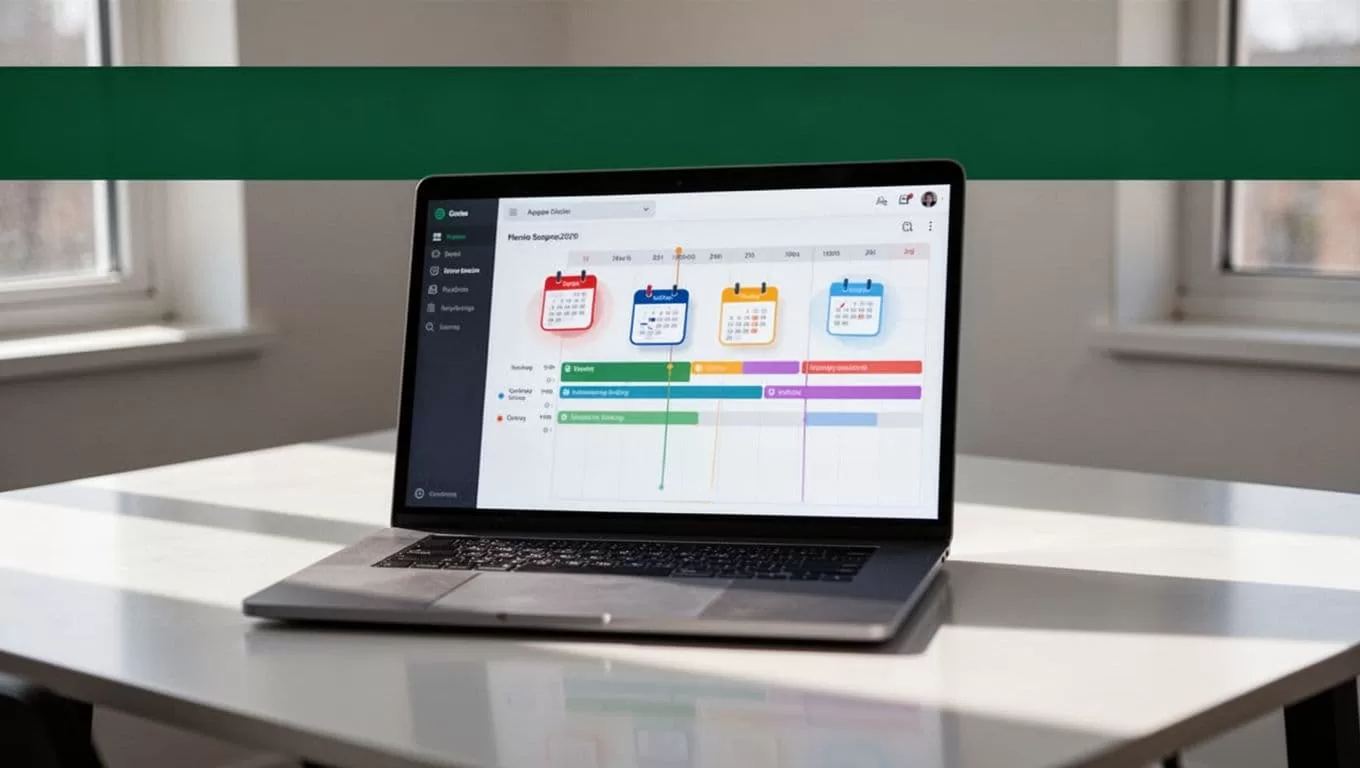
Measure Distribution as an Operating System
Publishing more content doesn’t prove that the workflow works. Measure the business result, not only the number of posts created.
Connect campaign parameters to every outbound link. Use consistent values for source, medium, campaign, and content type. This lets your analytics system separate traffic from LinkedIn, email, Reddit, organic search, and other channels.
Track four groups of metrics:
Production metrics show how much work the system completes. Measure source assets processed, drafts generated, approval time, scheduled posts, and publishing failures.
Quality metrics show whether the output meets your standards. Track rejection rates, factual corrections, brand voice edits, broken links, and duplicate content.
Distribution metrics show channel performance. Review impressions, reach, engagement rate, saves, click-through rate, email clicks, and video completion.
Business metrics connect content to outcomes. Measure qualified visits, demo requests, assisted conversions, pipeline value, and customer acquisition cost.
Create a weekly review loop. Identify the posts that produced useful traffic or qualified conversations. Compare their structure, topic, hook, format, and audience. Update the agent instructions only when the change has a clear reason.
Don’t optimize for volume alone. A workflow that creates 100 weak posts is less useful than one that creates 20 approved assets with measurable results.
Run a small pilot first. Use one source format, two distribution channels, one approval process, and one reporting dashboard. Compare the automated workflow with your current manual process. Measure hours saved, correction time, publishing reliability, and downstream results.
Implement Twin.so Without Losing Control
Use this rollout sequence:
- Choose one recurring source asset, such as a webinar or weekly article.
- Document the source format, audience, campaign goal, and required outputs.
- Write platform rules for each channel.
- Add your approved brand examples and restricted claims.
- Connect the source repository and publishing tools.
- Build the agent to generate drafts and create a review record.
- Test the workflow with real content and inspect every output.
- Add scheduling only after draft quality is consistent.
- Turn on publishing for low-risk channels first.
- Review performance weekly and update the workflow rules.
Agency owners should create separate workspaces or permissions for each client. Keep client voice guides, destination accounts, approval roles, and analytics properties separate. A shared automation template can save setup time, but client data and publishing access should remain isolated.
Internal marketing teams should assign ownership before launch. Someone needs to maintain the source library. Someone needs to approve content. Someone needs to monitor failed runs and platform changes.
Twin.so is most useful when your team has repeatable content, multiple channels, and a clear approval model. It is less suitable for campaigns that depend on constant creative improvisation or sensitive claims requiring expert review at every step.
Conclusion
Automated content distribution works when it moves repetitive execution out of the critical path without removing editorial control. Twin.so can connect source assets, AI repurposing, scheduling, publishing tools, and reporting into one operating workflow.
Start with one reliable content source. Generate channel-specific drafts, require human approval, and measure quality alongside traffic and conversions. The goal isn’t to publish more for its own sake. The goal is to make every approved piece of content easier to adapt, distribute, and improve.
