Automate Guest Messaging With Twin.so Without Losing Control
Guest messages rarely arrive at convenient times. A question about WiFi, parking, or late check-in can appear while you’re asleep, driving, or managing another property. Automated guest messaging helps short-term rental teams respond...

Guest messages rarely arrive at convenient times. A question about WiFi, parking, or late check-in can appear while you’re asleep, driving, or managing another property. Automated guest messaging helps short-term rental teams respond faster without keeping an inbox open all day.
Twin.so approaches this problem with browser-based AI agents. The agent monitors guest conversations, uses property-specific information to draft a response, and asks a human to approve sensitive messages before they are sent.
The result is not a simple collection of canned replies. It is a controlled workflow that reduces repetitive communication while keeping people involved when the request carries risk.
What Twin.so Changes in Guest Communication
Most guest messaging systems rely on templates and time-based triggers. A booking confirmation sends after a reservation. Check-in instructions send before arrival. A review request sends after departure.
That model works for predictable events. It becomes less useful when guests ask questions in their own words.
A guest may write:
- “Can we arrive two hours early?”
- “The WiFi stopped working.”
- “Where can we park a second car?”
- “The door code isn’t opening the lock.”
- “We need to cancel because of a family emergency.”
These messages require context. The response depends on the property, booking, house rules, and sometimes the guest’s specific situation.
Twin.so’s hospitality agents are designed to monitor short-term rental inboxes and handle questions about check-in, WiFi, parking, late arrivals, house rules, and local recommendations. The agent can pull the relevant information for each property before drafting a response.
That property-level context matters. A reply for a city apartment shouldn’t use the same parking instructions as a beach house. A door code for one unit must never appear in another guest’s thread.

Twin.so also includes controls that reduce common automation errors. Its short-term rental workflow can deduplicate conversations it already handled and respect quiet hours before messaging guests.
For property managers, this creates a better division of work. The agent handles repetitive questions. Your team reviews exceptions, approvals, and operational issues that need judgment.
Automation should remove repetitive typing, not remove accountability for safety, refunds, or property damage.
How Automated Guest Messaging Works With Twin.so
The word “instantly” needs a precise definition. Twin.so’s documented short-term rental workflows monitor inboxes on a schedule. One example checks the property management system every 30 minutes. Another monitors Hospitable hourly and sends drafts to Slack for review.
That means Twin can create a draft quickly after it detects a new message. The polling schedule controls when detection occurs. If your setup supports an event trigger or webhook, the workflow can use that instead of relying only on scheduled checks.
A typical automated guest messaging workflow follows this sequence:
- Twin.so logs into the connected property management system or guest inbox through browser automation.
- The agent checks for new guest threads and compares them with conversations it has already processed.
- It identifies the relevant property and retrieves matching facts from the property’s knowledge base.
- Twin drafts a response using information such as the WiFi details, door code, parking instructions, house rules, or nearby recommendations.
- The draft goes to the configured approval channel, such as SMS or Slack, when human review is required.
- The approved message is sent through the original guest messaging system.
This browser-based approach is useful when a platform lacks a suitable public API. Twin.so agents can work with websites, portals, dashboards, forms, and web applications through the browser. Twin also supports API and browser workflows together, which gives operators more options when connecting existing systems.
You can describe the desired outcome in plain language instead of building every step with a visual workflow editor. The workflow still needs clear rules, property data, and approval conditions. Natural-language setup reduces configuration friction, but it doesn’t replace operational planning.
Prepare Your Property Knowledge Before Connecting Twin.so
Twin’s response quality depends on the information it can access. A vague knowledge base produces vague drafts. Conflicting property notes create a higher risk of incorrect instructions.
Create one controlled information set for each property. Include the facts guests ask for most often:
- Check-in and check-out times
- Door entry instructions and access limitations
- WiFi network details
- Parking rules and vehicle restrictions
- House rules
- Appliance and amenity instructions
- Pet policies
- Directions from common arrival points
- Local recommendations
- Maintenance and emergency contacts
Keep these details current. If a lock changes, update the source document before the next arrival. If parking rules differ by season, write the condition clearly instead of storing two conflicting statements.
Separate factual instructions from decisions that require approval. “The property has one parking space” is a fact. “Approve an additional vehicle” is an operational decision. Twin can draft a response about the first item. Your team should control the second.
Limit access to the people and systems that need it. Guest communication can contain personal details, reservation data, and access credentials. Review Twin’s connected accounts and permissions before deploying the workflow across multiple properties.
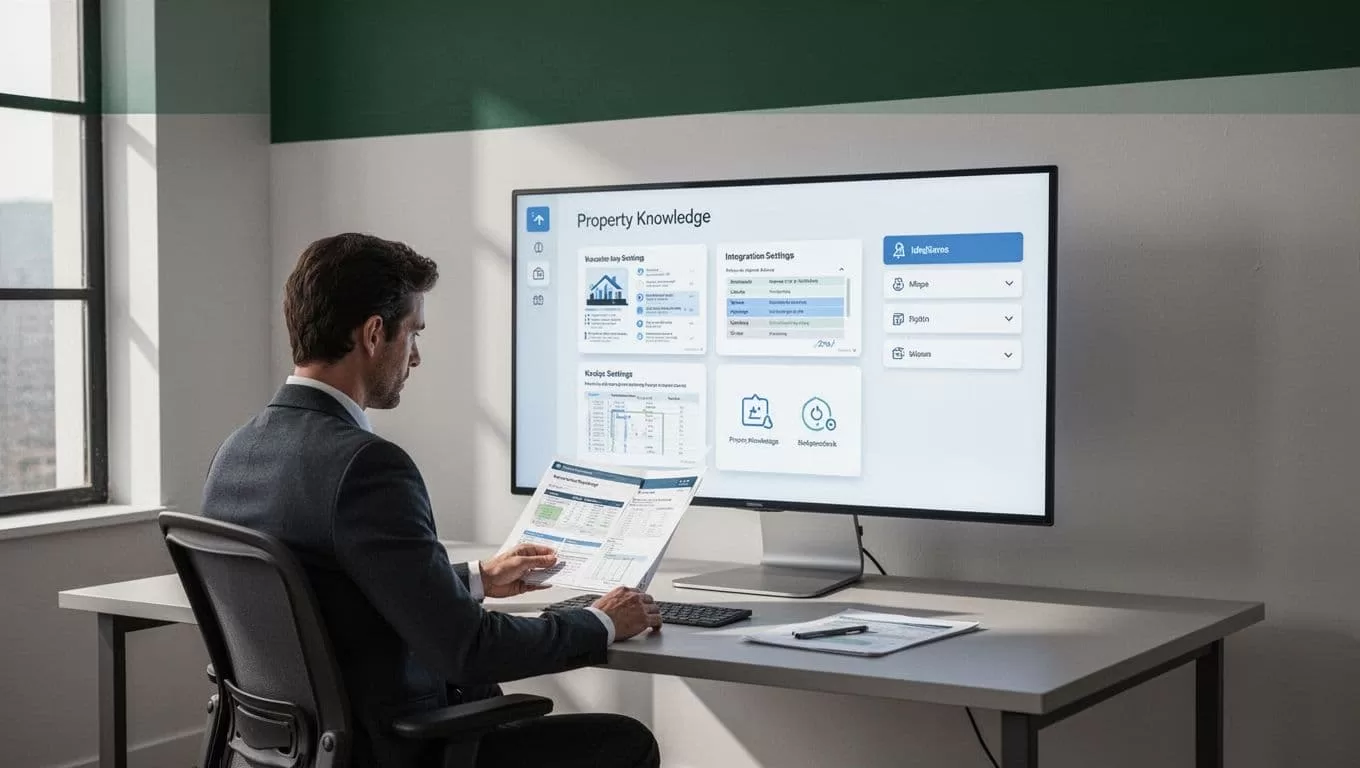
Use a consistent format for every property. A shared structure makes updates easier and reduces the chance that the agent pulls the wrong detail.
For example, store each property under its own name, then group information under headings such as “Access”, “WiFi”, “Parking”, “House Rules”, and “Local Area”. Don’t place instructions for several units in one unstructured document if the agent must distinguish between them.
Build the Workflow Around Approval Rules
Guest communication automation should begin with a narrow scope. Start with low-risk questions that have stable answers. Expand only after your team reviews the drafts and confirms that the source data is reliable.
Good starting cases include WiFi instructions, parking information, check-in times, checkout procedures, and local recommendations. These requests are common and usually depend on information you can define in advance.
Twin’s hospitality workflow specifically includes escalation for messages involving safety, refunds, or damage. Keep those rules in place. Add your own escalation conditions for issues such as medical emergencies, threats, legal complaints, compensation requests, discrimination claims, or serious maintenance failures.
A useful rule set looks like this:
- Draft and request approval for routine guest questions.
- Escalate safety, refund, and damage messages immediately.
- Don’t send a message during configured quiet hours unless the issue meets an emergency rule.
- Don’t answer a question when the property data is missing or contradictory.
- Don’t send repeated replies to a thread the agent already processed.
- Require a human decision before offering money, changing a reservation, or admitting liability.
SMS approval is useful for owners who manage a small portfolio and need a fast decision path. Slack review can fit better for a property management team where several employees handle guest support.
Human approval also gives you a practical quality-control loop. Review the wording, check the property details, and approve or revise the draft. Over time, recurring corrections show where your knowledge base or workflow rules need improvement.
Connect Twin.so to Your Existing Operations
Twin.so works best when it sits around the tools you already use. The documented vacation rental example uses Hospitable as the source for guest messages and Slack as the review destination. Other workflows can use browser access to interact with a property management system or listing inbox.
Before deployment, map the complete path:
- Identify where new guest messages appear.
- Confirm which account Twin will use to access that system.
- Select the property documents or notes the agent can reference.
- Choose SMS, Slack, or another approved review channel.
- Define when the workflow runs.
- Set the conditions that pause or escalate the agent.
- Decide how your team records unresolved conversations.
Run the workflow on a small property group first. Test new messages, existing threads, duplicate messages, quiet hours, missing information, and escalation terms. Check whether the agent selects the correct property and whether the draft uses the correct policy.
Twin.so logs agent actions and can provide screenshots for debugging and review. Use those records during testing. They help your team understand what the agent saw, which page it opened, and where the workflow stopped.
Don’t measure success by the number of messages sent automatically. Measure whether the right messages were drafted, whether staff review time fell, and whether guest questions received accurate answers.
Twin.so Compared With Standard Guest Messaging Tools
Twin.so isn’t the only way to automate guest communication. Hostaway offers scheduled messages, AI auto-replies, a unified inbox, and triggers for events such as bookings, check-in instructions, and review requests. Guesty also supports automated guest messaging inside its property management workflow.
Enso Connect combines a unified inbox with AI-assisted or automatic replies, guest tags, multilingual support, and event-based automation. Hospitable is both a property management platform and the source used in one of Twin’s own guest-message agent examples.
The main distinction is where the automation lives.
Native PMS automation is usually easier to manage when your communication needs stay inside one platform. Twin.so is more useful when your process crosses multiple websites, tools, portals, and internal channels, or when a browser interface is available but a clean API connection isn’t.
Compare the tools using your actual operating model:
| Requirement | What to check |
|---|---|
| Routine replies | Can the tool use property-specific facts? |
| Human review | Can staff approve before sending? |
| Sensitive requests | Can the workflow escalate safety, refunds, and damage? |
| Multi-property operations | Can it keep property data separated? |
| Integrations | Does it connect to your PMS and review channel? |
| Audit trail | Can you inspect actions and troubleshoot failures? |
The right automated guest messaging system is the one that fits your existing inbox, data structure, team workflow, and risk controls. A longer feature list doesn’t compensate for incorrect property information or unclear escalation rules.
Track Accuracy Before Expanding Automation
Start with a review period. Keep humans approving every draft while you collect examples of correct responses, incorrect details, missing context, and unnecessary escalations.
Track a small set of operating metrics:
- Average time from guest message to approved reply
- Percentage of drafts approved without edits
- Percentage of threads escalated
- Number of duplicate or incorrect replies
- Staff minutes spent reviewing drafts
- Guest questions that required manual research
These metrics reveal whether Twin.so is reducing work or moving work into a new review queue. A high edit rate usually points to weak property documentation, unclear instructions, or a workflow that covers too many message types.
Expand in stages. Add one property group, then one new category of guest request. Keep exceptions under human control until the team has reviewed enough examples to trust the process.
Automation must also have an owner. Assign someone to update property facts, inspect failed runs, review escalation patterns, and remove outdated instructions. Guest messaging changes when locks, cleaners, fees, parking arrangements, and local rules change.
Conclusion
Twin.so can help short-term rental teams draft guest replies across property systems and browser-based tools. Its strongest use case is a controlled workflow that combines property-specific knowledge, scheduled inbox monitoring, duplicate protection, quiet hours, and human approval.
Use automated guest messaging for stable, repeatable questions. Keep people responsible for safety, refunds, damage, complaints, and unusual requests. Start with one property group, test every escalation path, and expand only after the drafts match your operating rules.
The fastest reply is not useful if it contains the wrong door code. With clean property data and clear approval controls, Twin.so can reduce manual inbox work without turning guest support into an unattended process.
