Create An IVR Voice Generator Using Speechify
Automated phone menus often sound robotic and frustrating. When customers call your support line, they want clear guidance, not synthesized screeching from twenty-year-old telephony gear. Modern text-to-speech tools change how businesses bu...


Automated phone menus often sound robotic and frustrating. When customers call your support line, they want clear guidance, not synthesized screeching from twenty-year-old telephony gear. Modern text-to-speech tools change how businesses build interactive voice response flows. You can configure a professional IVR voice generator using Speechify to deliver natural speech, clear routing, and calm interactions for every inbound caller.
Key Takeaways
- Build a reliable phone menu by pairing your IVR scripts with a dedicated IVR voice generator to eliminate robotic audio.
- Select a natural-sounding voice model that matches your brand tone across mobile phones and office desk sets.
- Structure your scripts with concise menu choices, immediate caller verification, and clear error handling.
- Verify your audio export formats and telephony provider requirements before uploading your generated prompts.
- Maintain caller accessibility by designing straightforward prompts and avoiding overly rapid playback rates.
Choosing Your IVR Voice Model
A natural voice builds trust before a customer ever speaks to a human agent. When callers dial into your support queue, the greeting sets the emotional tone for the entire interaction. Selecting the right voice model prevents the jarring contrast between modern digital branding and archaic telephone systems. You want a tone that sounds warm, steady, and authoritative without feeling overly theatrical.

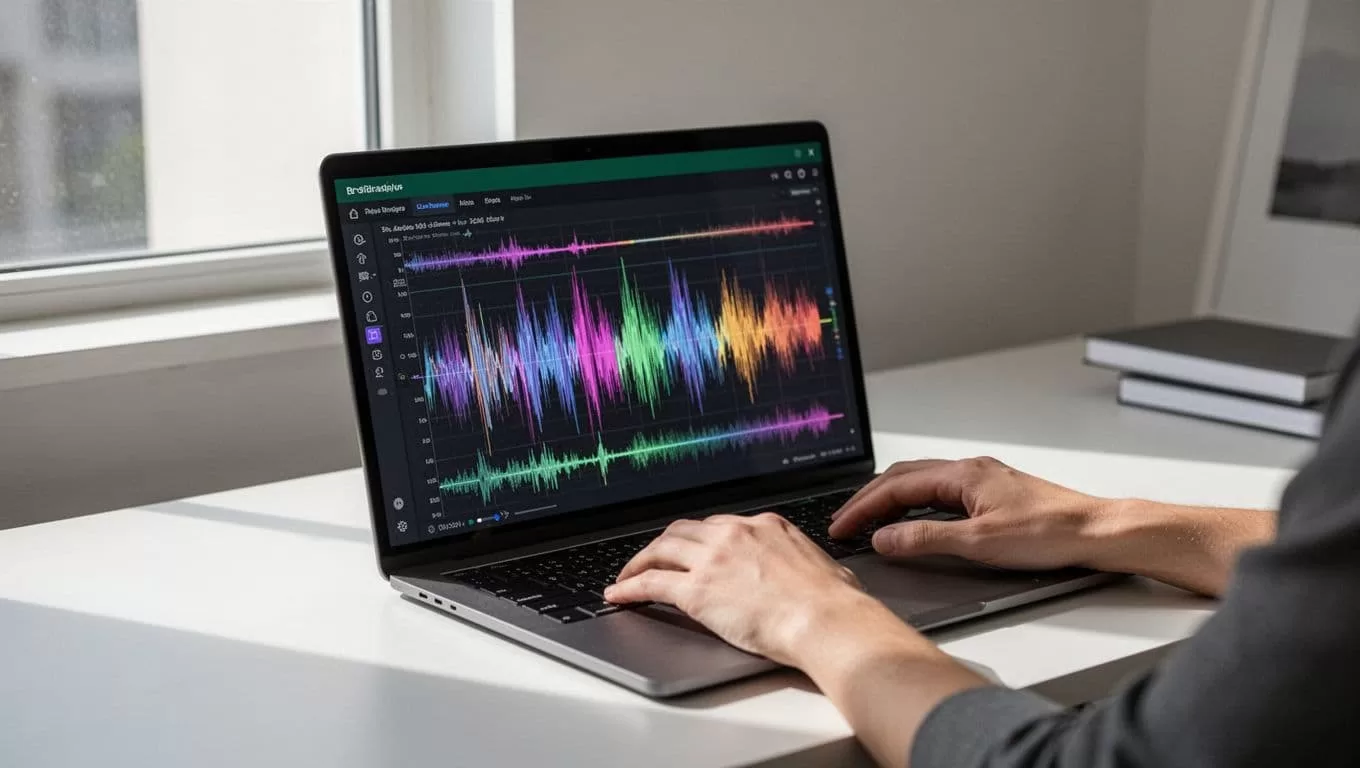
When exploring options inside Speechify, test multiple voice profiles against your company identity. A financial services firm requires a grounded, measured delivery, while a SaaS startup might use a brighter, conversational cadence. Once you pick a primary voice, stick with it across every department prompt. Consistency matters more than novelty in telephony design. Callers need to recognize your brand instantly when they transfer between billing, technical support, and account management.
Writing Effective IVR Prompt Scripts
Clear scripts keep callers from mashing zero on their keypads. Telephone interactions demand brevity because users process spoken lists differently than visual menus. Write your scripts so the primary action arrives in the first five seconds. If your prompt drags on with unnecessary corporate pleasantries, callers forget the menu options before the recording finishes.
Here is a standard inbound greeting and menu prompt: “Thank you for calling Gist Junction. For sales, press one. For technical support, press two. To check your account status, press three. Or stay on the line to speak with an operator.”
Routing callers correctly on the first attempt reduces abandoned calls and shortens handle times. If a caller selects the wrong department, your error handling prompt needs to catch the mistake gently. Instead of playing a harsh buzzer sound, use a calm fallback prompt like this: “We didn’t catch that choice. To hear the main menu again, press one. Or stay on the line to reach our next available representative.”
Managing Wait Times and After-Hours Notices
Hold time messages require careful pacing to prevent caller fatigue. When customers wait in a queue, repetitive looping music drives up frustration. Interspersing short, reassuring spoken notices helps manage expectations.
Here is an example queue position notice: “All of our support specialists are currently assisting other customers. Your estimated wait time is less than three minutes. Your call is important to us, and we will be with you shortly.”
After-hours notices need immediate clarity regarding operating schedules. Never leave a caller guessing whether your office is open.
Here is a standard after-hours prompt: “You have reached Gist Junction outside our normal business hours. Our offices are open Monday through Friday, from nine AM to six PM Eastern Time. Please leave a detailed message after the tone, or visit our website at gistjunction.com for online support.”
Exporting and Formatting Audio for Telephony Systems
Once you generate your voice prompts, technical implementation details determine how clean the audio sounds over a phone line. Traditional telephony hardware operates within strict frequency limitations compared to modern web browsers. You cannot upload massive studio-quality files without checking your PBX system requirements first.
Telephony integration requires specific codecs and sample rates. Most standard phone switches accept uncompressed audio or specific compressed formats. You can review detailed export specifications and platform compatibility through the Speechify text to speech platform to confirm your output settings.
When you configure your export settings, match your target audio container to your phone system capabilities. Standard phone networks process audio best at specific sample rates, typically converting inputs down to narrow channel frequencies. If your audio files sound muffled after uploading, check whether your PBX system requires mono output channels instead of stereo recordings.
| Audio Parameter | Recommended Setting | Operational Purpose |
|---|---|---|
| File Format | WAV or MP3 | Broad compatibility with modern PBX and VoIP hardware |
| Channel Mode | Mono | Prevents phase cancellation issues across telephone lines |
| Sample Rate | 8kHz or 16kHz | Matches telecommunication transmission standards |
| Bit Depth | 16-bit | Delivers clean vocal reproduction without excessive file size |
Testing your generated files directly in your live environment remains an essential final step. Call your support queue from an external mobile phone to check audio clarity, volume balance, and pacing before announcing the update to your customers.
Conclusion
Deploying custom phone menus using an advanced voice generator removes the friction of robotic legacy telephone systems. By combining intentional script design with natural-sounding vocal models, you give customers a calm and efficient entry point into your business operations. Clean up your menu options, verify your audio export formats, and test every routing path before going live. Set up your first prompt library today, generate your core routing files, and upgrade your customer support experience from the first ring.

