How I Build Custom SaaS Metrics in Baremetrics
Some dashboards get noisier as a company grows. Baremetrics can show plenty of standard subscription numbers, but that does not mean the view is useful. I build custom metrics when I need one number that answers one business question. That...

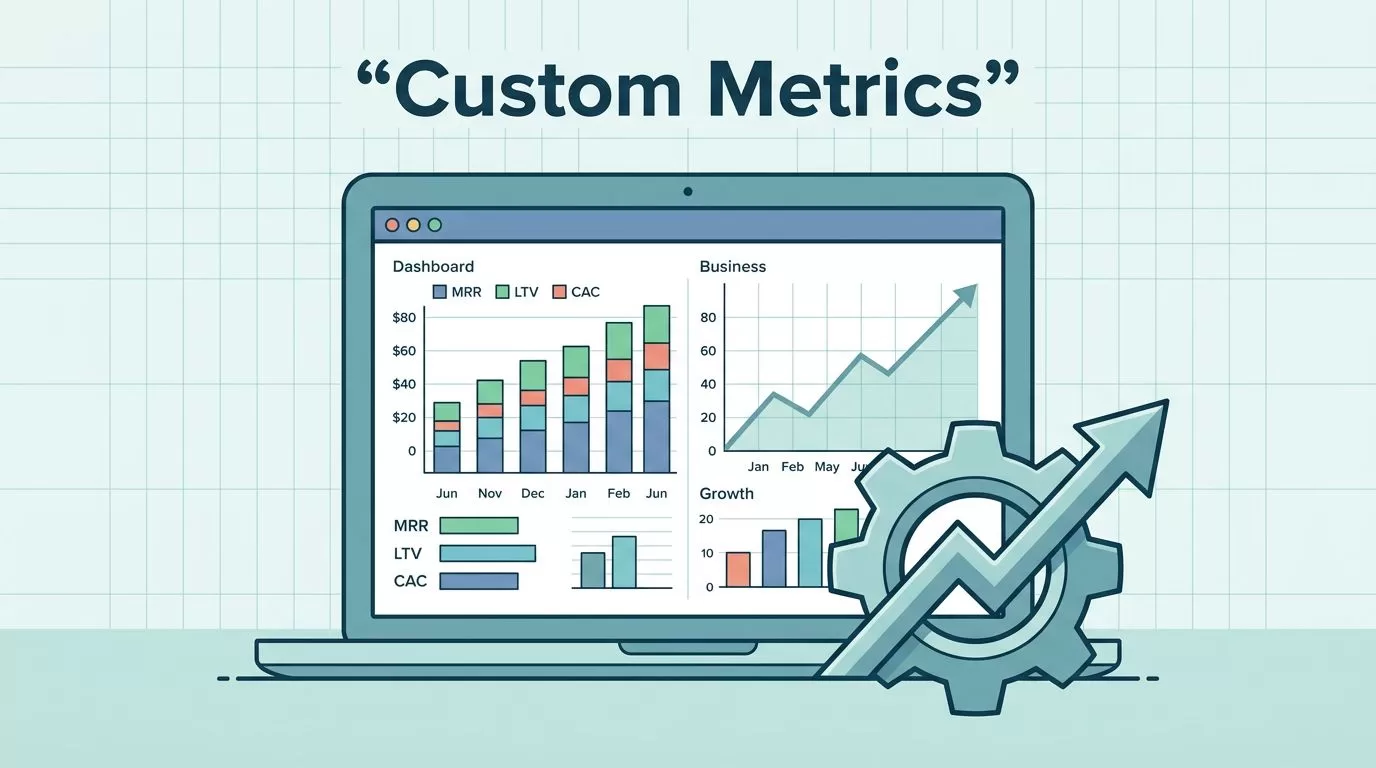
Some dashboards get noisier as a company grows. Baremetrics can show plenty of standard subscription numbers, but that does not mean the view is useful. I build custom metrics when I need one number that answers one business question.
That usually means custom MRR breakdowns, expansion and contraction tracking, trial-to-paid performance, segmented LTV, or cohort views that finance and growth can read the same way. When the definition is clear, the metric becomes a tool instead of noise. So I start with the decision I need to make, then I shape the metric around it.
Why I build custom metrics instead of adding more charts
Standard SaaS metrics tell me a lot, but they do not always tell me enough. A clean MRR chart is helpful. A clean MRR chart split by plan, segment, or sales motion is better, because I can see what changed and why.
When I need a formula check, I keep Stripe’s SaaS metrics guide nearby. I use it as a reference point for definitions like MRR, CAC, and payback before I remix anything inside Baremetrics.
Here are the metric types I build most often:
| Metric idea | What I calculate | Why I use it | Common mistake |
|---|---|---|---|
| Custom MRR breakdown | MRR by plan, segment, or source | Shows which customer group drives growth | Mixing booked and recognized revenue |
| Expansion and contraction | Positive and negative MRR movement | Reveals health inside the existing base | Counting the same account change twice |
| Trial-to-paid conversion | Paid customers divided by trials, by cohort | Exposes onboarding or pricing friction | Comparing trials with different lengths |
| Segmented LTV | LTV by plan, channel, or cohort | Shows which customers are worth more | Using one blended average for everyone |
I care less about the label and more about whether the metric can shape action. If a number cannot tell me who needs help, where money comes from, or what changed this week, I leave it out.
How I set up custom metrics in Baremetrics
Baremetrics keeps the process simple once the billing data is in place. If I still need to connect the source, I start with setting up my Baremetrics data connection. After that, I build inside the current custom dashboard and metric widget options, which can vary a bit by account.
I never build the math first and ask the question later.
- I pick one business question.
“Why did enterprise MRR grow faster than self-serve MRR?” is a real question. “Create a growth metric” is not. - I choose the cleanest source fields.
I use billing data for revenue movement and customer records only when the metric needs account context. - I keep the time period the same.
A monthly metric should compare monthly numbers. A rolling 30-day view should stay on that same window. - I name the metric in plain language.
I avoid clever names. If a teammate cannot read it and understand it fast, I rewrite it. - I save it, then test it against a known period.
I compare the result with a month I already trust. That catches bad joins, missed refunds, or a broken filter.
I do not build custom metrics to look smart. I build them so I can make one clean decision faster.
That test step matters more than people think. A metric can look tidy and still be wrong if the source logic is off.
Naming and data hygiene that keep the metric honest
A strong metric name tells me what I am measuring, who it applies to, and when it applies. That keeps the dashboard readable months later, when memory gets fuzzy and the original builder has moved on.
I usually follow a simple naming pattern:
- I name the business motion first, like “Expansion MRR” or “Trial-to-paid conversion”.
- I add the segment if the metric only covers one group, like “Enterprise” or “Self-serve”.
- I add the time window if it matters, like “30-day rolling” or “monthly”.
- I avoid abbreviations unless everyone on the team uses them the same way.
I also keep an eye on data hygiene. A custom metric can fall apart when the source data is messy, even if the formula is right.
I keep this SaaS metrics sanity check open when I review definitions, because the core rule is simple, keep each number tied to one source of truth. Revenue should not come from three places. Customer counts should not mix active, churned, and trial users unless that is the exact point of the metric.
The most common mistakes I run into are easy to miss. Refunds get left out. Discounts get counted twice. Plan migrations show up as both churn and expansion. Trial cohorts use different start dates, so conversion looks better or worse than it is. Once that happens, the dashboard starts telling stories that sound true but are not.
If I cannot explain a metric in one sentence, I have not defined it well enough.
I also version important changes. If I revise the formula, I build a new version instead of overwriting the old one. That helps me compare periods without wondering why last quarter’s number moved.
The first custom metrics I build in Baremetrics


I start with metrics that change decisions, not metrics that just fill space. Once those are in place, I put the most important ones on customizing my Baremetrics dashboard so leaders see the same story every week.
Custom MRR slices that show real motion
My first build is often a split of MRR by plan or customer segment. That lets me see whether growth comes from one strong cohort or from the whole base. If enterprise MRR climbs while self-serve flatlines, I know where to look.
Trial-to-paid conversion by cohort
I like cohort-based conversion more than a single blended rate. A weak cohort can hide inside a healthy average. By comparing sign-up month, I can see whether product changes, pricing, or onboarding affected the handoff from trial to paid.
Segmented LTV that tells me who stays
Segmented LTV is one of my favorite metrics because it makes customer quality visible. I can separate SMB, mid-market, and enterprise, or compare paid channels. That helps me avoid spending growth budget on low-value traffic that looks good in the short term.
Expansion and contraction before they blur together
Expansion and contraction deserve their own views because they tell different stories. Expansion shows the base growing stronger. Contraction shows where plans shrink before churn follows. Together, they help me spot pressure early, not after the month closes.
Baremetrics custom metrics work best when I keep them close to the questions that matter. A metric that lives on a dashboard but never changes a meeting is just decoration.
Conclusion
When I build custom metrics in Baremetrics, I am not trying to add more numbers. I am trying to make the right number easier to trust. That means a clear question, a clean data source, and a name that anyone on the team can read without a decoder.
The best custom metrics feel boring in the right way. They stay stable, they match the business definition, and they make the next decision easier.
That is the real value of Baremetrics custom metrics. They turn a crowded dashboard into something I can use without second-guessing it.

