How I Sync Baremetrics Data Into a SaaS Warehouse
When I build a Baremetrics data warehouse pipeline, I care less about moving rows and more about keeping revenue math honest. Finance wants MRR they can trust, data teams want clean IDs, and operators want numbers they can explain in a meet...

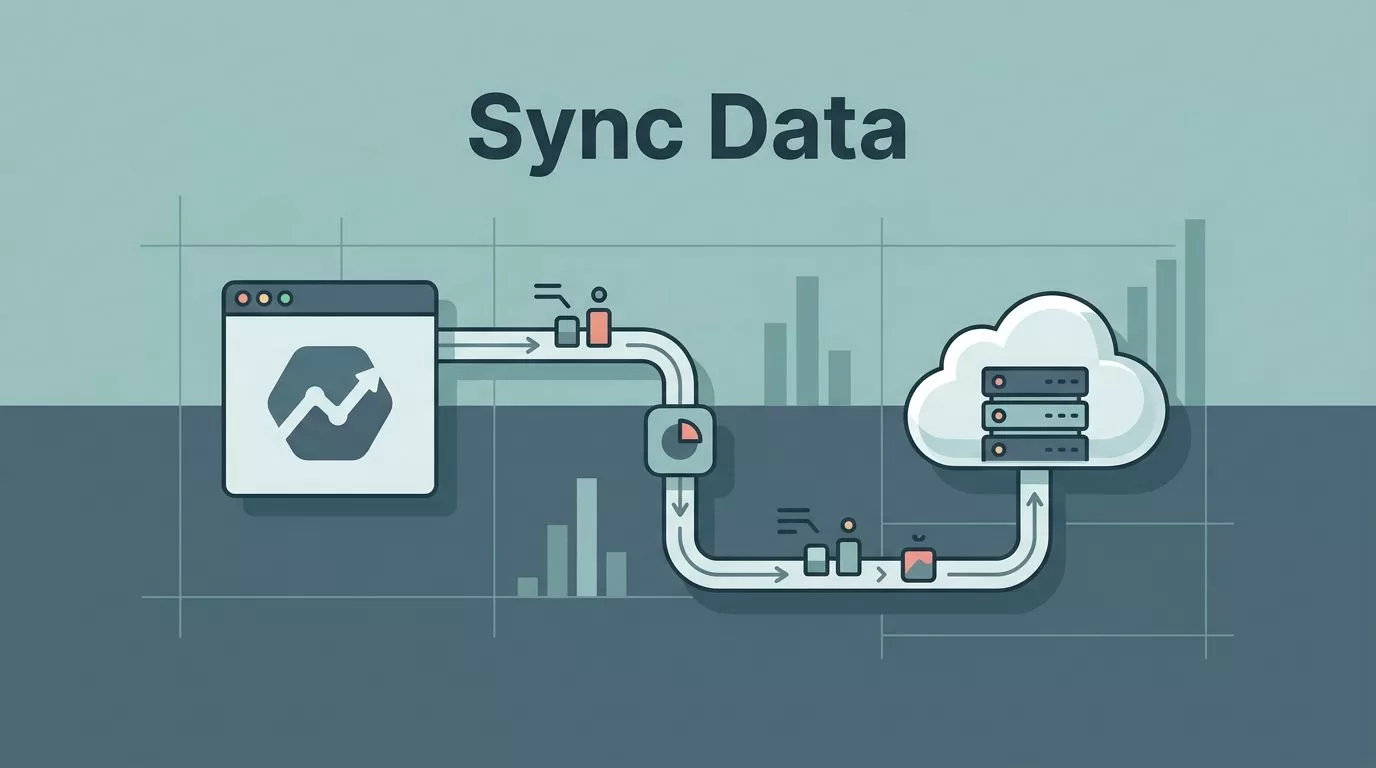
When I build a Baremetrics data warehouse pipeline, I care less about moving rows and more about keeping revenue math honest. Finance wants MRR they can trust, data teams want clean IDs, and operators want numbers they can explain in a meeting.
If those pieces do not line up, the warehouse turns into a noisy second opinion. I start with the sync plan, then I shape the schema, and only then do I build the dashboards.
What I need the warehouse to answer
I don’t move Baremetrics data into a warehouse just to store it twice. I do it so I can ask better questions across billing, finance, and product.
That usually means I want answers to things like churn by plan, expansion by cohort, revenue by channel, and the gap between billed revenue and collected cash. A good warehouse setup also gives me room for joins, so I can compare subscription data with product usage, support load, or sales activity.
When I wrote my Baremetrics subscription analytics review, I treated it as a subscription finance layer, not the whole analytics stack. That view still holds here. Baremetrics gives me focused subscription data, while the warehouse gives me the flexibility to shape it for reporting.
I also want the warehouse to protect me from tool limits. If a dashboard is the only place I can see the metric, I’m boxed in. If the raw history lives in my warehouse, I can rebuild logic when the finance team changes a rule or the board wants a new cut of the data.
Picking the safest sync path
Before I move a single record, I decide which path fits the team. Baremetrics’ own post on eliminating data silos with Baremetrics gets to the point well, because the whole job is about moving subscription data where it can be used.
The three paths I see most often are the Baremetrics API, a direct warehouse integration, and a third-party pipeline. Each one works, but they fit different teams.
| Approach | Best fit | What I watch |
|---|---|---|
| Baremetrics API | Engineering teams that want full control | Auth, pagination, rate limits, schema design |
| Direct warehouse integration | Teams that want less plumbing | Available targets, sync frequency, field coverage |
| Third-party pipeline | Small teams or fast starts | Connector limits, backfills, cost, refresh rules |
| Hybrid setup | Teams with several billing sources | Mapping logic, duplicate records, reconciliation |
The API gives me the most control. I use it when I need custom tables, special transforms, or a very strict audit trail. It also works well when I want Baremetrics data to sit beside other systems in a larger model.
A direct integration is simpler. If Baremetrics supports the warehouse path I need in my setup, I take it when I want less maintenance. That choice matters when the team has more finance work than engineering time.
For a managed route, I look at a third-party Baremetrics connector. That can save time, especially when I want the first version live before the quarter ends.
If my stack has multiple subscription sources, I also think about whether I should unify them before or after the warehouse sync. Baremetrics’ post on integrating multiple platforms with Baremetrics is useful here, because the source count changes the shape of the pipeline.
The takeaway is simple. I choose the path that matches my need for control, speed, and maintenance. If I want total flexibility, I use the API. If I want less work, I choose a managed path.
Model around stable IDs, not names
The first thing I protect is identity. If I don’t get the keys right, every later step gets shaky.
I model the warehouse around stable identifiers, not labels that can change. Names, plan titles, and email addresses look friendly, but they are poor primary keys. They change too often.
These are the fields I try to preserve from the start:
- Customer ID
- Subscription ID
- Invoice or payment ID
- Plan or price ID
- Event timestamp
- Sync timestamp
- Source system ID
I keep source IDs alongside warehouse IDs so I can trace a row back to the original record. That trace matters when I’m comparing Baremetrics data with Stripe, Recurly, or another billing source.
When Stripe is the source, I like to sanity-check the mapping with my connecting Baremetrics to Stripe notes. That helps me keep subscription, customer, and transaction records aligned before I build higher-level reporting.
I also split the data into layers. Raw data stays raw. Modeled data gets cleaned, renamed, and joined. That separation saves me when I need to re-run history or explain how a metric changed.
For the finance team, that structure matters because revenue is never a loose guess. It needs a trail. For the data team, it matters because the same customer can appear in many states over time.
Build the sync in layers


I never start with a polished dashboard. I start with a thin, reliable path from source to warehouse.
The simplest build has four stages, and each one keeps the next one honest.
- I load the full history first.
Historical backfills matter because monthly revenue trends are useless without context. I want the full picture before I trust any trend line. - I store the raw payloads before I transform them.
That gives me a clean audit trail. If a field changes later, I can compare old and new records without guessing. - I map the raw records into warehouse tables.
This is where I shape facts and dimensions, such as subscriptions, customers, payments, and billing dates. - I run incremental syncs after the initial load.
New events, updates, cancellations, and failed payments should move in small batches after the backfill.
I like this layered approach because it keeps the first version simple. It also makes debugging easier. If a sync breaks, I can see whether the problem is source extraction, transformation, or load.
Baremetrics and the rest of the stack may not all update at the same pace, so I expect some systems to refresh near real time while others move hourly or daily. That is normal. What matters is that I know the refresh rhythm and document it.
A small note here matters a lot: I don’t let a sync job overwrite history without a reason. If a record changes, I want to know why it changed and when.
Reconcile numbers before I trust the dashboards
Once the data lands, I check it against the source billing system. I do this before finance sees the dashboard and before I share anything with the rest of the company.
If I can’t tie a warehouse row back to a billing record, I treat the metric as provisional.
My first checks are basic, and that is the point. I compare active subscriptions, MRR, churn, refunds, and failed charges against the billing source. If those numbers drift, I stop and find the cause.
I also compare time windows. A daily total can look fine while the monthly total is off by a small but painful amount. That kind of mismatch often comes from late-arriving updates, cancelled subscriptions, or a bad join on customer IDs.
A few checks help me catch trouble early:
- I compare warehouse totals to source totals on the same date.
- I scan for duplicate subscription IDs.
- I look for records that change status without a matching event.
- I compare deleted or voided invoices with the final finance view.
That last step matters because a warehouse can look clean and still be wrong. I have seen clean tables with messy logic behind them. They look good until someone asks why churn changed after a backfill.
Once the numbers match, I build the reporting layer. That is where my SaaS metrics dashboard setup comes in. The dashboard should be a view into trusted data, not a patch over broken data.
If I’m working with a broader subscription stack, I also keep the source list in mind. Some teams pull from more than one billing system, and each system has its own event shape. That is one reason I pay attention to Baremetrics’ integration pattern before I wire the warehouse.
What I keep watching after the first sync
The work doesn’t end when the tables are full. It starts a new habit.
I keep an eye on three things after launch: schema drift, sync freshness, and reconciliation gaps. If a field disappears or a new status appears, I want to know the same day. If the sync lags, I want an alert before the finance meeting. If totals drift, I want a quick path back to the source record.
That is the difference between a warehouse that stores data and a warehouse that supports decisions. One holds numbers. The other helps me trust them.
Conclusion
A good Baremetrics warehouse setup is less about moving data and more about protecting meaning. I need stable IDs, a clear sync path, and a history I can verify.
When the API, integration, or pipeline is chosen with care, the rest gets easier. Finance can trust the metrics, data teams can model them cleanly, and dashboards can tell the truth without extra guesswork.
That is the real value of a Baremetrics data warehouse sync. It gives me a place where subscription data is not only stored, but also checked, traced, and ready to use.

