How To Configure Baremetrics Dunning Management For Failed Payments
A failed renewal rarely shouts. It slips out the back door and takes MRR with it. When I set up Baremetrics dunning management, I want a simple system: catch failed charges early, remind customers before access breaks, and recover revenue w...

A failed renewal rarely shouts. It slips out the back door and takes MRR with it.
When I set up Baremetrics dunning management, I want a simple system: catch failed charges early, remind customers before access breaks, and recover revenue without turning emails into threats. Baremetrics handles this through Recover, its dunning and failed-payment recovery tool.
As of March 2026, the flow is straightforward, but the dashboard can change over time. If a menu label looks different, I check the current navigation in Baremetrics and confirm the setting before I flip anything on.
Start with billing data, access rules, and a clean Stripe connection
I don’t touch dunning settings first. I start with the pipes underneath.
For a standard setup, Baremetrics needs a live account and a connected Stripe account so it can read subscription status, failed charges, and card events. If Stripe data isn’t syncing, Recover won’t have much to work with. Baremetrics describes the broader process in its Ultimate Guide to Dunning Management, and that matches what I see in practice.
Before enabling Recover, I review a few items:
| Setting to review | What I check |
|---|---|
| Stripe connection | Live account connected, data syncing without gaps |
| Customer contact data | Billing emails exist and look valid |
| Subscription state | Active plans, renewals, and failed payments appear correctly |
| Access policy | Grace period, paywall, or suspension timing is decided |
| Brand basics | Logo, sender name, reply inbox, and support path are ready |
I don’t enable dunning until I know when service stays open and when it stops.
This matters because dunning isn’t just email. It’s a customer experience. If a retry succeeds on day 3, a harsh paywall on day 1 feels clumsy. On the other hand, if I let access run too long, failed accounts pile up like unpaid tabs at a cafe.
I also verify who owns the follow-up path. In many SaaS teams, finance controls billing, while support handles confused customers. When both sides know the timeline, launch goes much smoother.
Configure Recover settings, then shape retries and emails around real behavior
Once billing data looks clean, I open Recover in Baremetrics. Depending on the current UI, it may sit under tools or revenue recovery.

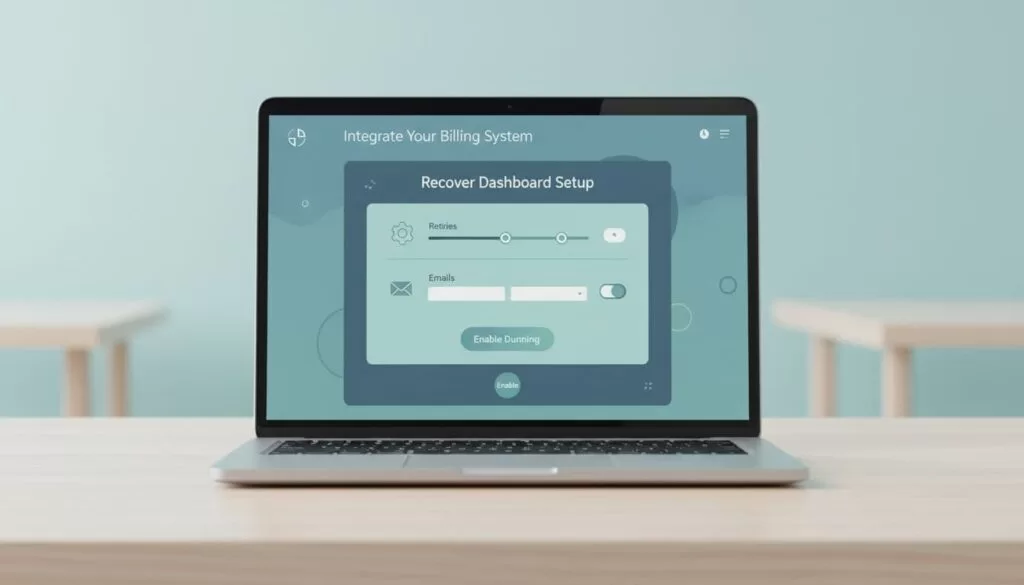
Here is the sequence I use:
- Enable Recover. Baremetrics can start without code once the billing data is connected.
- Review retry timing. As of March 2026, smart retries commonly start at 24 hours, then around days 3 and 7.
- Turn on pre-dunning reminders. Baremetrics can warn customers about expiring cards about 30 days before failure happens.
- Customize reminder emails. I edit the defaults so they sound like my brand, not a collection agency.
- Set the grace period. I decide when access changes, often after the early retry window.
- Run a test failure. I use Stripe sandbox or a safe test path before going live.
For email content, I keep the tone calm. Baremetrics has written about how failed payment recovery works, and I agree with the core idea: make the next step easy.
That means I keep emails short, clear, and action-based. I want a clean subject line, a one-click payment update link, and a plain note about what happens next. Baremetrics commonly supports a multi-email sequence over about 30 days, with the first message going out right after failure. I don’t stuff these emails with marketing copy. Billing emails should feel like a flashlight, not fireworks.
I also review in-app notices or paywall behavior if my product uses them. A logged-in user should see a clear prompt to update payment details. If I suspend access, I time it after the early retry window, not before it.
Launch carefully, then watch recovery rates, churn, and missed signals
After testing, I save the settings and watch the first week closely. Baremetrics dunning management can recover revenue on autopilot, but I still treat launch like a live system, because it is one.
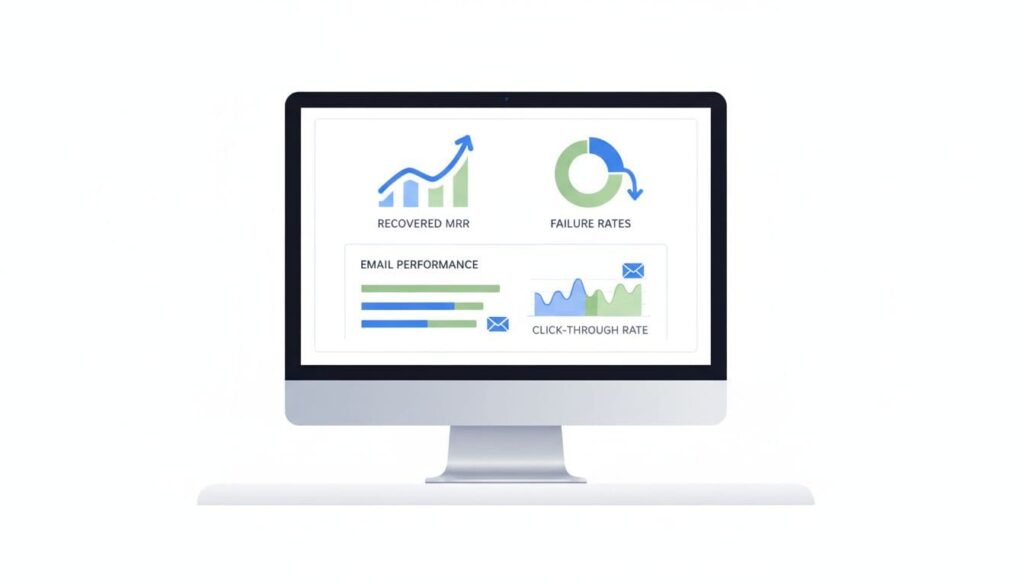
The first numbers I watch are recovered MRR, failure rate, retry success, and email engagement. If retries work but email clicks stay flat, my copy may be too vague. If emails open but revenue stays stuck, the payment update flow may be the real problem.
I also segment results by plan, billing cycle, or customer type. Annual plans, for example, can hit expired cards more often because renewals are far apart. Baremetrics often gives enough subscription analytics to spot that pattern.
Troubleshooting usually falls into three buckets. Missing payment data often points back to Stripe sync, account permissions, or delayed event imports. Retries not triggering can mean the wrong account is connected, the failed charge type isn’t supported the way I expect, or my test didn’t create a real retry case. Emails not sending usually comes down to sender settings, spam filtering, or a missing customer billing address.
When recovery looks weaker than expected, I don’t panic. I compare the timeline first. A too-fast suspension can hurt recovery. A too-soft sequence can let failed accounts sit idle. If churn starts to rise, I pair dunning reports with churn reduction ideas for SaaS so I don’t confuse billing friction with a product problem.
Conclusion
A failed charge is small at first, like a drip under the sink. Left alone, it becomes a mess.
That’s why I treat Baremetrics dunning management as both a billing tool and a retention tool. I connect clean Stripe data, tune retries and emails with care, test before launch, and watch recovery after go-live. If the dashboard layout changes, I follow the same rule every time, start with the data, then build the workflow around the customer.

