How I Track Net New MRR Growth in Baremetrics
Net new MRR tells me whether recurring revenue is rising for the right reasons. A strong month can still hide churn, and a weak month can still include healthy expansion. I use Baremetrics to separate those pieces so I can see the real shap...

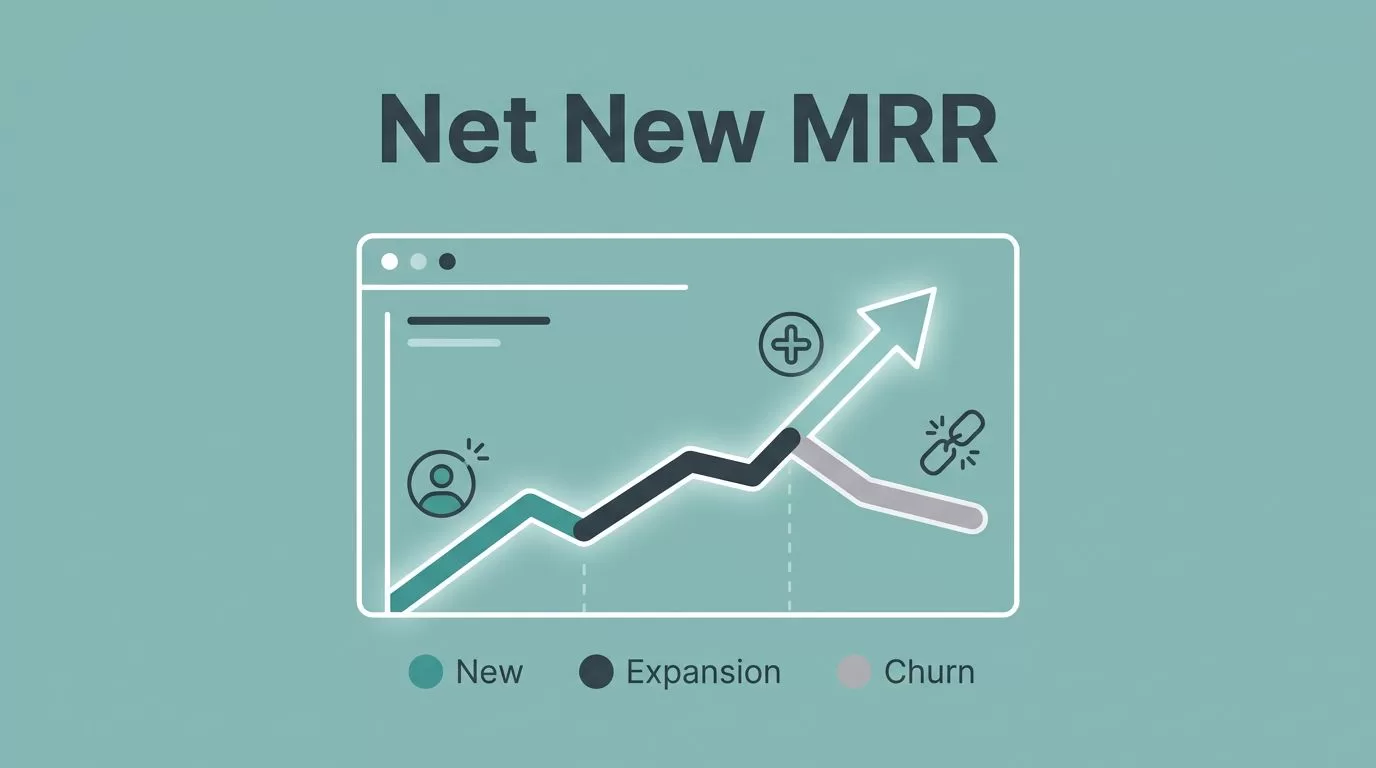
Net new MRR tells me whether recurring revenue is rising for the right reasons. A strong month can still hide churn, and a weak month can still include healthy expansion. I use Baremetrics to separate those pieces so I can see the real shape of growth.
That matters when I need more than a headline number. I want to know whether growth is coming from new customers, upgrades, or a temporary bump that won’t last. Once I can read that pattern, I can spot pricing issues, retention problems, and upside faster.
What net new MRR means in practice
I treat net new MRR as the monthly change in recurring revenue after I subtract what I lost. In plain terms, it is new recurring revenue plus expansion revenue, minus churn and downgrades.
For a plain-English refresher on MRR itself, I keep Baremetrics’ MRR guide and Stripe’s explanation of MRR close by. They help me stay aligned on the base math before I move into the monthly trend.
My working formula looks like this:
- New MRR comes from brand-new customers.
- Expansion MRR comes from existing customers who upgrade.
- Churned MRR comes from cancellations.
- Contraction MRR comes from downgrades.
If I want a quick read, I use this version:
Net New MRR = New MRR + Expansion MRR – Churned MRR – Contraction MRR
That number matters because it shows whether my recurring business is growing after losses. A positive month tells me the revenue engine is adding more than it is losing. A negative month tells me the opposite.
I don’t confuse this with total MRR. Total MRR can rise even when net new MRR slows. That is why I watch both. One tells me where I stand today, the other tells me how the month moved.
How I set up Baremetrics to watch it
I start by building a smarter SaaS metrics view so the revenue pieces sit in one place. I want the same view every month, with the same labels and the same time window.
Baremetrics updates its interface over time, so I focus on the metric group rather than the exact menu name. The labels may shift, but the logic does not. I want to see new revenue, expansion, churn, and contraction together.
A setup like this keeps me honest:
- I connect clean billing data first.
- I confirm the month I want to review.
- I pull the MRR breakdown for that month.
- I add notes for launches, price changes, and major cancellations.
- I compare the current month with the last three months, not just the last close.
When I need the rest of my guardrails, I keep essential MRR and churn metrics beside the revenue view. That helps me separate a real growth shift from a one-off billing issue.
I also like to keep one executive view and one operator view. The executive view answers, “Did revenue grow?” The operator view answers, “What moved the number?” Those are not the same question, and I don’t want them mixed together.
If a team is small, I still track the same pieces. I just keep the dashboard lighter. Fewer charts, clearer labels, and one place where the month closes. That usually beats a crowded wall of graphs.
How I read month-to-month changes
A line chart makes the month-over-month story easier to see.


I don’t care only about the final number. I care about the slope. A flat line can hide a busy month. A rising line can still include weak retention if churn keeps creeping up.
Here is a simple example I use when I explain the metric internally:
| Month | New MRR | Expansion MRR | Churn + Contraction | Net New MRR |
|---|---|---|---|---|
| January | $20,000 | $5,000 | $10,000 | $15,000 |
| February | $12,000 | $3,000 | $14,000 | $1,000 |
| March | $10,000 | $2,000 | $15,000 | -$3,000 |
January looks healthy. February still grows, but barely. March turns negative because losses outpace gains.
That pattern tells me more than a single close ever could. A drop in new customer MRR can be fine if expansion is strong. A rise in churned MRR is a different story. The chart shows me which force is winning.
I also watch for pace changes. If net new MRR falls for two months in a row, I stop treating it like noise. If one segment drags the number down, I look for the common thread. It might be one plan tier, one channel, or one onboarding path.
What I do when net new MRR drops
When the number falls, I don’t start with blame. I start with the split. I want to know whether the loss came from churn, downgrades, weak new sales, or slower expansion.
First, I isolate the month and check the size of each component. If churn jumped, I look at canceled accounts, failed payments, and support tickets. If contraction rose, I look at plan changes and usage changes. If new MRR softened, I look at acquisition, trial conversion, and sales cycle length.
Then I segment the drop.
- By plan: I check whether one tier is leaking more than the others.
- By channel: I compare paid, organic, partner, and outbound sources.
- By customer size: I separate small accounts from larger contracts.
- By timing: I look for billing events, launches, or policy changes.
That process keeps me from making the wrong fix. A decline caused by one large account needs a different response than a broad retention problem. If I treat both the same, I waste a month.
I also like to pair the revenue view with a short operating review. Did onboarding change? Did pricing go up? Did support wait times stretch? Did a feature break? The revenue number usually points to a cause if I ask the right questions fast enough.
When the drop is real, I respond quickly. I tighten collections, review the top at-risk accounts, and look for the first sign of recovery in the next close. I don’t wait for three bad months before I act.
Common mistakes that blur the signal
The biggest mistake I see is focusing on total MRR and ignoring the components underneath it. Total revenue can look stable while churn rises and expansion weakens. That is how teams miss a slow leak.
Another mistake is reading one month in isolation. One messy month can come from timing, holidays, or a large annual contract. I need a pattern before I call it a trend.
I also avoid mixing invoice timing with recurring revenue. A big payment in one month can distort the picture if I don’t separate billing noise from monthly recurring behavior. Baremetrics helps here because I can keep the focus on the recurring portion rather than the one-time spike.
Annotations matter too. When I skip notes about pricing changes, campaigns, or product launches, the numbers feel harder to trust later. A chart without context is a chart with amnesia.
Finally, I don’t let feature names in the product dictate my thinking. UI labels can change over time, but the math behind net new MRR stays the same. I care about the relationship between new business, expansion, churn, and contraction.
Conclusion
Net new MRR is the clearest monthly signal I use when I want to know if recurring revenue is moving for the right reasons. Baremetrics helps me split growth from loss, so I can see whether the business is building real momentum or just holding steady.
When the number drops, I don’t treat it like a mystery. I check the components, find the segment that changed first, and fix the leak before the next close.
A single month can be noisy. The pattern across months is where the truth shows up.

