Which Baremetrics Metrics Belong in a Scheduled Email Report
An inbox can turn into a junk drawer fast when every metric lands there at once. That is why I treat Baremetrics email reports as a routing problem, not a notification problem. When I set them up, I want each message to answer one clear que...

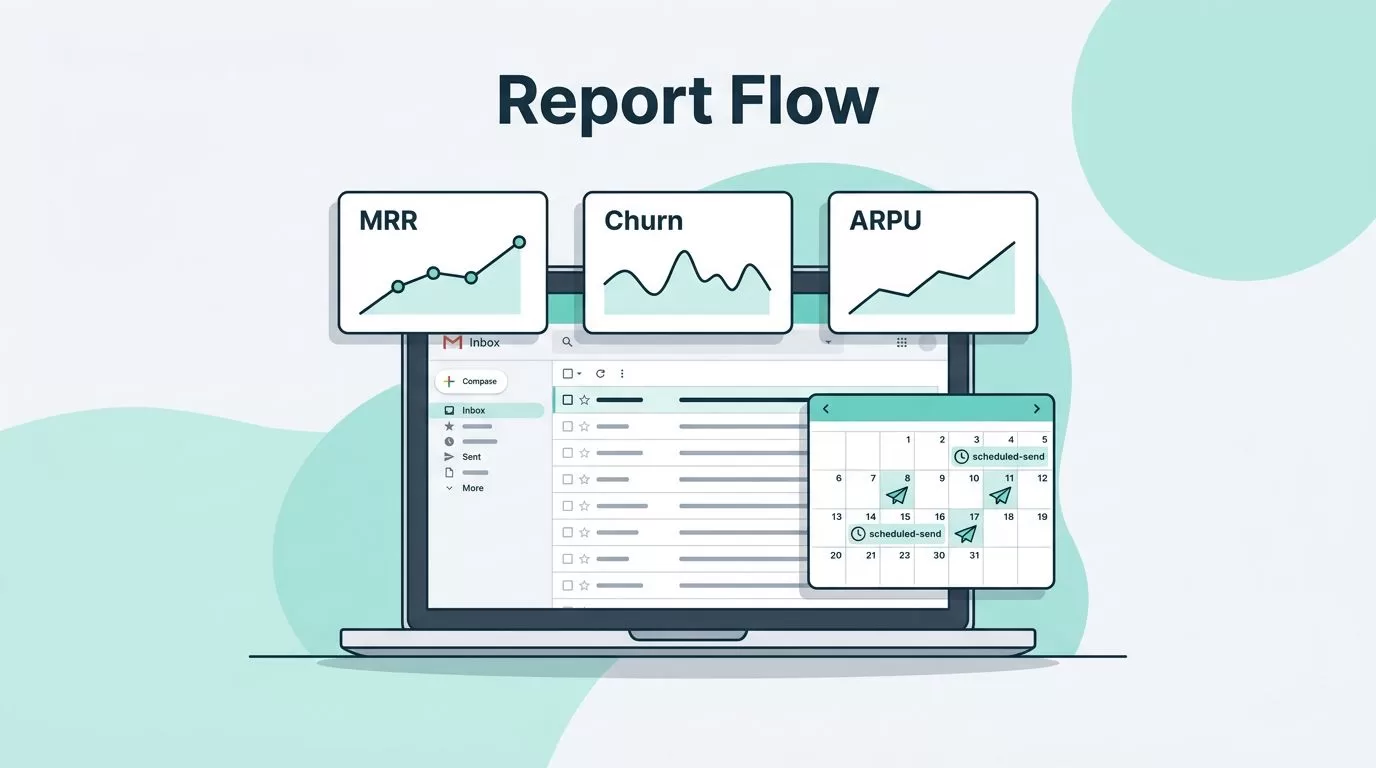
An inbox can turn into a junk drawer fast when every metric lands there at once. That is why I treat Baremetrics email reports as a routing problem, not a notification problem.
When I set them up, I want each message to answer one clear question. Did revenue move, did churn spike, or do I need to act today?
For SaaS operators, founders, and finance teams, that discipline matters because it keeps email from becoming a second dashboard.
Pick the metrics that belong in email
I start with the metrics that trigger action. MRR, churn, failed charges, expansion, and ARPU are good candidates because each one can change a decision.
If a metric only matters in a monthly review, I do not send it every morning. That only teaches people to skim past it. I ask one question before I schedule anything, what would make someone take action before the next meeting? If the answer is “nothing,” I leave it in the dashboard.
I also split reports by job. Finance cares about accuracy and risk. Founders want a clean pulse on the business. Growth and revenue teams care about movement they can fix.
A failed charge report might go to finance every day. A churn report might go to me and the founder each week. A broader revenue snapshot can wait for month-end.
When I want a cleaner view of revenue movement, I pair the report with best practices for MRR reporting. I also keep the report list tied to essential SaaS metrics for churn reduction, because the inbox should carry only what deserves attention.
If a report cannot change a decision, I leave it off the schedule.
Set up a Baremetrics report in a few minutes
Once I know what belongs in the inbox, the setup is simple. The exact labels can shift a little between accounts, but the flow stays the same.
- I log in to Baremetrics and open the report I want to send.
- I look for the schedule or email report option.
- I pick the cadence, daily, weekly, or monthly, based on how fast the metric changes.
- I add the people who need the report, not everyone who is curious.
- I save the schedule and check the first send.
That lines up with Baremetrics’ email reporting tools and the setup flow in its account setup guide.
I like this part because it removes the manual follow-up that usually eats time. Once the schedule is in place, the report keeps moving on its own. That matters most when I am closing books, watching churn, or sending a weekly update to leadership.
I also choose recipients by function. The person fixing billing needs a different view than the person reading a board update. If a report is only for context, I keep it monthly. If it drives a same-day fix, I keep it daily and narrow.
Once the first send goes out, I read it like a subscriber would. If it feels crowded or repeats a dashboard I already check, I trim it before the next cycle.


Match the cadence to the team that reads it
I use a simple cadence map when I schedule recurring reports. Faster motion calls for faster email. Slower decisions can wait for a cleaner, smaller update.
| Cadence | Best audience | What I send |
|---|---|---|
| Daily | Finance ops, billing support, revenue owners | Failed charges, sudden churn, urgent MRR movement |
| Weekly | Founders, RevOps, growth leads | MRR trend, expansion, contraction, retention shifts |
| Monthly | CFO, board pack owner, executive team | Month-end revenue summary, ARR direction, plan mix |
That pattern keeps the daily send narrow and the monthly send clean. I do not send board-level detail every week unless something needs immediate review.
When I am running a close, the monthly version becomes my anchor. When churn jumps or collections slip, the daily send helps me spot it before it spreads. Weekly sits in the middle, and it usually works best for leadership because it shows motion without noise.
For founders, a weekly report often fits the rhythm of the business. For finance, daily sends can surface billing issues early. For executives, monthly reports give a steadier view of the quarter instead of a blur of small swings.
The main rule is simple. I match the cadence to how fast the team can act.
Keep the inbox clean and the report useful
I do my best reporting work when each email has one job. If a dashboard already shows the same information, I do not send it again by email.
These habits keep Baremetrics email reports useful:
- I separate executive summaries from operational follow-ups.
- I keep each report tied to one decision, such as retention risk, failed charges, or expansion revenue.
- I use email for routine reads and a dashboard for deeper checks. My creating a data-driven SaaS metrics view guide shows how I split those jobs.
- I remove anyone who no longer acts on the report, even if they once asked for it.
- I avoid sending the same metric in email and chat on the same day unless the issue is urgent.
I also watch for overlap. A founder does not need the same detail as a billing specialist. Likewise, a finance lead usually wants a different view than a growth manager. When I send everyone the same thing, the message gets weaker for all of them.
The goal is not more email. The goal is faster clarity. That is why I keep the report set small and the audience precise.
Conclusion
Baremetrics email reports work best when they feel like a short morning brief, not a pile of spreadsheets. I get the most value when each report answers one question and reaches one audience that can use it.
If I keep the cadence aligned with the job, the inbox stays calm and the metrics keep their purpose. That is the real win, because good reporting should move decisions forward without making more noise.

