How I Send Pre-Dunning Emails in Baremetrics
A failed renewal often starts with silence, not anger. A card expires, a bank blocks the charge, or a customer forgets to update billing details. When I send a pre-dunning email before the charge hits, I give the customer one clean chance t...

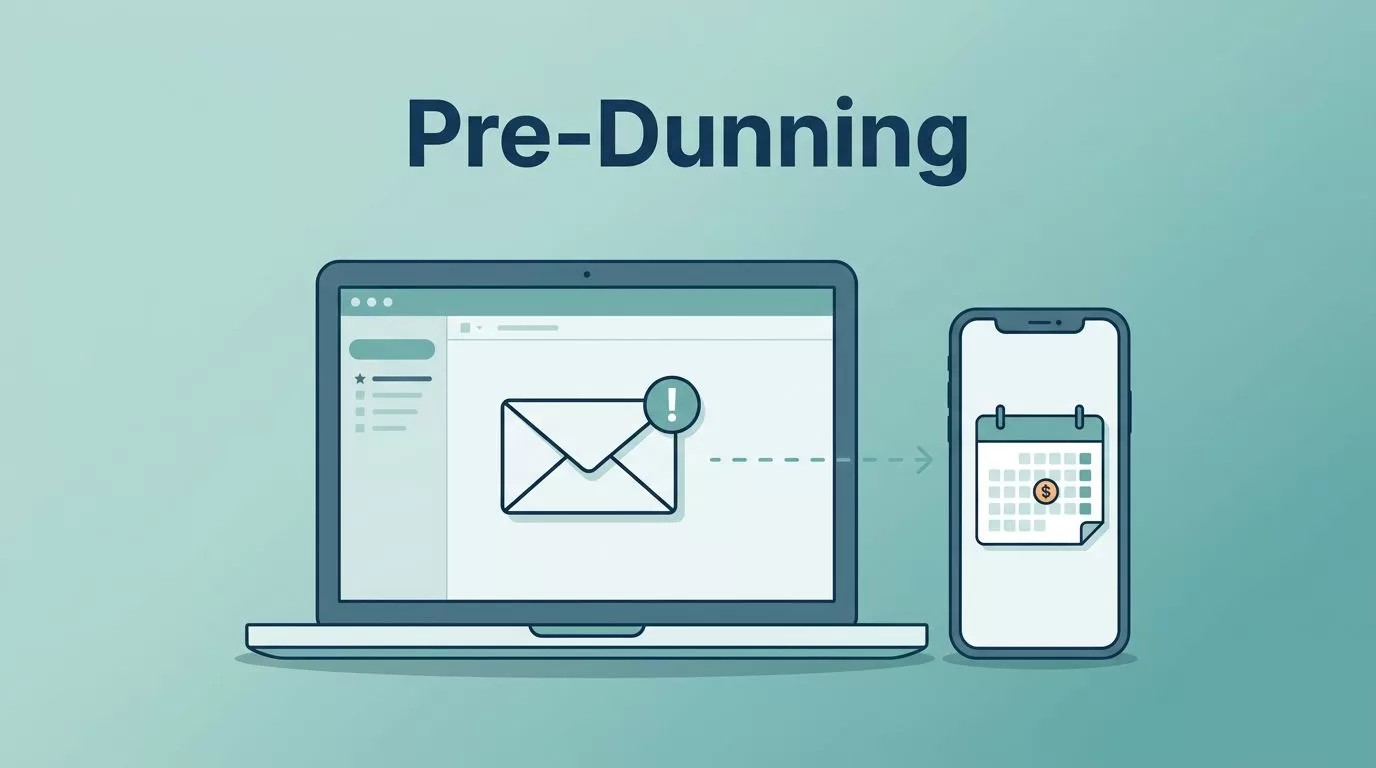
A failed renewal often starts with silence, not anger. A card expires, a bank blocks the charge, or a customer forgets to update billing details.
When I send a pre-dunning email before the charge hits, I give the customer one clean chance to fix it. That small heads-up can save a subscription without a support ticket or a failed-payment mess.
Baremetrics is useful here because it keeps revenue, churn, and recovery work close together. If you already use Baremetrics for subscription reporting, this is one more way to keep cash flow steady.
The proactive approach to payment failures
Pre-dunning is simple. It’s a reminder sent before billing happens, so the customer can update payment details or confirm the coming charge.
I like this approach because it lowers friction. A customer who sees a reminder on time is less likely to miss a renewal. That means fewer failed payments, fewer awkward service interruptions, and fewer last-minute support emails.


If you want a broader view of how Baremetrics fits into a subscription stack, I’ve found this Baremetrics analytics review useful for seeing where billing insight starts and ends. For the recovery side, Baremetrics’ own Recover feature is the official place to look.
The real value is timing. A reminder sent too early gets ignored. A reminder sent too late feels like a collection notice. The sweet spot is a message that feels helpful, not pushy.
My step-by-step Baremetrics setup
I keep the setup practical. I don’t start with fancy copy. I start with the billing flow, the dates, and the data source.
- Connect billing data first
I make sure Baremetrics is pulling clean subscription data before I build any email flow. If you’re on Stripe, I’d start with connecting Baremetrics to Stripe. Clean billing data is the base layer, because bad dates create bad reminders. - Find the recovery or dunning tools in your account
Baremetrics product details can shift over time, so I look for the area tied to Recover or failed-payment management. The menu name may vary by account. What matters is that I can tie reminders to upcoming renewals. - Choose the group I want to protect
I focus on subscriptions with recurring card payments first. Those are the easiest wins. If a segment has a high failed-payment rate, it gets priority. - Set the reminder timing
I prefer a reminder before the renewal date, not on it. For monthly plans, I usually start with 3 to 5 days ahead. For annual renewals or larger contracts, I test 7 to 14 days ahead. - Write the message around action, not panic
The email should tell the customer three things fast, the charge is coming, the amount or date is near, and what to do next if their card changed. - Test before sending to everyone
I send a small batch first. Then I check opens, clicks, and payment recovery before expanding the campaign.
Baremetrics’ dunning management guide is a useful reference if you want to compare reminder timing with post-failure recovery. I use pre-dunning as the first line, then I let recovery handle the rest.
Timing and copy that keep customers calm
Timing should match the billing rhythm. If I send too many reminders, people tune them out. If I send too few, failed payments slip through.
Here’s the rhythm I use most often:
| Subscription type | Reminder timing | Copy angle |
|---|---|---|
| Monthly SaaS plan | 3 to 5 days before renewal | Short reminder, update card if needed |
| Annual renewal | 7 to 14 days before renewal | Mention the charge date and amount |
| Higher-value account | 7 days before, then 1 day before | Clear action, support contact, billing owner |
That table is a starting point, not a rulebook. I adjust based on payment history and customer type.
For copy, I keep it plain. I avoid hype, urgency tricks, and vague language. A good pre-dunning email sounds like a billing helper, not a warning siren.
I usually include:
- The renewal date or charge window
- The amount, if I can show it clearly
- A direct path to update payment details
- A support line for billing questions
I also keep the subject line calm. Something like “Your renewal is coming up soon” works better than a dramatic headline. Customers need clarity, not pressure.
How I measure whether pre-dunning works
I don’t judge pre-dunning by open rates alone. Opens tell me the subject line worked. They don’t tell me whether revenue was saved.
I watch four numbers together:
- Failed payment rate before and after the campaign
- Payment recovery rate for subscriptions that got the reminder
- Involuntary churn over time
- Click-through rate on the card-update link
If those numbers improve, the emails are doing real work. If opens rise but recoveries stay flat, the copy may be fine while the timing is off.
I also compare cohorts. One group gets the reminder, another group doesn’t, or they get it at a different time. That comparison gives me a cleaner view of what changed.
Baremetrics is helpful because it keeps the subscription story in one place. I can pair pre-dunning results with revenue reports and see the effect faster than I could with scattered spreadsheets. If I want a wider picture of that setup, I revisit managing subscription metrics with Baremetrics and check the billing data against the recovery trend.
Conclusion
Pre-dunning works because it respects the customer’s time and protects your revenue at the same moment. It gives people a chance to fix a card issue before the charge fails.
When I use Baremetrics for this, I keep the process simple, send the reminder before the due date, write like a human, and measure the result against failed payments and involuntary churn. That’s the part that matters most, because a well-timed reminder can stop a small billing issue from becoming lost revenue.

