Deploy A Conversational AI Voice Using Speechify
Building a responsive phone agent or interactive voice assistant requires more than just a synthetic speech generator. You need a reliable pipeline that combines speech-to-text processing, dialogue orchestration, telephony protocols, and ul...
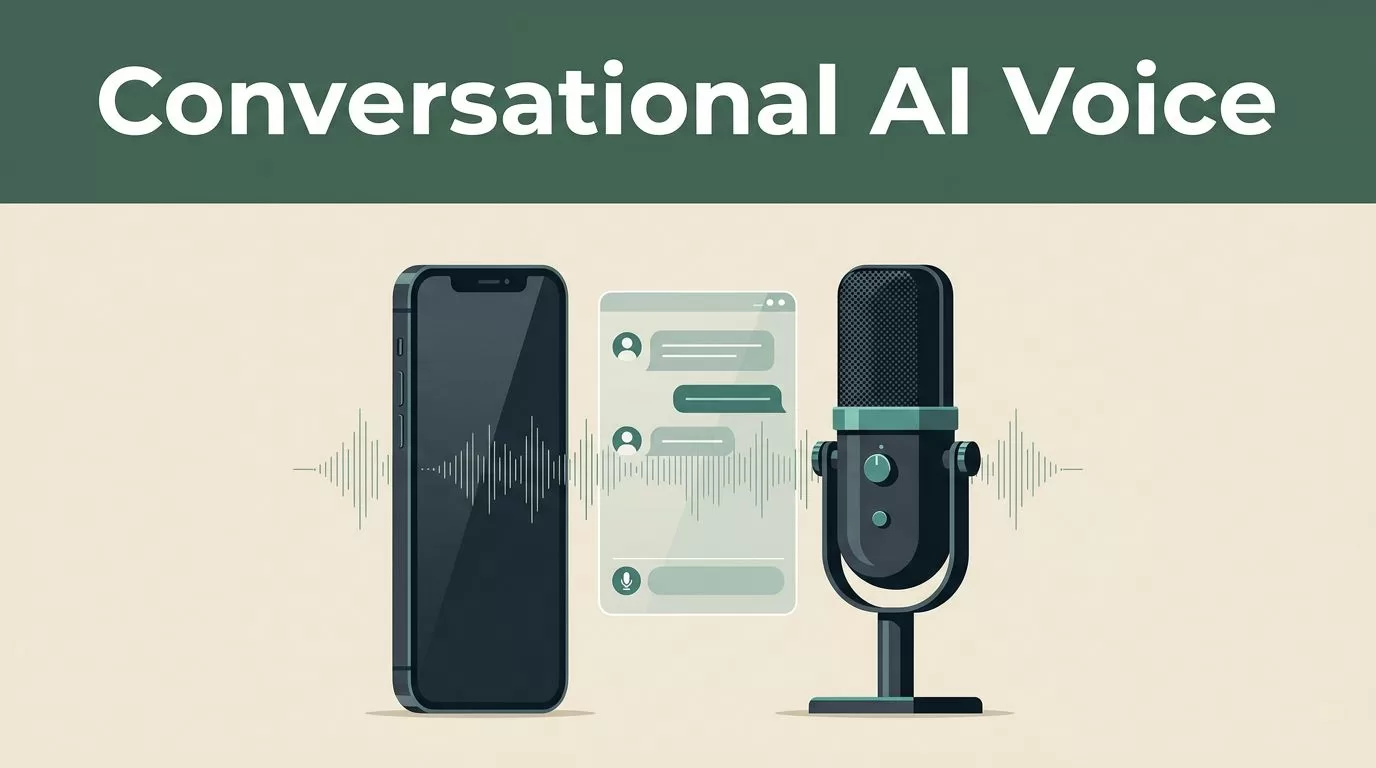
Building a responsive phone agent or interactive voice assistant requires more than just a synthetic speech generator. You need a reliable pipeline that combines speech-to-text processing, dialogue orchestration, telephony protocols, and ultra-realistic text-to-speech rendering. This guide walks you through how to deploy a natural-sounding conversational AI voice using Speechify, separating the core voice generation engine from your orchestration and telephony layers.
Key Takeaways
- Isolate Speechify’s role as the ultra-realistic text-to-speech rendering engine while handling dialogue logic and speech recognition through separate orchestration and STT providers.
- Initialize your integration using official SDKs in Python or TypeScript by authenticating securely with your environment API keys.
- Test your deployment cadence using a structured pre-launch checklist that verifies audio formats, rate limits, and fallback paths.
- Calibrate voice models and audio configurations to balance synthesis latency against output quality for live user interactions.
Architecture Overview
When you deploy a live voice assistant, your application acts as an orchestrator between four distinct components. First, your speech-to-text layer transcribes incoming audio from the user into text strings. Second, your conversational logic model or LLM processes that text and generates a response. Third, your text-to-speech layer turns that text response back into natural audio. Fourth, your telephony or web interface streams that audio back to the user in real time.
Speechify powers the third component in this architecture. Instead of managing complex parameter tuning for raw audio oscillators, your backend sends text strings to the Speechify API, which returns synthesized audio bytes using advanced voice models like simba-english or simba-multilingual.
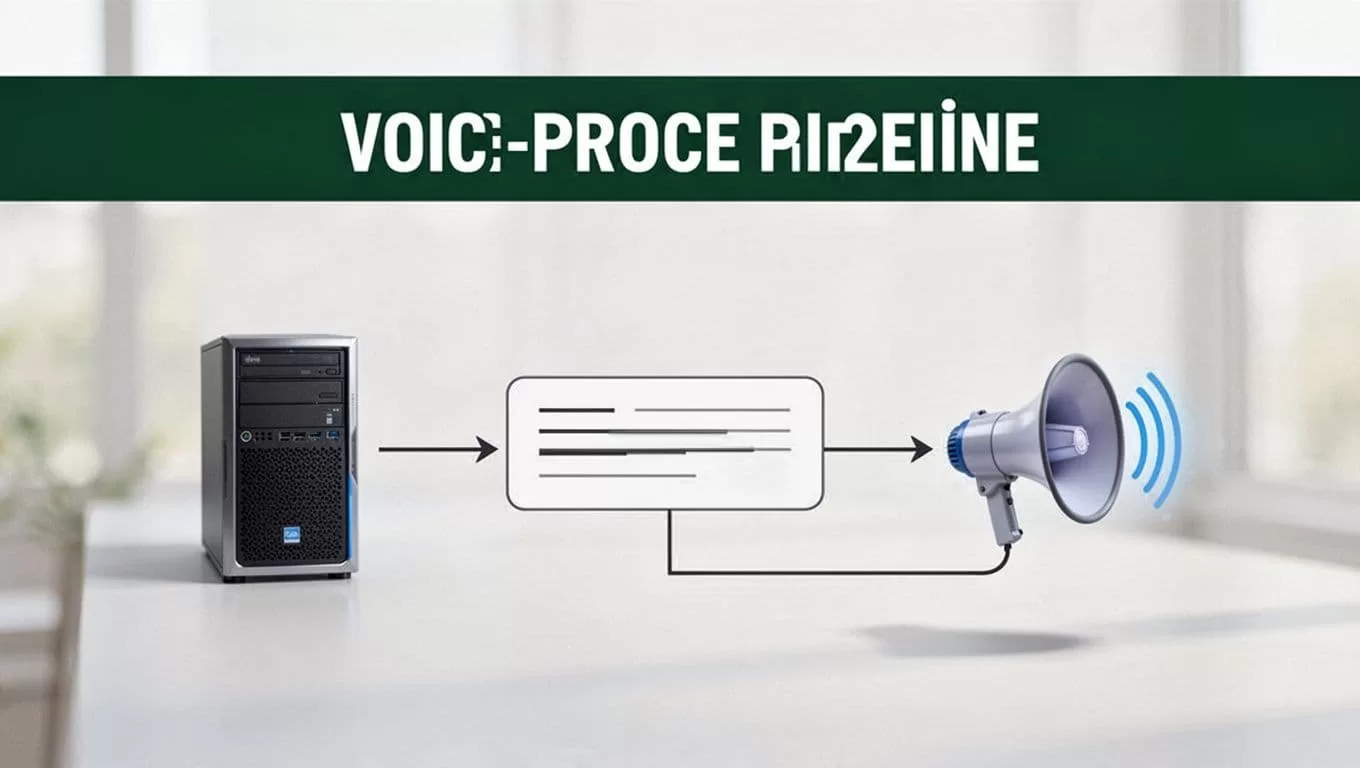
This separation keeps your system modular. If you need to update your dialogue prompt or switch your telephony provider, your voice rendering layer remains untouched. You can review the foundational interface details directly through the SpeechifyAI Build documentation.
Setting Up Your Development Environment
Before writing integration code, you need to provision your API credentials and install the official client libraries. Head over to the developer portal to generate your production token. Store this credential securely in your environment variables as SPEECHIFY_API_KEY.
Depending on your backend stack, install the official package using your standard terminal command. For Python services, run pip install speechify-api. For Node.js and TypeScript environments, run npm install @speechify/api.
from speechify import Speechify


client = Speechify()
The client constructor reads your environment variable automatically. This avoids hardcoding secrets into your application source files. Always verify that your server environment injects the correct production key before executing test requests against the endpoint.
Configuring the Speech Synthesis Endpoint
The core interaction with Speechify happens through the audio speech endpoint. Your application sends a POST request to https://api.speechify.ai/v1/audio/speech with a JSON payload containing your input text, selected voice identifier, and desired audio format.
When configuring your payload, pass plain text or SSML into the input field. For interactive voice assistants, keep your text snippets concise to minimize time-to-first-byte latency. Select a designated voice ID from the available catalog, such as standard system voices or cloned customer service profiles. Explicitly set your audio_format parameter to match your telephony or web player requirements, choosing from options like wav, mp3, ogg, or pcm.
Always specify a modern synthesis model like simba-english for your primary English integrations. Deprecated base models introduce unnecessary rendering latency and lack the natural cadence required for real-time conversational agents.
Handling Streaming and Latency Optimization
Real-time voice applications fail if users experience long conversational pauses. Traditional request-response cycles wait for the entire text block to synthesize before returning an audio file. For conversational AI voice deployment, you must optimize your delivery pipeline to stream audio chunks as they generate.
Speechify supports streaming workflows for longer text blocks, allowing your application to start audio playback before the full sentence rendering finishes. Break your LLM output into individual sentences or clauses before passing them to the speech endpoint. This streaming approach cuts perceived latency down significantly, making automated phone agents and support bots feel responsive rather than robotic.
Tune your chunking logic so your backend fires off text requests the moment punctuation marks appear in the LLM generation stream. Pair this with efficient audio buffer management on your frontend or telephony connector to ensure seamless playback transitions.
Pre-Launch Implementation Checklist
Before pushing your conversational voice integration to production, verify every component in your deployment pipeline. Missing a single configuration detail can cause dropped calls or audio stuttering under heavy concurrent load.
- Authenticate your environment by testing a manual API curl command using your bearer token.
- Validate that your selected voice model matches your target language and dialect requirements.
- Confirm your application handles API rate limits gracefully with exponential backoff and retry logic.
- Test audio playback across mobile browsers and desktop clients to catch format incompatibility early.
- Establish error logging for failed synthesis requests so your system falls back to a default audio prompt if the API times out.
For a broader perspective on integrating voice capabilities into developer workflows, explore the resources available on the Speechify API overview page and check developer discussions in the Speechify API blog category.
Conclusion
Deploying a natural conversational voice requires a clean division of labor between your dialogue orchestrator and your speech synthesis provider. By isolating Speechify as your dedicated rendering engine and implementing chunked streaming, you deliver fast, high-quality audio responses to your users. Audit your API keys, run your pre-launch checks, and launch your voice agent with a reliable production architecture.
