Scrape Building Permits Data Faster With Twin.so
Permit portals can hide useful sales and research signals behind slow searches, inconsistent forms, and scattered records. If your team needs building permits data, manually checking every county website creates delays before the data reach...
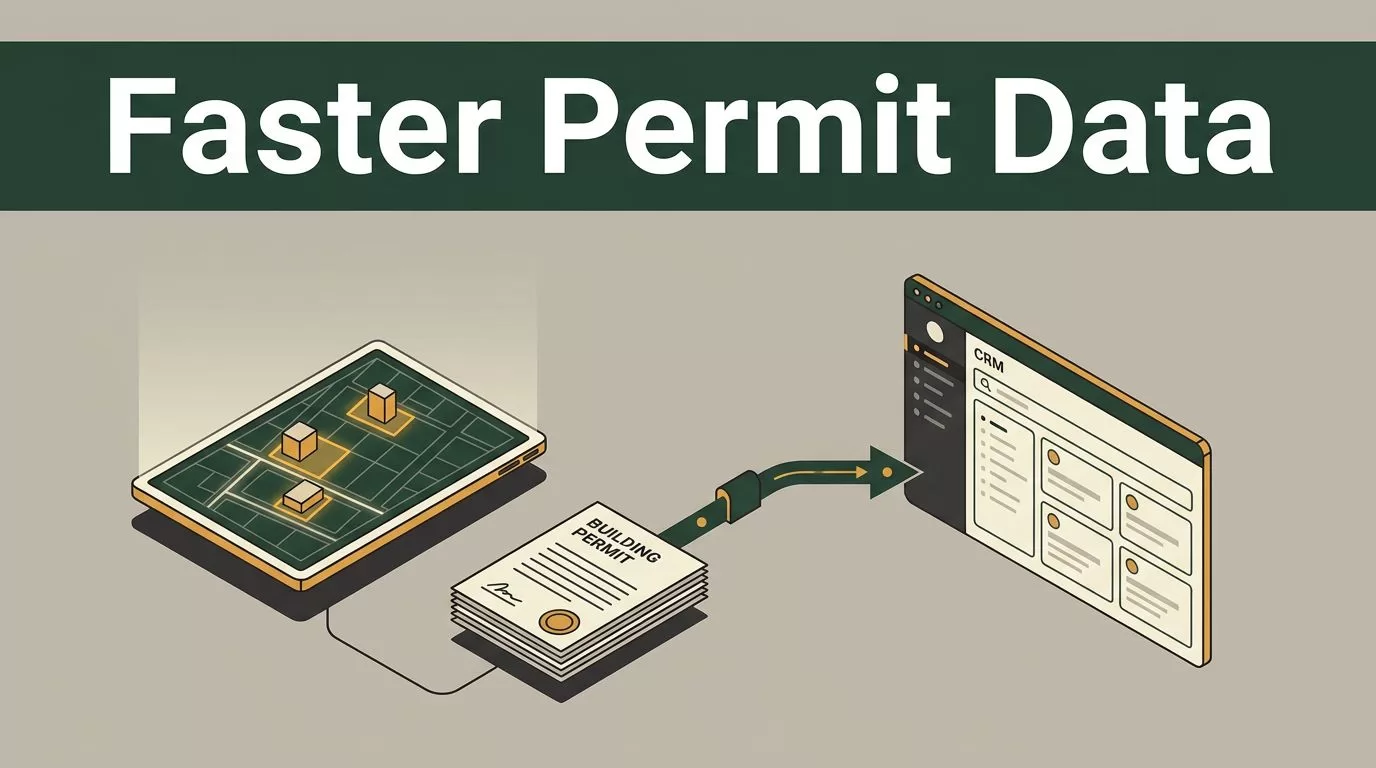
Permit portals can hide useful sales and research signals behind slow searches, inconsistent forms, and scattered records. If your team needs building permits data, manually checking every county website creates delays before the data reaches your CRM or market model.
Twin.so can reduce that repetitive work by using an AI agent to search supported property systems, extract permit records, and send structured results to the tools your team already uses. The workflow still requires careful setup because every jurisdiction exposes different data, rules, and access methods.
Why Building Permit Records Matter for Market Research
A new permit often shows that work is already planned or underway. That makes permit records useful for more than compliance research. Real estate investors can monitor renovation activity. Contractors can identify properties with active projects. Developers can track nearby construction. Sales teams can prioritize owners, builders, or subcontractors connected to recent filings.
The useful signal depends on the permit type and status. A residential alteration permit points to a different opportunity than a commercial construction filing. An issued permit indicates a different stage than an application, correction request, or closed case.
Permit records can help answer practical questions:
- Which parcels recently received construction or renovation approvals?
- Which properties have open filings that may require contractors or materials?
- Which contractors appear repeatedly in a target area?
- Which neighborhoods show increased development activity?
- Which addresses need a status check before entering a CRM?
The data isn’t automatically clean or complete. A permit portal may use an address, parcel number, case number, or internal record ID as its main reference. Names can vary between filings. Status labels can also differ between jurisdictions.
Dedicated providers such as Shovels’ permit data workflow focus on turning permit records into construction lead pipelines. Twin.so fits a different use case. It gives you an agent layer for completing searches and moving results through your existing workflow.

How Twin.so Works With building permits data
Twin.so is an AI agent and workflow platform. Its PropertySearch integration is designed to query property systems for records such as sold homes, permits, filings, and owner information.
You describe the task in plain English. The agent determines the required actions and handles the connected system workflow. Twin.so states that the agent can work out the API calls for PropertySearch instead of requiring you to manually build each request.
That matters when your team needs a repeatable process rather than another spreadsheet search. You can define the target location, input format, fields, and destination. The agent then follows the process and returns the records for review or downstream automation.
The platform can also connect through OAuth where supported. You authenticate the connection once, then use the authorized workflow without copying credentials into a script or spreadsheet. Access still depends on the connected system and its permissions.
The distinction is important:
Twin.so is not presented as a nationwide building permit database. It is an agent layer that can automate work across supported property and government systems. It doesn’t automatically guarantee coverage for every county, city, portal, or permit type.
Use Twin.so when the work involves repeated searches, record extraction, document handling, or routing. A dedicated permit API may be a better fit when you need a large standardized dataset, fixed jurisdiction coverage, historical backfill, or high-volume event monitoring.

Build a Practical Permit Scraping Workflow
A useful Twin.so workflow starts with a narrow operating definition. Don’t begin with “find all permits.” Define the area, record type, time range, fields, and final destination.
Use this sequence:
- Choose the jurisdiction and source system.
Start with one county, city, or property platform. Record the portal name and the type of access it provides. Some systems expose searchable records. Others use downloadable documents, parcel maps, or separate application pages. - Define the fields before you search.
A basic schema can include the address, parcel number, permit type, case number, filing date, status, project description, owner, contractor, source URL, and retrieval date. Keep fields that support a real business decision. Extra columns create review work. - Connect the permitted data source.
Use the available Twin.so connection method. Complete authentication through the official system. Don’t place personal credentials inside prompts, shared spreadsheets, or unsecured automation steps. - Write the task in operational language.
State the location, filter, date range, and output. For example: “Find open residential alteration permits in the selected jurisdiction filed during the target period. Return the address, parcel number, case number, permit status, filing date, and source record URL.” - Check a small result set first.
Review the first records manually. Confirm that the agent is reading the correct portal, identifying the right status, and assigning values to the correct fields. Fix the instructions before expanding the search. - Route the output to the next system.
Send structured records to a spreadsheet, database, CRM, or internal property research queue. Add the source URL and retrieval date so another team member can verify the record later.
This approach separates discovery from scale. You first prove that the workflow returns useful records. You then schedule or expand it only after the fields and validation rules work.
Clean the Records Before They Reach Your CRM
Raw building permits data needs validation before it becomes a sales record or investment input. A portal may return duplicate filings for the same property. One address can also contain multiple permits with different statuses.
Normalize addresses and parcel identifiers before creating new CRM records. Store the original value beside the normalized version. This lets analysts correct formatting without losing the source record.
Treat the permit status as a controlled field. Map local labels into a consistent internal structure such as:
- Application received
- Under review
- Issued
- Inspection or active work
- Closed
- Rejected or withdrawn
Don’t erase the original portal status. Store both values. Local labels often contain details that a simplified internal category removes.
Add duplicate checks using a combination of address, parcel number, case number, and permit type. A case number is usually stronger than an address alone, but not every jurisdiction uses the same identifier.
Your workflow should also separate clean records from exceptions. Missing parcel numbers, unreadable documents, conflicting statuses, and blocked pages should enter a review queue instead of flowing directly to a sales sequence.
A permit record is a source signal, not a verified sales lead. Confirm the status, property identity, and permitted use before contacting anyone.
Set Up Data Delivery for Each Team
Different users need different outputs. A sales team may need new records in a CRM with a contact review task. An analyst may need a structured table for neighborhood comparisons. An investor may need a property-level history with source links and status changes.
Keep the output narrow for each use case. A contractor lead workflow might prioritize permit type, project description, property address, contractor name, and filing date. An acquisition workflow may prioritize parcel ID, ownership information, permit history, project scope, and open-case status.
Twin.so can route extracted records into connected systems, but you still need to define what happens after delivery. Set rules for duplicates, missing fields, and exceptions.
A practical routing design can follow this pattern:
- Complete records enter the database.
- Duplicate records update the existing property history.
- Missing required fields create a review task.
- Failed page loads receive a retry or manual-review status.
- High-priority permit types receive a notification.
- Every completed record keeps a source URL and retrieval timestamp.
This prevents a common failure: automating collection while leaving cleanup to the same people who performed the manual work.
Respect Portal Rules and Data Limits
Permit portals differ by jurisdiction. One may offer a public search page. Another may require an account, use a document viewer, or publish records through an open-data platform. A workflow that works in one county may fail in another without any change to your business logic.
Review the website terms before collecting records. Respect published rate limits and avoid sending requests faster than the portal can handle. Don’t bypass authentication controls, CAPTCHAs, access restrictions, or technical safeguards.
Privacy also matters. Permit records can contain owner names, contractor information, addresses, documents, and other personal data. Collect only what your use case requires. Restrict access to exported records and follow applicable privacy, data protection, and marketing laws.
Build monitoring into the workflow. Track successful runs, failed runs, changed page structures, empty results, and unexpected field values. A sudden drop in records may indicate a portal change rather than a genuine fall in construction activity.
Twin.so can automate the work, but it doesn’t remove your responsibility for the source, the data, or the outreach process.
Conclusion
Fast access to building permits data depends on more than scraping speed. You need a defined target, a stable field structure, validation rules, source tracking, and a clear destination for every record.
Twin.so is useful when your team needs an agent to handle repeat searches across connected property systems and move results into operational workflows. It isn’t a substitute for a dedicated nationwide permit database, and coverage must be tested by jurisdiction.
Start with one portal, one permit type, and a small result set. Verify the records manually, apply the access rules, then expand the workflow when the output is reliable.
