How I Bulk Schedule Social Media Posts Fast With Someli
I can fill a week of social posts in one sitting when I stop treating each post like a separate task. Bulk social media scheduling works best when I batch the thinking first, then let the scheduler do the heavy lifting. That shift matters w...
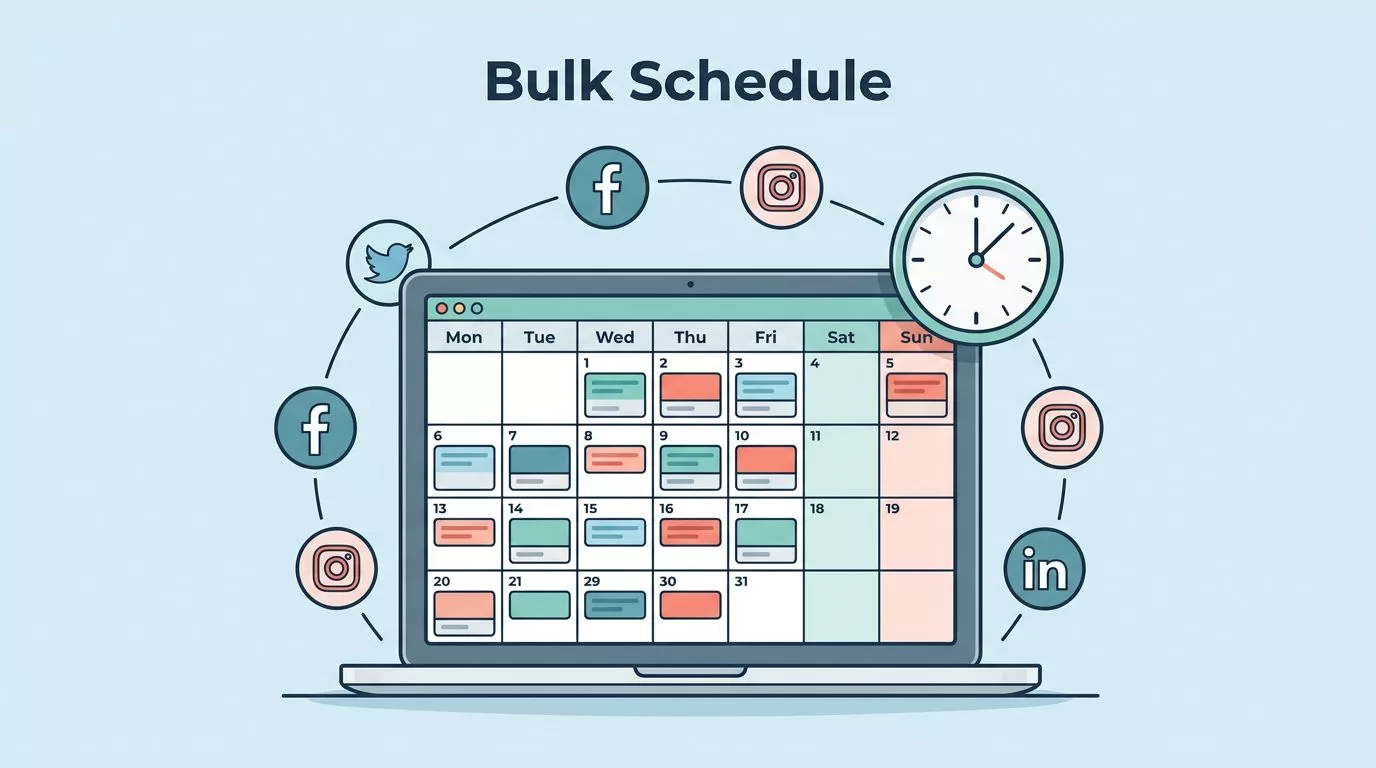
I can fill a week of social posts in one sitting when I stop treating each post like a separate task. Bulk social media scheduling works best when I batch the thinking first, then let the scheduler do the heavy lifting.
That shift matters when I’m juggling campaigns, client work, or a small team with no time to spare. It keeps my posts consistent, cuts the last-minute scramble, and gives me room to stay ahead of the calendar.
Key Takeaways
- I move faster when I plan one core message and adapt it across platforms.
- I write captions, collect assets, and name files before I open the scheduler.
- Someli works best when I use it after the creative decisions are already made.
- A clean queue needs labels, notes, and a quick review before publishing.
- Timely posts still need human judgment, even when most of the calendar is automated.
Start With One Content Batch
The fastest way I’ve found to bulk schedule social media posts is to start with one content batch, not a pile of random ideas. I choose one campaign, one offer, or one theme, then I break it into platform-sized pieces. That keeps the message tight.
A product launch might become a LinkedIn update, an Instagram carousel, a short X post, and a Facebook reminder. The topic stays the same, but the format changes. That small shift saves me from reinventing the wheel every time I post.
When I want a deeper setup reference, I keep my own Someli social media automation guide nearby. It helps me stay focused on the workflow instead of chasing every shiny feature.
I also use a simple rule. If I can’t explain the post in one sentence, I’m not ready to schedule it yet. That one check keeps the batch from turning into a pile of weak captions.
For a broader view of scheduling workflows, I sometimes compare notes with this roundup of social media automation tools. It helps me stay grounded before I spend time testing something new.
Prepare Captions and Assets in One Pass
I save the most time when I prepare captions and assets in the same block of work. If I write a caption today and hunt for the image tomorrow, the whole batch slows down. So I keep everything together.
I write captions in one pass, then I collect the visuals, links, and notes that go with them. I’m not aiming for perfect prose on the first draft. I want a clean draft I can review without starting over.
Here’s the kind of simple structure I use for each post:
| Item | What I save | Why it speeds things up |
|---|---|---|
| Caption draft | Hook, body, call to action | I edit faster later |
| Media file | Final image or video export | I don’t waste time hunting for assets |
| Notes | Promo date, approval, context | The queue stays accurate |
That table looks plain, but it keeps my process clean. I’m not guessing later about which file belongs to which post.
I also like to batch edits for every caption at once. I trim long openings, sharpen the first line, and make the call to action clearer. When I do that in one session, the posts feel like a set instead of a stack of leftovers.
If I’m leaning on AI for first drafts, I use my AI social media generator setup guide as a reference point. It keeps the output useful without making the posts sound generic.
Load the Calendar Faster With Someli
Once my batch is ready, I move it into Someli. That is where the speed really shows up. I’m not using the tool to figure out what I want to say. I’m using it to place finished work into a calendar without dragging my feet.
I work in blocks. First I load the posts. Then I group them by platform. After that, I check the timing. I don’t want three similar posts stacked on the same day unless I mean to do it.
I keep creative work and scheduling work in separate passes. Mixing them slows me down.
That one habit saves me from making tiny decisions over and over. It also keeps me from editing captions while I’m trying to build the queue.
Someli is most useful to me when I already know the voice, the audience, and the goal. If I’m still deciding those things, I go back a step. The scheduler should move work forward, not hide a weak plan.
When I need to replace manual posting with a cleaner setup, I also refer to my social media manager alternative notes. That mindset helps me think in systems, not one-off tasks.
Keep the Calendar Clean After You Schedule
Scheduling fast only matters if the queue stays clean afterward. I’ve learned to treat every scheduled post like a small record with a job to do. That means I check labels, captions, links, and timing before I walk away.
I also leave space for human posts. A scheduled queue should handle the repeatable work, but it shouldn’t lock me out of current events, customer wins, or last-minute updates. If something timely comes up, I want room to swap it in.
A quick review routine helps me catch mistakes before they go live:
| Check | What I verify | Why it matters |
|---|---|---|
| Caption | Brand voice and clarity | Avoids awkward or off-tone posts |
| Link | Correct destination | Prevents broken traffic paths |
| Image | Right size and crop | Keeps the post looking polished |
That kind of review doesn’t take long, but it saves me from cleanup later. I’d rather spend three minutes now than fix a public mistake after it publishes.
For light automation ideas that sit outside a full scheduler, I like how to automate social media posts for free. It’s a useful baseline when I want simple triggers without a heavy setup.
When Bulk Scheduling Needs a Human Check
Bulk scheduling helps most when the content is predictable. It helps less when the post depends on a live conversation, a fast-moving trend, or a sensitive customer issue. I keep those posts out of the bulk queue.
I also stop and review anything tied to a promotion that might change. If pricing shifts, a date moves, or a campaign gets paused, I want the freedom to update the calendar before it goes public. A rigid queue can create avoidable cleanup.
When I’m uncertain, I ask one simple question: does this post need fresh context before it publishes? If the answer is yes, I keep it manual for now. That rule protects me from scheduling something that feels stale by the time it appears.
The best bulk workflow is not the one with the most automation. It’s the one that keeps me moving without making the calendar sloppy. A fast queue still needs judgment.
Conclusion
Bulk scheduling works for me when I batch the message, prep the assets, and let Someli handle the queue. That order matters. It keeps the work moving and stops every post from becoming a new decision.
When I protect the creative time first, the scheduler becomes a time saver instead of another chore. That is the real win, one focused batch, a clean calendar, and a week of posts ready before the pressure starts.
