Car Parts Inventory Scraping With Twin.so
Supplier catalog pages are built for shoppers, not inventory teams. SKUs, OEM numbers, vehicle fitment, prices, and availability often sit in different parts of the same page. Car parts inventory scraping gives retailers, distributors, and...
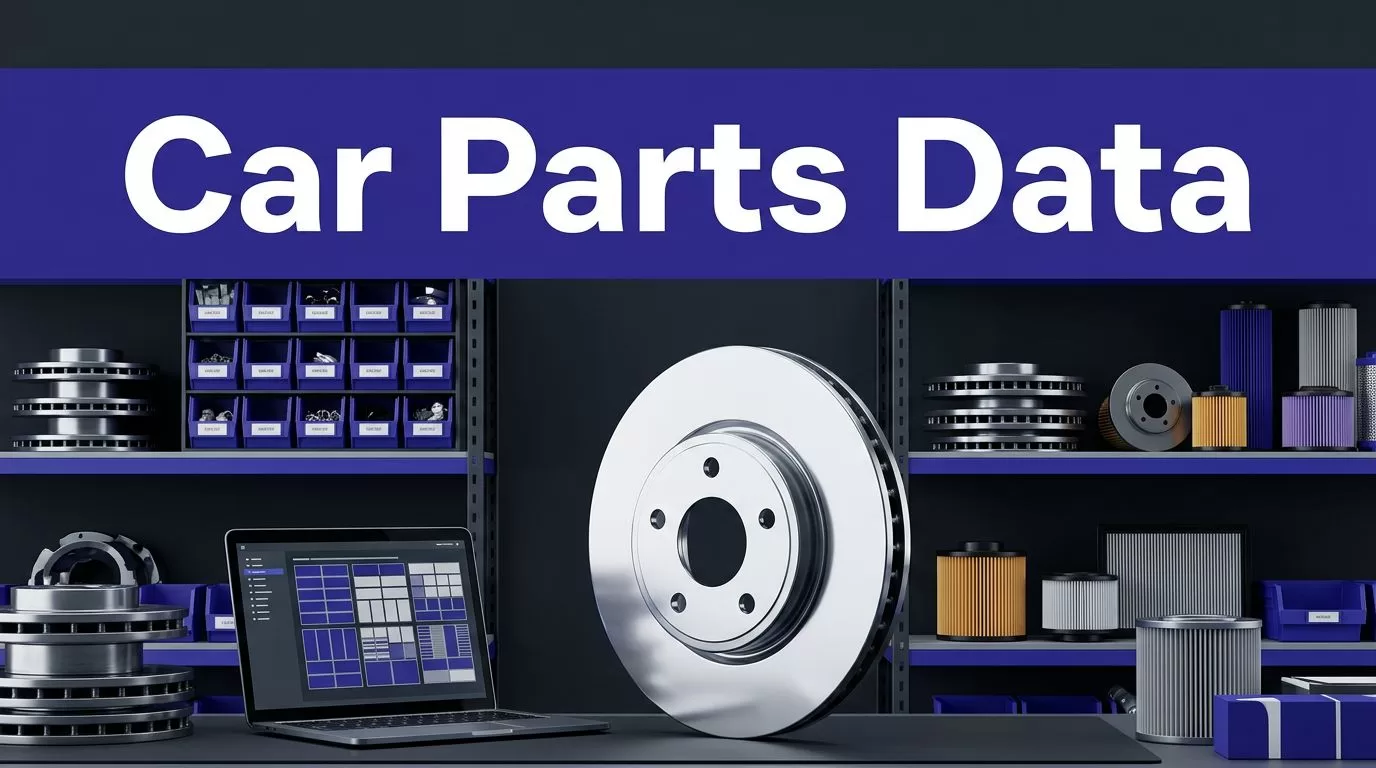
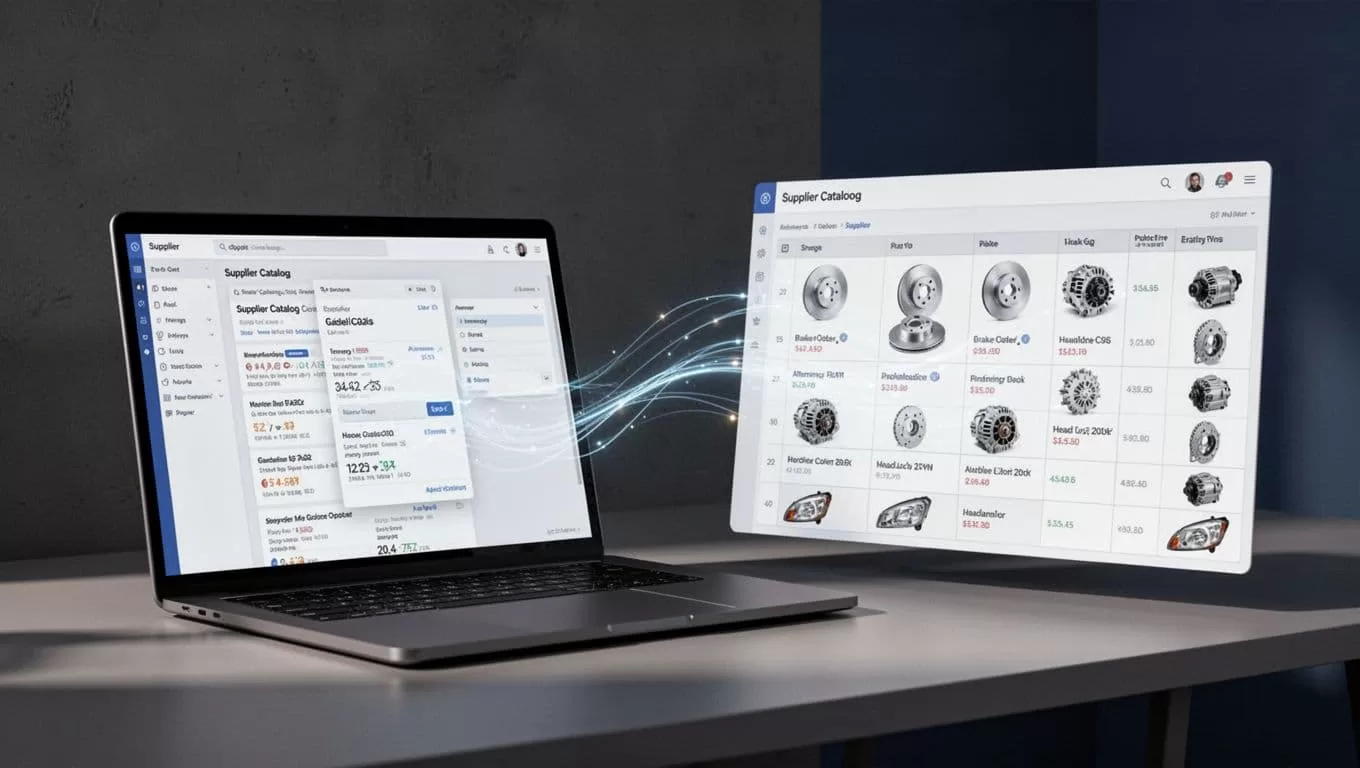
Supplier catalog pages are built for shoppers, not inventory teams. SKUs, OEM numbers, vehicle fitment, prices, and availability often sit in different parts of the same page.
Car parts inventory scraping gives retailers, distributors, and salvage yards a repeatable way to collect that information. Twin.so can help with browser-based research and extraction, but it shouldn’t be treated as a guaranteed product-feed system.
Start with a small public catalog category, define the fields you need, and verify the output before expanding the run.
What Twin.so Can and Cannot Do
Twin.so is an AI agent platform that can browse websites, research pages, and produce outputs. Its public documentation describes credit-based work and browser automation. The Twin.so Quickstart also advertises free credits for new users.
That makes Twin.so useful for testing a supplier catalog workflow without building a scraper from scratch. You can give the agent a source URL, describe the fields to collect, and ask it to follow product links or pagination where the site allows it.
Don’t assume Twin.so has a dedicated automotive inventory crawler. Its public documentation doesn’t confirm automatic SKU-feed ingestion, high-volume catalog crawling, or guaranteed CSV, JSON, XML, or API exports for every account.
Treat Twin as a browser worker. Your team still controls the data structure, access rules, validation, and final publishing decision.
Use a Small Pilot First
Choose one supplier, one category, and a limited number of pages. Brake rotors, alternators, or used transmissions are better starting points than an entire catalog.
A small pilot shows whether the agent can find the right product pages, interpret the supplier’s layout, follow pagination, and return consistent rows. It also gives you a way to estimate credit use before you schedule repeat runs.
Define the Inventory Schema First
The extraction works better when every row has a clear purpose. Decide what counts as a product, what counts as a variant, and which fields are mandatory before you start.
Use a structure similar to this:
| Field | What to capture |
|---|---|
| SKU | Supplier or seller stock identifier |
| OEM number | Original equipment manufacturer reference |
| Title | Product name as shown by the source |
| Vehicle fitment | Year, make, model, engine, trim, or application notes |
| Condition | New, used, refurbished, or remanufactured |
| Price | Listed price and currency |
| Availability | In stock, out of stock, backordered, or unknown |
| Supplier | Source business or catalog owner |
| Image URL | Primary product image address |
| Product URL | Canonical page for the listing |
Add a scraped_at timestamp and the source page URL if your downstream system permits them. These values help you trace a row back to the original listing when a price or fitment claim changes.
Tell the Agent What to Do With Missing Data
Use blank or unknown when a field isn’t visible. Don’t ask Twin.so to infer an OEM number from a title or guess vehicle compatibility from a product photo.
Your instructions should also separate product data from navigation text. A category page may contain filters, promotional banners, recommended products, and duplicate links. Only extract rows that represent actual sellable listings.
Build the First Extraction Run
The first run should answer one question: can Twin.so return clean, reviewable records from this catalog?
Start With a Narrow Source
Open the supplier’s public category page. Record the exact URL, category name, country or market, and the date of the test.
Set a page limit for the pilot. Ten to twenty product pages are enough to expose most layout problems. If the catalog has filters, choose one stable filter such as “brake rotors” or “alternators” instead of combining several filters at once.
Avoid starting with search results that change on every visit. A stable category URL gives you a better baseline for comparing future runs.
Write Strict Extraction Instructions
Give Twin.so plain instructions with field names, page rules, and error handling. For example:
Open the authorized public brake-rotor category. Follow product links and available next-page controls. Return one row for each sellable product or variant. Capture SKU, OEM number, title, vehicle fitment, condition, price, currency, availability, supplier, image URL, and product URL. Leave missing values blank. Do not invent fitment or combine separate variants.
Add two more rules when needed. Ask the agent to preserve the exact product URL and to report pages it could not access.
Run the sample and compare at least five rows against the source pages. Check whether the title, SKU, price, and availability match the page. Then fix the instructions before collecting more records.
Store the Output With a Run Record
Use the output path available in your Twin.so account, then move the result into the spreadsheet, database, or catalog system your team already maintains.
Store the run date, source domain, category URL, page range, and any access errors with the data. A row without source context becomes difficult to audit after the supplier changes its site.
A Practical Brake-Parts Workflow
Suppose a retailer needs current brake-rotor listings from an authorized supplier catalog. The workflow looks like this:
- Select the public brake-rotor category and confirm that the retailer has permission to collect the listing data.
- Ask Twin.so to inspect the category, open each product page, and return the defined fields.
- Require one row per SKU or sellable variant. Keep left and right parts separate when they have different SKUs or prices.
- Test the first batch against the supplier pages. Mark missing OEM numbers and unclear fitment for review.
- Save the accepted rows with the product URL, image URL, supplier name, and extraction date.
- Publish only after the inventory owner confirms price, availability, and vehicle application.
The source page remains the reference point. Scraped data is a working copy, not proof that a part is still available or compatible.
Handle Pagination, Variants, and Fitment
Pagination is where many otherwise useful extraction runs become incomplete. A clean-looking result may contain only the first page.
Check Every Pagination Pattern
Supplier catalogs may use numbered URLs, a “next” link, a “load more” button, or infinite scrolling. Tell Twin.so which behavior to follow and where to stop.
Ask it to report:
- The first and last page visited.
- The number of product links found on each page.
- Pages that returned errors or no products.
- Duplicate product URLs.
- Whether the catalog displayed a final page or an apparent stopping point.
Compare the result count with the category count shown by the supplier. The numbers may not match because of filters, discontinued products, or duplicate variants, but a large gap needs investigation.
Don’t use “scrape everything” as the only instruction. Set a category, page limit, and stopping rule. This reduces accidental crawling outside the intended catalog.
Keep Variants Separate
A single product page may contain several options. The differences can include diameter, side, axle position, engine, brand, condition, packaging, or warehouse location.
Keep separate rows when any of these changes the SKU, OEM number, price, availability, or fitment. Add the variant attributes to the title or a dedicated field if your system supports it.
Vehicle fitment is often many-to-many. One part can fit multiple year, make, and model combinations, while one vehicle can accept several parts. Store fitment as separate related records when possible. A long text string is harder to search and easier to misread.
Validate Before Publishing or Purchasing
A scraper can return complete-looking rows with incorrect values. Data checks need to happen before the inventory reaches customers or purchasing staff.
Run Mechanical Checks
Use simple rules to catch obvious problems:
- Flag rows without a SKU, product URL, price, or availability value.
- Check that prices contain the expected currency and a valid number.
- Compare SKU and OEM-number duplicates before merging records.
- Confirm that image and product URLs use the expected supplier domain.
- Normalize availability values into a small set such as in stock, out of stock, backordered, and unknown.
- Compare the new row count with the previous run.
- Flag large price changes instead of overwriting them without review.
Keep uncertain records in an exception queue. A blank fitment value is safer than a guessed application.
Verify Fitment With a Human Reviewer
OEM numbers and catalog titles can reduce search time, but they don’t replace fitment verification. Review the supplier’s application notes, manufacturer data, and part-specific restrictions before publishing.
NHTSA’s vPIC VIN decoder can help identify basic vehicle information from a VIN. It isn’t a complete aftermarket parts-fitment database, so don’t use a decoded vehicle record as the only compatibility check.
Before a customer can buy, confirm the exact year, make, model, engine, trim, side, and condition when those details affect the part. The same check applies before a purchasing team places a supplier order.
Scrape Responsibly and Control Cost
Speed doesn’t remove the need for permission or controls. Review the supplier’s Terms of Service before collecting data. Check the exact host’s /robots.txt file and follow applicable crawler directives.
The Robots Exclusion Protocol describes the rules website owners publish for crawlers. Robots directives don’t grant permission to bypass a login, CAPTCHA, paywall, rate limit, or other access control.
Use public pages or an approved supplier feed. Don’t scrape authenticated areas without written permission. Don’t collect customer names, employee details, email addresses, phone numbers, or other personal data when the inventory task doesn’t need them. The Booth web-scraping guidelines also warn against collecting personal information without a valid need and consent.
Add Rate Limits and Change Tracking
Run requests at a conservative pace. Avoid repeated full-catalog scans when only price and availability need refreshes. Use separate schedules for stable fields, such as OEM numbers, and changing fields, such as stock status.
Keep a copy of the last accepted result. Compare the new run against it and record additions, removals, price changes, and fitment changes. This gives operations staff a review queue instead of forcing them to inspect every row.
Twin.so uses credits for agent work. The Quickstart indicates that new users receive an initial credit allocation, but credit rules and pricing can change. Benchmark a small sample, record the credits used, and forecast the full catalog only after the sample passes validation.
If your catalog includes thousands of variants or several supplier domains, Book A Call before deployment to map the data flow, review access requirements, and define the handoff into your inventory system.
Conclusion
Twin.so can reduce the manual work involved in collecting public car-parts listings, but the workflow needs a defined schema, narrow pilot, pagination checks, and fitment review.
Use one row per SKU or valid variant. Keep the supplier URL and run date attached. Treat price, availability, and fitment as values that require verification before publication or purchase.
The reliable goal of car parts inventory scraping isn’t the largest possible page count. It’s a smaller set of accurate, traceable inventory records that your team can safely use.
