How I Set Up a Catch-All Inbox for Sales Leads
Missed lead emails cost more than most teams admit. One typo in an address, and a warm prospect can vanish into silence. When I set up a catch-all inbox, I’m building a safety net for every inquiry that doesn’t land where it sho...
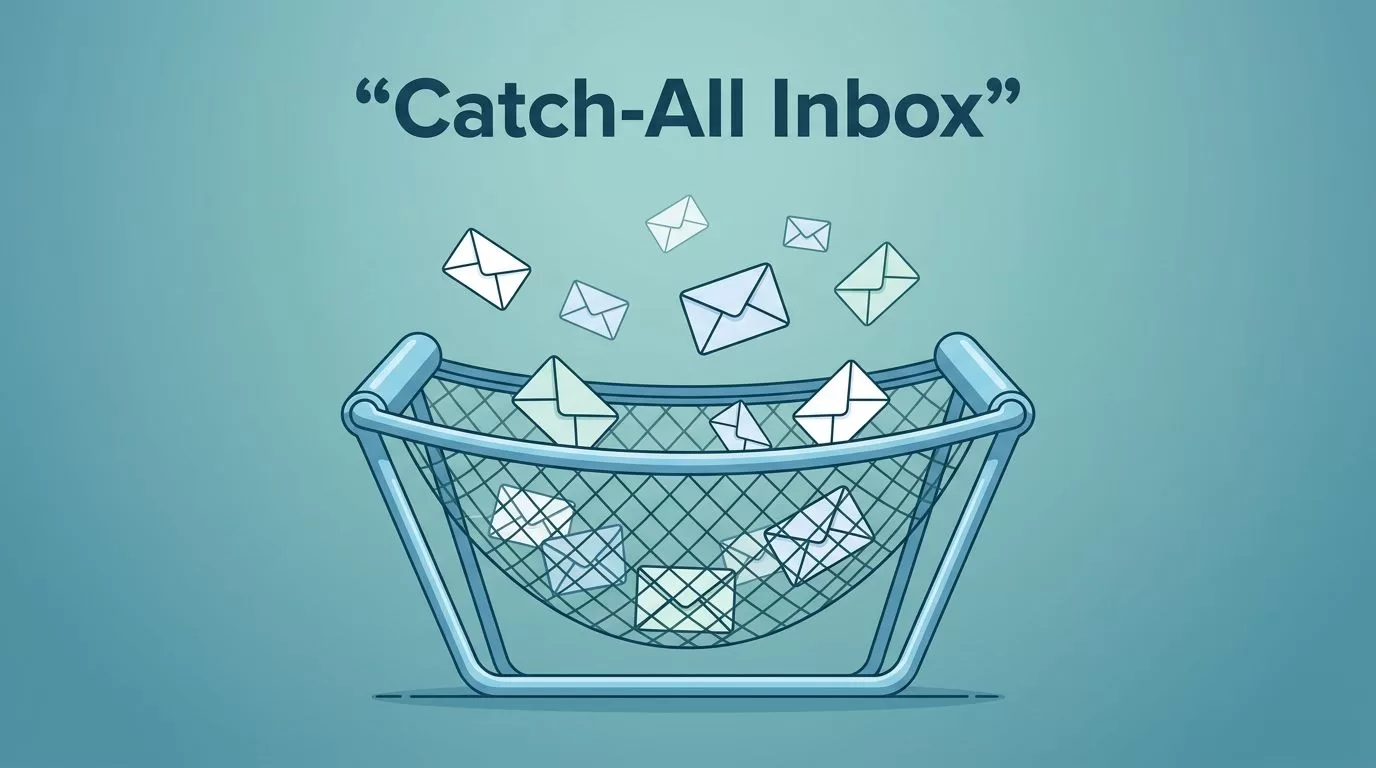
Missed lead emails cost more than most teams admit. One typo in an address, and a warm prospect can vanish into silence.
When I set up a catch-all inbox, I’m building a safety net for every inquiry that doesn’t land where it should. That matters for founders, sales teams, and RevOps because the first reply often decides the deal.
What a catch-all inbox should do for sales
I don’t treat a catch-all inbox as a magic fix. I treat it like a net under a tightrope. It catches the slips, but it doesn’t replace good routing.
The goal is simple. If someone sends mail to info@, sales@, hello@, or a typo version of your address, I want that message saved in one place. That keeps lead capture clean and gives me a second chance to route the inquiry.
If I’m on Google Workspace, I use Google’s catch-all mailbox guidance to handle misaddressed mail at the domain level. If the team lives in Microsoft 365, I look at catch-all mailbox setup for Exchange Online instead.
The catch matters. A catch-all inbox should help me find real leads, not bury them in junk. That’s why I set it up with clear ownership from the start.
My step-by-step setup process
I keep the setup plain and predictable. That makes it easier to test, hand off, and fix later.
- I pick one central inbox first. Usually, I start with sales@ or leads@, then forward misaddressed mail there.
- I connect the domain’s routing rules. In Google Workspace or Microsoft 365, this means telling the system where unknown addresses should land.
- I decide who owns the inbox. A shared inbox platform works well here, especially if I want comments, assignments, and SLAs in one place.
- I connect the inbox to the CRM. That way, every lead gets a record, even if the email address is messy.
- I test with real variations. I send mail to sales@, info@, a typo address, and an old alias to see what arrives.

If I use HubSpot, I connect the address to HubSpot’s Conversations Inbox. That gives me one place for email, handoffs, and tracking.
The key is not to stop at delivery. I want messages to land, be seen, and move fast.
Routing rules that keep ownership clear
This is where most teams get messy. Everyone wants the lead, but nobody wants the cleanup.
A catch-all inbox works best when every message has a clear owner within minutes.
I set rules by source and intent. That keeps the inbox from becoming a parking lot.
| Lead source | My routing rule | Owner | Response target |
|---|---|---|---|
| Pricing or demo request | Route to the SDR queue and create a CRM task | SDR | Under 5 minutes |
| Named account inquiry | Assign to the account owner | AE | Under 15 minutes |
| Partner or vendor email | Send to operations or partnerships | RevOps or partner lead | Same day |
| Typos to sales@ or info@ | Send to catch-all triage | Rotating inbox owner | Under 30 minutes |
| Existing customer issue | Forward to support or customer success | Support owner | Under 1 hour |
That setup stops duplicate replies and arguments over ownership. It also helps me spot where leads are coming from, which is useful when I review channel quality later.
I like a shared inbox platform for this part because it shows status, assignment, and notes. If I’m only forwarding mail, I lose that context fast.
How I keep spam out without missing real leads
A catch-all inbox will attract junk. That’s normal. The trick is filtering noise without blocking good prospects.
I start with basic email hygiene. SPF, DKIM, and DMARC help reduce spoofing on the domain, even if they don’t stop every bad message. I also set simple filters for obvious spam signals, like weird subject lines, random domains, and repeated form blasts.
Still, I don’t go too hard on filters. Sales leads can look rough. A founder may write from a personal inbox. A small business may use an old domain. I’d rather review a few odd messages than lose a real buyer.
For lead lists that later feed outbound, I pair this setup with catch-all email verification with Hunter.io and reducing cold email bounces. That keeps the inbox clean on both the inbound and outbound sides.
Quick checklist I use before launch
- I confirm every unknown address lands in one place.
- I test the inbox with typos and aliases.
- I assign one owner for every message type.
- I connect the inbox to the CRM.
- I set a response target for business hours.
- I build a spam folder review habit.
- I document the fallback owner if the main rep is out.
When I can tick those off, I know the setup is ready.
Troubleshooting when leads still go missing
If messages disappear, I check a few things in order.
- I verify the domain routing rule still points to the right mailbox.
- I check whether the message was diverted into spam or quarantine.
- I confirm the alias still exists in Google Workspace or Microsoft 365.
- I look for CRM sync errors, especially when the contact already exists.
- I test from an outside address, because internal tests can hide routing issues.
If the inbox fills with junk, I tighten filters slowly. I never make three changes at once, because then I can’t tell what helped.
CRM syncing and response habits that protect the pipeline
The inbox is only half the system. The real value shows up when the lead lands in the CRM with context.
I map each email to a contact, company, and source. Then I add a task or assignment rule so someone follows up. If I use a shared inbox platform, I try to keep notes and tags in the same thread. That way, the handoff stays clean.
I also watch response time closely. For hot inbound leads, I want the first reply inside five minutes. For lower-intent messages, I still aim for the same business day. Slow replies make a good catch-all inbox feel useless.
Finally, I review the inbox weekly. I check spam patterns, missed assignments, and duplicate contacts. That review keeps the system honest.
A catch-all inbox doesn’t just collect mail. It protects revenue when the right message arrives with the wrong address.
If I build it with clear routing, shared ownership, and CRM sync, it becomes a quiet advantage. Not flashy, just dependable, and that’s what sales teams need.
