How I Monitor Domain Reputation Before Outreach
A strong pitch can still fail if the domain behind it looks shaky. If I send outreach to a site with spam signals, thin pages, or a messy backlink trail, I’m not just wasting time, I’m risking my own reputation too. That’s...
A strong pitch can still fail if the domain behind it looks shaky. If I send outreach to a site with spam signals, thin pages, or a messy backlink trail, I’m not just wasting time, I’m risking my own reputation too.
That’s why I use domain reputation monitoring before I reach out. I want to know whether a website looks safe, relevant, and worth the effort before I send a single email.
Why I Check a Domain Before I Send Anything
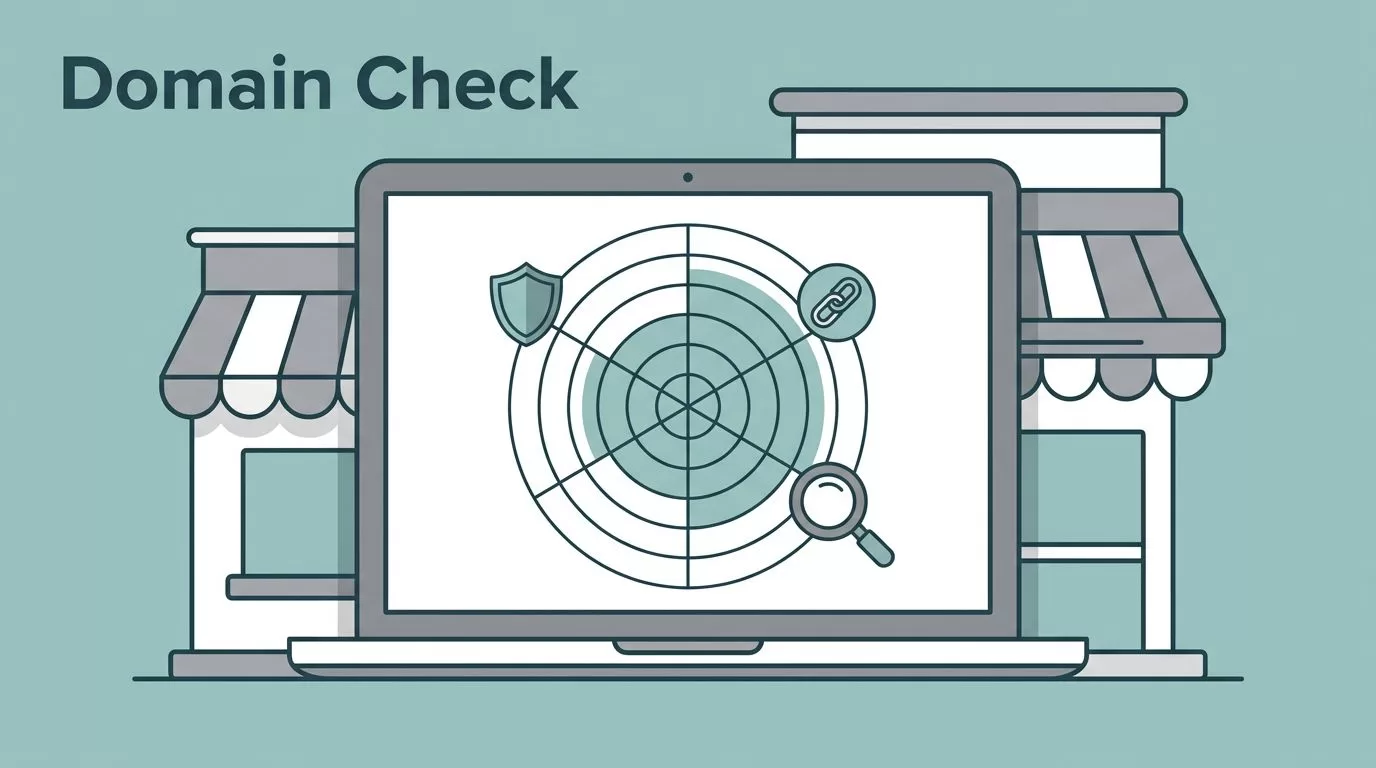
I treat a website like a storefront on a side street. If the windows are dark, the signs are crooked, and every other door leads to a dead end, I slow down.
In 2026, I don’t wait for a campaign to fail before I check a domain. I look for signs that a site is healthy, indexed, and trusted. That means I care about backlink quality, content depth, outbound link patterns, and whether the site seems active in search.
I also think about the risk on my side. If I build outreach around low-quality sites, I can waste list time, hurt response rates, and get fewer good links in return. That’s why I pair domain checks with contact checks, and I keep my email data clean with Hunter.io catch-all email verification guide before I hit send.

I like to think of reputation as smoke in a kitchen. Sometimes it’s obvious. Other times it’s a faint smell that tells me to look closer.
My Pre-Outreach Workflow in 15 Minutes
I keep my process simple because speed matters, but shortcuts cost more later. I start with a quick scan, then I dig deeper only if the site passes the first test.
- I open the site and read the homepage, the about page, and two or three recent posts. If the content feels thin, off-topic, or auto-written, I slow down.
- I check search visibility. If a site seems invisible in search, that can hint at trouble, poor quality, or weak trust.
- I inspect the backlink profile. For a quick read, I like MozBar because it shows Domain Authority, Page Authority, and Spam Score fast.
- I look at outbound links and sponsored posts. A site that sells links all day often leaves a trail.
- I compare the site’s niche to my outreach goal. If the audience has no real overlap, I move on.
When I handle a larger list, I also clean the contact data first. That’s where Hunter.io bulk CSV email verification workflow saves me from wasting effort on dead addresses and catch-all traps.
A good-looking site can still hide a bad trail. I never trust the design alone.
Red Flags That Make Me Walk Away

Some domains fail fast. Others wear a nice coat and still smell like trouble. I look for the same warning signs every time.
- Spammy backlink profiles from casino, pharma, adult, or scraped sites.
- Thin content that looks published for search engines, not readers.
- Irrelevant niches where the topic has no natural link to mine.
- Excessive sponsored posts that make the site feel like a sales floor.
- Deindexation signals, missing pages, or odd search results.
- Suspicious outbound linking to random, low-trust, or unrelated domains.
I also watch for a site that posts too often without saying much. If every article feels like filler, I assume the site is built for volume, not trust.
For backlink risk, I sometimes cross-check with Moz Link Explorer spam score. It doesn’t replace judgment, but it helps me spot patterns faster.
My Simple Score for Picking Outreach Targets
I use a 10-point score so I don’t overthink every domain. I score each area from 0 to 2, then add it up.
| Check | 2 points | 1 point | 0 points |
|---|---|---|---|
| Backlinks | Mostly relevant, natural links | Some noise, but not ugly | Spam-heavy or toxic |
| Content quality | Deep, original, recent posts | Thin but real | Scraped, empty, or stale |
| Topic fit | Same audience as mine | Nearby niche | Irrelevant niche |
| Outbound links | Selective and useful | A few sponsored posts | Link-farm behavior |
| Indexing | Pages indexed normally | A few issues | Deindexation or obvious penalties |
I use this rule of thumb. 8 to 10 points means I can reach out. 5 to 7 means I review it by hand. Below 5 means I skip it.
That simple filter keeps me from falling in love with a site that looks polished but adds little value. It also lines up with the practical thresholds I like in 2026, where a spam score under 5% and a decent authority profile usually point in the right direction, though I never trust one metric alone.
How I Keep Reputation Checks Ongoing
I don’t treat reputation as a one-time scan. Domains change, pages disappear, and link patterns drift.
My rhythm is usually this:
- Daily, I let alerts watch for blacklist issues and sharp reputation drops.
- Weekly, I spend 15 minutes reviewing reputation trends, bounce patterns, and new backlinks.
- Monthly, I audit SPF, DKIM, DMARC, list hygiene, and any sudden jump in outbound links.
That monthly check matters most before a larger outreach push. If I spot a jump in bounces or a bad batch of contacts, I pause and fix the list first. I also keep my outbound work tied to clean data, because bad addresses can drag down good outreach fast. When that happens, I revisit my process with reduce cold email bounce rate with Hunter.io.
I also like to keep my metrics boring. Spam complaints under 0.1%, bounces below 2%, and a stable sender reputation tell me I’m in a good place.
The Habit That Saves Me the Most
Domain checks aren’t glamorous, but they protect everything that comes after them. If a site looks risky, I don’t try to rescue it with better copy or a longer pitch.
I’d rather spend five extra minutes checking reputation than lose a week chasing the wrong targets. Clean domains, clean lists, and clear judgment make outreach feel a lot less like guesswork.
