
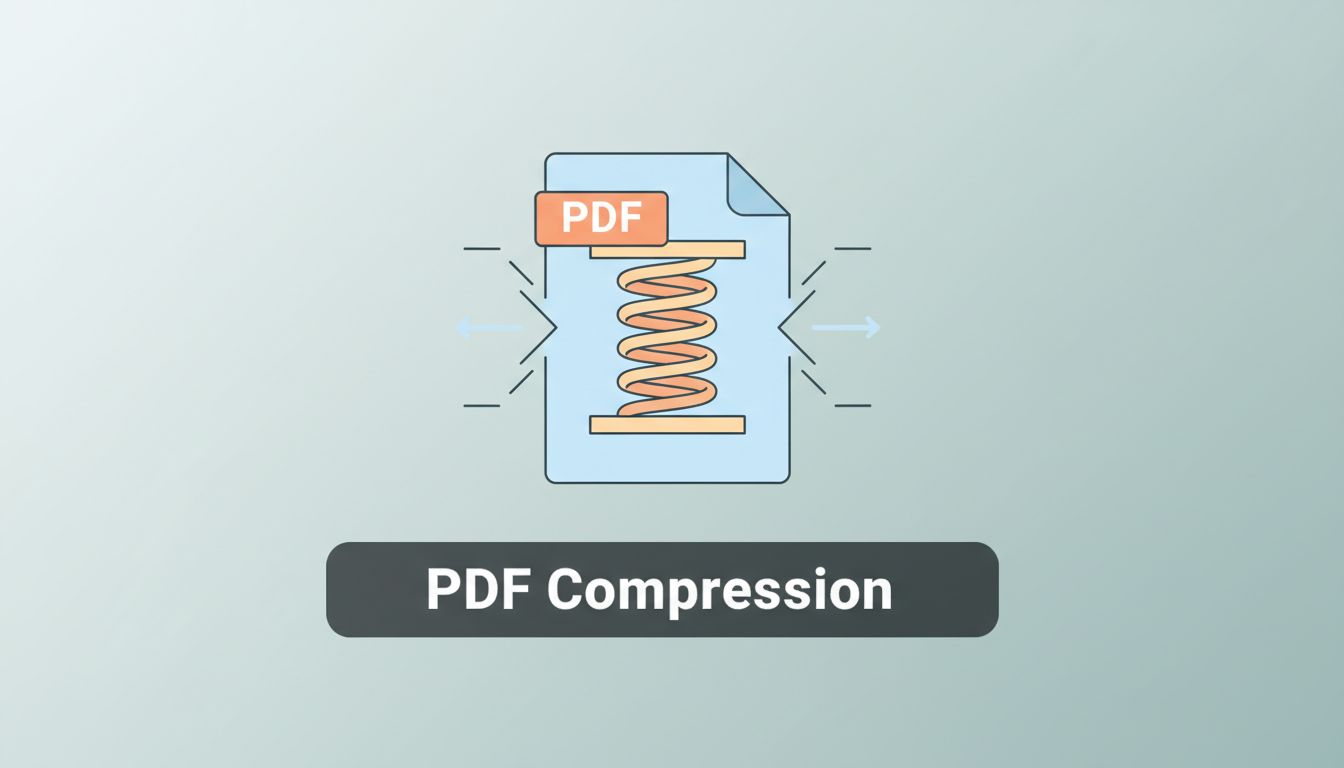


A slow PDF can stall a client handoff in seconds. I’ve watched a 32MB proposal bounce back from an inbox limit, and that kind of delay feels avoidable. When I compress PDF files the right way, I keep the layout clean and the file small enough to send fast. The trick is choosing the right

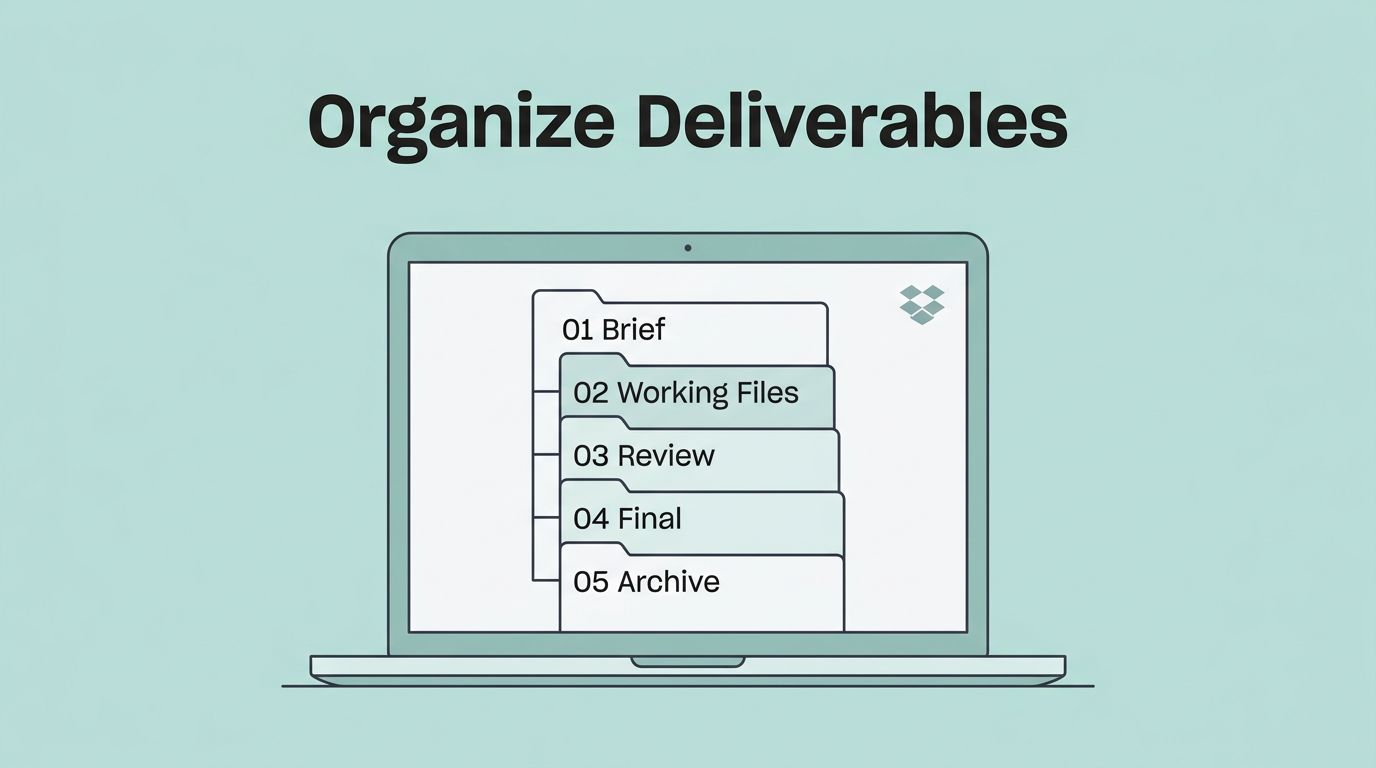
Client files get messy fast when drafts, proofs, and finals all land in the same place. I keep Dropbox client deliverables clean by giving every project the same path, the same naming rule, and the same handoff routine. That way, I spend less time hunting for files and more time moving work forward. Clients also
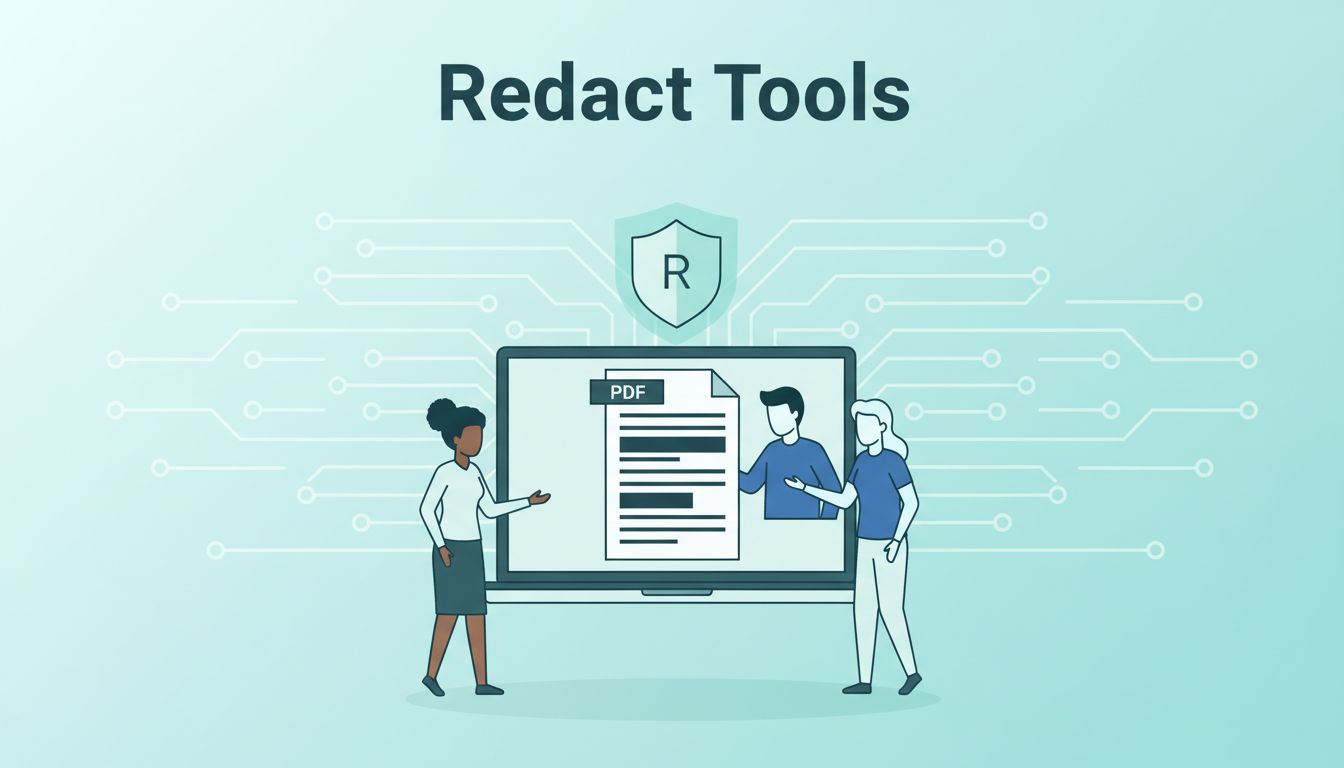
A redaction mistake is quiet until the file leaves your hands. Then it can expose names, account numbers, medical notes, or contract terms that should have stayed buried. For a small team, the right PDF redaction tools need to do more than draw a black bar. I want true removal, OCR that catches scanned pages,
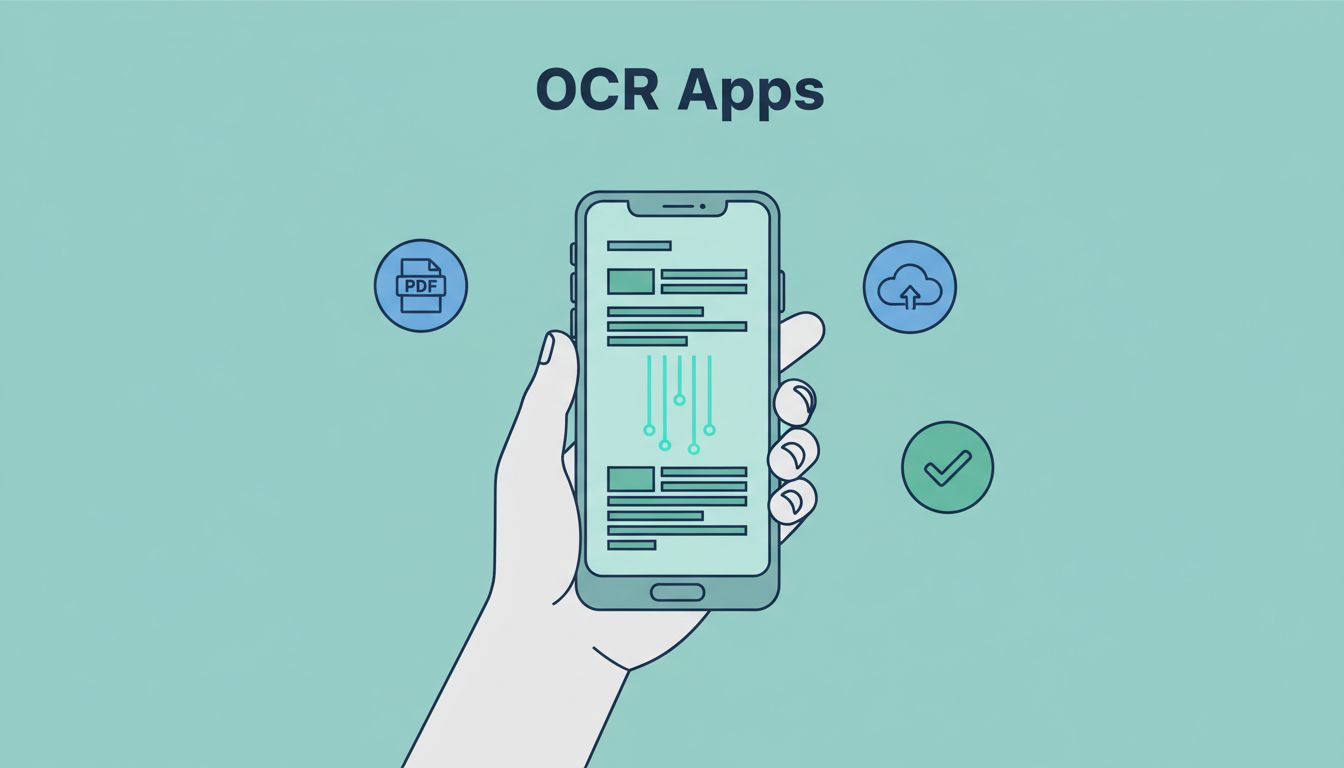
A photo of a receipt should not turn into ten minutes of typing. The best OCR apps save me from that grind, and they do it in different ways. Some apps are built for quick phone scans. Others keep complex PDF layouts intact, or push text into a workflow where teams can use it. Because
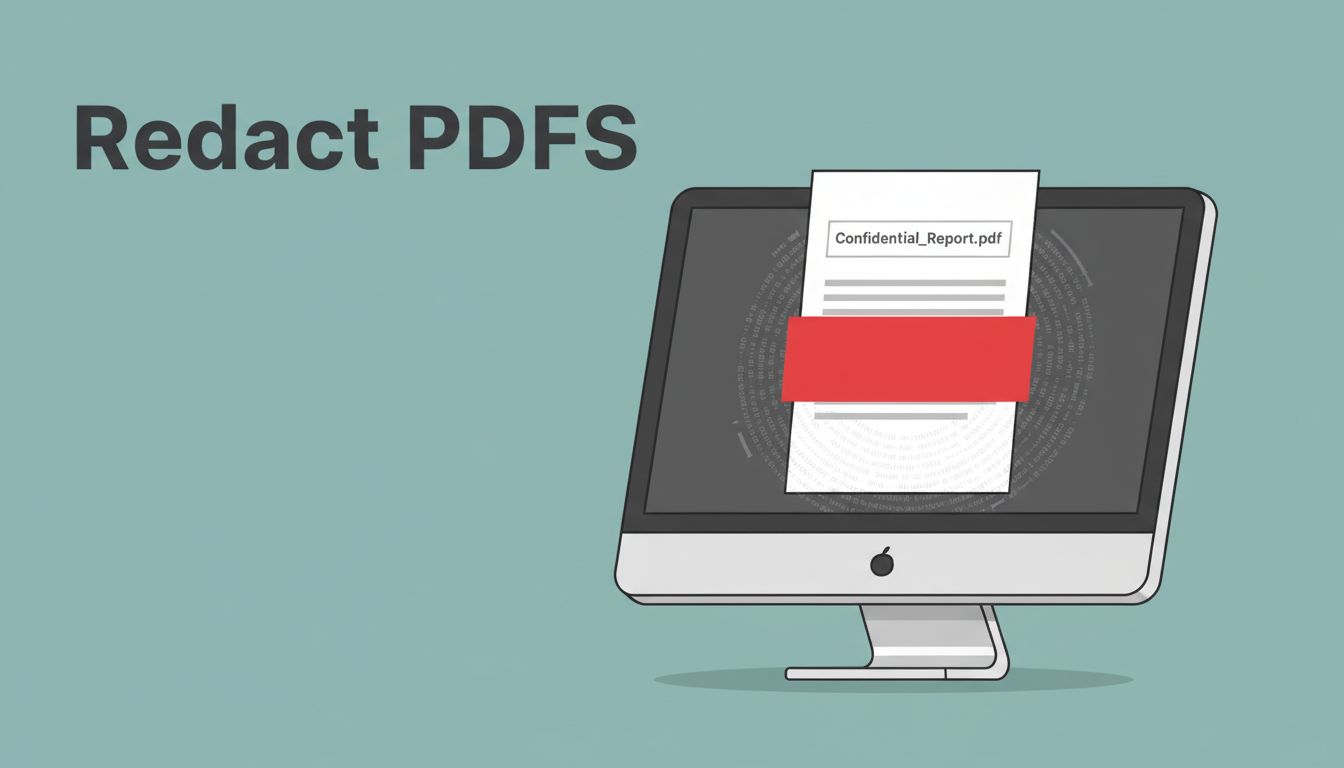
A black box can hide text on screen and still leave that text inside the file. That mistake turns a private PDF into a document that can leak with one bad click. When I prepare a PDF for sharing, I treat PDF redaction as permanent removal, not visual cover-up. If the file can still be
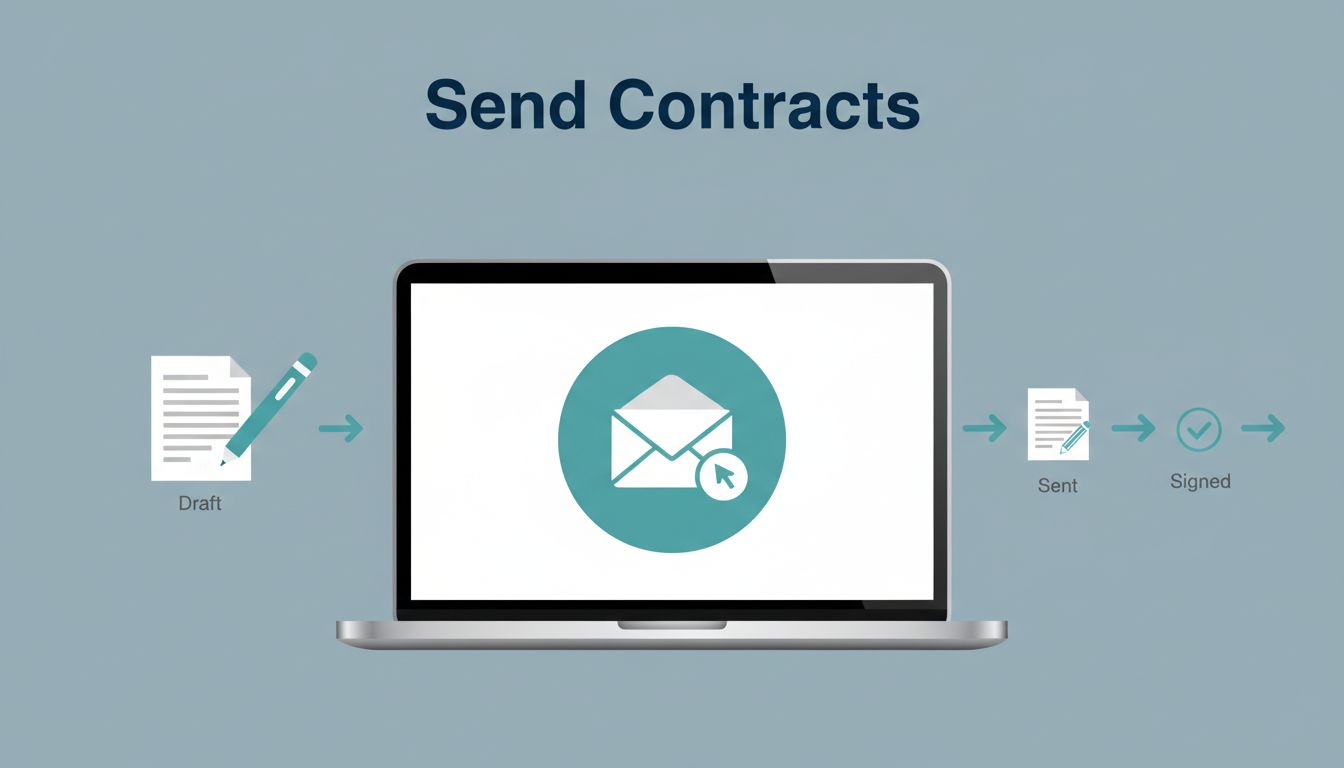
A contract should take minutes to send, not a morning to untangle. When I use DocuSign, I turn a final PDF into a tracked envelope, then I can watch it move from sent to completed. The process is simple once I know the order. Still, one missed field or wrong signer can slow everything down.
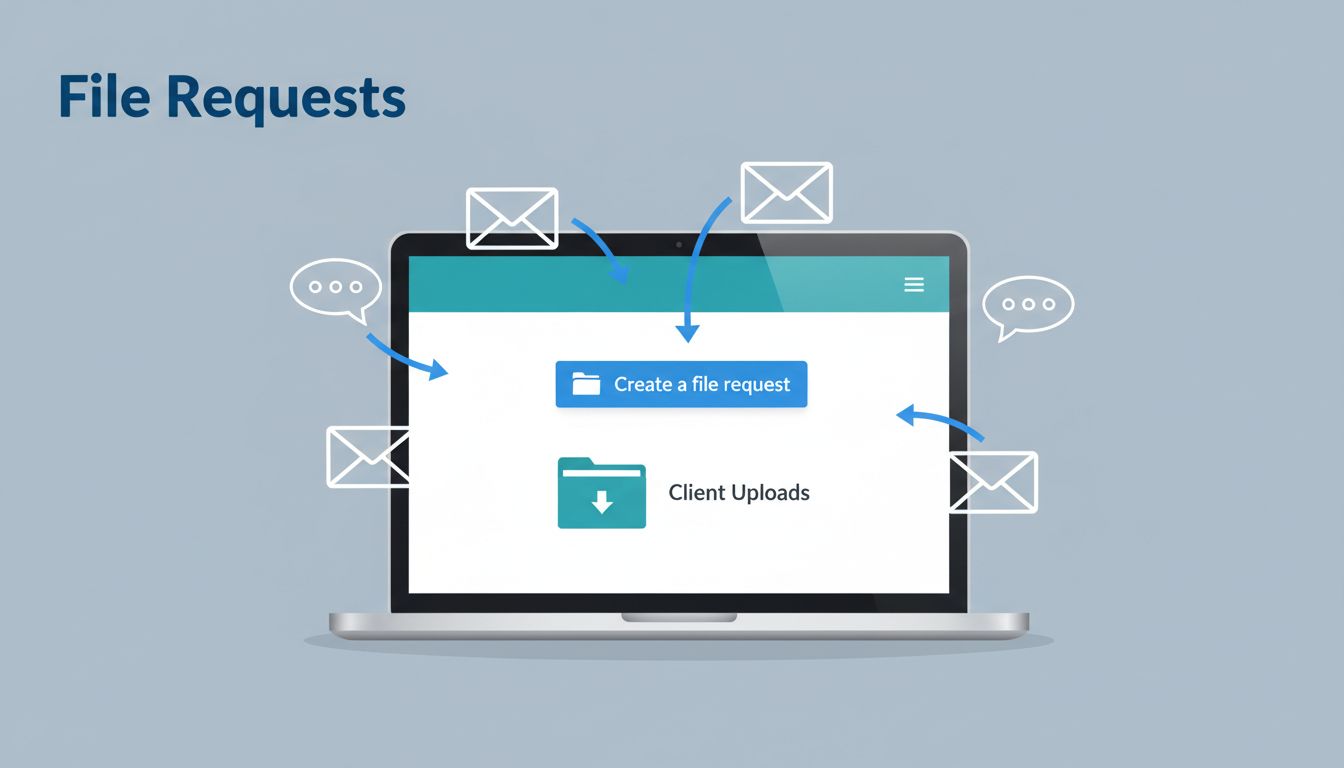
Client files can turn messy fast. One logo lands in email, another draft shows up in chat, and the final version gets buried in a thread no one can find. I use Dropbox file requests to pull everything into one place without giving clients access to my whole folder tree. The setup is simple in
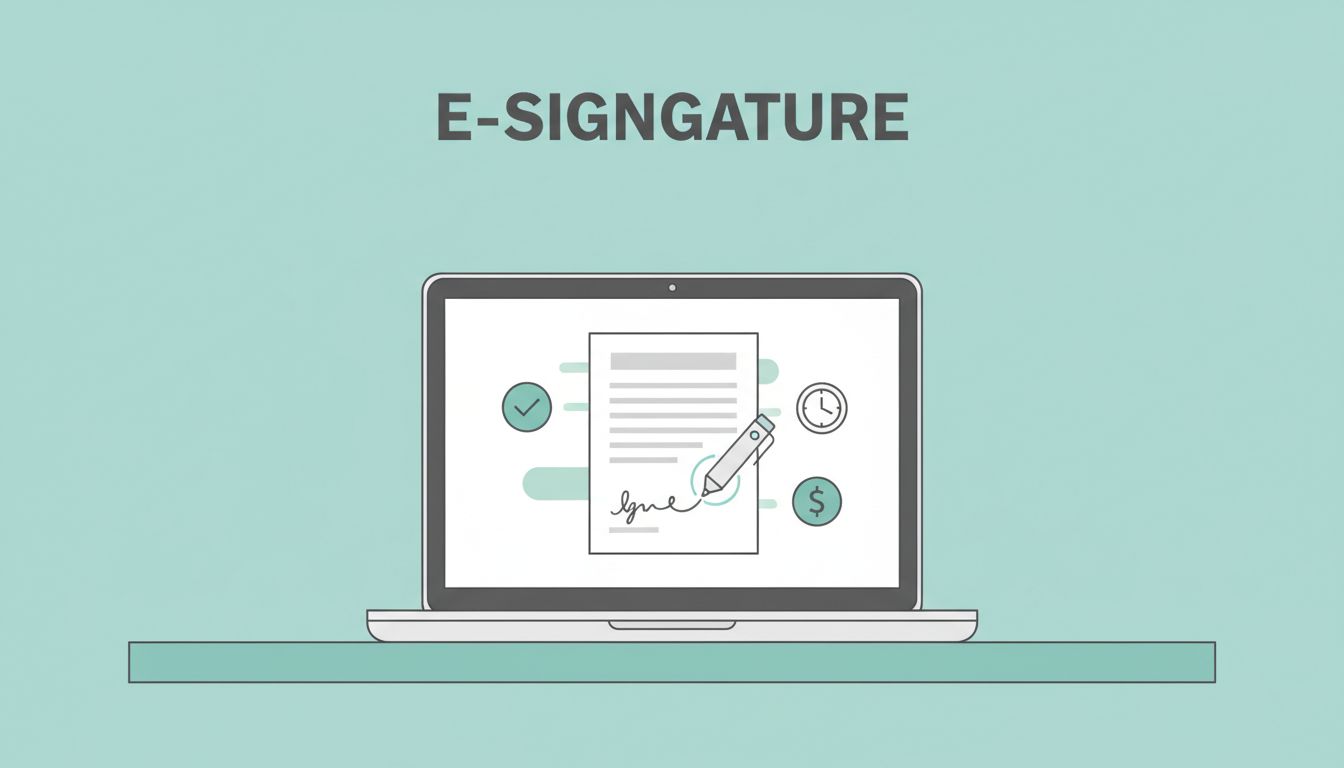
Freelance work moves fast, and contracts need to keep up. I want an e-signature tool that helps me send, sign, and file an agreement without extra fuss. For solo work, the best tool is usually the one clients can finish in a minute or two. I also care about price, document limits, reminders, and how
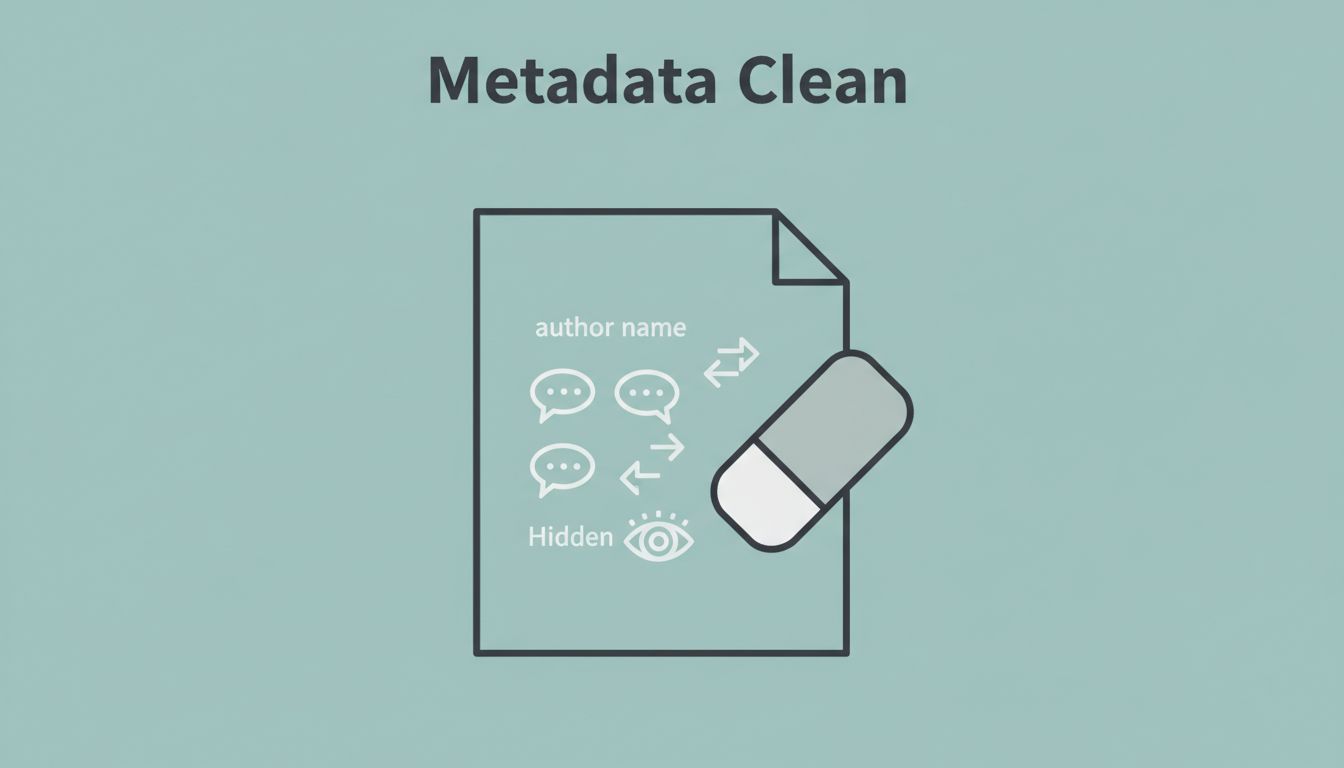
One Word file can carry more than the page shows. If I send it too soon, I may pass along my name, company, comments, tracked edits, and other hidden details without meaning to. That risk grows when I’m sharing drafts, contracts, or client work. I clean the file first, then I check it again, because

