


A client file only needs one bad share link to turn into a cleanup job. That’s why I care less about storage space and more about control, expiry, audit trails, and who can see what. When I handle NDAs, contract drafts, design files, or finance docs, I want secure file sharing tools that still protect
When I give a contractor access to shared files, I assume the link could spread. That mindset keeps me careful. I want work to move fast, but I don’t want one short project to leave a long security mess. So I use secure contractor access as a set of habits, not a single setting. I
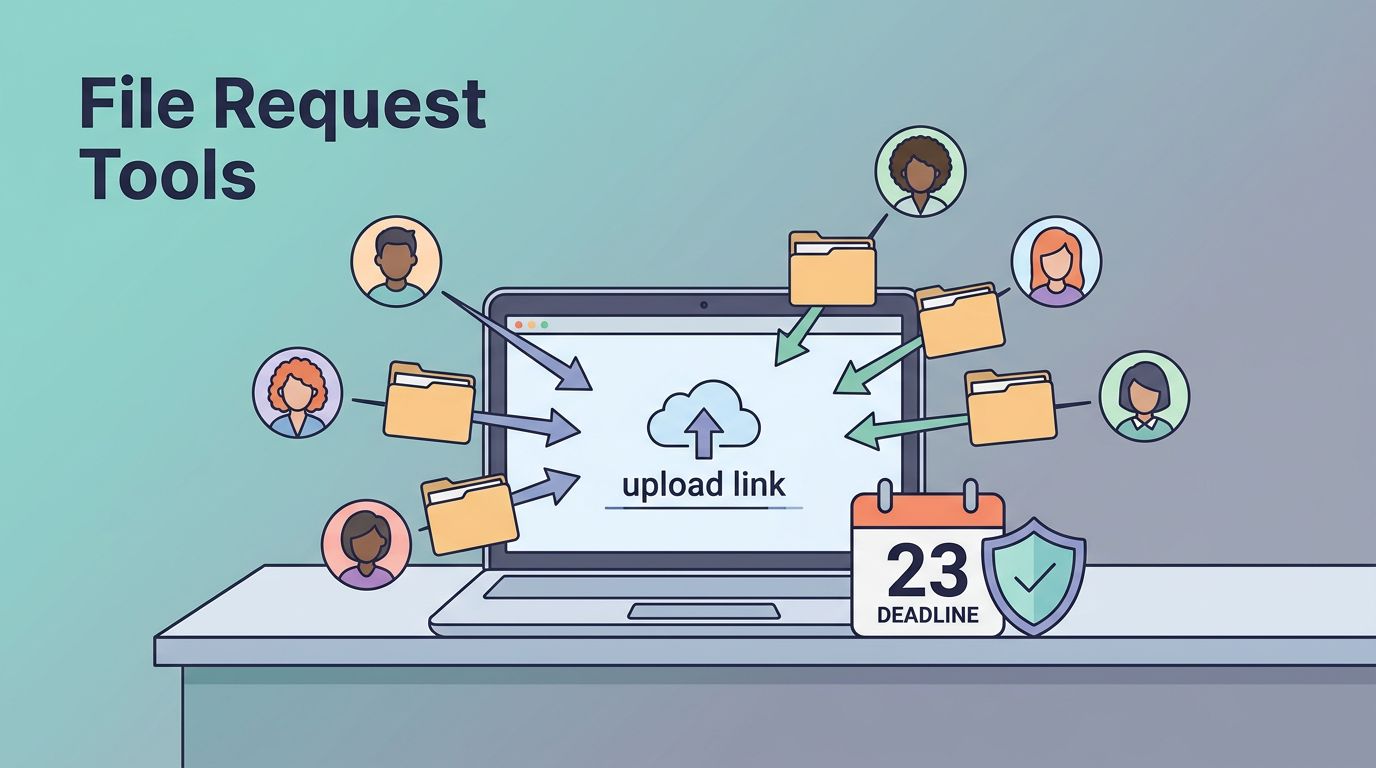
Client documents still get lost in inboxes, buried in chat threads, or sent as the wrong attachment. I want file request tools that make upload easy for clients and clean for my team. That means simple links, clear deadlines, and tight permissions. In April 2026, I care less about a big storage vault and more
Shared files drift open fast. One role change or contractor exit can leave the wrong people inside a folder. I started running shared file access reviews because I wanted a simple routine that catches stale access before it becomes a problem. I work from one clear assumption: if a file matters, someone should own the
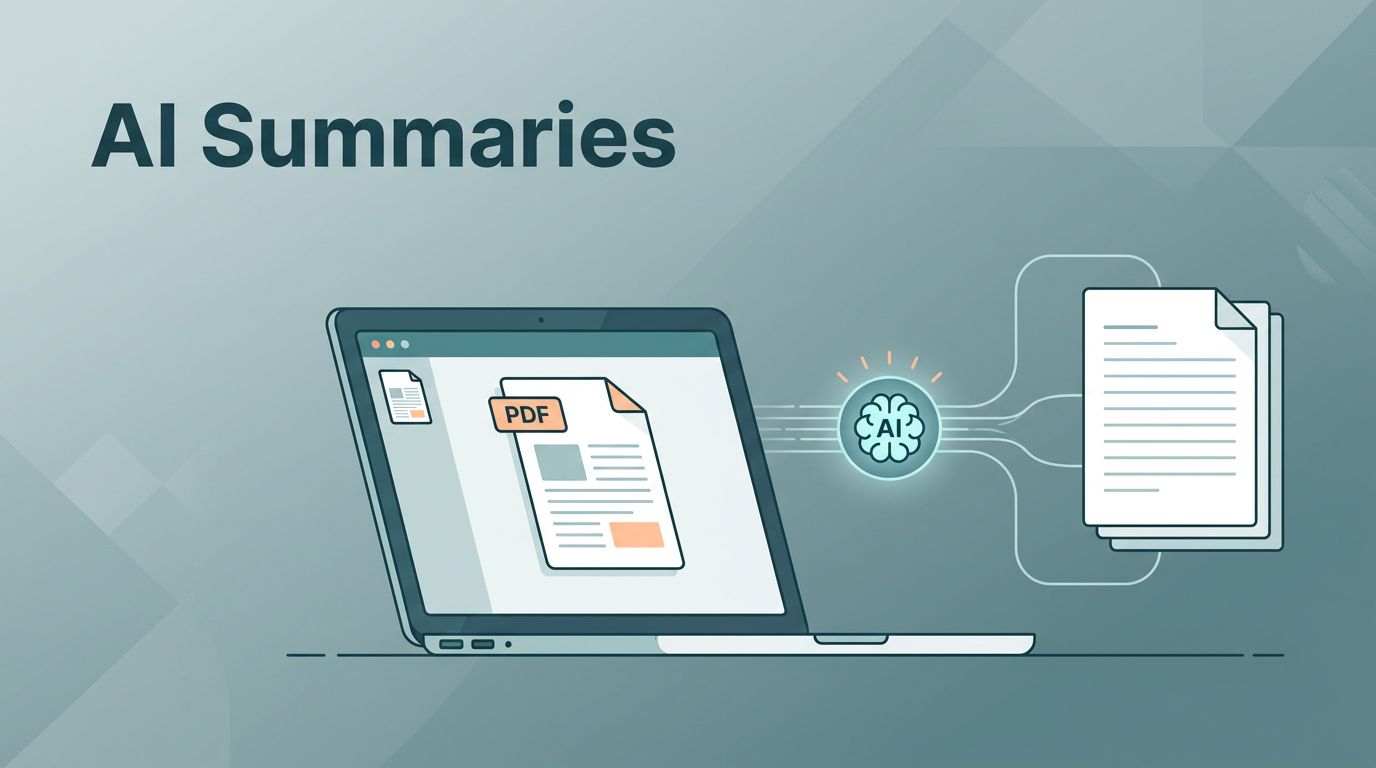
When a 90-page report lands in my inbox five minutes before a meeting, I don’t want more reading. I want the key points, the risks, and the pages I can trust. That’s why I keep a shortlist of AI PDF summarizers that save time without making me guess. I cross-check vendor claims with Lindy’s 2026
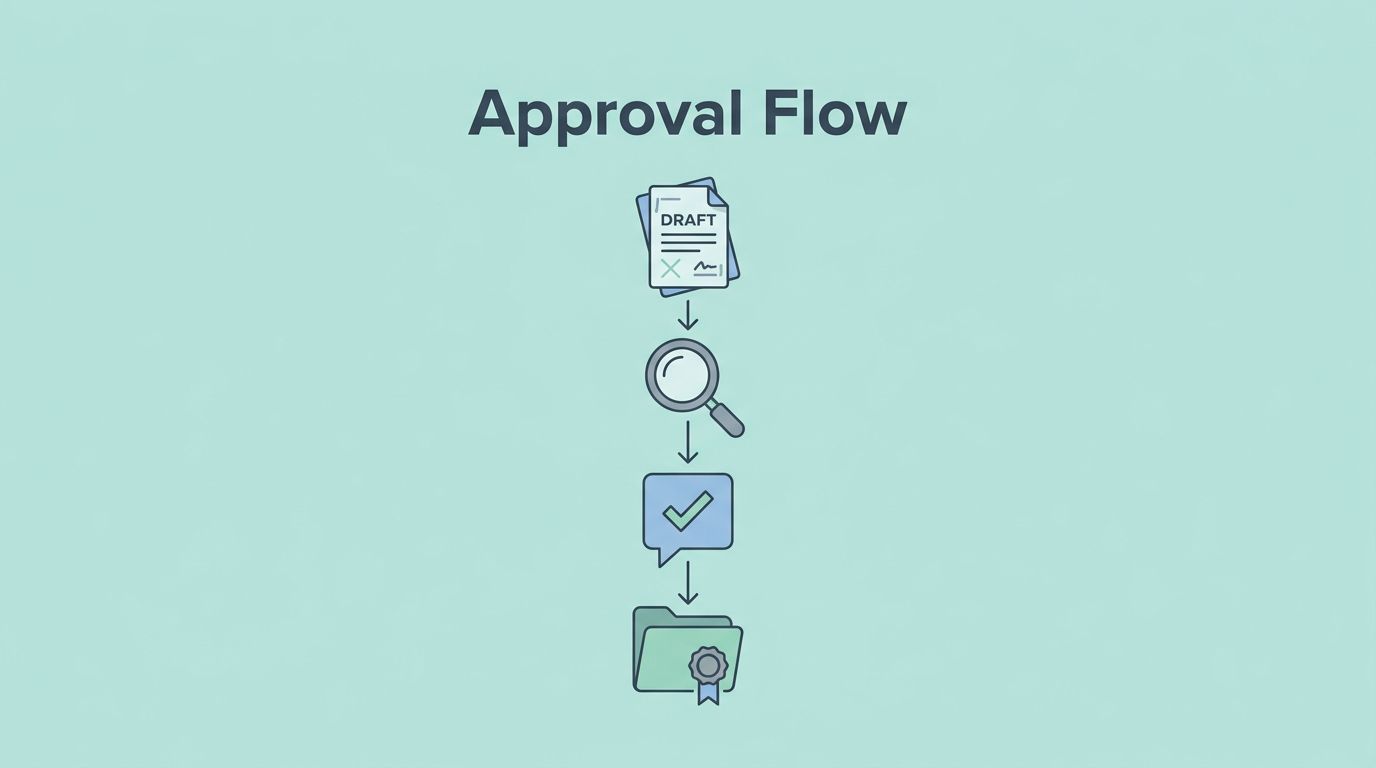
A client approval workflow breaks down the moment feedback lives in five places at once. I build mine so the draft, the comments, and the final sign-off always have a home. That matters whether I’m handling a proposal, a campaign deck, or a policy doc. When the path is clear, clients respond faster and I
A PDF can hold contracts, bank details, or client notes in one neat file. I treat it like a sealed envelope. When I password protect PDF files, I don’t stop at the lock icon. I check the encryption, test the file, and send the password through a separate channel. That habit still matters in 2026.
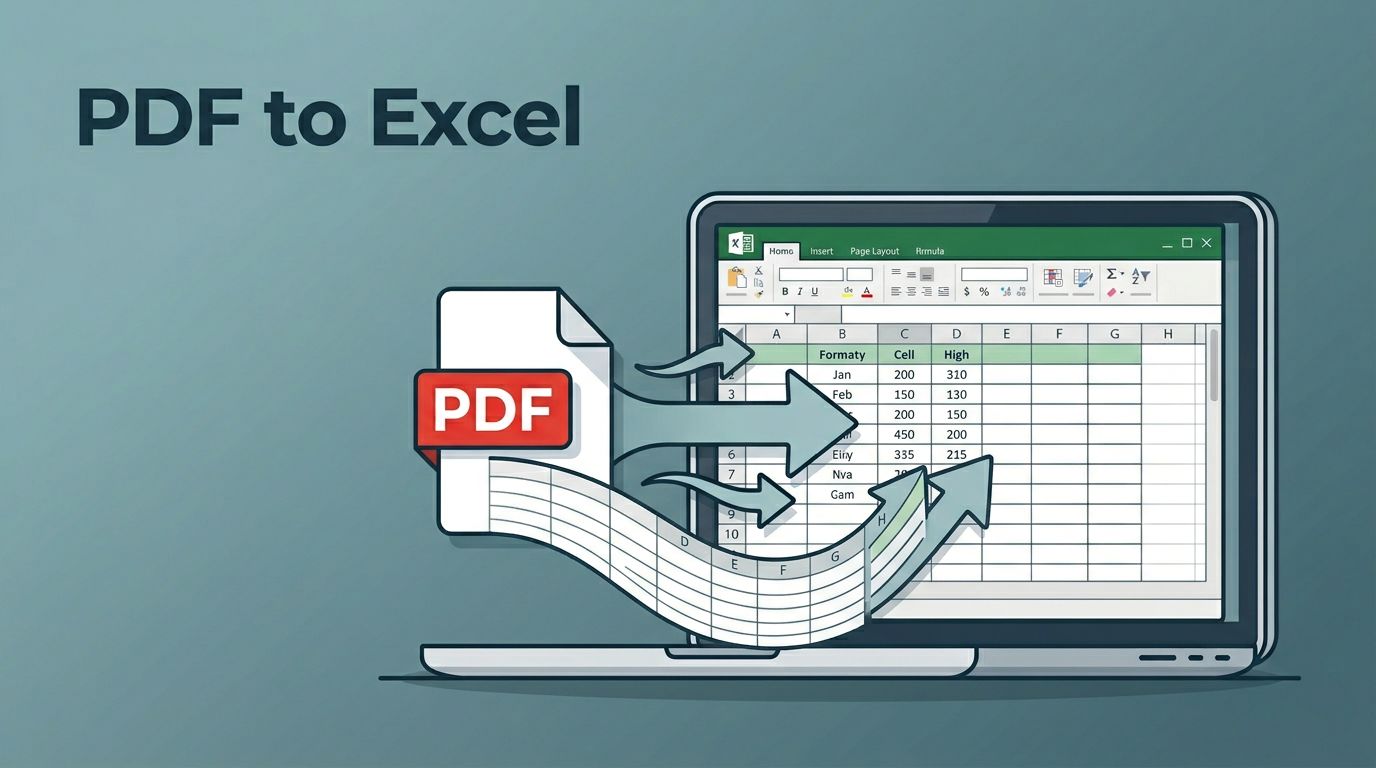
A PDF table can look ready for Excel and still fall apart in one copy. Columns slide, dates split, and numbers land in the wrong row. When I need to extract tables from PDF files, I start with the file type, not the tool. That one check saves me from hours of cleanup later. If
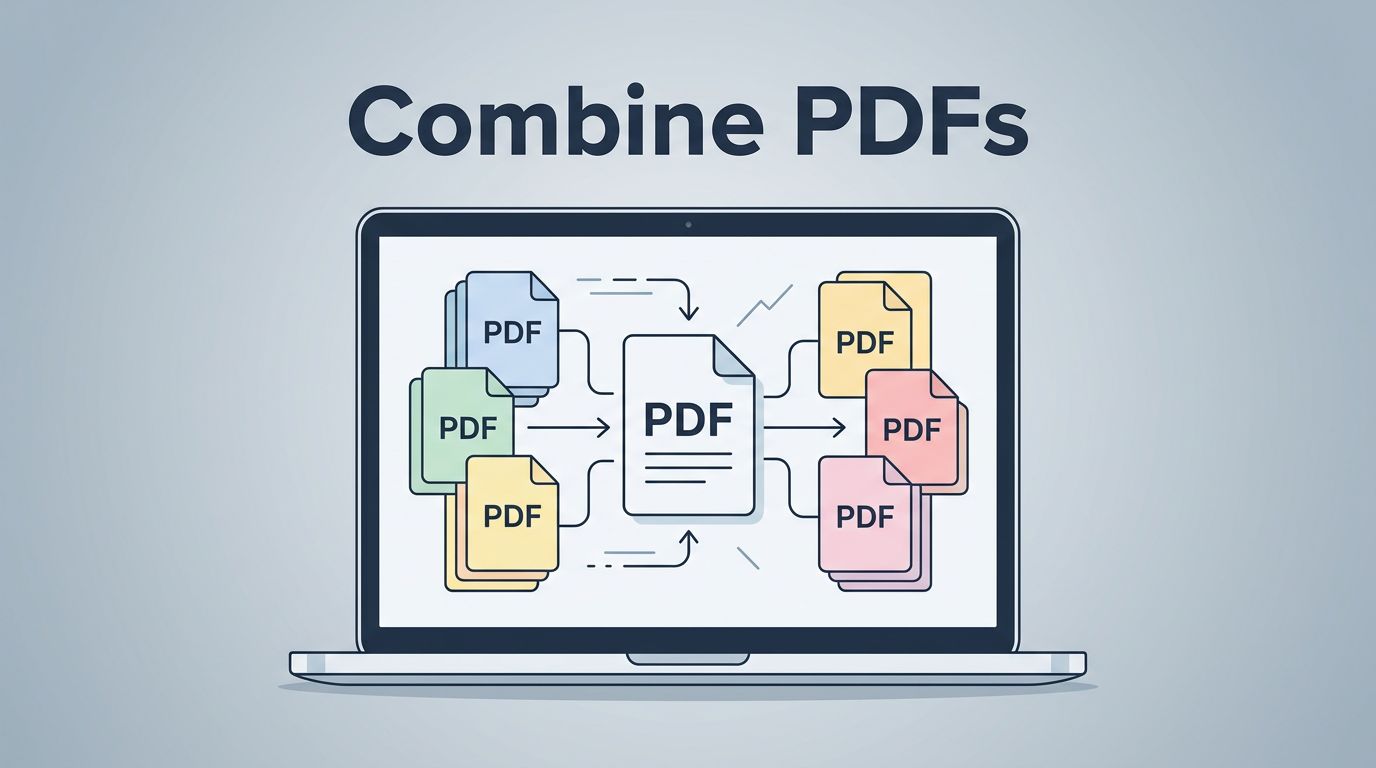
Combining PDFs sounds simple until page order slips, file sizes balloon, or a private file gets uploaded to the wrong place. I deal with that problem often, so I keep a short routine for each device I use. The right method depends on the files in front of me. A tax packet needs a different

