
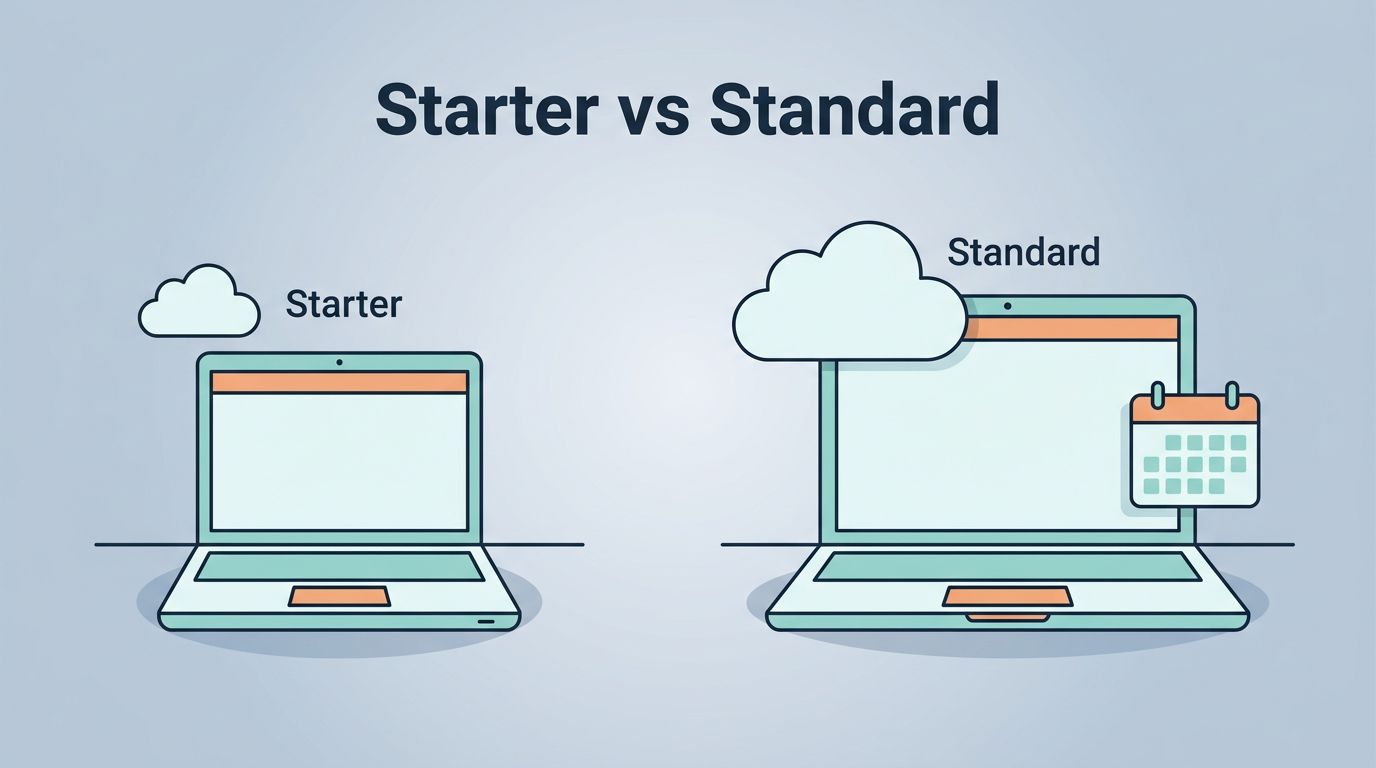


Most small teams do not outgrow email first. They outgrow storage, meetings, and shared work. The cheapest plan then starts to feel like an overstuffed backpack. This guide compares Google Workspace Business Standard with Business Starter, the plan buyers often call Google Workspace Starter. The short answer: choose Business Standard for teams sharing files often,

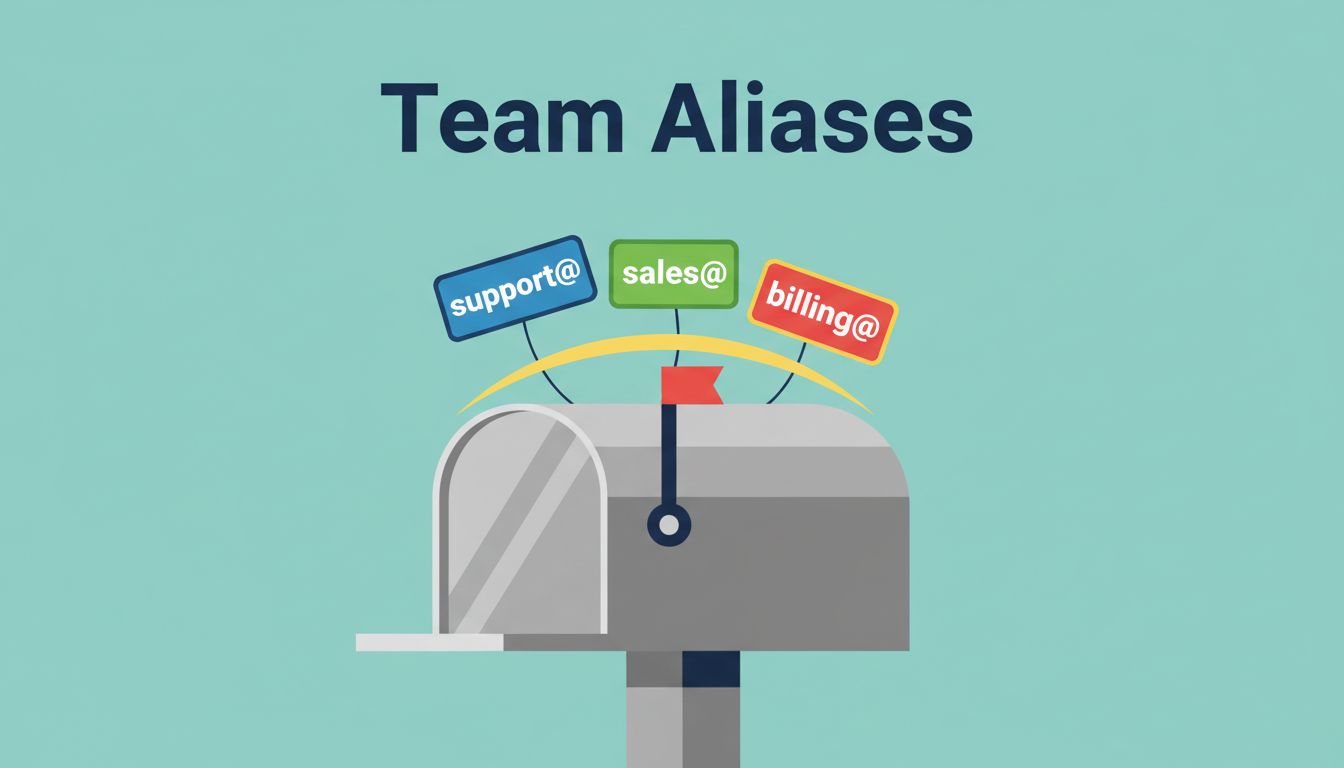
Google Workspace email aliases let one mailbox receive mail under several addresses. A founder can publish support@, sales@, and billing@ while reading everything in one inbox. No extra paid seat is required. The setup takes a few minutes. The wrong choice, however, creates reply confusion when several people need the same address. This guide explains
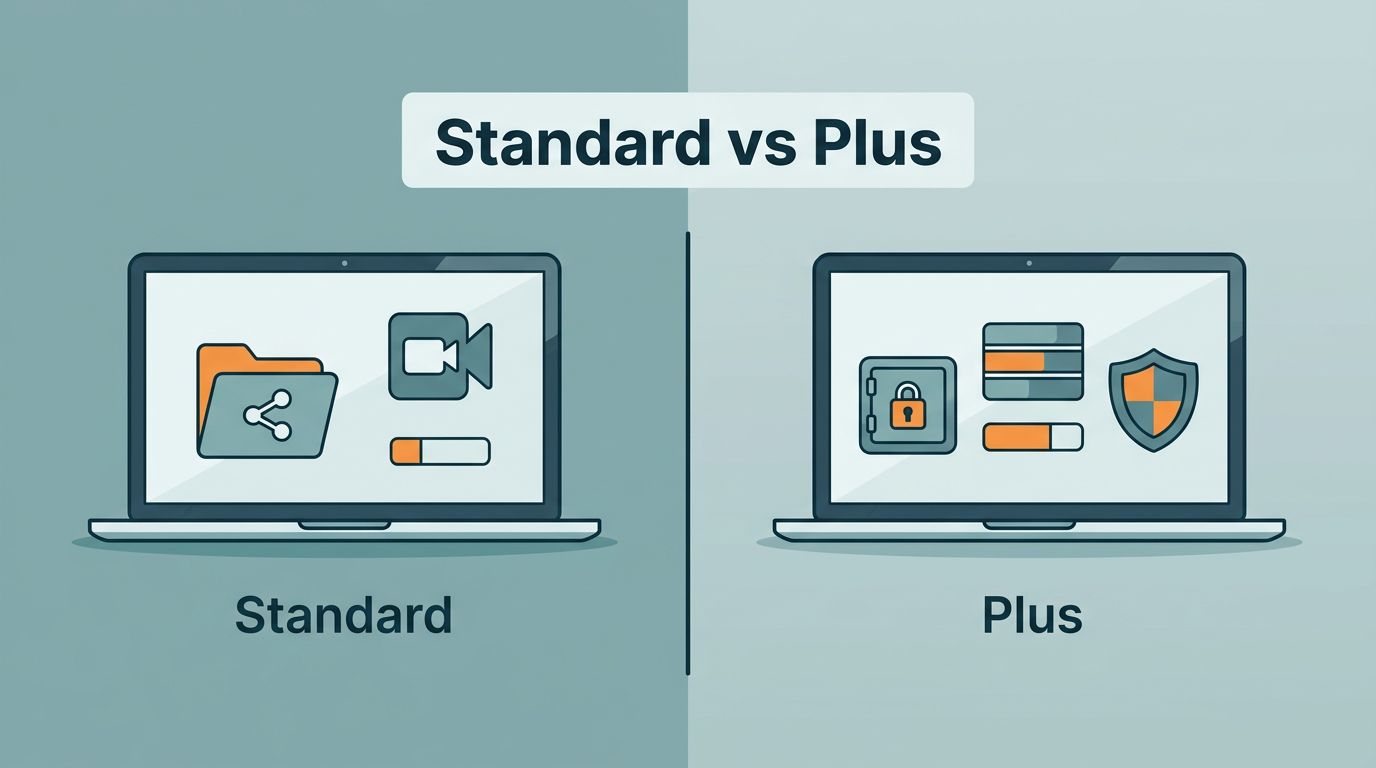
Most small teams start with Business Standard. The plan gives each user 2 TB of pooled storage, meeting recordings, and Meet calls for up to 150 participants. Business Plus costs more and adds 5 TB of storage, Meet calls for up to 500 participants, Vault, and advanced endpoint management. This guide compares Google Workspace Business

Google Workspace vs Microsoft 365 comes down to how your team works. Google Workspace suits browser-first teams who edit documents together. Microsoft 365 suits teams with Windows PCs, Excel files, and desktop Outlook. Email is the front door of a small business. Both suites give you a custom domain mailbox, calendars, video meetings, and cloud

Gmail trusts mail from your domain when three DNS records tell receiving servers the message is real. Those records are Google Workspace SPF DKIM DMARC. Set them up before you touch filters, warm-up tools, or sending volume. The order is simple. Publish one SPF record at your DNS host. Generate a DKIM key in the
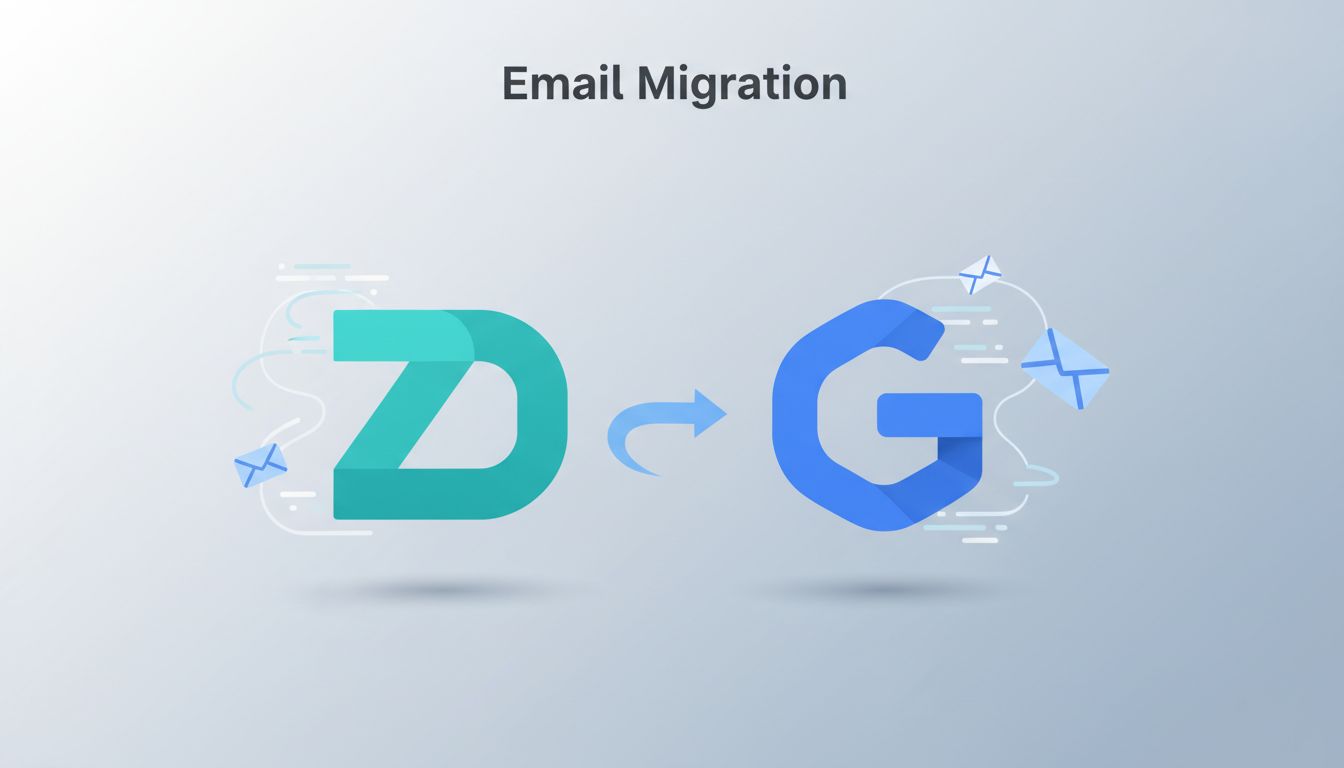
Moving business email feels like carrying glass across a crowded room. One bad step and people miss messages, calendars drift, and new mail lands in the wrong place. A Zoho to Google Workspace move stays safe when you follow a fixed order. Prepare accounts first. Copy old mail while Zoho still receives new mail. Switch
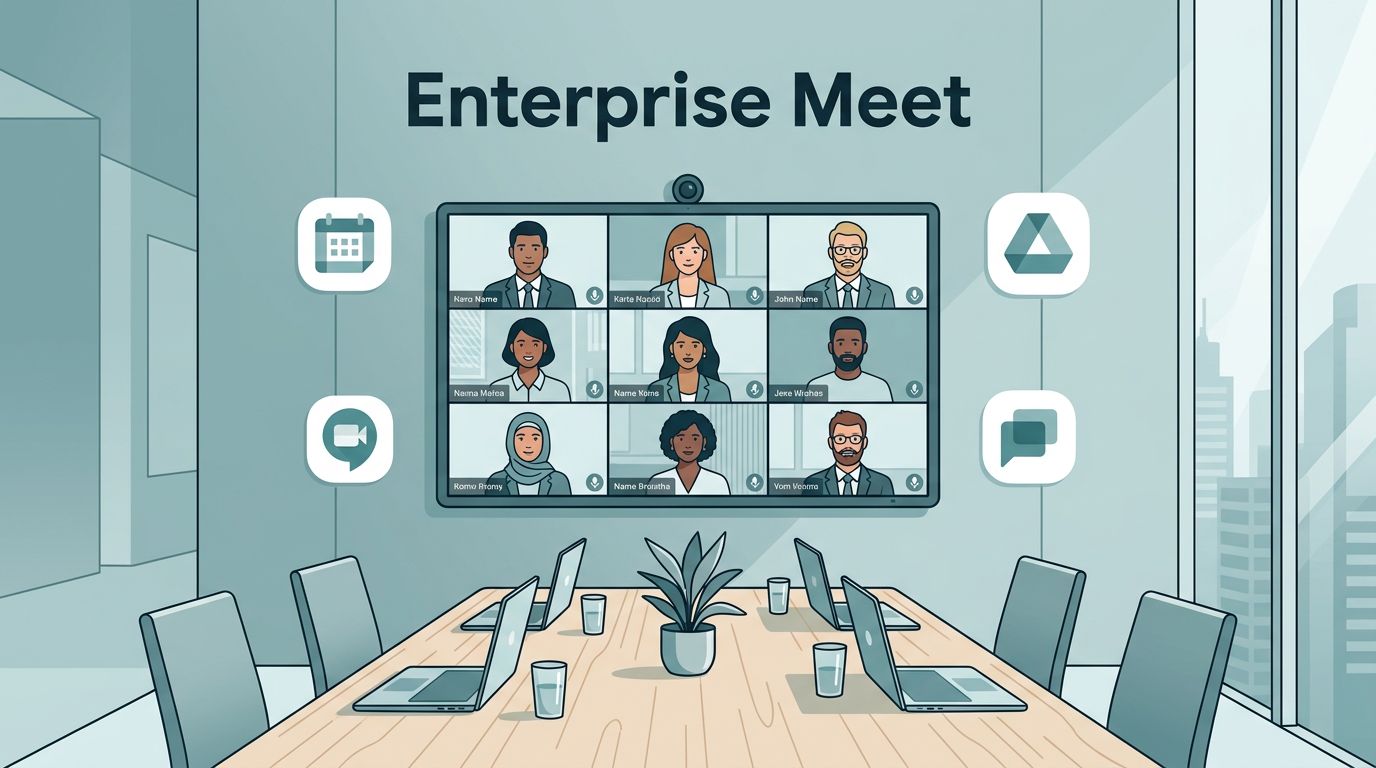
What happens when a simple video call turns into a board review, a hiring panel, and a live town hall? Enterprise video conferencing stops being a handy app and starts acting like core infrastructure. Google Meet inside Google Workspace fits this role when you set the right edition, admin policy, and room plan. This guide
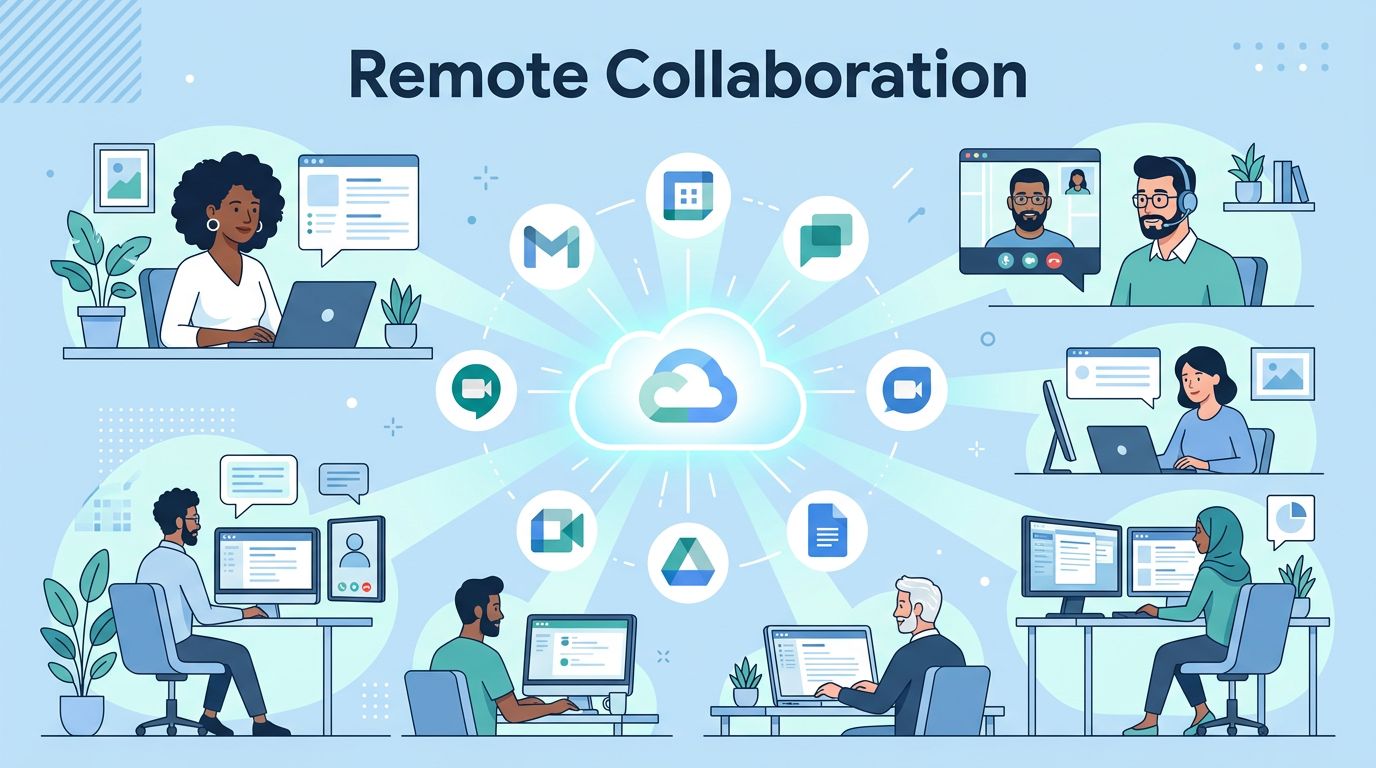
Remote work slows down when tools pile up. Teams chat in one app, store files in another, and miss the latest version in a third. Google Workspace collaboration reduces this problem by placing chat, meetings, files, and shared documents under one admin layer. This guide explains how to deploy Google Workspace for a remote team.

Google Workspace document sharing starts in the Share dialog in Drive. Open the file, choose Share, add a person or Google Group, and pick Viewer, Commenter, or Editor. Keep General access on Restricted for private files. Admins then set organization-wide limits in the Admin console. This guide covers daily sharing for Drive users and guardrails

