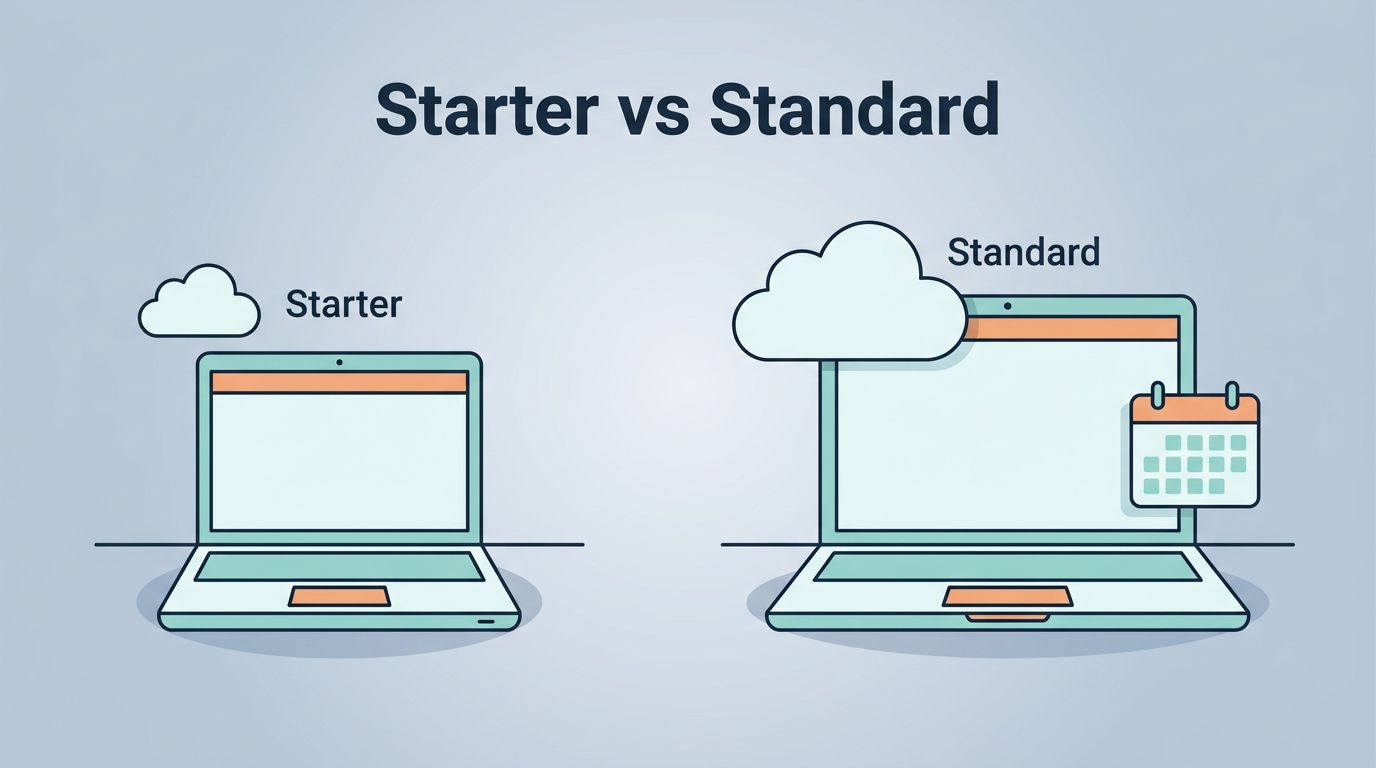
Most small teams don’t outgrow email first. They outgrow storage, meetings, and shared work, then the cheap plan starts to feel like an overstuffed backpack.
If you’re comparing Google Workspace Business Standard with “Google Workspace Starter,” my short answer is simple: I’d choose Business Standard for most teams that share files often, meet with clients, or expect to grow. Starter still works, but only when your workflow stays light.
Table of contents
- Quick answer and naming clarity
- Side-by-side pricing and feature comparison
- When Business Standard is worth the extra cost
- Which plan fits your team
- FAQ
Business Starter vs Business Standard, quick answer first
First, the naming trips people up. When most buyers say “Google Workspace Starter,” they usually mean Business Starter. Google’s current business plans are Business Starter and Business Standard.
Here’s the side-by-side view I use when I compare them in 2026:
| Category | Business Starter | Business Standard |
|---|---|---|
| Price | $8.40 monthly, $7 annual | $16.80 monthly, $14 annual |
| Storage | 30 GB pooled per user | 2 TB pooled per user |
| Google Meet | 100 participants | 150 participants |
| Meet extras | Basic meetings | Recording, noise cancellation |
| AI tools | Gmail, Gemini app, Vids | Adds Gemini in Docs and Meet, NotebookLM |
| Workflow extras | Core apps | eSignature, appointment booking, mail merge, custom layouts, data migration |
| Admin and security | Core controls | Core controls plus stronger admin options |
| Best fit | 1 to 4 light users | Growing small teams |
Google also caps both plans at 300 users, with no minimum. Promos can lower the first few months, but I compare the regular price, not the honeymoon price. I cross-check pricing shifts with a 2026 pricing breakdown and this independent pricing overview.

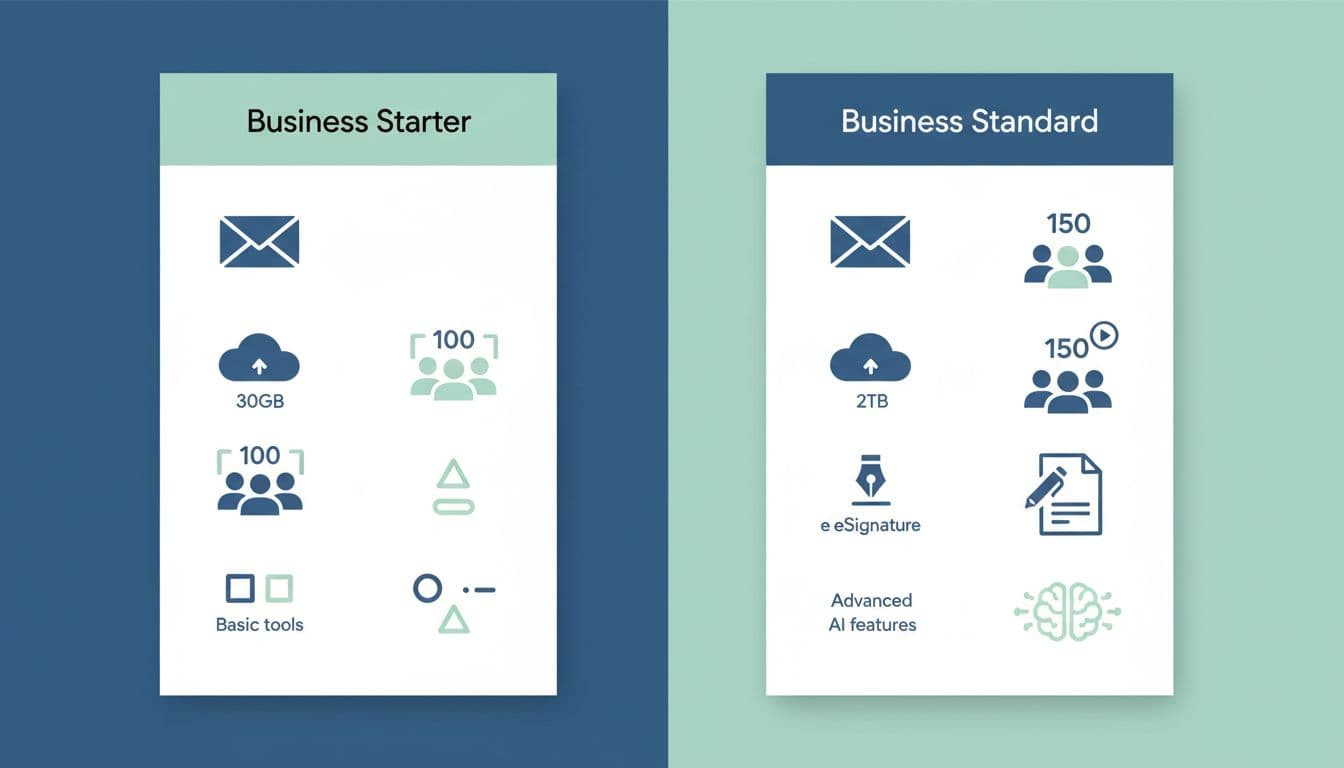
The main takeaway is hard to miss. Business Standard costs about twice as much, but the jump from 30 GB to 2 TB per user changes everything for a small team.
If your team records meetings, stores client files, or shares media, Starter can feel cramped fast.
Why Google Workspace Business Standard pulls ahead
Storage is the biggest gap. Business Starter gives you 30 GB per user in a pooled storage model. Business Standard gives you 2 TB per user, also pooled. For a team handling decks, PDFs, recordings, and shared folders, that difference feels like moving from a coat closet to a full garage.
When storage planning matters, I like to think beyond numbers. File ownership, Shared Drives, and cleanup rules matter too, so I often pair plan selection with a stronger Google Workspace file storage setup.
Meet features also split these plans in a practical way. Starter gives you up to 100 participants, which is enough for many internal calls. Standard lifts that to 150 and adds recording plus noise cancellation. That matters for agencies, sales teams, and hybrid groups that need a clean record after the call ends.
Then there are the small extras that save time every week. Business Standard adds Gemini in Docs and Meet, NotebookLM access, appointment booking, eSignature in Docs and PDFs, mail merge, custom email layouts, and a data migration tool. None of these sound flashy on their own. Together, they make Standard feel less like email plus docs, and more like a working office.
Security is a quieter point, but it still matters. Both plans include core security and admin tools. Standard adds stronger admin options, which helps once you want tighter control over users, sharing, and day-to-day management.
Which plan I’d choose for different small team setups
For a solo founder or two-person shop, I’d start with Business Starter if the work is mostly email, calendar, and light docs. It’s the cheaper door in, and that may be enough for months.
For a team of 3 to 10, I lean toward Business Standard. Shared files pile up faster than most owners expect. Recorded meetings, client folders, and signed docs push Starter to its edge.
For client-facing, remote, or hybrid teams, I’d skip the debate and pick Standard. The extra storage, better Meet tools, and workflow add-ons pay back in time and fewer headaches. If collaboration is your main concern, my notes on remote team productivity with Google Workspace go deeper into how these tools work together.
FAQ
Is Google Workspace Starter the same as Business Starter?
Usually, yes. Buyers often use “Google Workspace Starter” as shorthand, but the official plan name is Business Starter.
Is Business Standard worth it for a three-person team?
Often, yes. If those three people share files, meet with clients, or need recordings and signatures, Standard makes sense early.
Can I upgrade from Starter to Standard later?
Yes. Moving up is usually straightforward, but I prefer picking the right plan early so storage habits and workflows don’t get messy first.
Does Business Standard have better security?
Both plans include core security and admin tools. Business Standard adds stronger admin control, which helps as a team grows and sharing gets more complex.
My final take
If I were buying today, I’d treat price as the second decision, not the first. The real question is how your team works every day, and whether 30 GB per user will still feel fine in six months.
Choose Starter when your team is tiny and your work stays light. Pick Google Workspace Business Standard when you want room to grow, cleaner collaboration, and fewer limits sneaking up on you.
Before you buy, map one month of meetings, file growth, and client workflows. That small exercise usually makes the right plan obvious.