
Long articles, PDFs, emails, and reports are easier to handle when you can listen instead of staring at a screen. Speechify reads digital text aloud through mobile apps, a browser extension, and web-based tools. The setup depends on where the text lives. A webpage needs a different workflow from a scanned document or a mobile
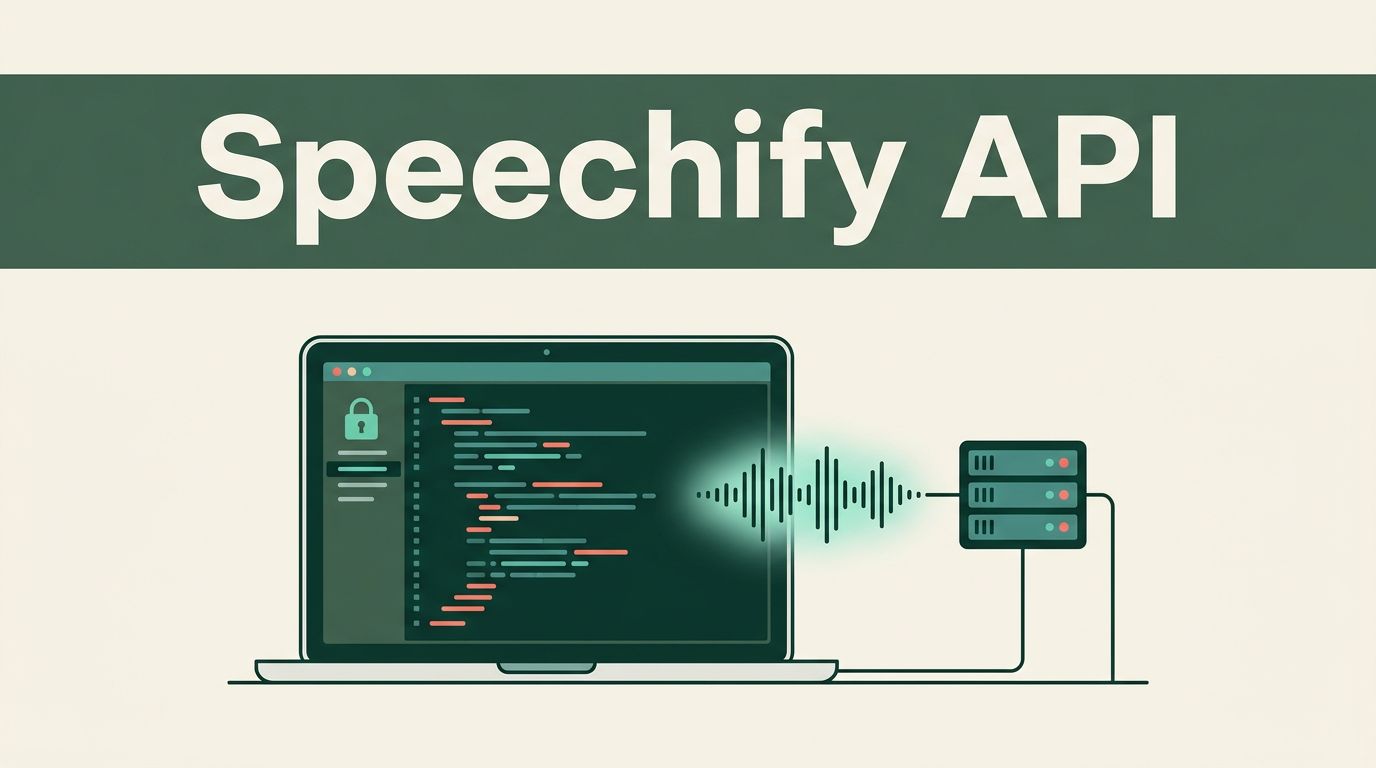
Your application can turn text into natural-sounding audio with a single backend request. The hard part is not generating speech. It’s choosing the right voice, protecting your API key, handling audio output, and avoiding an integration that breaks under real traffic. The Speechify text to speech API supports REST requests, official SDKs, multiple audio formats,
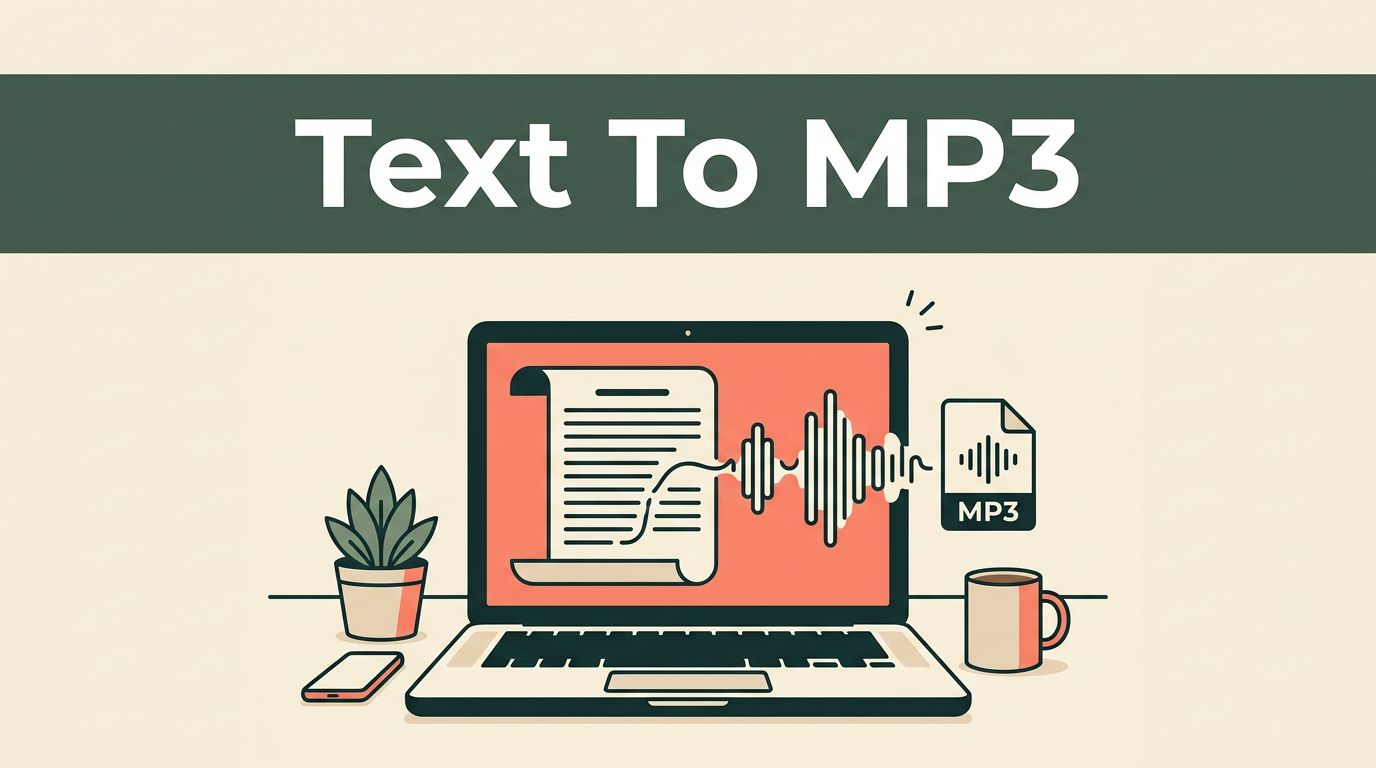
Reading a long document on screen isn’t always practical. You may need the content during a commute, workout, study session, or work task. Speechify can read text aloud inside its app, but listening to text and exporting it as an MP3 are different workflows. The reading feature is useful when you want playback inside Speechify.
Long articles, PDFs, reports, and study materials can consume hours when you read every word on screen. A reading productivity app such as Speechify lets you listen to text while following along visually. That changes how you use spare time. You can review a report during a commute, reduce screen exposure after work, or listen
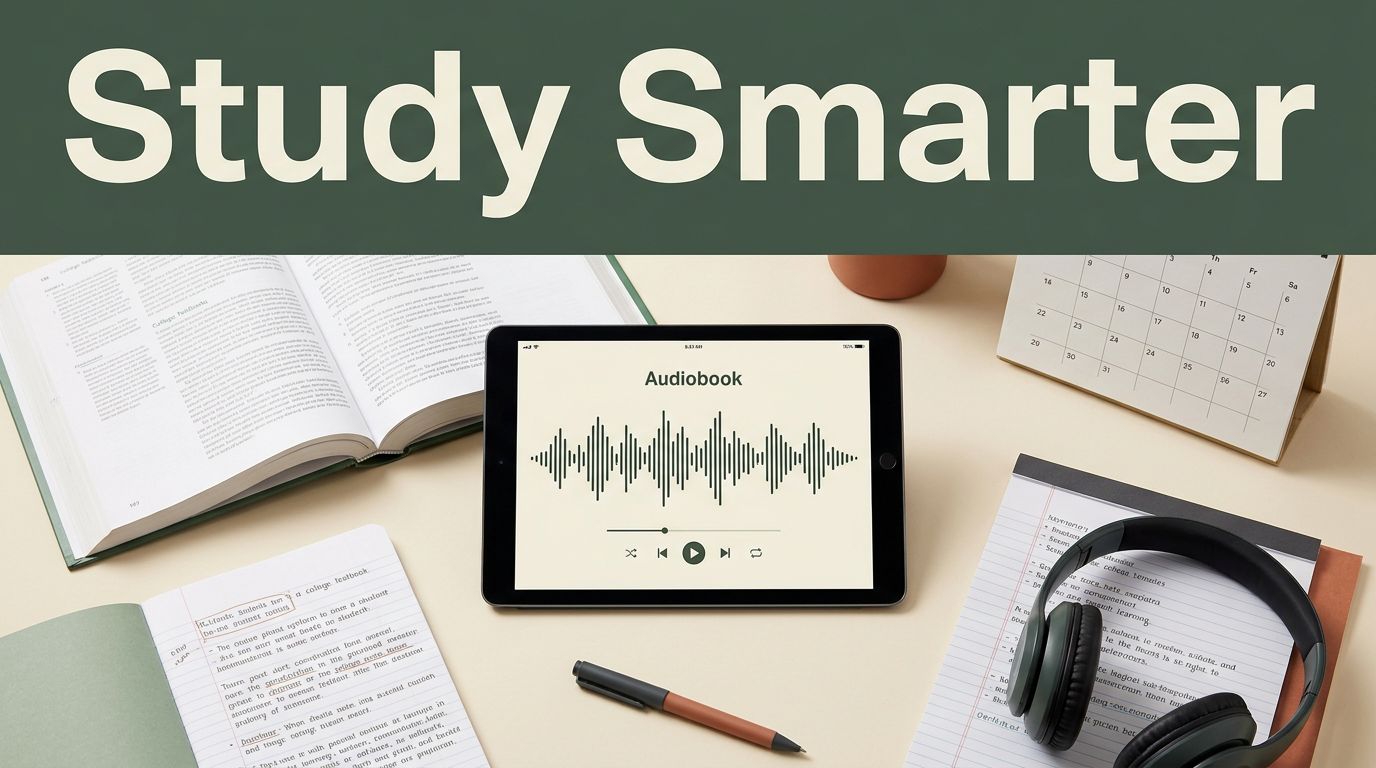
A 60-page reading assignment becomes harder when your eyes are tired, your schedule is packed, and the exam is close. College students need study tools that reduce friction without removing the work that produces understanding. Speechify can turn digital textbooks, articles, notes, and other documents into audio. Used correctly, its study tools support reading access,
Speechify can turn a manuscript into natural-sounding audio, but it isn’t a complete audiobook publishing system. The difference matters if you plan to sell or distribute the finished recording. You can use Speechify to proof-listen to a book, test narration styles, and create private audio versions. You shouldn’t assume it provides chapter mastering, audiobook metadata,
Textbooks are dense, expensive, and slow to get through when you only read with your eyes. Speechify lets you listen to textbooks while commuting, walking, cooking, or reviewing notes at your desk. The practical goal isn’t to rush through every page. Faster playback helps you cover material, but learning still requires pauses, recall, highlights, and
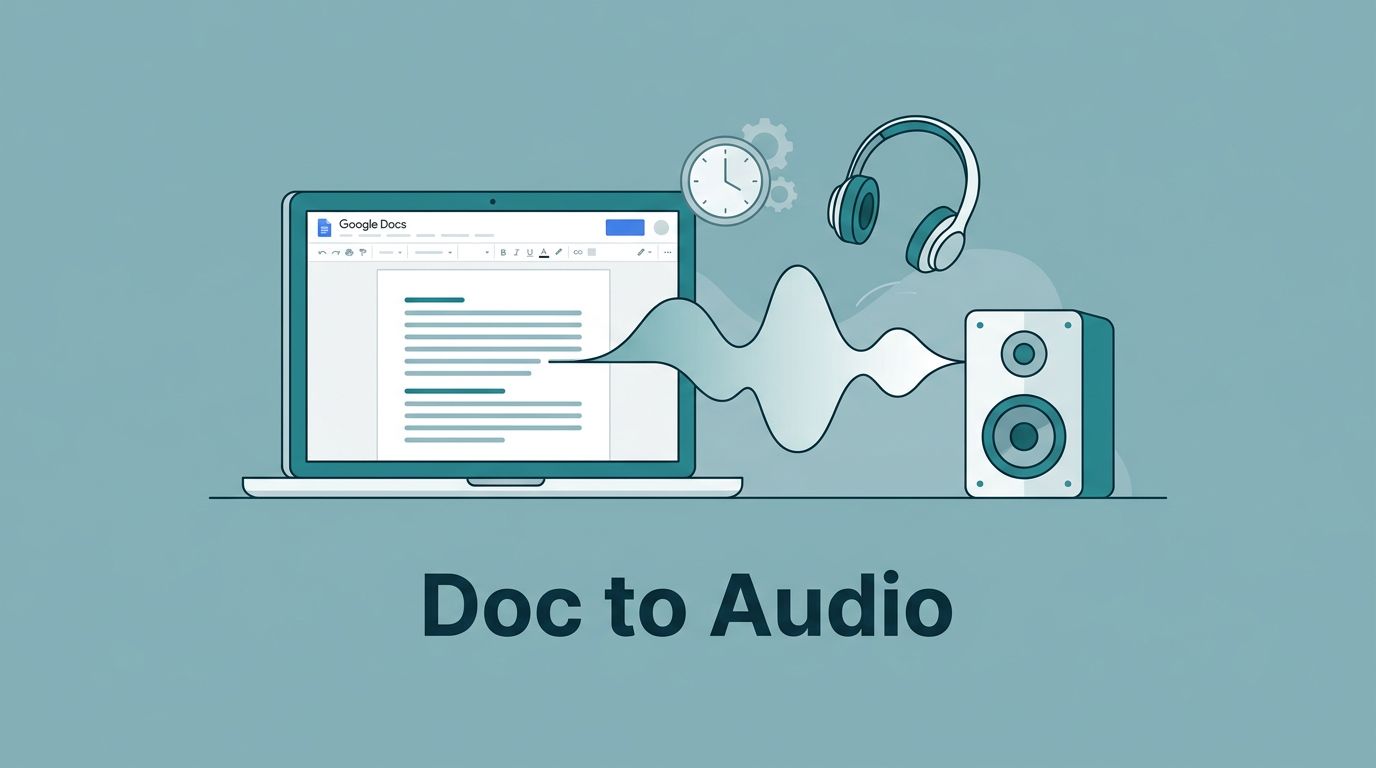
Key Takeaways Speechify turns Google Docs into natural-sounding audio, slashing eye strain and unlocking multitasking like walks or commutes for massive productivity gains. Natural voices (100+ options), speed controls up to 3x, text highlighting, and privacy-focused processing make it beat free readers hands-down. Start instantly with Chrome extension, blue audio button, or shortcuts (Alt+Q Windows,
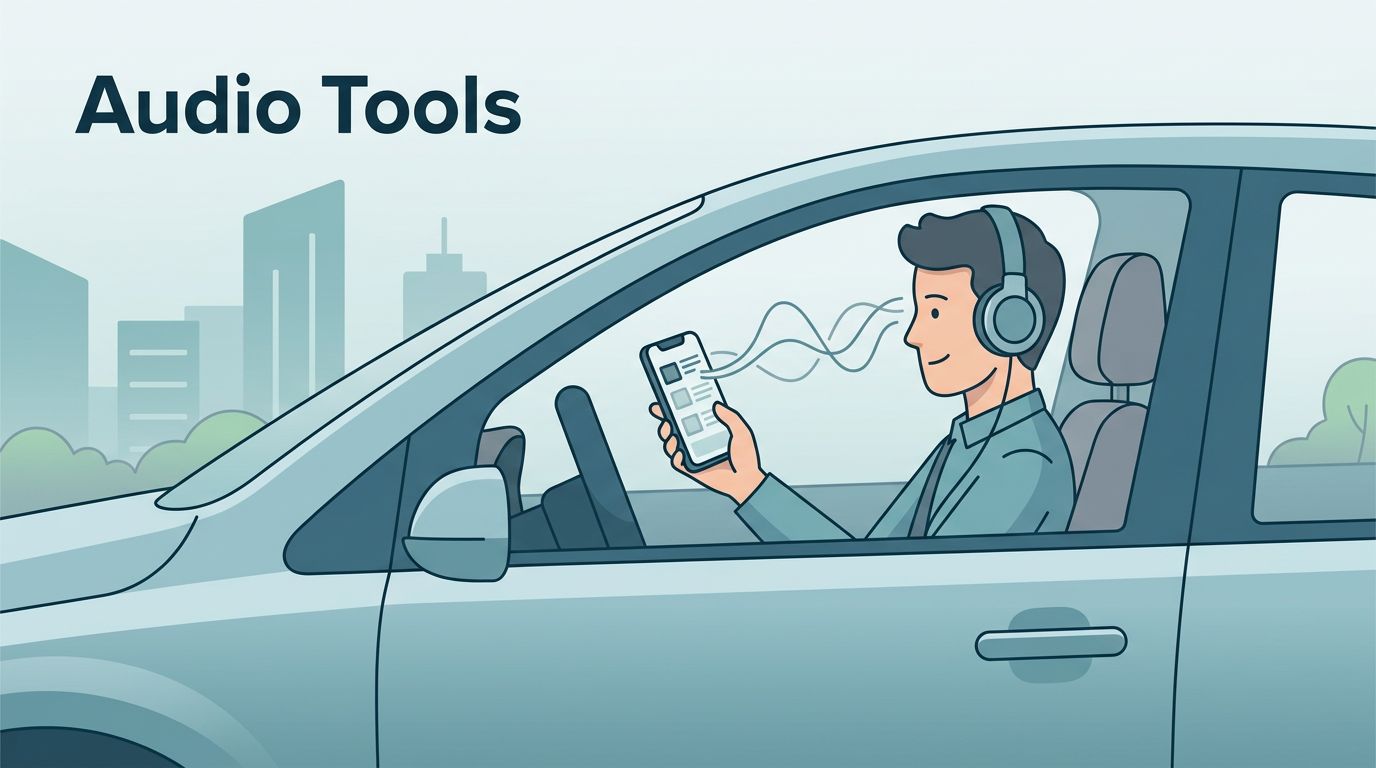
You commute each morning. Traffic crawls. Your phone holds a dozen unread articles from newsletters and blogs. Eyes on the road mean no reading time. That’s where article to audio tools save the day. They grab web content, PDFs, or posts and spin them into clear spoken words. I test these tools weekly for my
