How I Handle Out of Office Replies in Cold Email Campaigns
A cold email out of office reply, often triggered by an out of office email template, can feel like a closed door, but I don’t see it that way. I treat it as a timing signal (much like a vacation email response), and timing is one of...


A cold email out of office reply, often triggered by an out of office email template, can feel like a closed door, but I don’t see it that way. I treat it as a timing signal (much like a vacation email response), and timing is one of the easiest things to fix. Managing an office absence effectively is a key part of professional communication.
If the message tells me when the person returns, I can work with that. If it names another contact, I can decide whether the handoff makes sense. If it gives me nothing useful, I still have a clear next move instead of guessing.
Key Takeaways
- Treat cold email out of office replies as timing signals, not dead ends: pause sequences, tag them by type (return date, alt contact, or suppress), and log useful details like colleague names.
- Follow a simple 5-step workflow—pause, read for dates or handoffs, tag in CRM, decide next step (reschedule, reroute, or suppress), and keep lists clean with verification tools.
- Sort OOO types purposefully: reschedule after clear return dates, nurture or stop without dates, check alt contacts against ICP, and suppress for sick leave or long absences.
- Use automation for routine pauses and rescheduling, but handle judgment calls yourself; wait one business day post-return and respect privacy in replies.
Table of contents
- What a cold email out of office reply tells me
- My cold email out of office workflow
- How I sort replies by next step
- Tools and timing that keep campaigns moving
- FAQs
- The habit that keeps OOO replies useful
What a cold email out of office reply tells me
I read every OOO message like a sticky note on a locked office door. Some notes, such as a vacation email response or an automated reply, point me back later. Others point me to someone else. A few tell me to stop knocking.
That’s why I tag these replies instead of treating them like normal responses. A conference reply and a long leave reply all mean different things. If I blur them together, I lose the pattern. Be cautious, though; an automated response can reveal personal details that spammers and scammers exploit, creating security risks.
I treat an OOO reply as a timing signal first, and a sales chance second.
Before I change anything else, I check list quality. Bad data makes every reply look messier than it is. My Hunter.io bulk email verification workflow, a valuable lead generation tool, helps me keep the list clean, and my guide to reducing cold email bounce rate keeps the whole campaign steadier.


My cold email out of office workflow
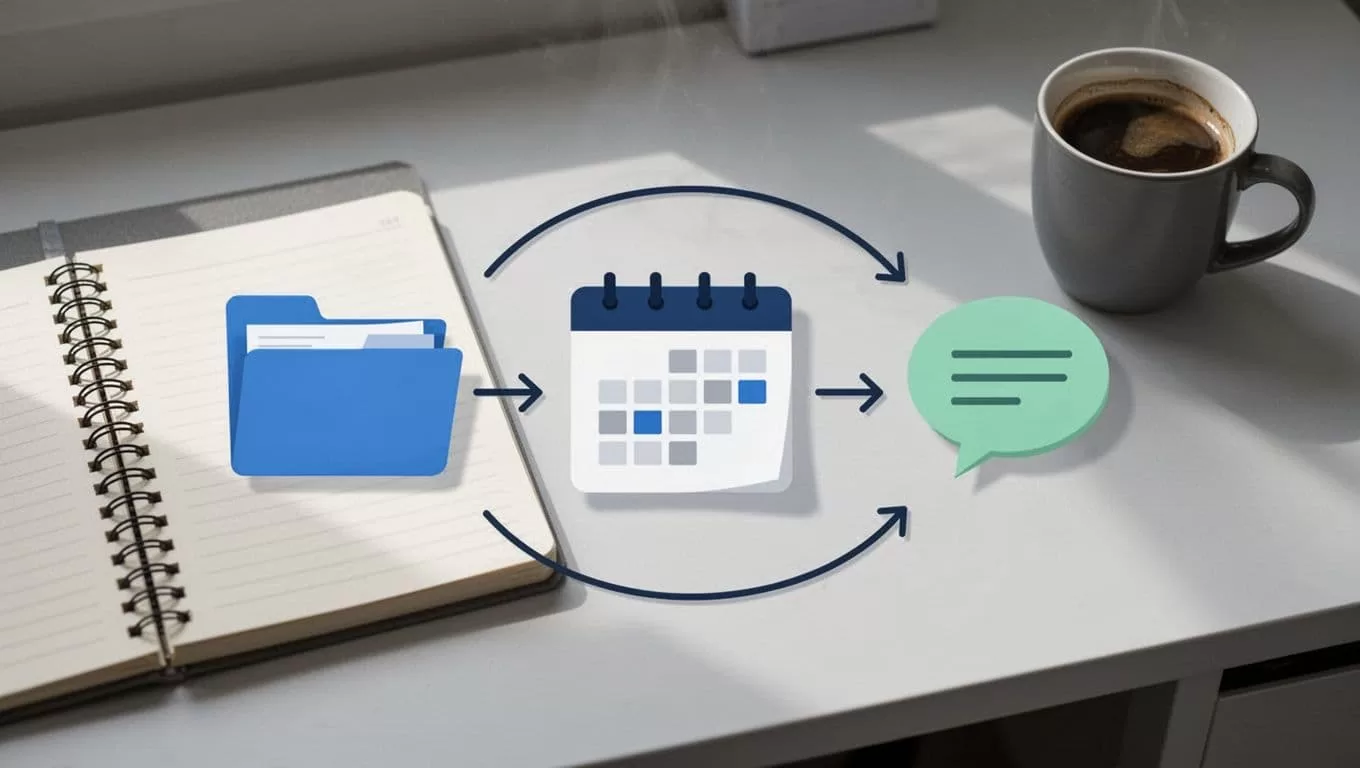
I keep my process simple because simple holds up under volume. I use the same five steps for most campaigns.
- I pause the active sequence right away.
- I read the reply for a return date, a contact person or alternative contact email within the message, checking if the recipient has limited access to email or is out for urgent matters, a referral, or a clear stop signal. I also note the business formal tone or casual informal tone in their automated response to help categorize the lead.
- I tag the contact in my CRM so I can find the reply later.
- I decide whether to reschedule, reroute, or suppress the lead.
- I log anything useful, such as a colleague’s name or a new date.
That last step matters more than people think. An OOO reply often contains the only fresh clue in the account. If I need to map the right person or confirm a company email format, I use corporate email patterns guide. It saves me from chasing the wrong inbox.
For software teams, this is where automation helps. SmartReach’s out-of-office detection and rescheduling shows the same logic in tool form. I still want the final judgment, but I like software to do the boring part.
How I sort replies by next step
Not every OOO reply deserves the same action. I sort them by what the sender told me, then I move on with purpose.
Here’s the quick version I use:
| OOO reply type | My next move | Why I do it |
|---|---|---|
| Clear return date | Pause and reschedule | I want the next touch to land after they’re back; effective communication respects their schedule |
| No return date | Nurture later or stop | I don’t want to guess at timing |
| “Contact X instead” | Check whether X fits my ICP | A handoff only helps if it stays relevant |
| Office absence: sick leave email, family care leave, sabbatical leave, or long travel | Suppress for now | The inbox is closed, so I wait; effective communication requires patience during recovery or personal time |
The biggest mistake I see is chasing too soon. If someone says they’re back next Tuesday (sometimes sharing a vacation itinerary for precise planning), I don’t send a follow-up on Monday. If there’s no date, I wait a bit longer than feels comfortable, then send one light check-in. After that, I move the contact into nurture or stop the thread.
That timing matters even more in sequences. A strong cold email follow-up sequences guide reminds me that patience beats pressure. I’d rather look human than look hungry.
Tools and timing that keep campaigns moving
I don’t need a heavy stack to handle OOO replies well. I need clean data, clear tags, and a few rules I can repeat.
When I build lists, I like tools that help me find and verify work emails before the first send, which cuts down on confusing automated responses. My Hunter.io review for B2B prospecting fits that part of the job. Better targeting gives me better replies, and better replies are easier to sort.
An out of office email template often includes an email signature with helpful links. I check for ways of adding value, such as a newsletter subscription or company ebook, to keep the relationship moving without pushing a sale.
Timing is the other half. If the out of office email template gives me a return date, I wait one business day after the office absence ends. If the person works across time zones, I give it a little more room. I also keep the resend short. No recycled pitch. No awkward pressure.
I only use the alternate contact named in an OOO reply when that person makes sense for the account. Otherwise, I leave it alone. A handoff should feel useful, not opportunistic.
FAQs
Should I reply to an out-of-office message?
Usually, no. I only reply to a vacation email response if it gives me a real reason to continue, like a handoff to an alternative contact email or a clear request. Always check the subject line for an emergency contact before reaching out to others, and respect personal details regarding privacy.
How long should I wait before following up?
If I have a return date, I wait until the next business day after that date in the business environment. If I don’t, I wait 10 to 14 business days before sending one short check-in.
Do cold email out of office replies hurt deliverability?
Not by themselves. A vacation email response from poor list quality and bad sending habits causes the real damage. That’s why verification and bounce control matter so much.
Can I automate OOO handling?
Yes, but only the routine parts. I let software pause sequences and reschedule touches, then I handle the judgment calls myself.
The habit that keeps OOO replies useful
A cold email out of office reply isn’t a dead end. It’s a sign that I need to change pace, change contact, or change the plan.
The best campaigns don’t push through every closed inbox. They move around the closed door and come back at the right time. That’s how I keep the thread warm without sounding careless. Ultimately, an out of office email template is a tool for effective communication, and a vacation email response during office absence reinforces that these signals are opportunities for growth rather than roadblocks. A well-handled OOO reply is the hallmark of professional communication.

