Croatia Exchange Rate Remitly: Check Before Sending
An attractive headline rate can still deliver fewer euros than expected. When the Croatia exchange rate Remitly shows changes with your amount, payment method, delivery speed, or promotion, the final quote matters more than a search result....
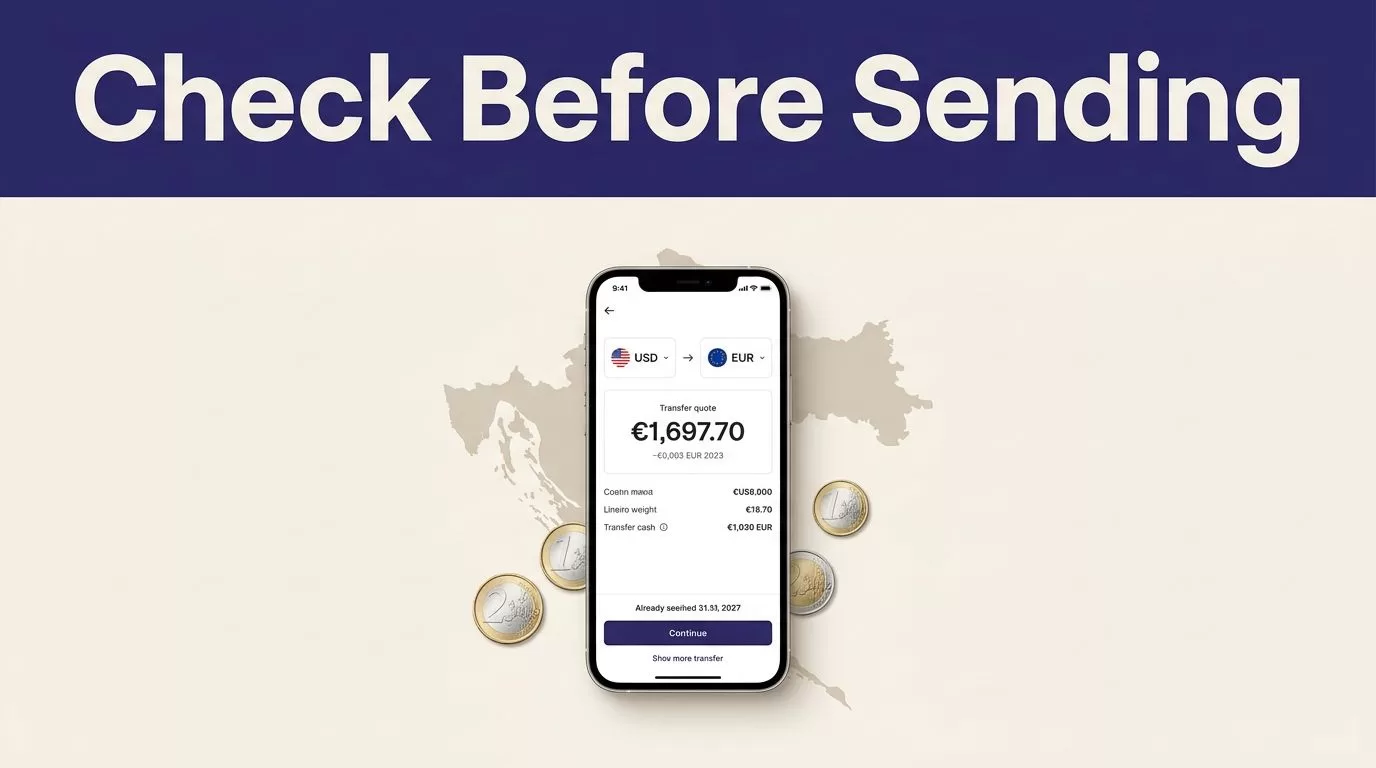
An attractive headline rate can still deliver fewer euros than expected. When the Croatia exchange rate Remitly shows changes with your amount, payment method, delivery speed, or promotion, the final quote matters more than a search result.
For U.S. senders, Remitly’s Croatia route is built around USD to EUR transfers. The recipient amount appears before payment, so you can check exactly what arrives. Use the live quote to compare the exchange rate, total fee, delivery method, and final payout.
Croatia exchange rate Remitly: What the quote means
Croatia uses the euro, with EUR as the receiving currency. The rate shown in your Remitly account is the rate applied to your transfer. It isn’t a universal rate for every sender or transaction.
Remitly’s customer exchange rate
The Croatia exchange rate Remitly gives you is a retail customer rate. It can differ from the wholesale or mid-market rate because transfer providers may build a margin into their exchange rate.
Your quote can also change when you adjust the transfer amount, payment method, delivery speed, or recipient location. A rate shown before signing in may not match the rate shown after you enter your details.
Use the Remitly U.S. Croatia pricing page for the corridor that matches your sending country. A U.S. quote doesn’t automatically apply to someone sending money from Canada, Spain, the United Kingdom, or another country.
Mid-market rate versus Remitly rate
The mid-market rate is a reference point. It sits between the buy and sell prices in the wider foreign exchange market. It helps you measure whether a customer quote is competitive, but it isn’t usually the exact rate a money-transfer service provides.
At the latest check for this article, the European Central Bank’s USD reference-rate page showed EUR 1 at USD 1.1605 on August 19, 2026. That equals roughly EUR 0.8617 for USD 1.
This figure is a benchmark, not a guaranteed Remitly payout. Compare it with the live USD-to-EUR rate in your transfer preview. Then assess the difference alongside the separate transfer fee.
The useful comparison is not the advertised rate alone. Compare the total amount charged with the exact euro amount the recipient receives.
How to check the Remitly rate before sending
Remitly displays the usable rate during the transfer setup process. The exact screens can vary by country and account, but the checking process is consistent.
Start with the correct sending country
Open the Remitly app or website and select your real sending country. Then choose Croatia as the destination.
The current U.S. route shows USD as the sending currency and EUR as the receiving currency. If you send from another country, use that country’s Remitly route. Currency pairs, fees, promotions, limits, and delivery options can differ.
You can also check the Remitly USD-to-EUR converter before creating the transfer. Treat the converter as an early reference. The final transfer screen controls the actual transaction.
Enter the amount you plan to send
Enter the amount in your sending currency. Check whether the screen asks for the amount you pay or the amount the recipient should receive.
If the recipient needs a fixed amount, such as EUR 500, enter the recipient amount when Remitly allows it. The app will calculate how much you need to pay. This is more reliable than sending a round dollar amount and discovering that the payout is lower than expected.
If you’re sending a fixed dollar amount, record the displayed euro payout. Re-enter the amount if you return to the transfer later. Currency pricing can change between sessions.
Select delivery and payment options
Choose the delivery method before approving the transfer. Current U.S. Croatia information confirms bank deposit through supported Croatian providers. Remitly may show other options for some recipients, but availability depends on the route, provider, and location.
The payment method can also affect the quote. A bank account, debit card, or credit card may produce different fees or processing conditions. A card issuer may add its own charge outside Remitly’s transfer fee.
Review the complete quote before payment.
| Review field | What to check |
|---|---|
| Exchange rate | The exact rate applied to your transfer |
| Transfer fee | The separate charge added to the transaction |
| Total charged | The amount removed from your payment method |
| Recipient amount | The exact EUR payout |
| Delivery estimate | The expected arrival window |
| Recipient details | Name, bank information, and contact data |
A low fee doesn’t always produce the highest payout. A weaker exchange rate can reduce the recipient’s euros by more than the fee difference.
Fees, promotions, and delivery details
Remitly pricing changes by transfer details. The amount sent, payment method, delivery speed, recipient location, and current promotion can all affect the final cost.
Check the full cost, not only the fee
The latest U.S. Croatia pricing information displayed example fees of $0.99 for Economy and $1.99 for Express. These are route examples, not permanent prices for every transfer.
Your account may show a different amount after you enter the payment method and recipient details. Economy may cost less when timing is flexible. Express may make sense when the recipient needs the funds sooner, but read the displayed arrival estimate instead of relying on the label.
Delivery estimates aren’t guarantees. Payment processing, transaction reviews, bank hours, weekends, holidays, provider availability, and system issues can affect timing.
Treat promotional rates as limited offers
At the latest check, Remitly’s U.S. Croatia page displayed a first-transfer promotional rate of 0.8480 EUR for USD 1. The offer was marked for new customers, limited to one transfer per customer, and applied to the first $1,000 sent under the stated conditions.
That rate was a time-stamped promotion. It isn’t a standard rate you should use for future transfers. Remitly states that rates and promotions can change, so read the eligibility terms on the final screen.
Never calculate a new transfer from an old screenshot, previous receipt, or search result. Open the transfer again and review the current numbers.
Before confirming, verify these details:
- The recipient’s full legal name matches their identification or bank record.
- The selected payout currency is EUR.
- The bank account or delivery details are correct.
- The total charged matches your budget.
- The recipient amount meets the intended need.
- The delivery estimate fits the recipient’s timing.
Save the receipt or transaction reference in a secure location. Record the date, amount, exchange rate, fee, delivery method, and payout amount. Don’t share transfer references publicly.
Conclusion
The Croatia exchange rate Remitly displays is the rate that matters for your transaction, but it must be reviewed with the fee and recipient payout. Use the mid-market rate as a benchmark, then rely on the final Remitly quote for the actual cost.
Check the sending country, amount, EUR payout, delivery method, payment charge, and estimated arrival time before payment. A short review prevents the most common mistakes, including using an expired promotion, choosing the wrong delivery method, or sending less than the recipient needs.
